CatalogCut facts and editorial resources.
Product descriptions, useful tools and documented examples for anyone writing about ecommerce photography.
Describe CatalogCut accurately
AI product photography and catalog image workflows: create scenes, reuse saved Looks, review individual outputs and check supported exports before publishing.
CatalogCut is a web app for ecommerce product photography. Cutout removes backgrounds and prepares batch exports. Stage creates studio scenes, lifestyle images and generated on-model apparel images from product photographs.
Stage checks outputs against the original, but automated checks can miss changes. Preserve uses a source-derived cutout; Creative and on-model images can reconstruct the product. Sellers need to inspect details and follow the destination’s rules.
Stage PNG/JPEG downloads carry Google’s IPTC AI-source field. Generated-person outputs also carry Amazon’s contains-synthetic-performer keyword. These editable fields are not signed C2PA credentials, legal certification or a guarantee of listing approval.
For current prices, plan allowances, branding and export limits, use the pricing page. Downloads are files for manual use; marketplace export presets do not establish a direct publishing integration.
Download the dated fact sheetUseful resources for your readers
Reference the specific tool or guide that helps your audience. You can describe a resource in your own words; no preferred rating, reciprocal link or purchase is requested.
AI image metadata inspector and tagger
Inspect image tags in your browser and add Google or Amazon AI fields to JPEG/PNG files. WebP inspection only; descriptive tags are not signed provenance.
Marketplace image and AI rules tracker
A dated reference with links to official marketplace policies. Check the source for your country, category and image placement.
Marketplace photo checker
Inspect dimensions, background and export considerations. Technical checks are not marketplace approval.
Compress a product photo to a target size
Set a file-size limit for JPEG or WebP export. Compression can remove metadata; verify required AI tags on the final file.
Add a white background to an image
Fill transparent areas with white or make an image square without cropping.
Add a product shadow
Create a contact shadow, drop shadow or reflection around a product cutout in your browser.
Product photography cost calculator
Compare an editable shoot budget with current monthly Stage allowances. Assumptions are visible; the result is not a quote or measured savings.
Using CatalogCut assets
The blue T-shirt source and Stage output below belong to one documented example set. The output contains a generated adult model and a reconstructed garment. It is an example of Creative generation, not proof of fit, product measurements or perfect preservation.
- Original T-shirt reference image (WebP)
- Saved CatalogCut Stage result (WebP)
- Source credits and generation records
- Current website icon (PNG)
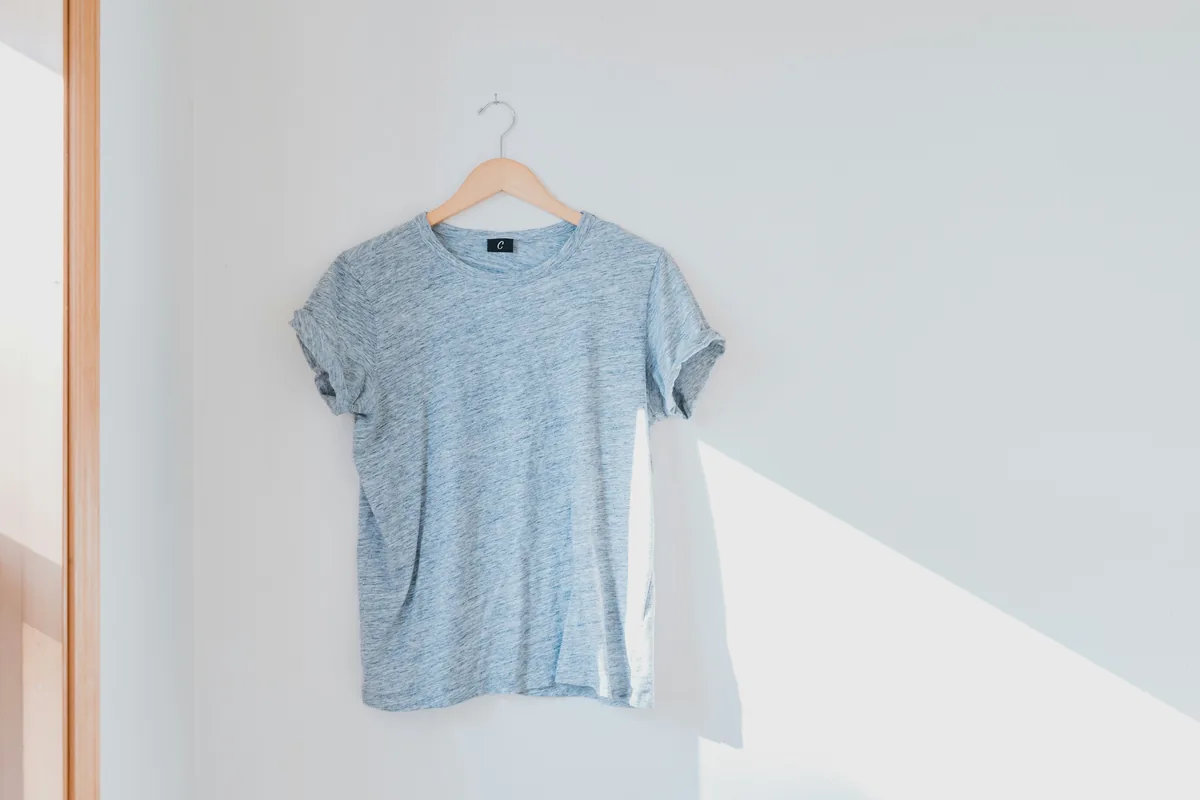

Source photograph: Cristofer Maximilian, Unsplash photo AqLIkOzWDAk, under the Unsplash License. The photographer does not endorse CatalogCut. Preserve source credits and identify the generated result. Public WebP previews are resized, metadata-stripped re-encodings; they are not samples of tagged Stage PNG/JPEG downloads.
Blog thumbnails are editorial illustrations, not CatalogCut product results. Do not republish them as evidence of what the product generated. Other examples have their own source permissions and credits.
Embed the cost calculator
The existing calculator can run inside an article or resource page. Its inputs remain editable, and results are estimates rather than a claim that a generated scene replaces original product photography.
Paste the HTML into a block that permits iframes. Adjust the height for your layout and keep the calculator usable on mobile. The embed includes its CatalogCut source link; no extra promotional badge or keyword-rich link is needed.
Inspect the full calculator and its assumptionsCheck a fact or request a format
Contact [email protected] for factual corrections or an editorial asset request. Describe your own findings independently. Do not add invented customer counts, testimonials, measured savings, awards or endorsements.