Your photo. A choice of settings.

Explore actual Stage outputs from the same ring photograph. These are pre-generated examples, not a live generation demo. Inspect the product against its source before publishing.

One lifetime Stage credit on Free. One completed standard 1K generation uses one credit.

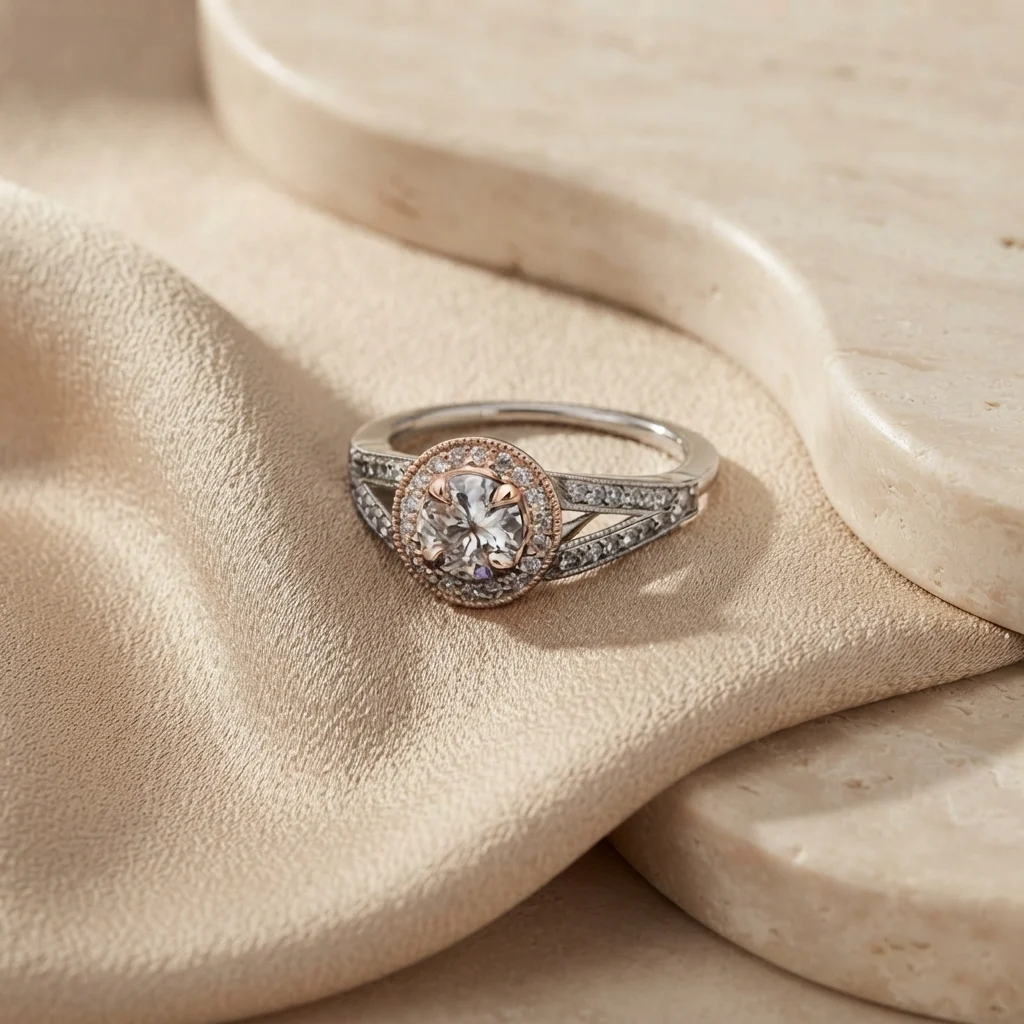
Stage example: Ring in a soft fabric scene
Soft fabric: Stage output

Actual pre-generated Stage examples, not a live demo. AI can change product details; compare with your original.

Use this setting in the studio

Choose how your product appears

Creative scene

Use your uploaded photo as a reference for a new composition. Describe the setting, lighting, surface, and mood. This mode is useful for exploring advertising concepts and lifestyle scenes. AI can change labels, geometry, and small details, so inspect the result against the original before publishing.

Preserve product

Keep the source product cutout and composite it onto an AI-generated background. Choose this when packaging, logos, jewelry details, or product shape need to stay faithful to the source. A sharp, clean cutout gives you a better starting point; this mode cannot recover details missing from a blurry original.
From a source photo to a scene you can inspect

  1. Prepare the product. Start with a well-lit image. Use the background-removal tools to prepare a cutout, and check edges before generating a setting.
  2. Describe one scene. Specify a surface, light direction, background, and intended use. For example: a pale stone surface, soft light from the left, a neutral wall, and clear space for ad copy.
  3. Review and export. Compare the result with your original, especially text, color, scale, and contact with the surface. Download the finished image or return to your saved Stage history.

AI product photography questions

How many images does a Stage credit create?

One completed standard 1K generation produces one image and uses one credit. The Free plan includes one lifetime Stage credit. Basic and Pro include monthly Stage allowances; see current plans and credits.

Is this the same as background removal?

Background removal isolates an existing product. Stage generates a new setting for it. Free background removal resets weekly; the separate Free Stage credit does not reset. Try the interactive background-removal demo to compare the workflows.

Can I use a lifestyle scene as a marketplace main image?

Check the marketplace and category requirements before uploading. Some main-image placements require a plain background and accurate product presentation. Use creative scenes where they fit the placement, and consult the marketplace image guide for preparation and sizing.