Stage for clothing brands
Put your clothes on a model without booking a shoot
Upload a photo of the garment as you have it, on a hanger, a mannequin or laid flat. Stage dresses a generated model in it, in the setting you describe, and checks the result against your photo before you see it.
1 Stage credit a month on Free. Failed or rejected images never use a credit.
One garment photo, several models and places
Each pair below starts from an ordinary product photo. The model, pose and place are generated; the garment is redrawn to match the photo.
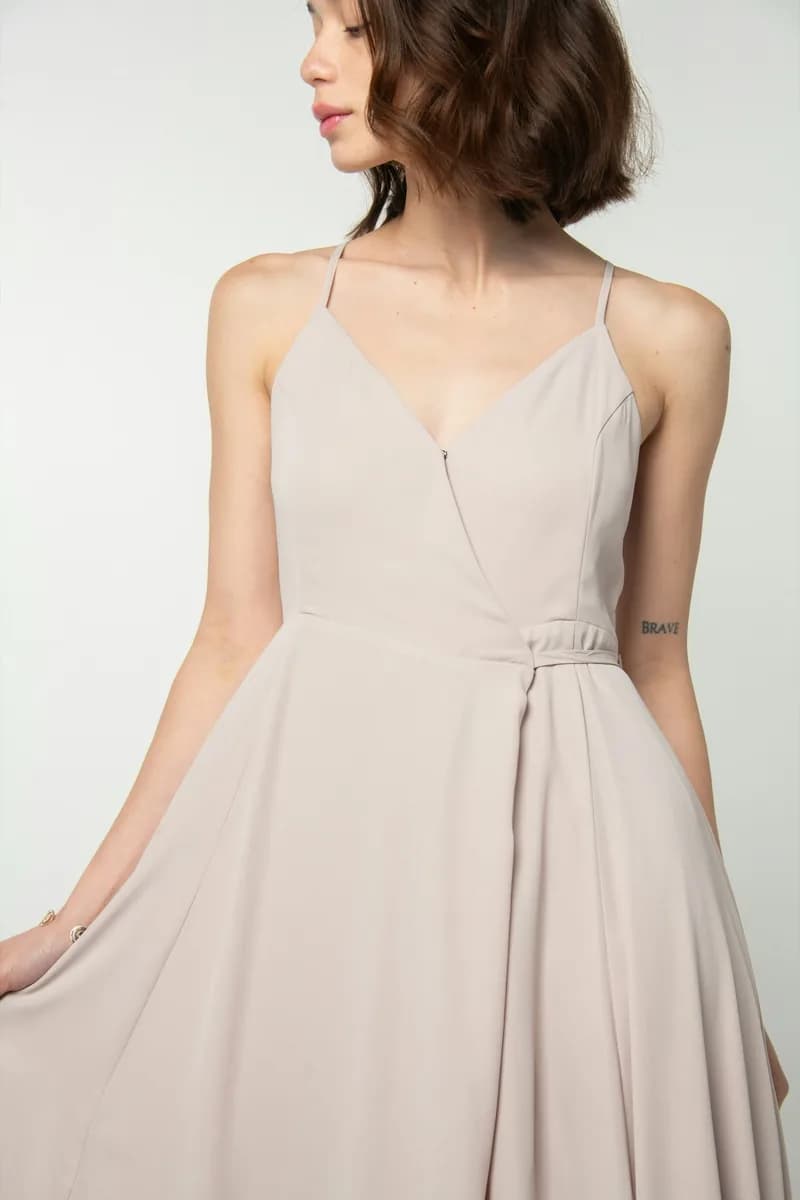
The photo you have 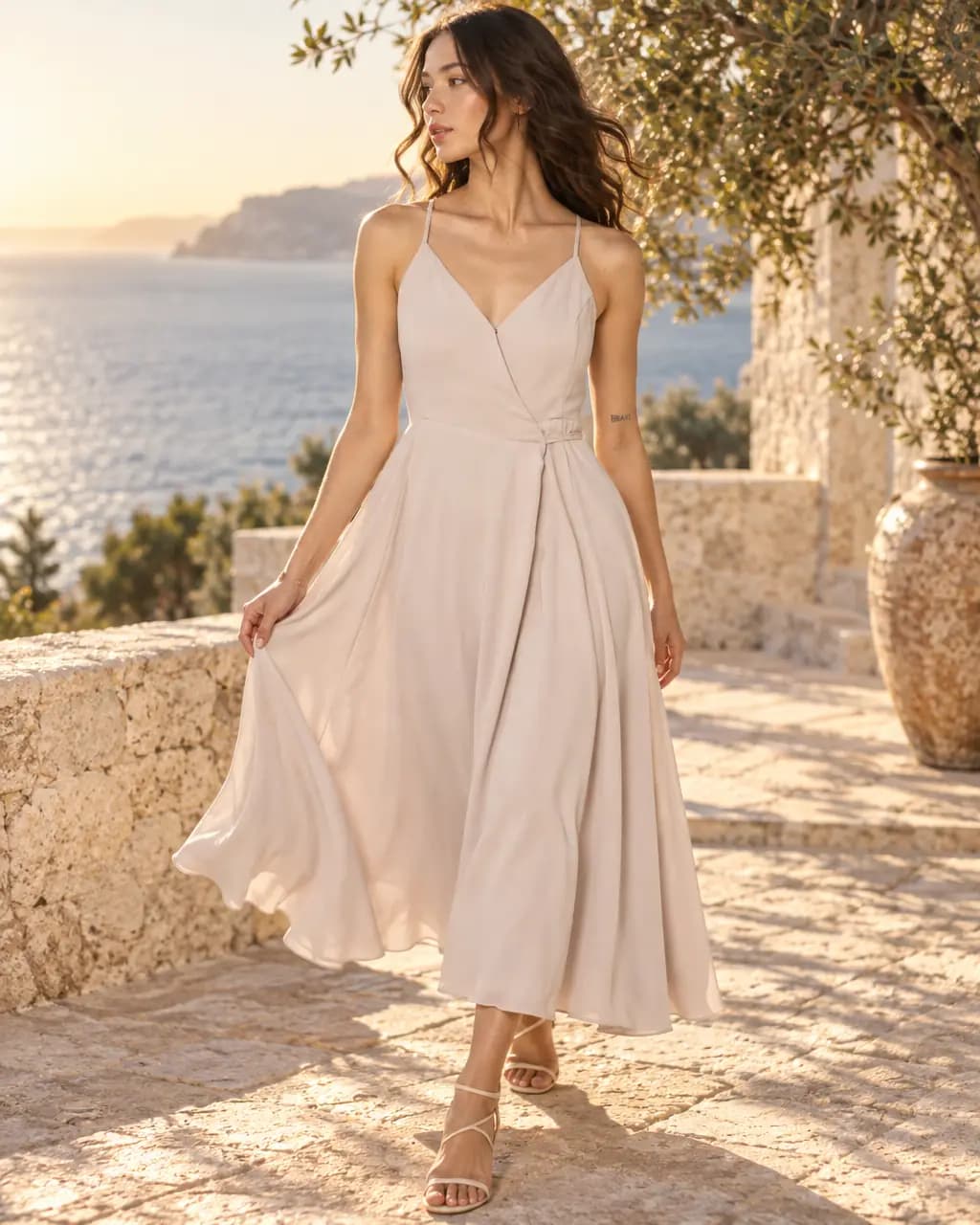
Sea terrace · golden hour, 4:5 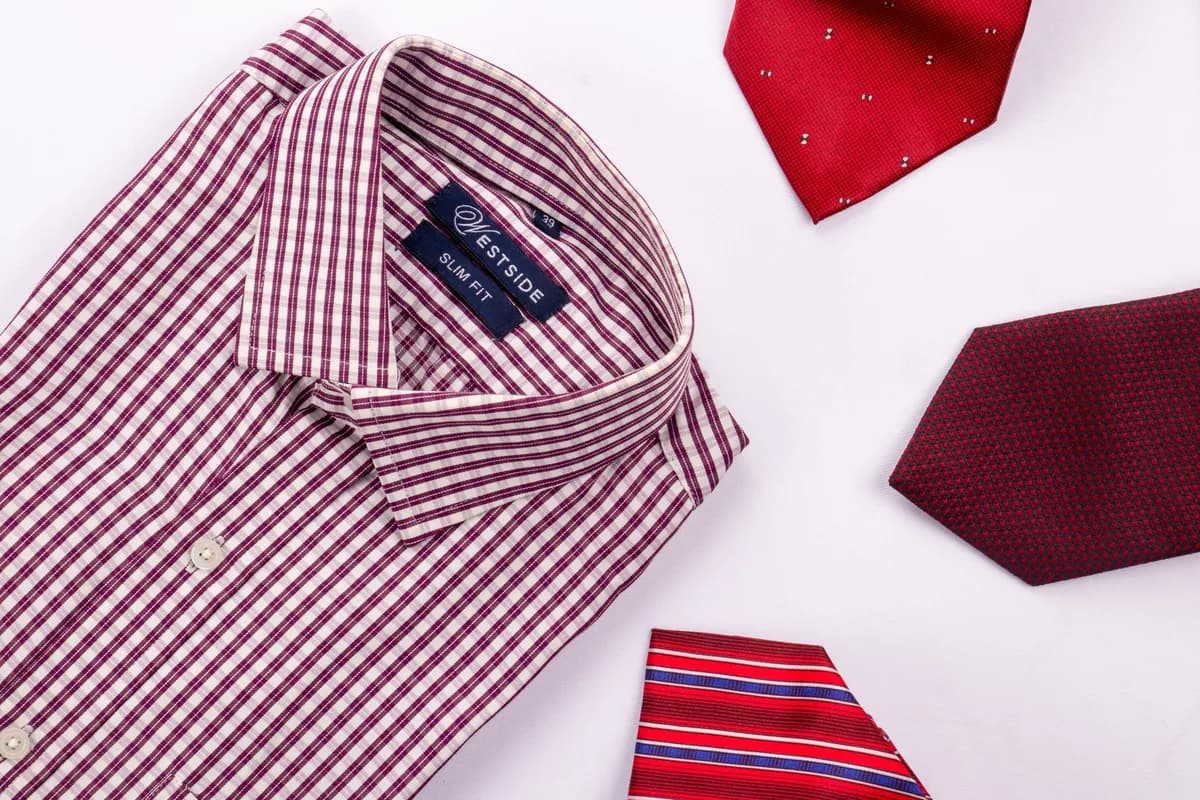
The photo you have 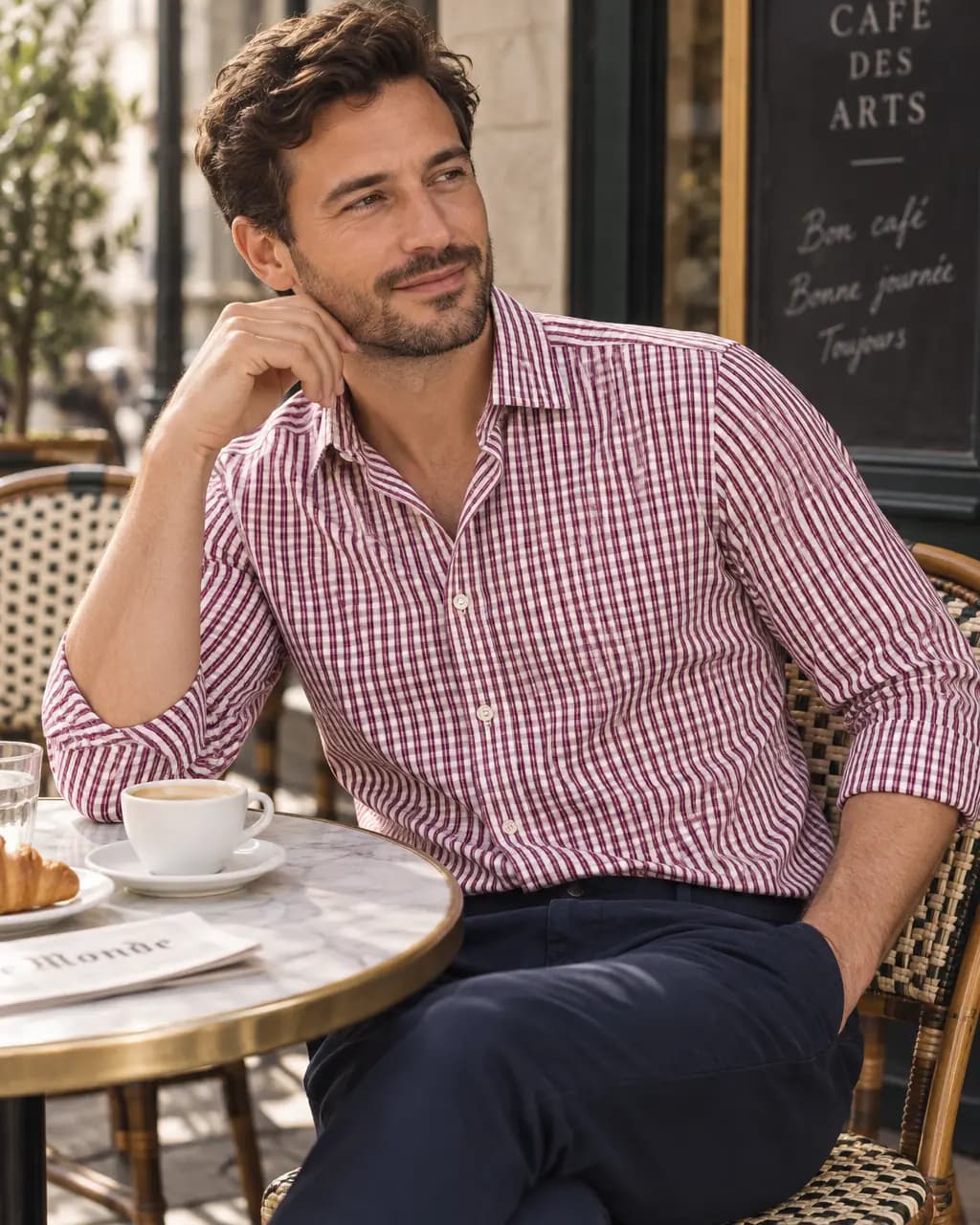
Cafe terrace · soft daylight, 4:5 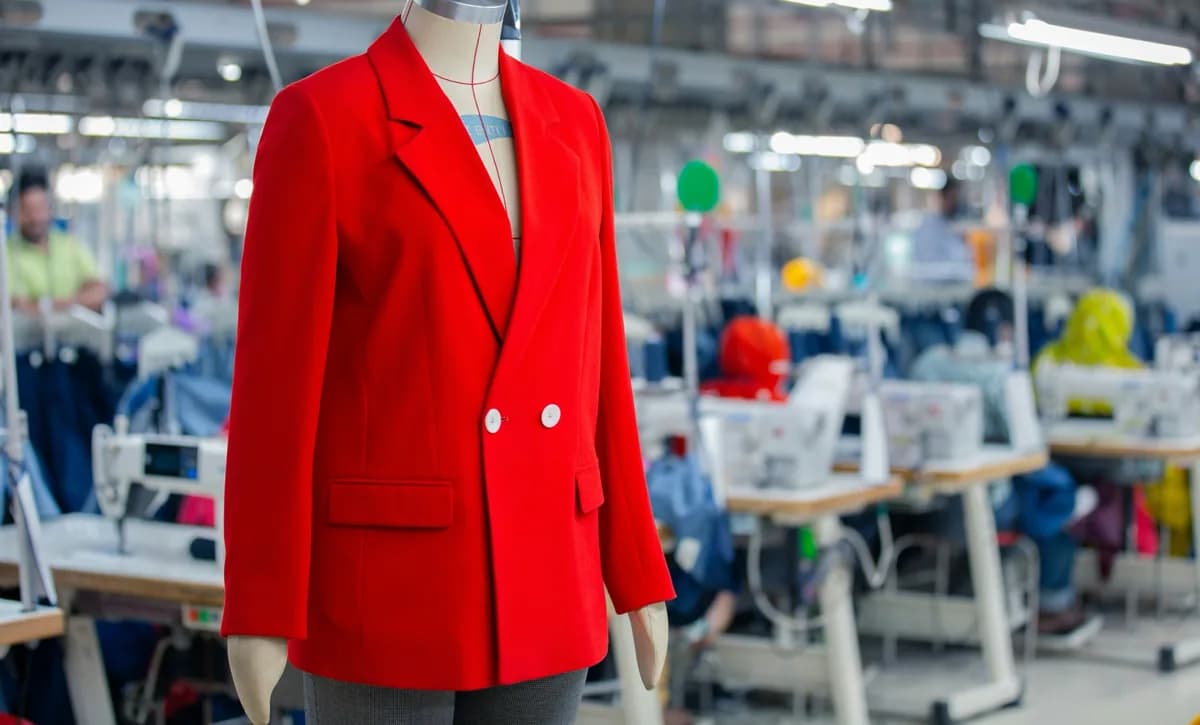
The photo you have 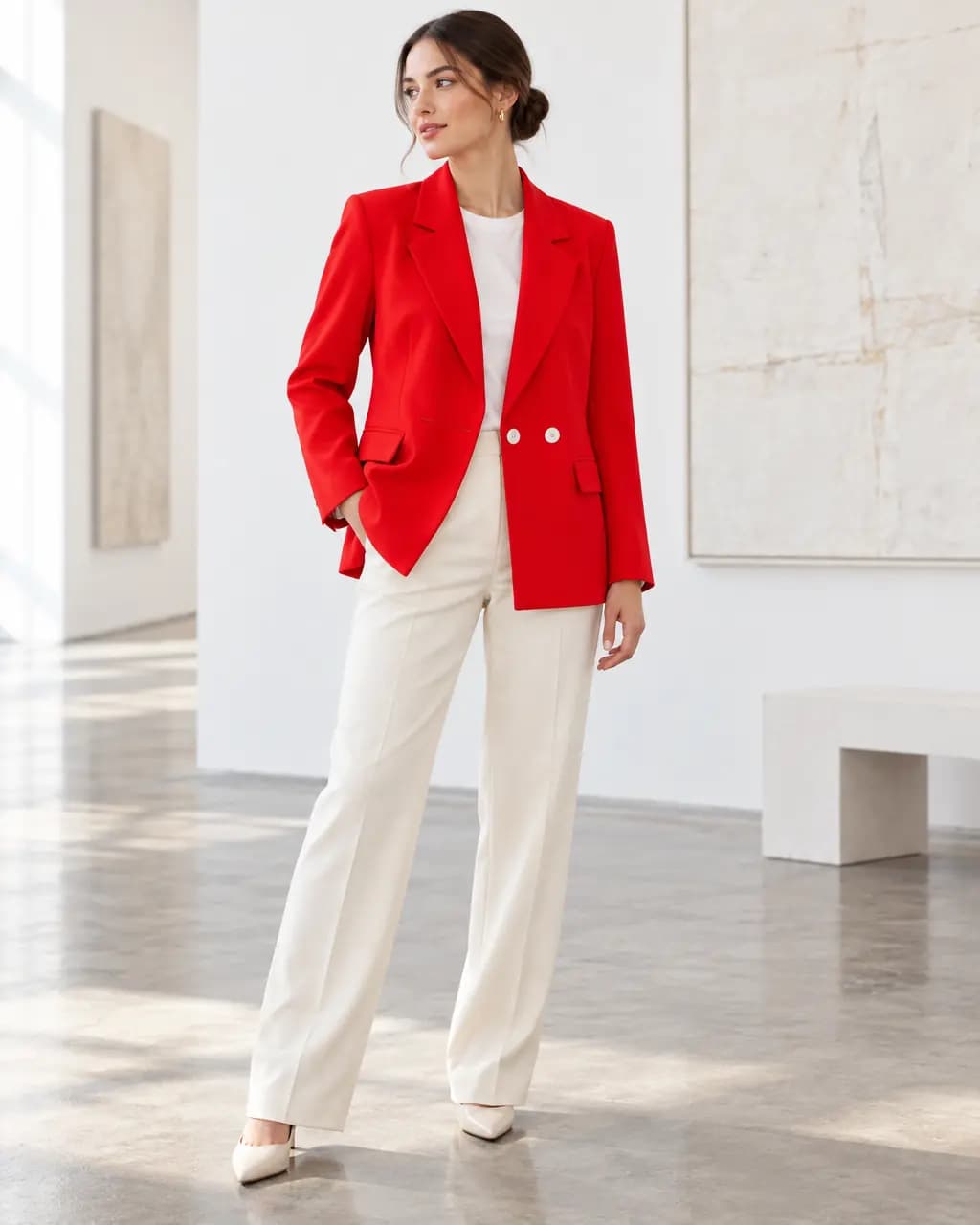
Gallery · soft daylight, 4:5 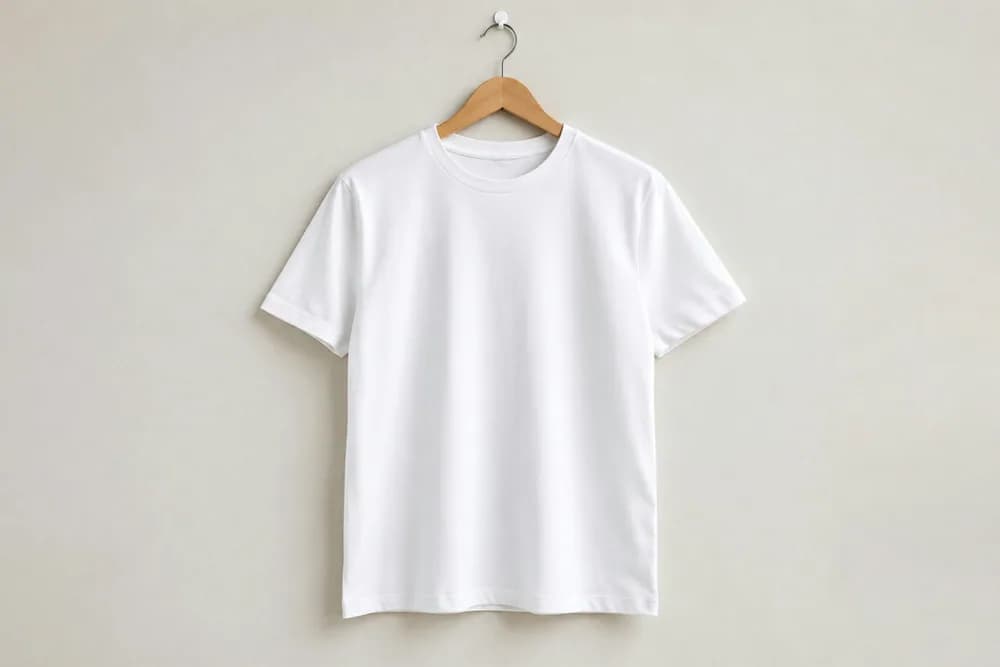
The photo you have 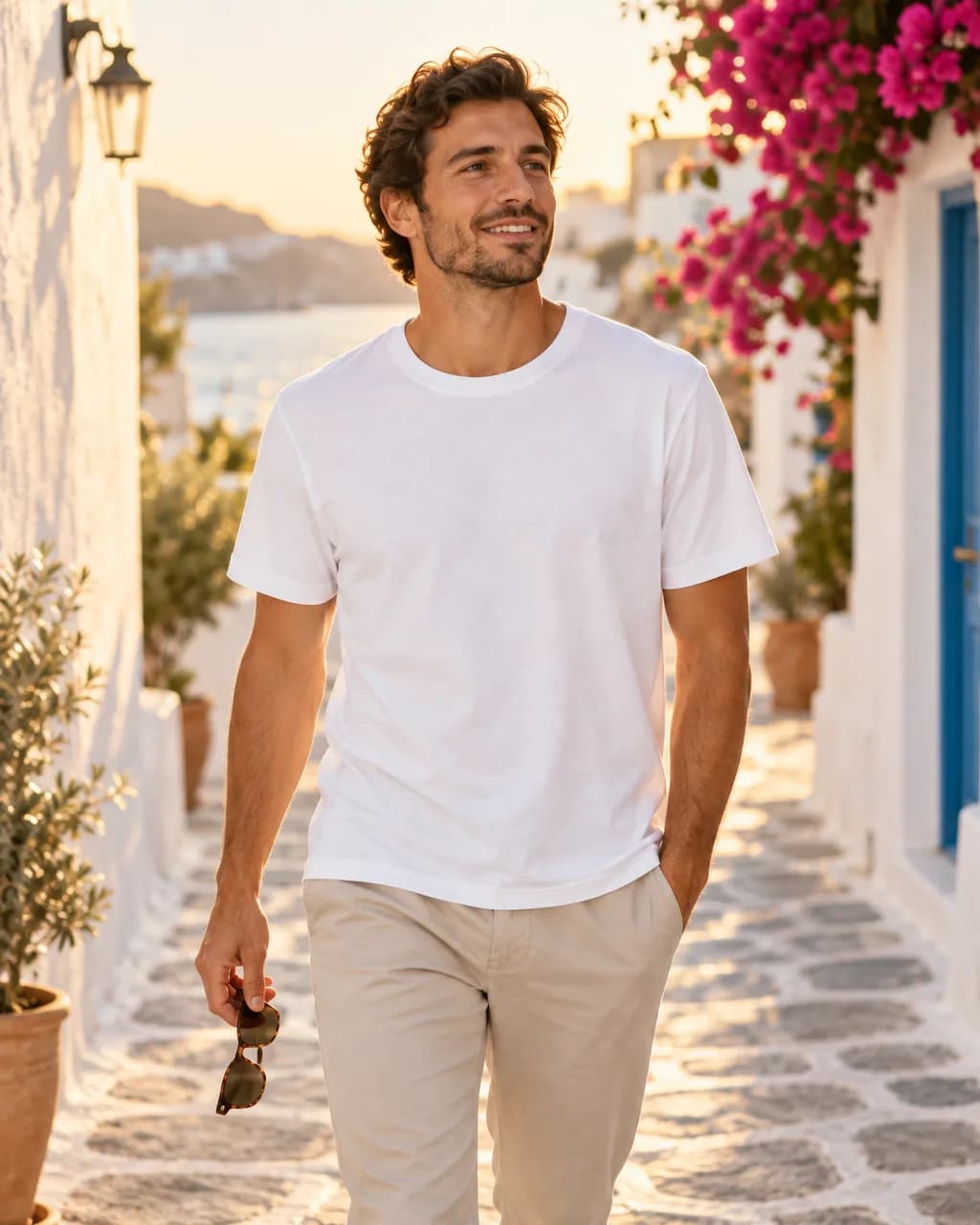
Summer street · golden hour, 4:5
Real Stage results from licensed Unsplash photos, shown without retouching. On-model images use Creative mode: the model is generated and the garment is redrawn, so check details against your own product before publishing.
Why on-model photos matter for clothing
Shoppers judge clothing by how it hangs on a body: length, drape, where the waist sits, how the shoulders fall. A hanger photo cannot show that, which is why most fashion stores lead with a model shot.
A traditional model shoot costs a small brand roughly $100 to $500 or more per session before retouching, and every new drop needs another one. Stage turns the hanger photo you already have into model shots you can make the same day.
What Stage keeps and what it changes
On-model images use Creative mode. The model, pose, setting and light are generated, and the garment is redrawn from your photo, so colour, pattern and construction are kept as closely as the photo allows.
An automatic quality check compares every image with your photo before it is delivered. Images with a wrong garment, distorted hands, broken prints or the wrong framing are retried or refunded, never charged. You still compare the details yourself before publishing, especially small logos and text.
- Works from hanger, hook, mannequin and flat-lay photos.
- Describe any setting in plain words, or start from a saved Look.
- Four formats: 1:1, 4:5, 9:16 and 16:9.
- Download full-resolution PNG files to use anywhere you sell.
Make an on-model clothing photo in 4 steps
From a hanger or flat-lay photo to a downloadable on-model image.
- 1
Upload the photo you already have
A garment on a hanger, a hook, a mannequin or laid flat works. Saving the photo to a project uses no credits.
- 2
Choose On model and describe the place
Pick the shot type, then describe the setting, light and frame in plain words, or start from a saved Look or a scene starter.
- 3
Review the exact credit cost
Stage shows the cost before anything is made. One standard image uses one credit; a failed or rejected image never does.
- 4
Compare with your photo, then download
Every image passes an automatic quality check against your photo. Compare details side by side and download the full-resolution PNG.
AI clothing model questions
Can AI put my clothes on a model?
Yes. Upload a clear photo of the garment, choose On model, and describe the setting. Stage generates a model wearing a redrawn version of your garment and checks it against your photo before delivery.
Will the clothing look exactly like mine?
Stage keeps colour, pattern and construction as closely as your photo shows them, but on-model images redraw the garment, so very small text, logos and fine trims can differ. Compare every image with your product before publishing.
What photo should I start with?
A sharp, evenly lit photo that shows the whole garment: on a hanger, a mannequin or laid flat. Parts that are cropped out of the photo cannot be shown reliably, and Stage may decline a full-length shot it cannot support.
How much does it cost?
Free accounts get 1 Stage credit a month. Basic includes 75 credits a month, Pro 180 and Studio 350. One standard image uses one credit, and failed or rejected images never use one.
Related guides
Turn the product photo you already took into a model shot.
Read →One product photo to scenes, studio shots and on-model images.
Read →1 Stage credit a month free, then 75 to 350 a month.
Read →Sizes, backgrounds and a listing checklist.
Read →Clean catalog images and on-model shots without a mannequin shoot.
Read →Show the same garment on petite, plus-size and big-and-tall models.
Read →See your garment on a model
Upload one garment photo and make your first on-model image with the free credit every account gets each month.