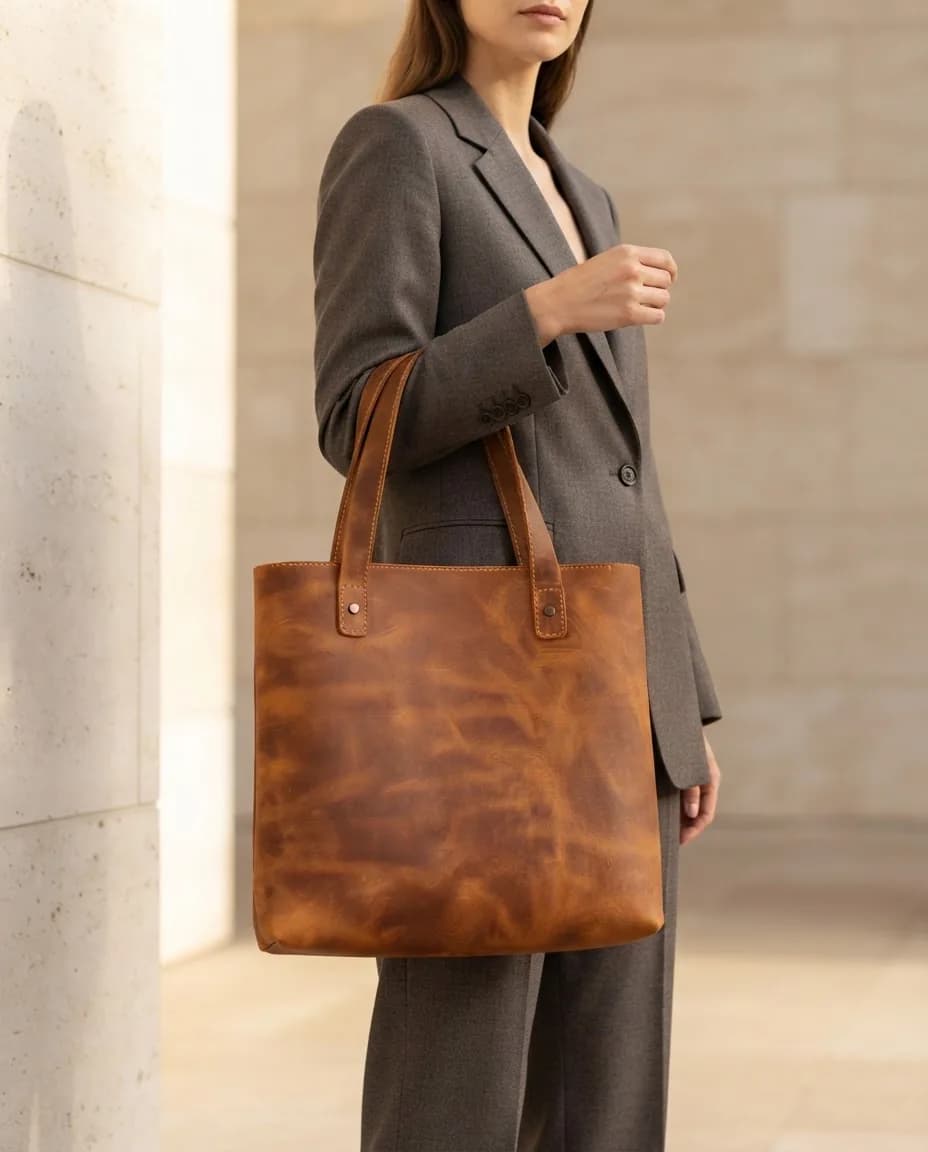
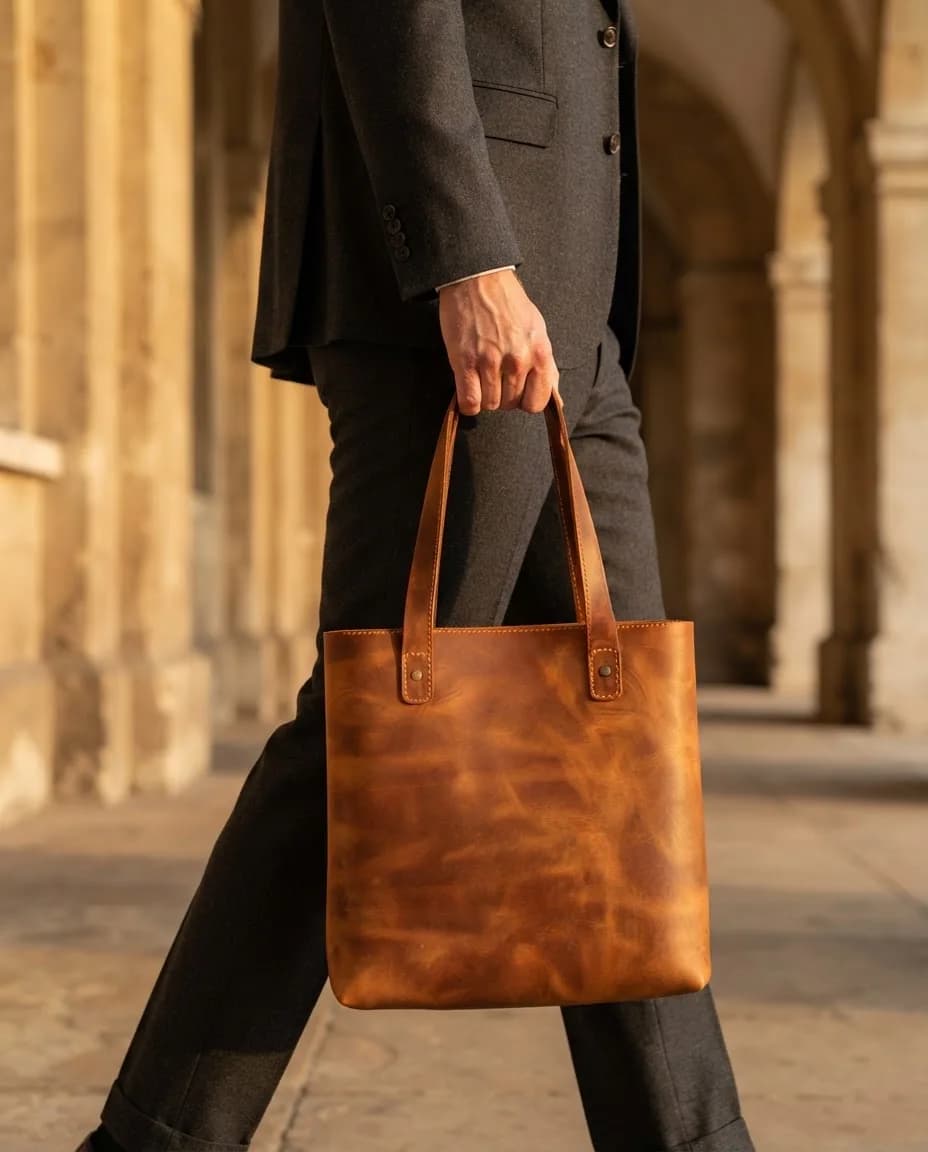
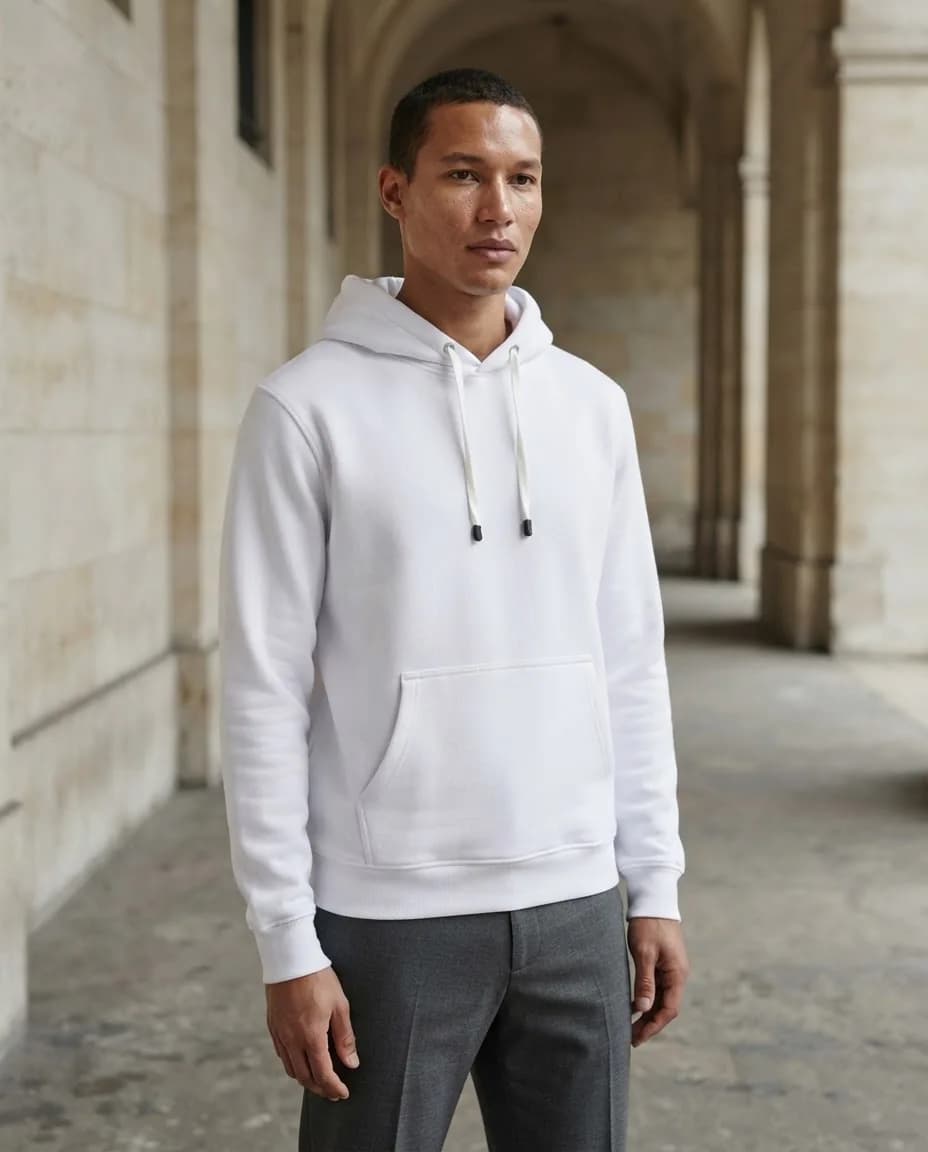
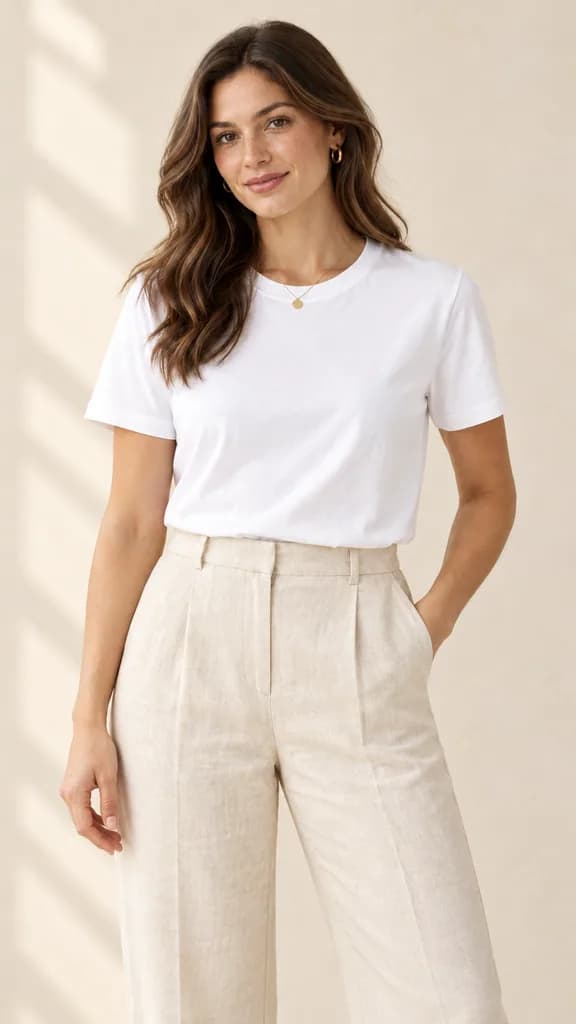
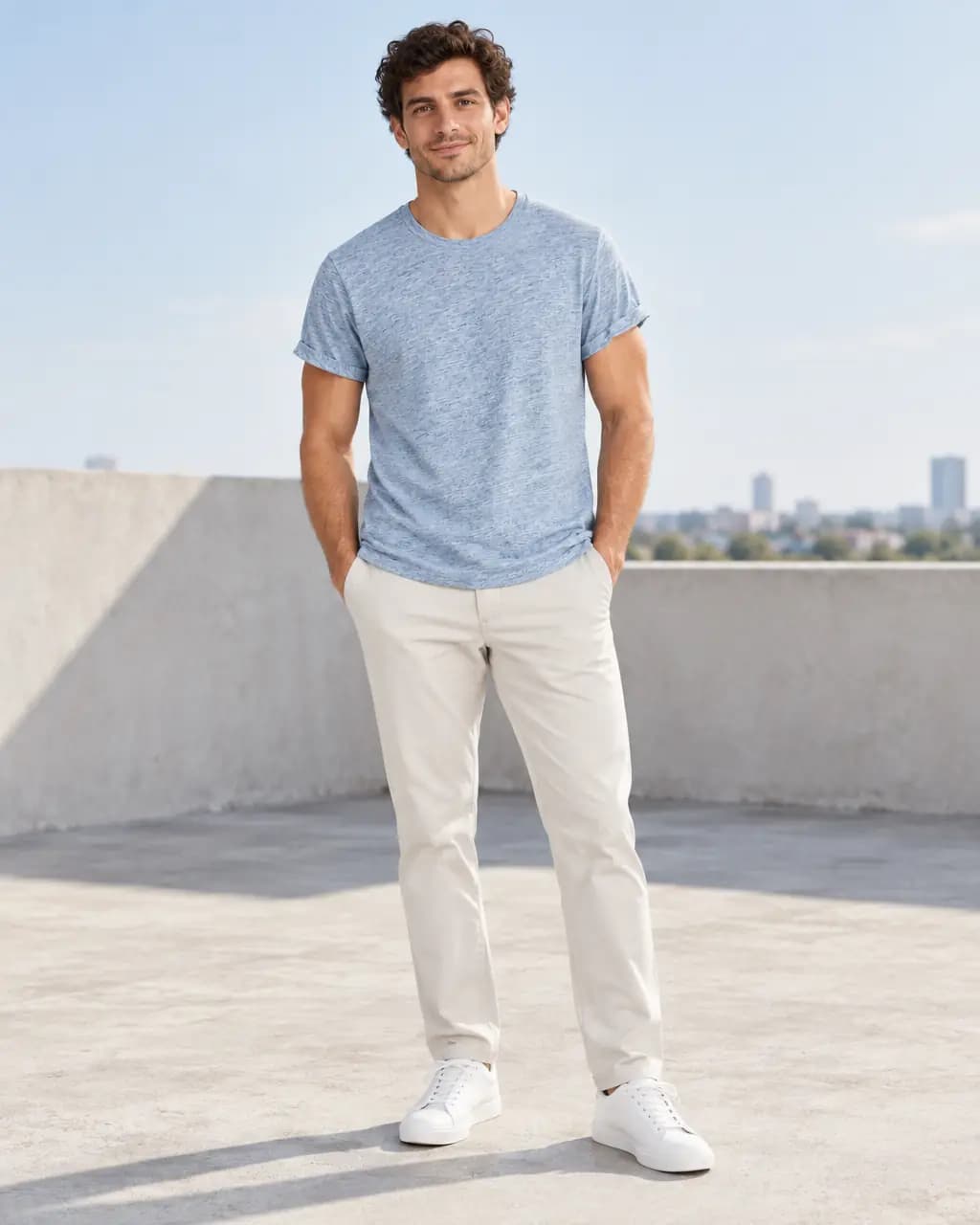
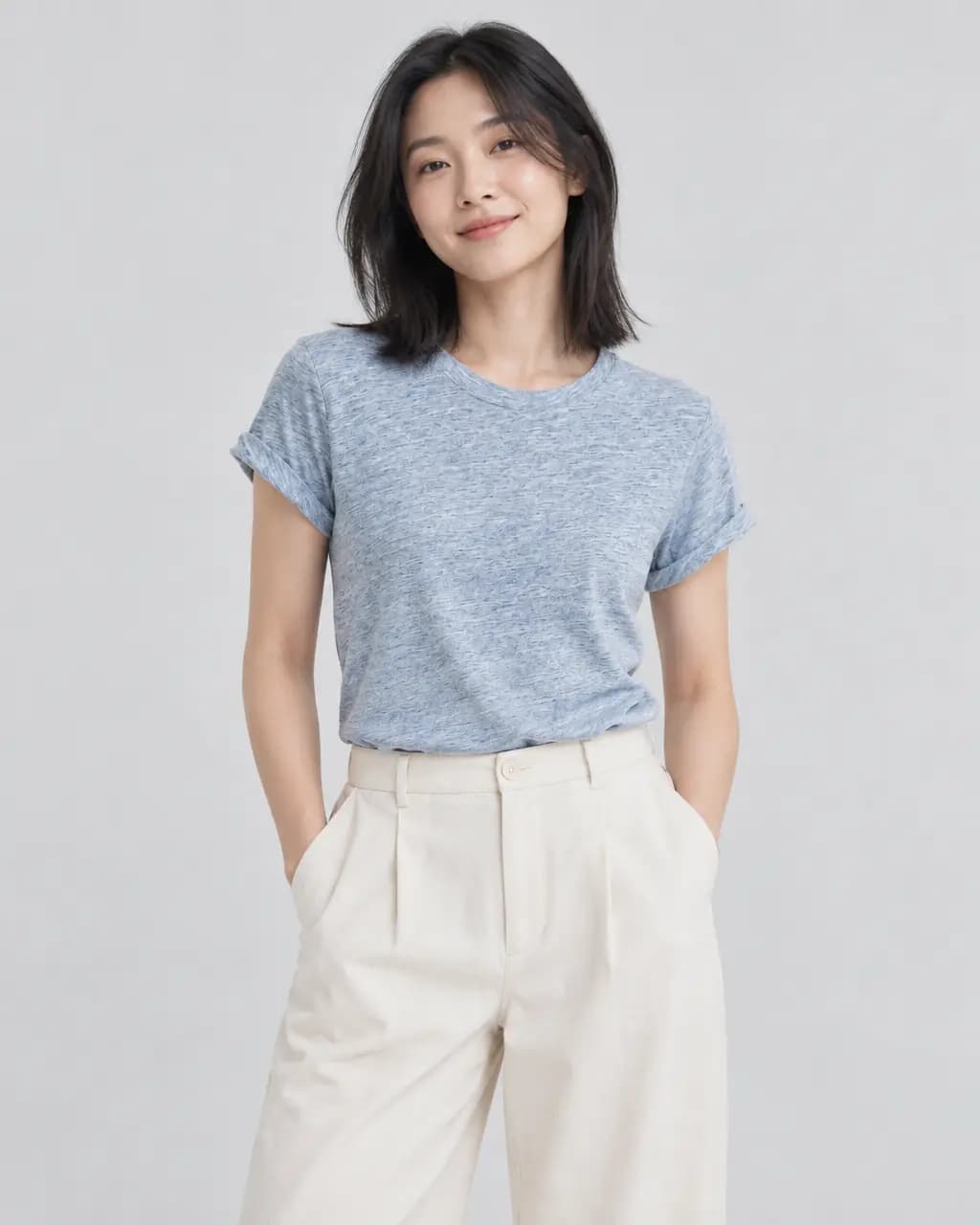
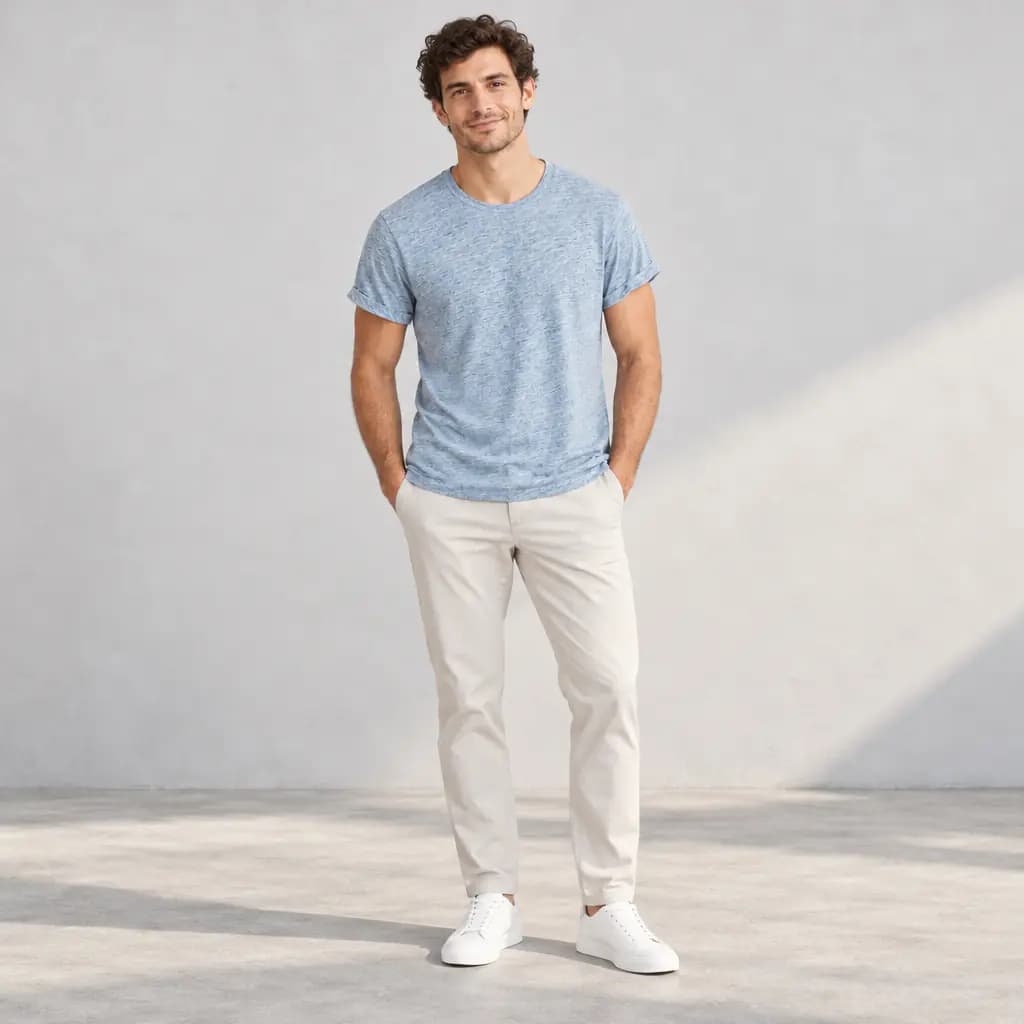
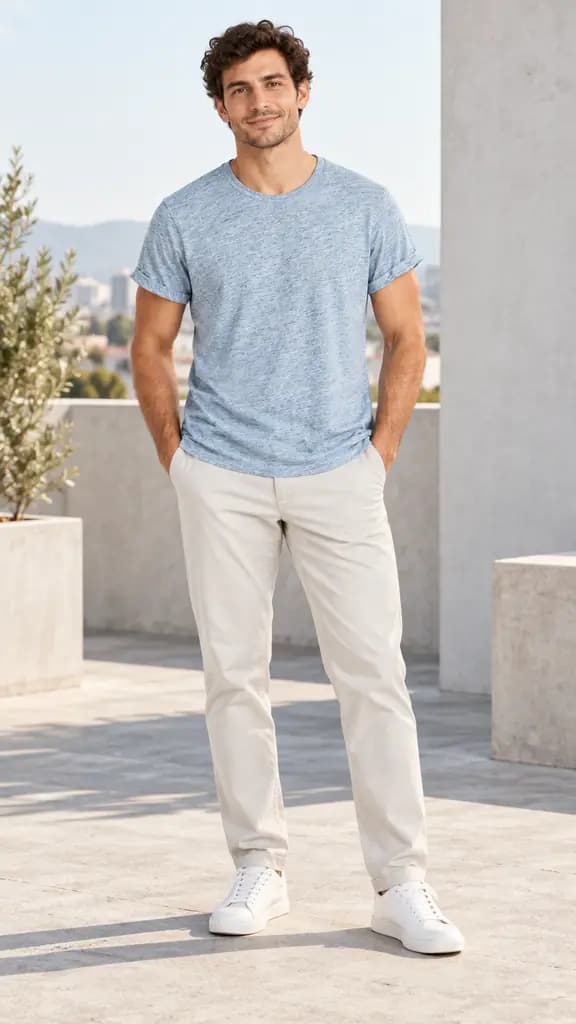
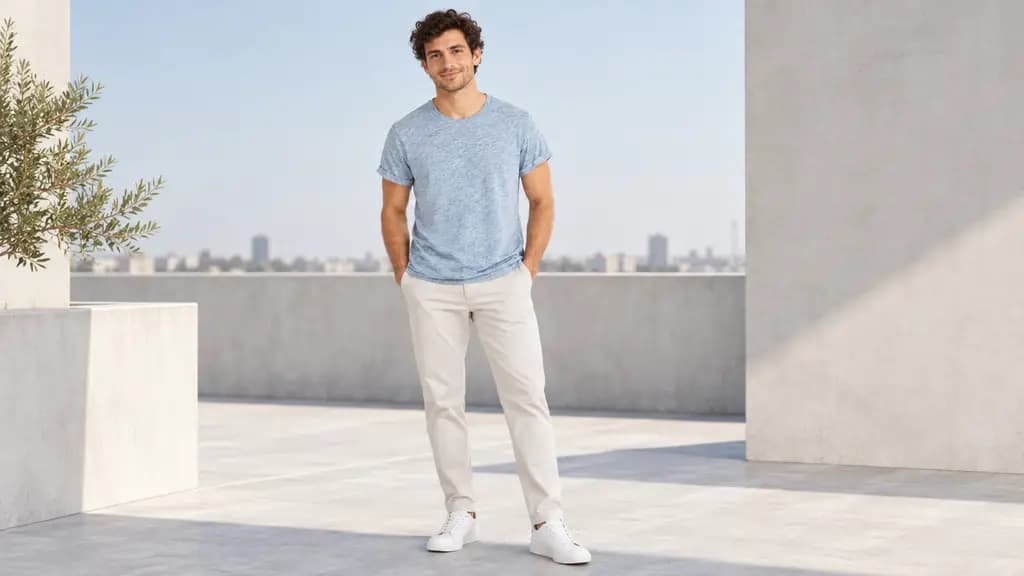
Limestone summer
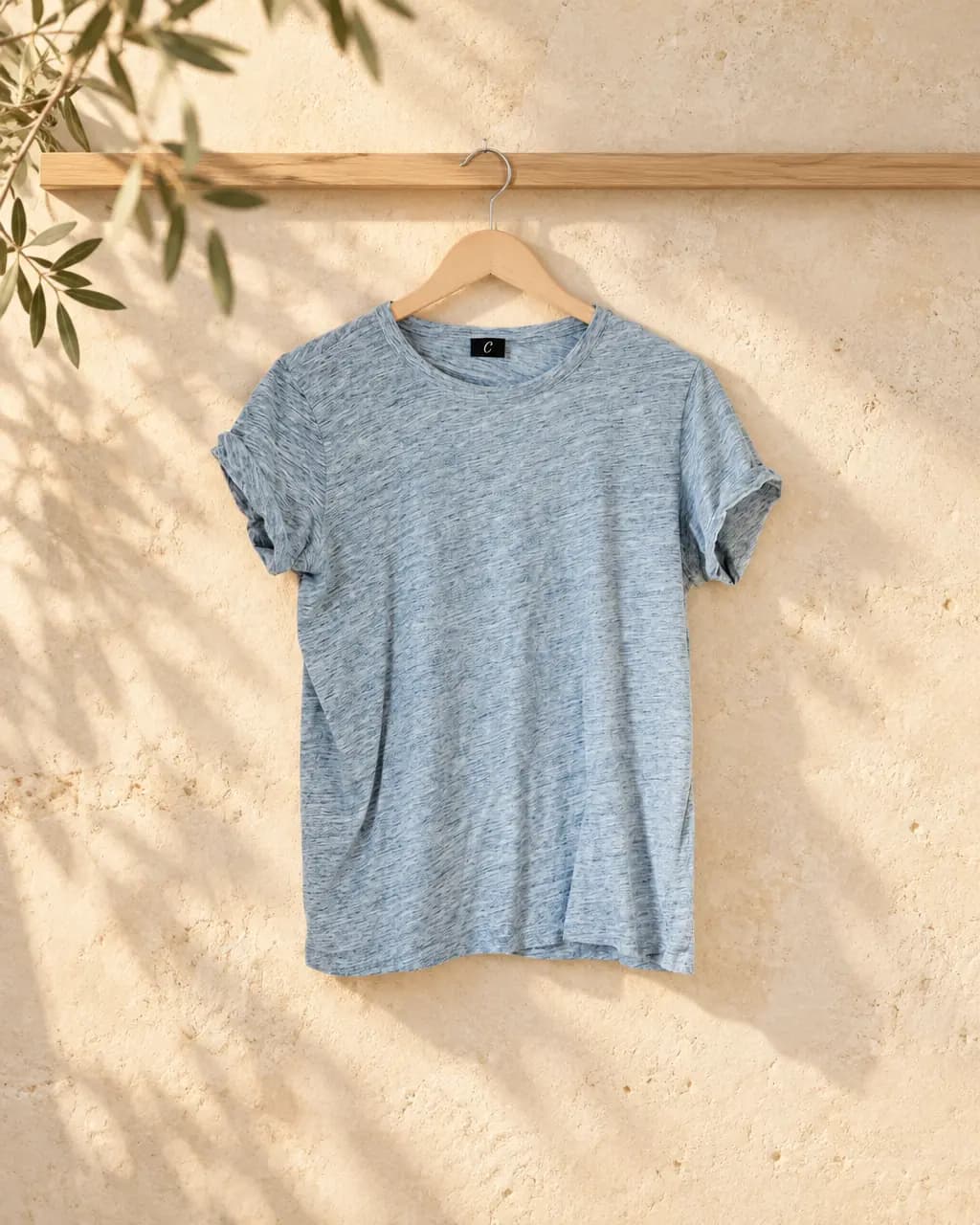
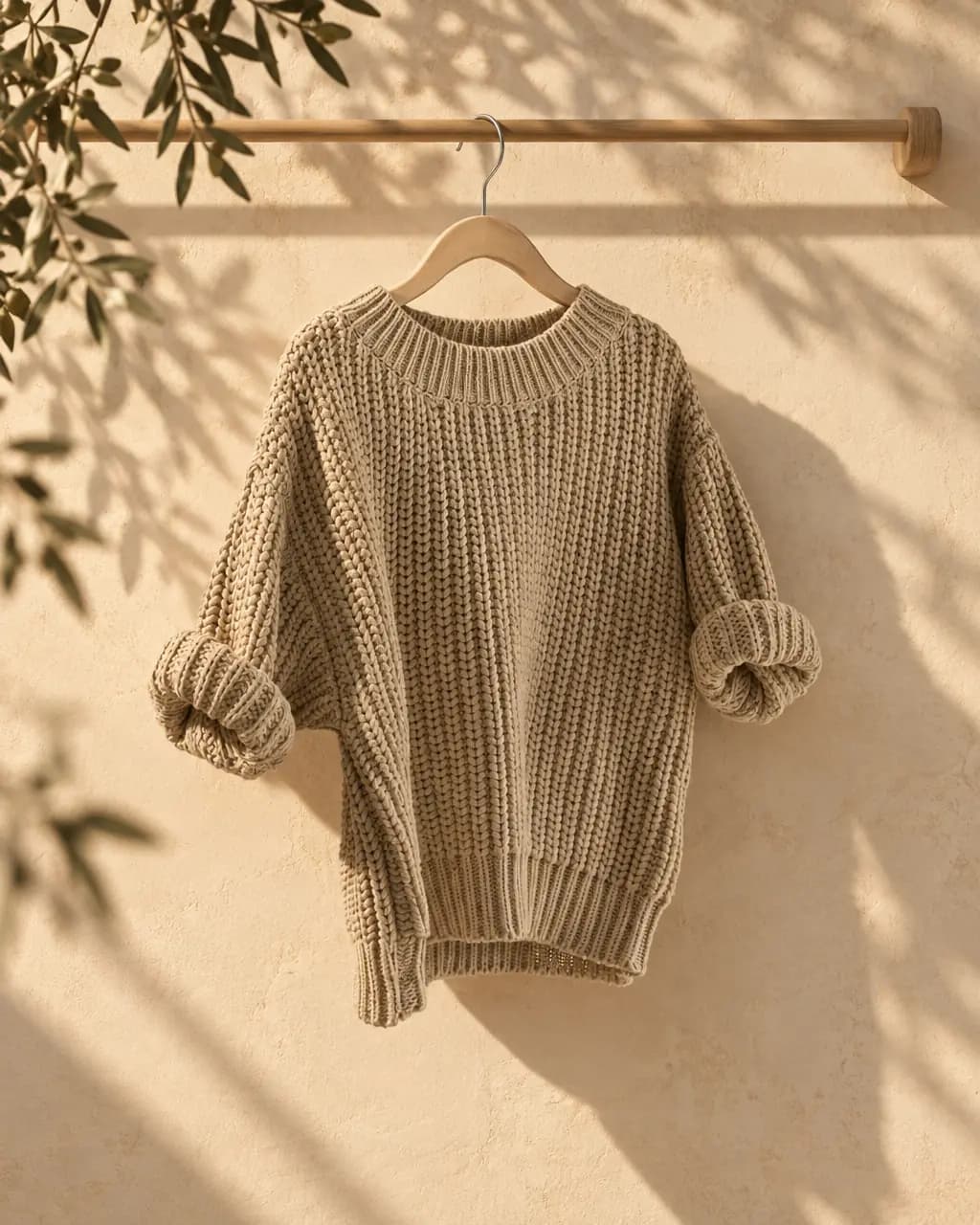
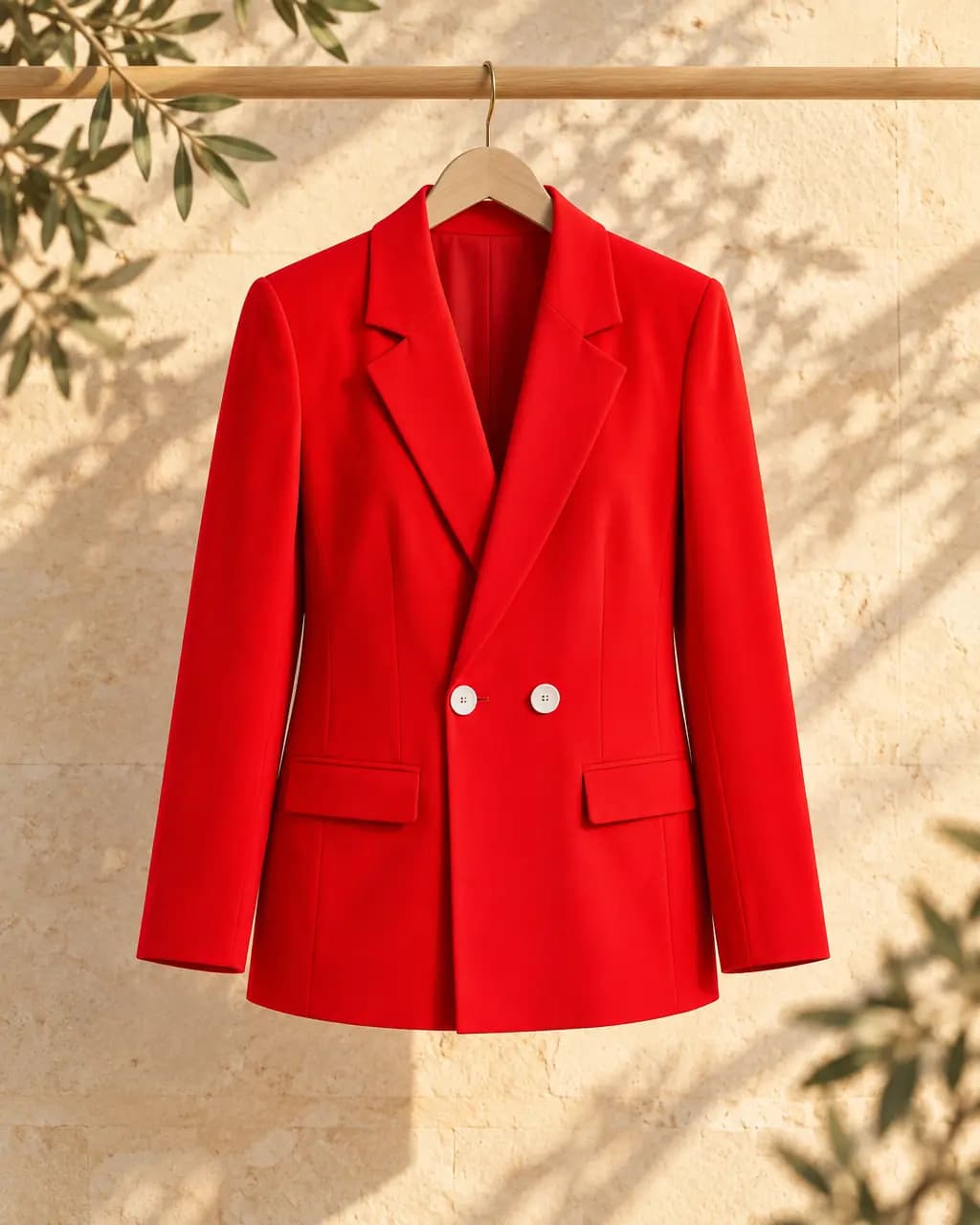
Warm limestone wall with soft olive-leaf shadows and a slim pale oak hanger rail
- Shot
- Product scene
- Light
- Golden hour
- Frame
- 4:5
Stage turns the photo you already have into lifestyle scenes, studio shots and on-model images for your listings and ads.
Try it with 1 free Stage photo a month. One photo uses one credit, and failed photos give it back. No card needed.
How it works
Scroll through a real Stage job. Every image below is an actual result from the product photo you see first.
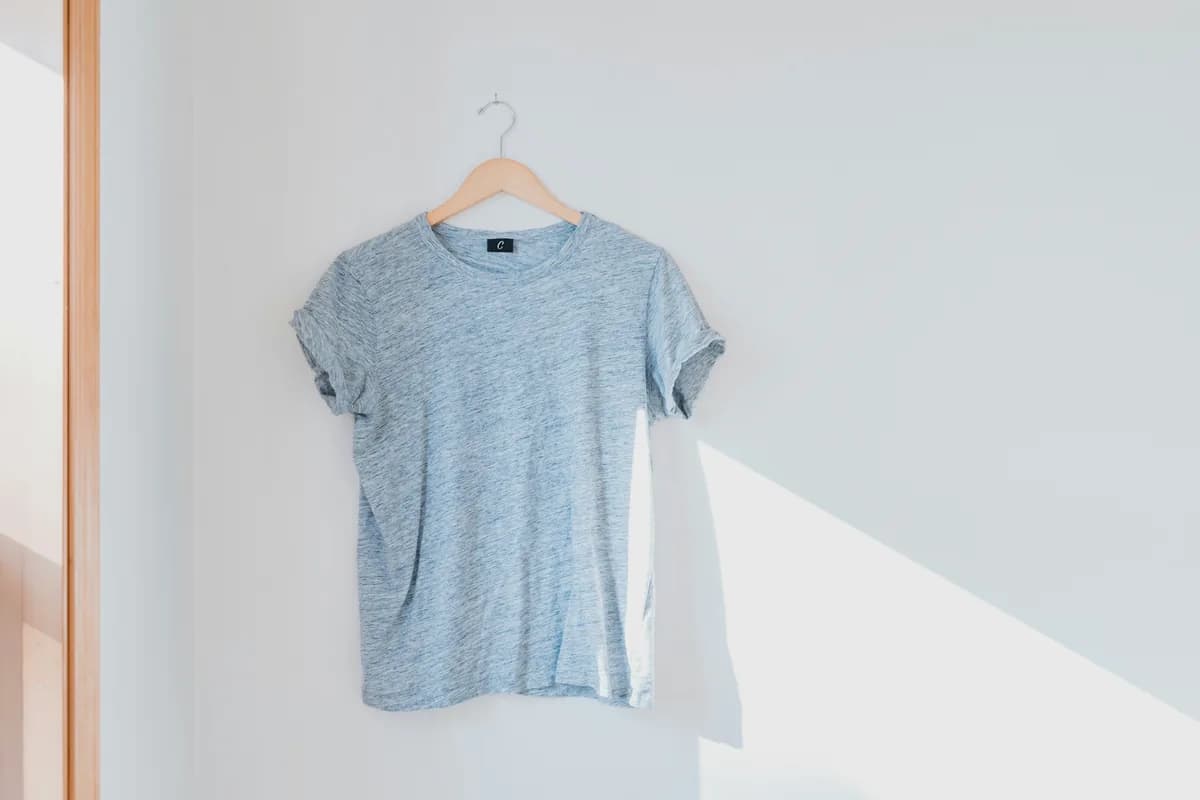
A phone photo of the product on a hanger, a table or the floor is enough. Nothing is charged until you ask for photos.
On a model, in a scene, ghost mannequin, flat lay or studio. Keep it exact places your real product photo in the new scene; Restyle it redraws it for on-model shots.
Every run gives you options to pick from, one credit per photo. You see the exact cost before anything is made.
A second AI compares each take with your original. A take that fails gets one automatic repair; if it still fails, the credit comes straight back.
Turn the take you like into a matching set with the same model: product page, feed, story and banner. Download each one sized for Amazon, Etsy, Shopify or eBay.
Try the free marketplace resizer75 photos for $7.99, 180 for $17.99 or 350 for $34.99, about 10¢ a photo. Start with 1 free photos, no card.
Product photo by Cristofer Maximilian on Unsplash. Restyle it redraws the garment, so compare details before you publish.
Each photo below started as one sentence about a setting, plus a light and a frame. These are the words that made them. Select one to compare it with the original.

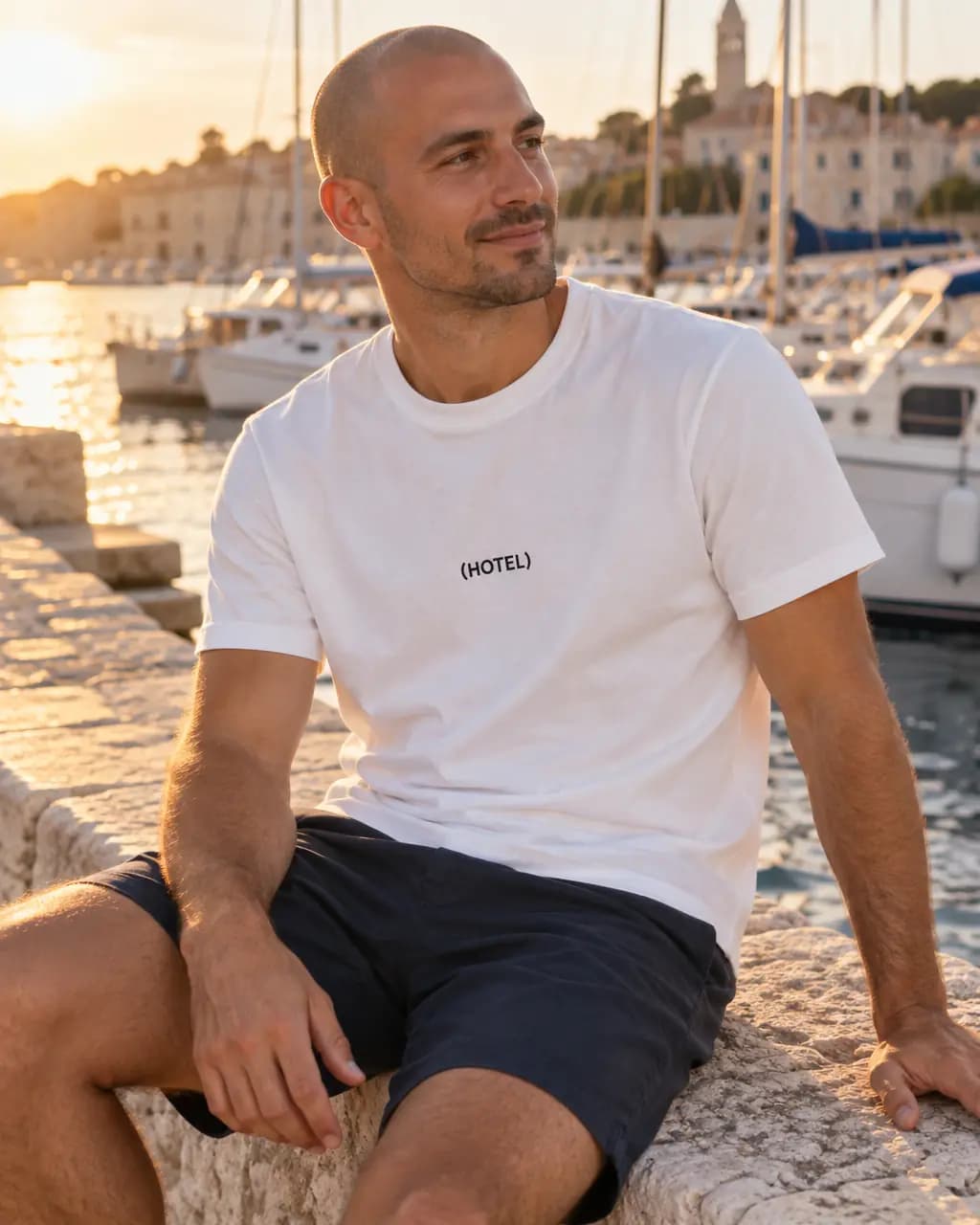
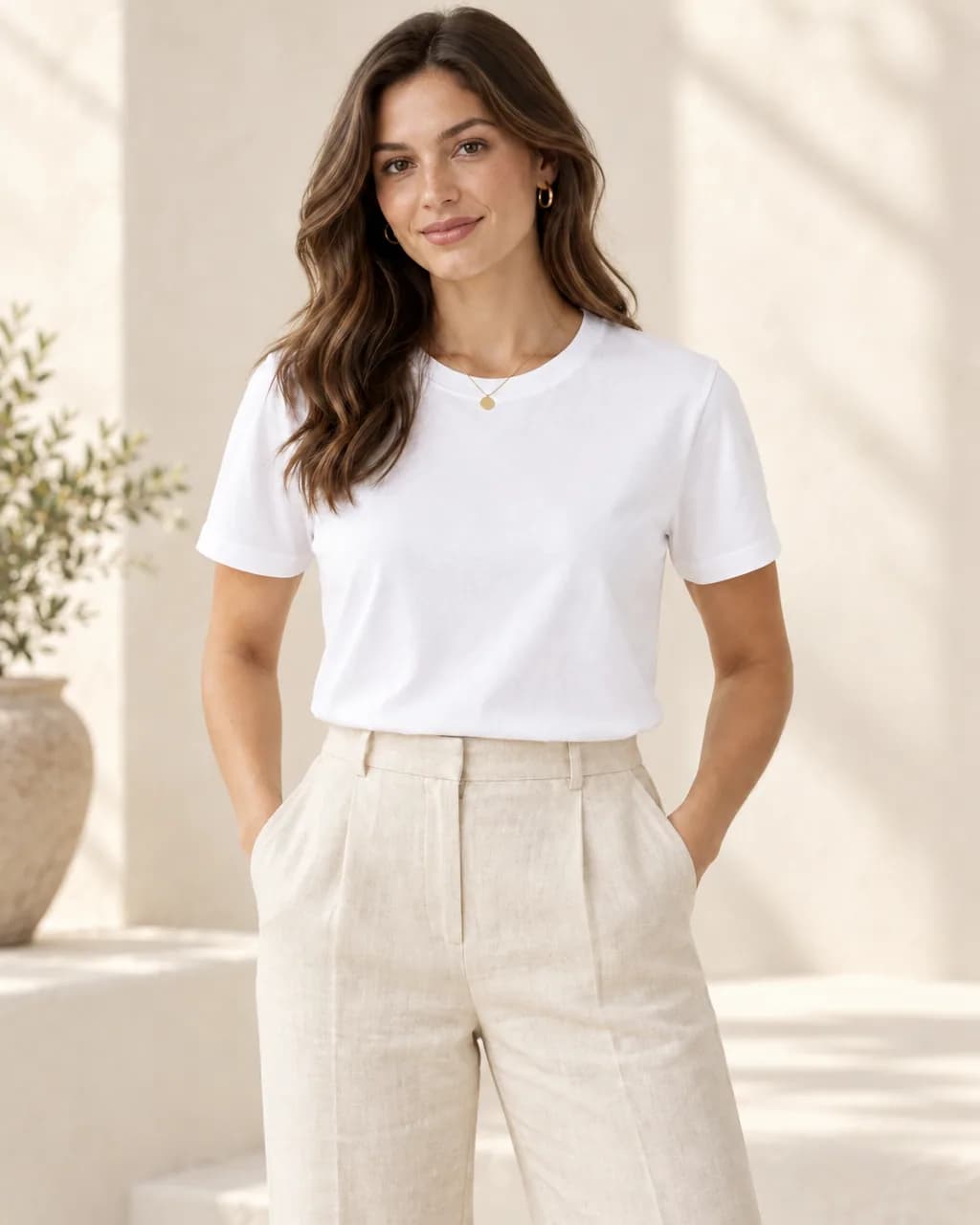
Sunlit Mediterranean street with whitewashed walls and bougainvilleaGolden hour, 4:5, white tee
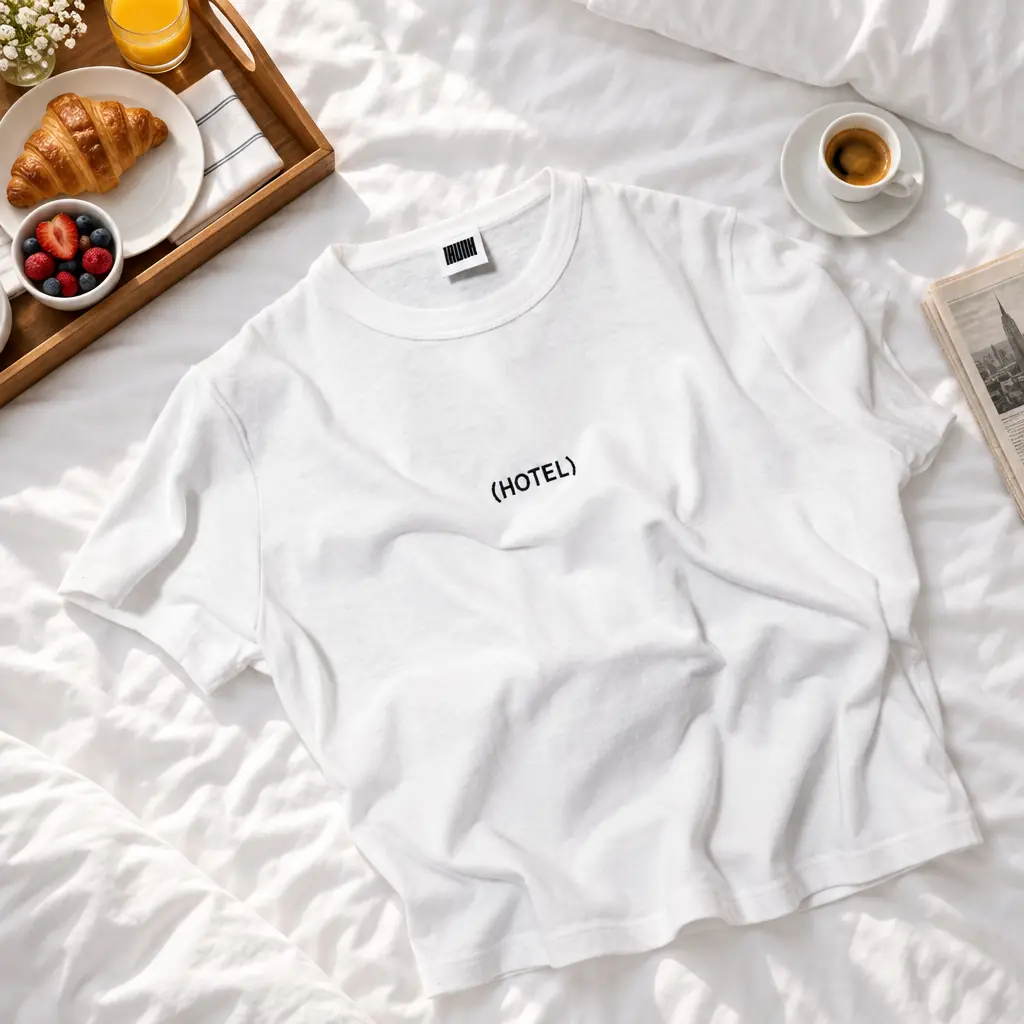
Crisp white hotel bed with a breakfast tray, espresso cup and folded newspaperSoft daylight, 1:1, graphic tee
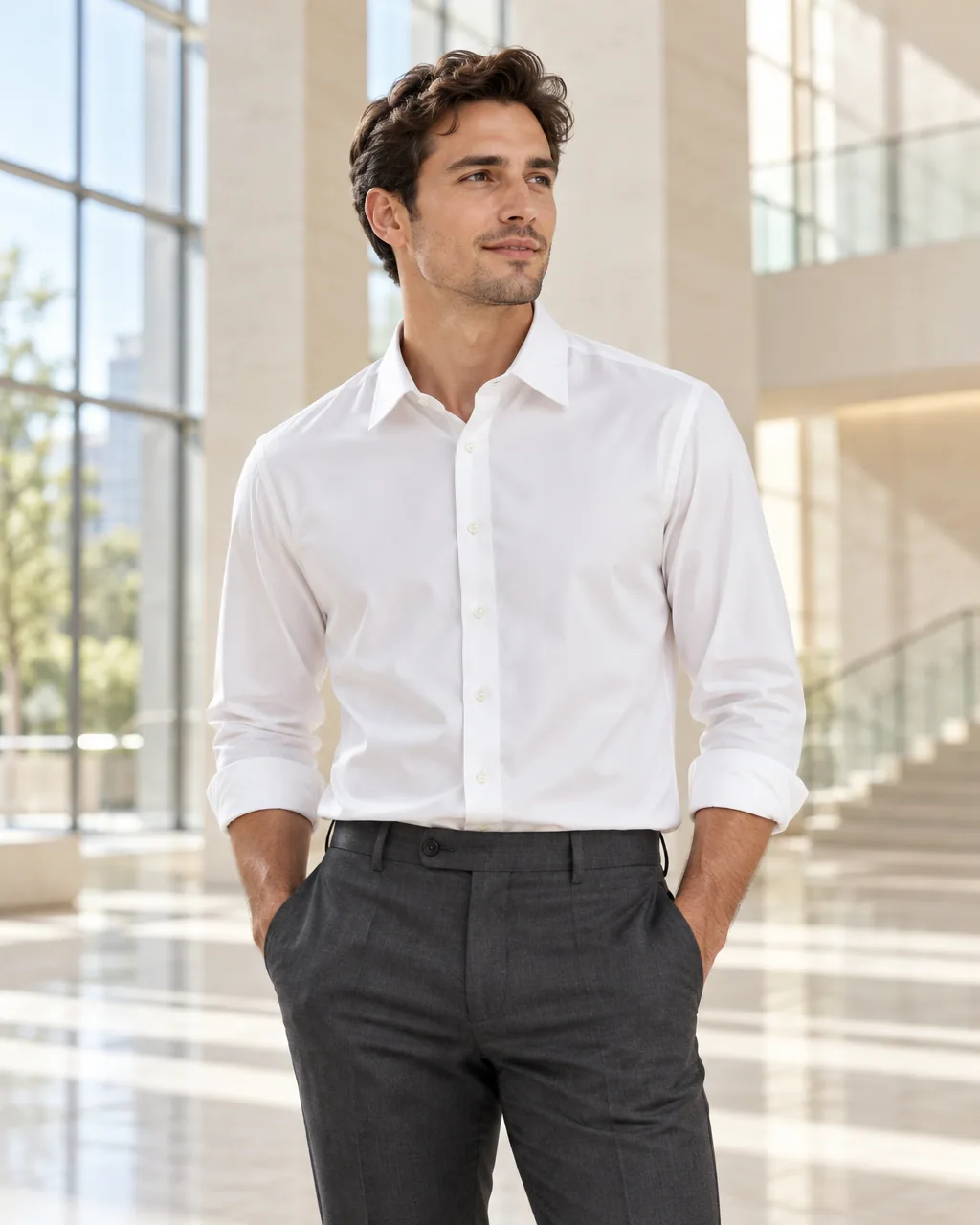
Bright modern architectural atrium with pale stone and glassEditorial, 4:5, dress shirt
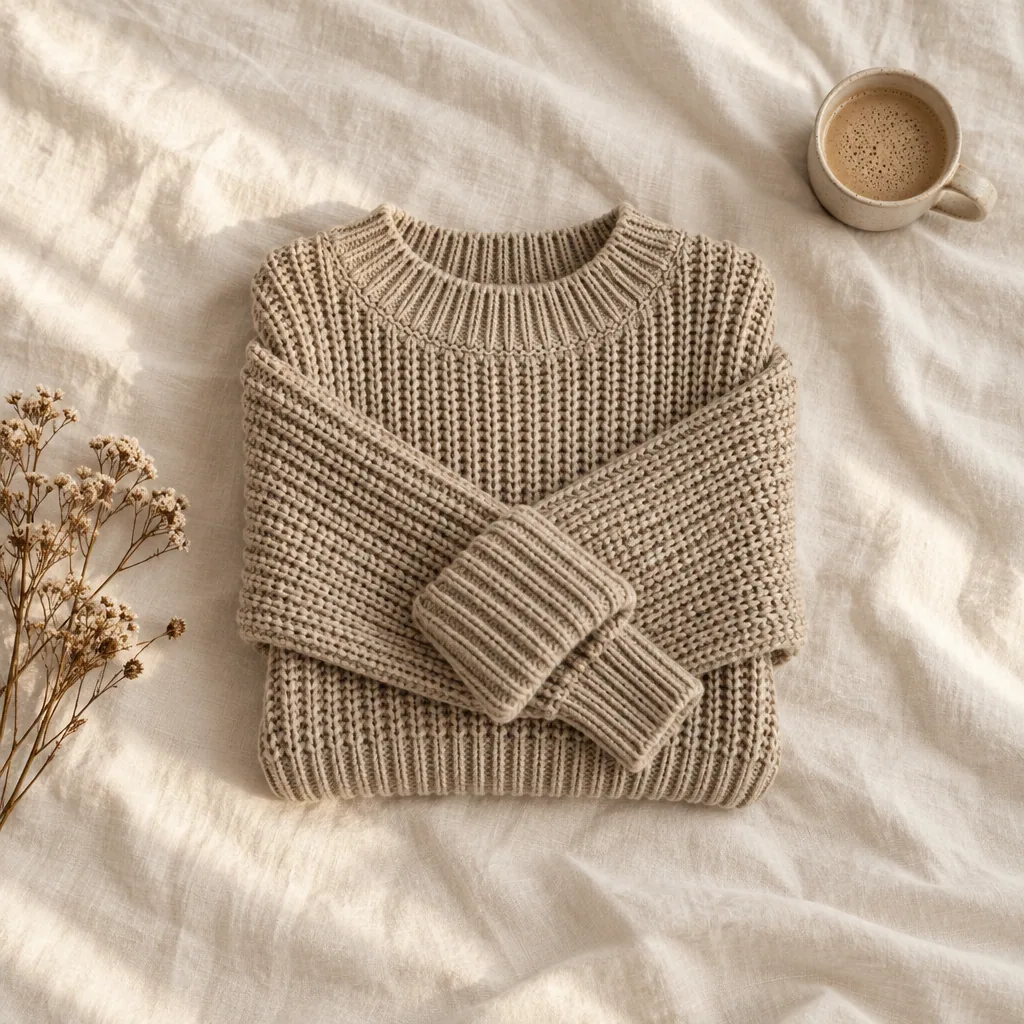
Top-down flat lay on rumpled cream linen with a ceramic cup and dried flowersSoft daylight, 1:1, oat knit
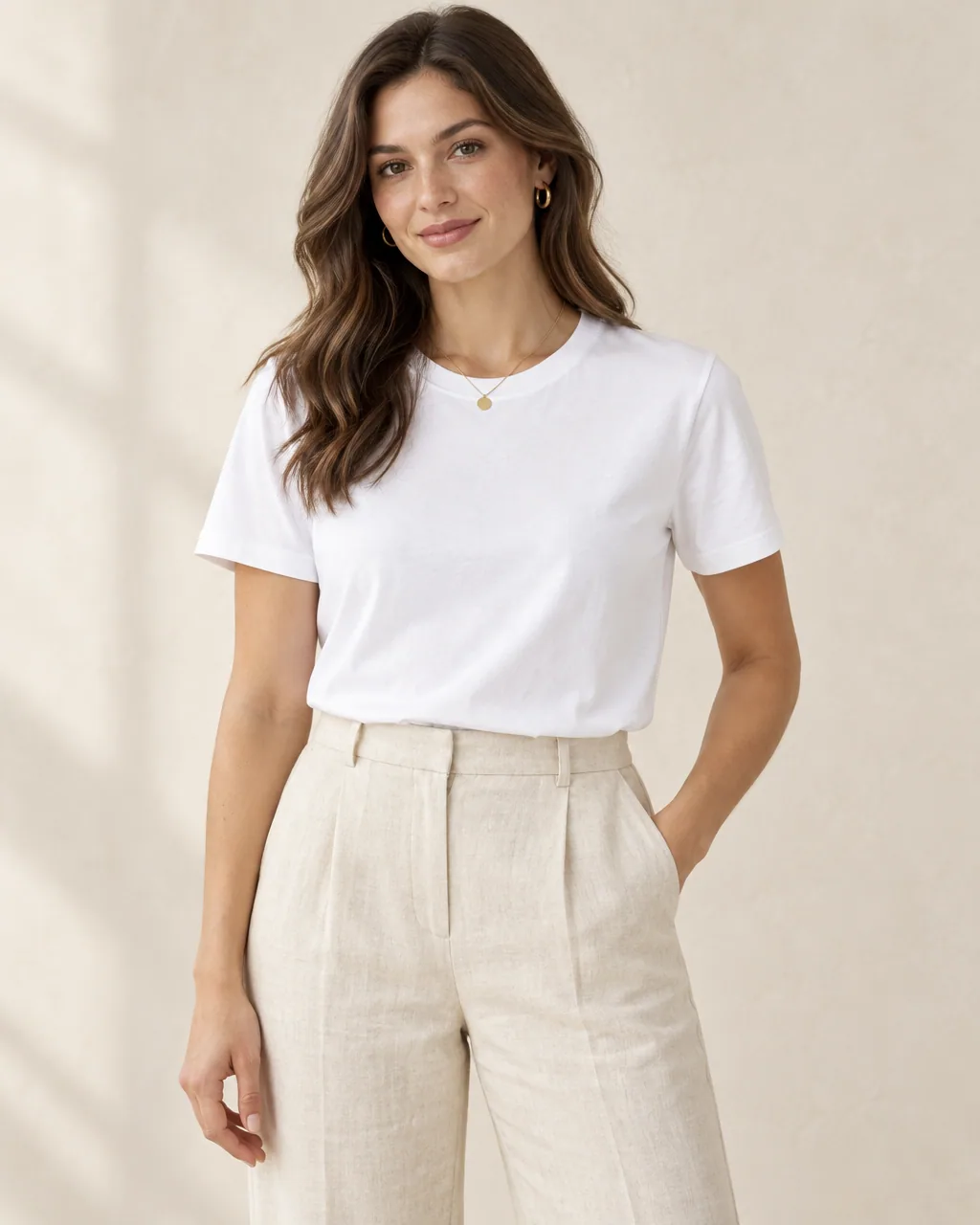
Warm off-white photo studio with a soft plaster wallSoft daylight, 4:5, white tee
Your product, your setting.
Write your own direction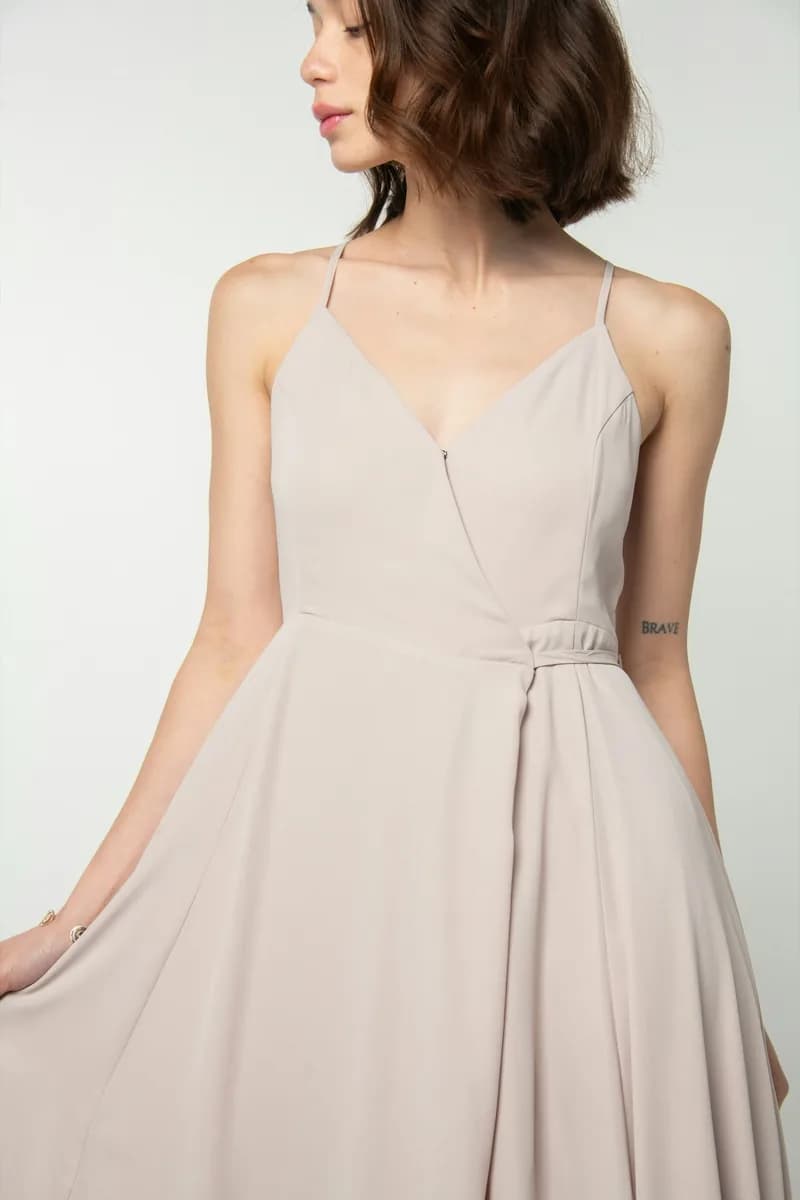
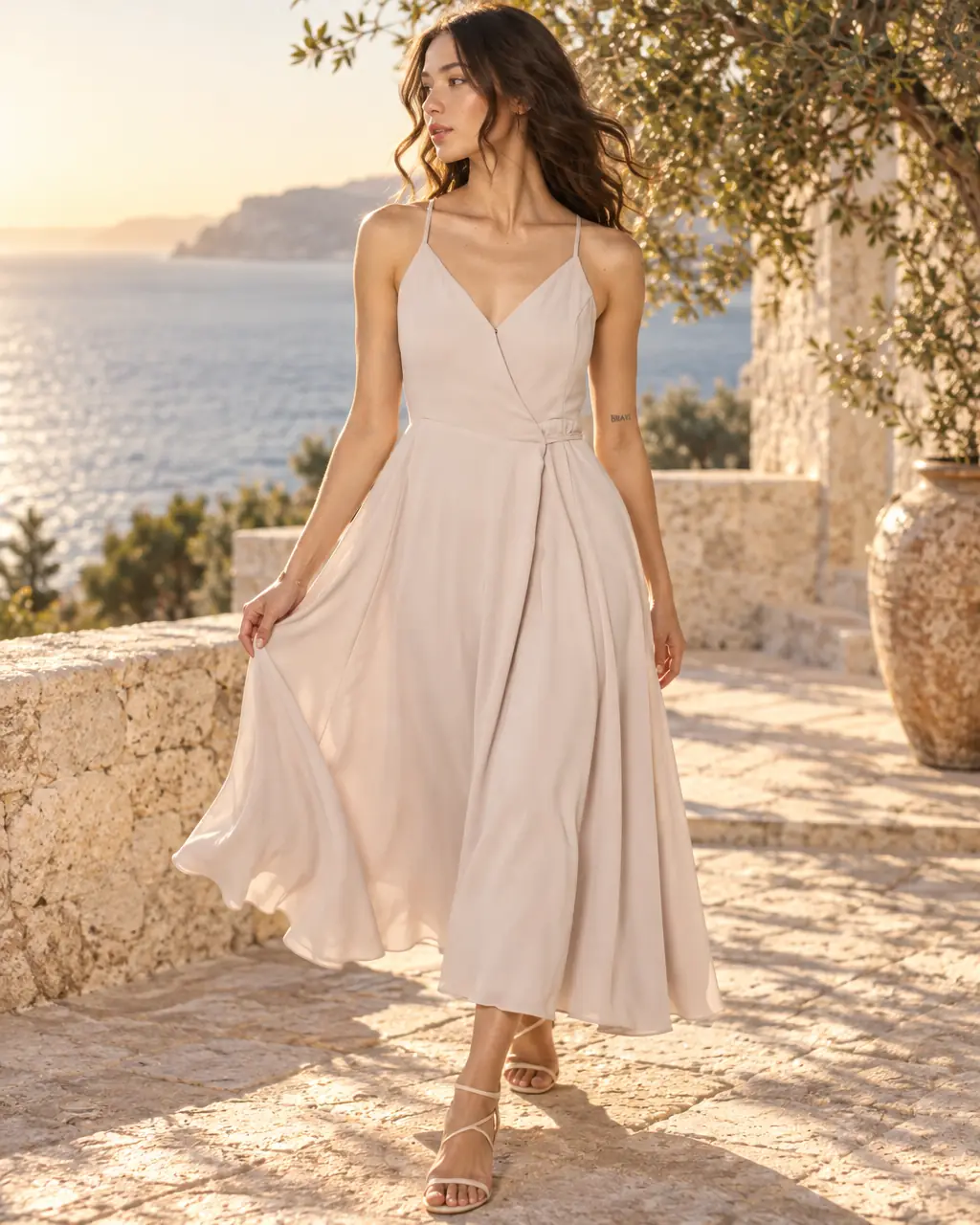
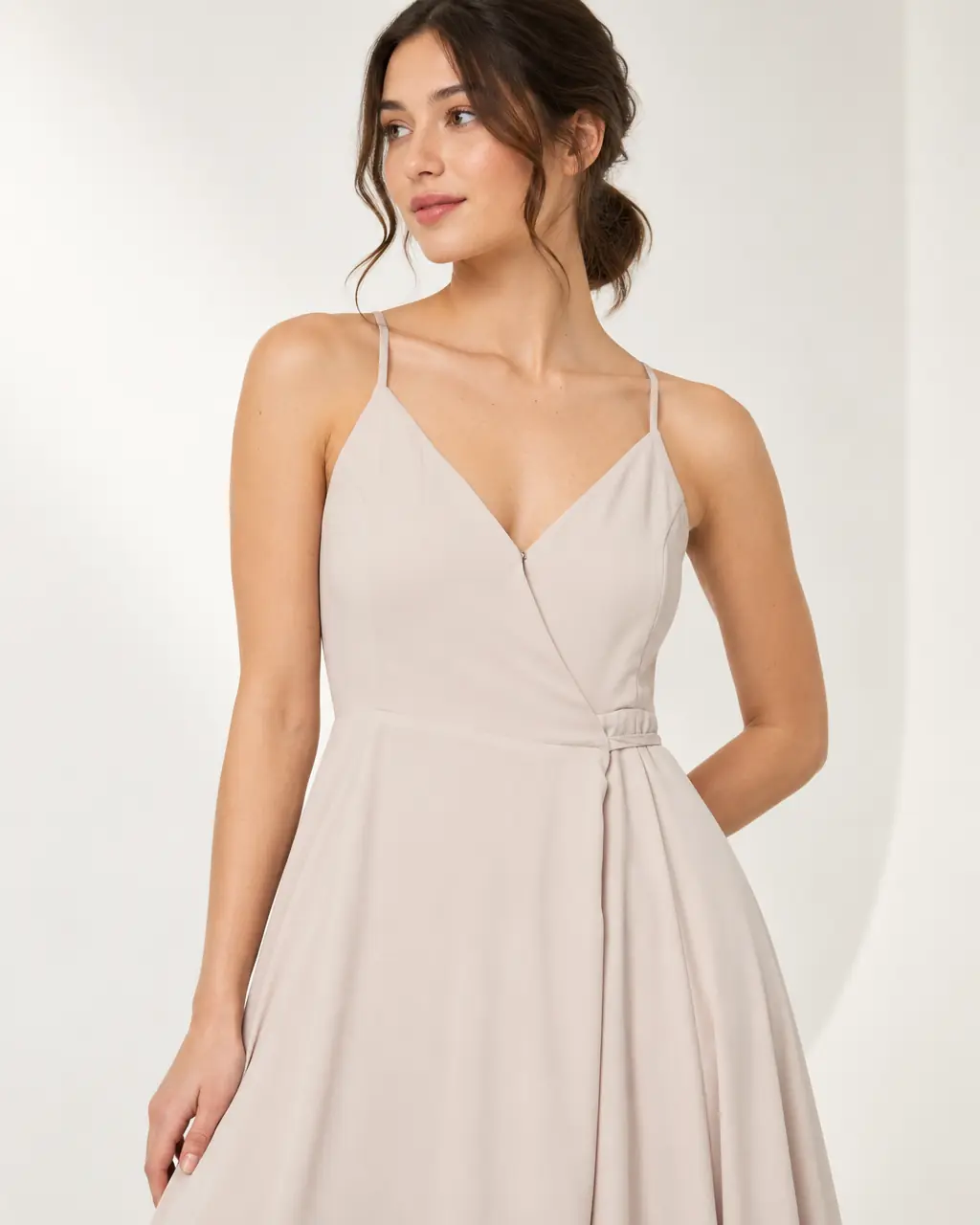
Photograph it on a hanger or lay it flat. Stage dresses a generated model in it, in whatever setting your brand needs, so shoppers see the fit before they buy.
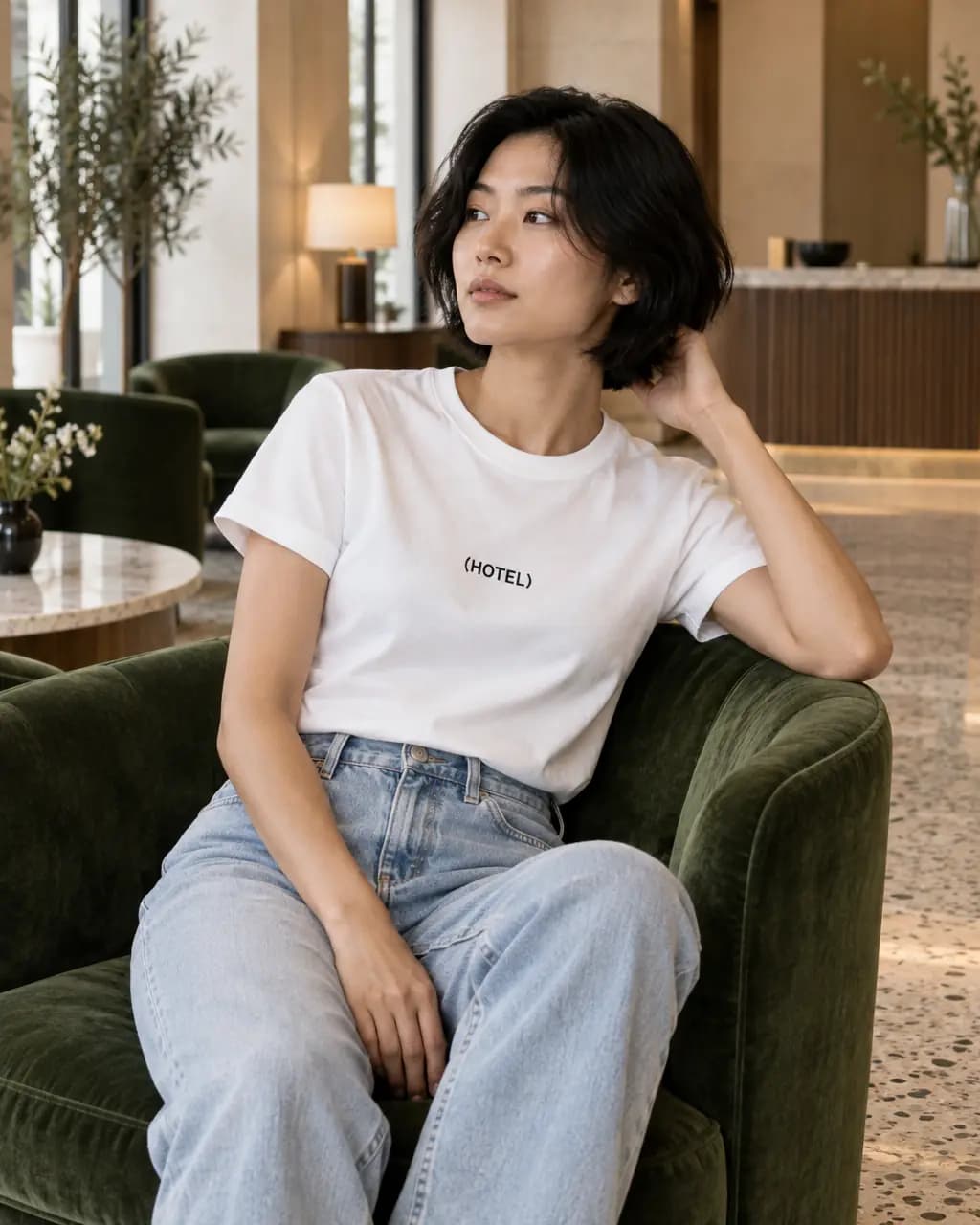
Put a garment on a modelOn-model images use Restyle: the model is generated and the garment is redrawn, so compare details with your original.
Describe the shoot in a few sentences. Luna, our AI art director, plans ten shots in one world. You approve the first image, then the other nine follow with the same model in every frame.
Ten images in four formats for 10 Stage credits, on Basic, Pro and Studio. Every image is checked against your product, and failed ones are refunded.
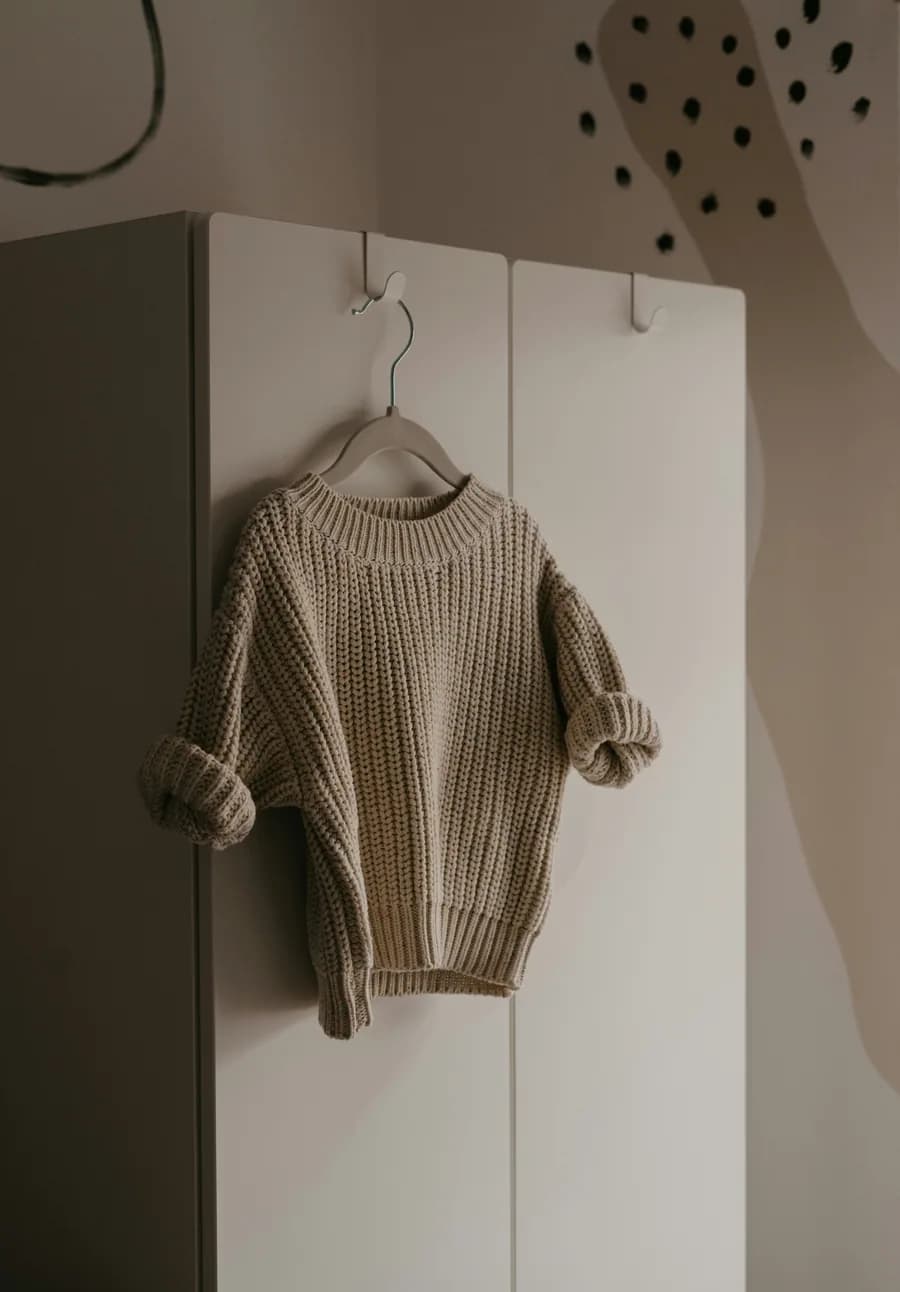 knit-sweater.jpgYour product photo
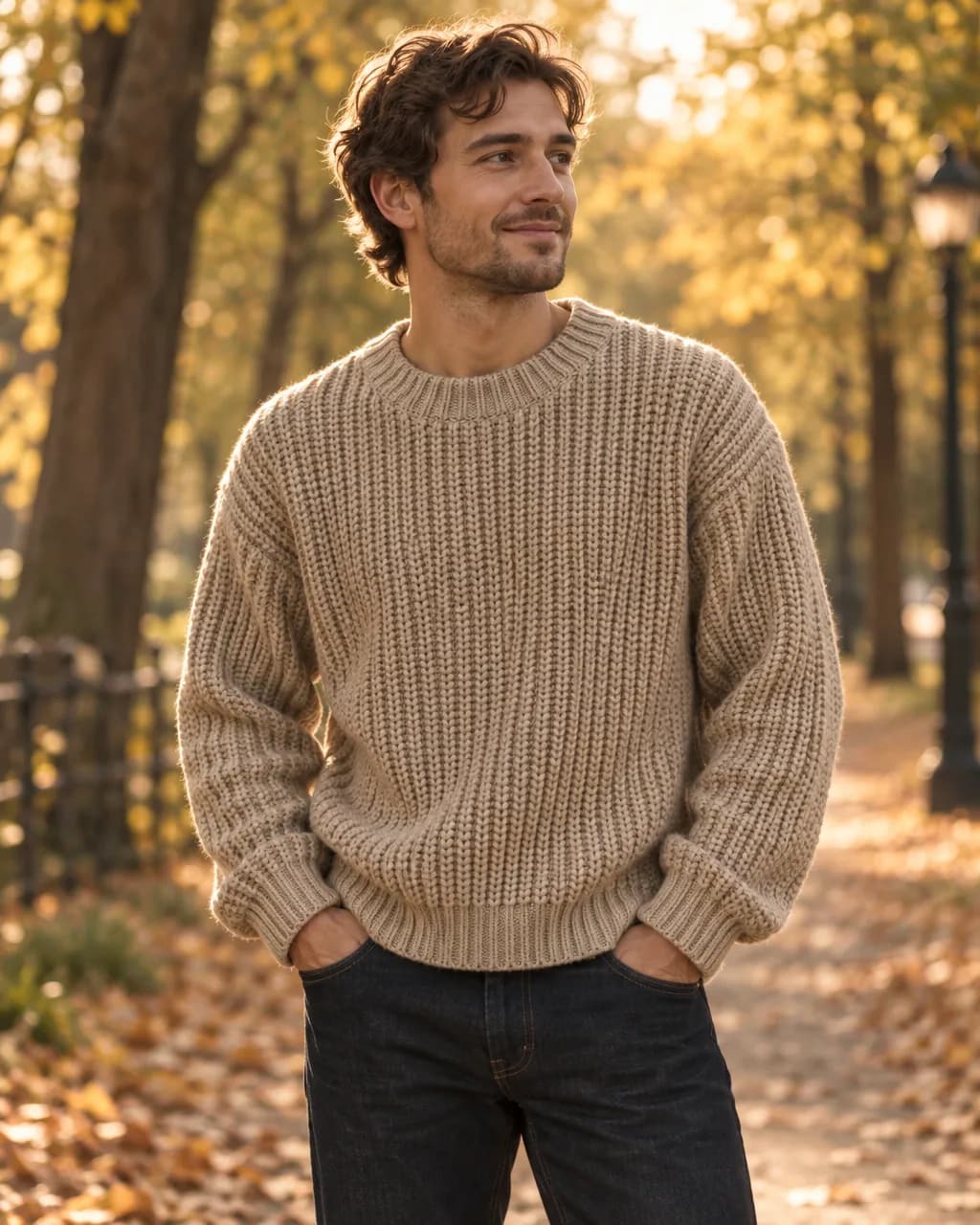
Cozy autumn knit campaign worn by a woman in her 30s: warm cabin and misty forest, mostly Instagram plus one website banner.
Luna’s plan
Cabin in the Mist
On a model, in editorial light, ten shots
Stage makes one image first. Approve it, or tell Luna what to change. Only that image is spent until you say yes.
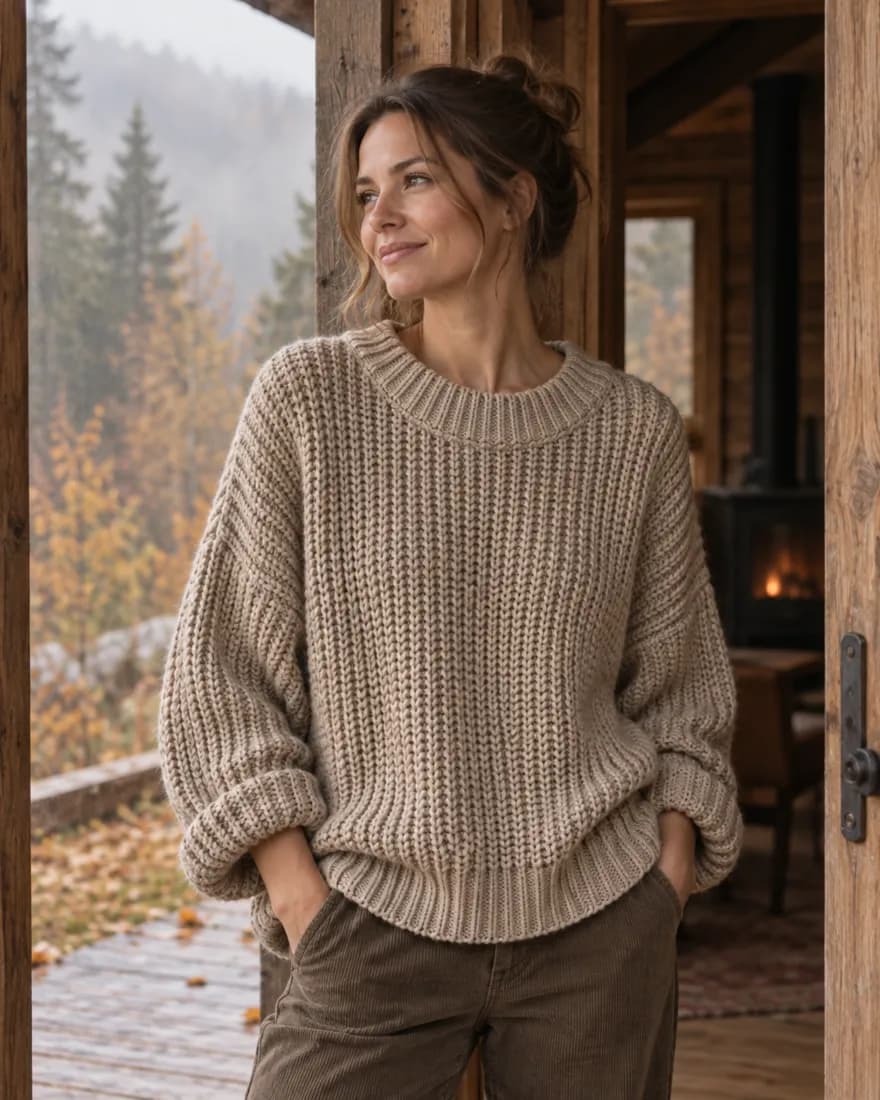
The other nine follow in about five minutes, sized for every placement, with the same model throughout. Download them as one ZIP.
 16:9
16:9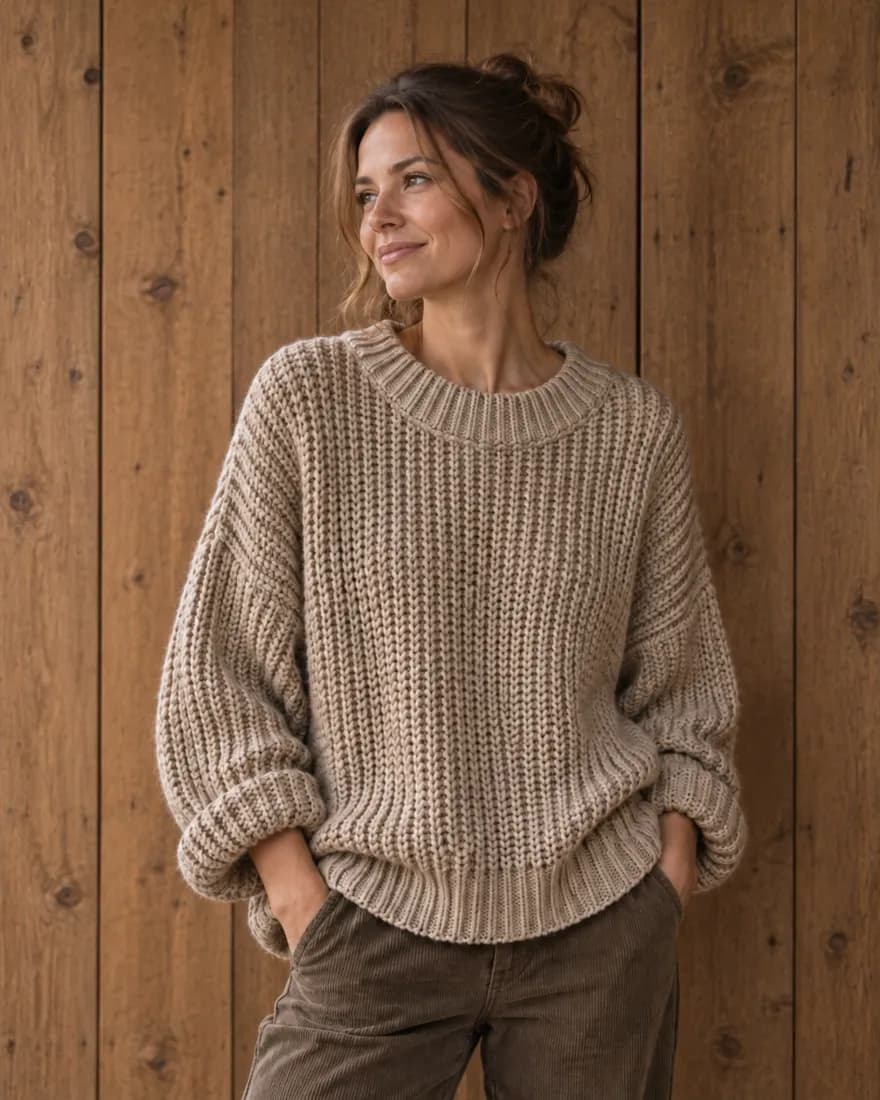 4:5
4:5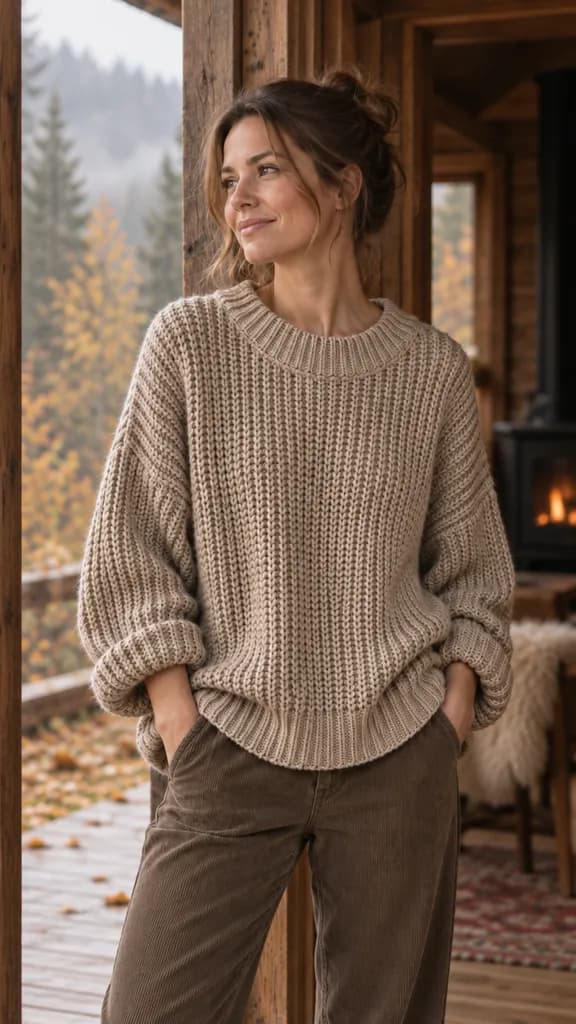 9:16
9:16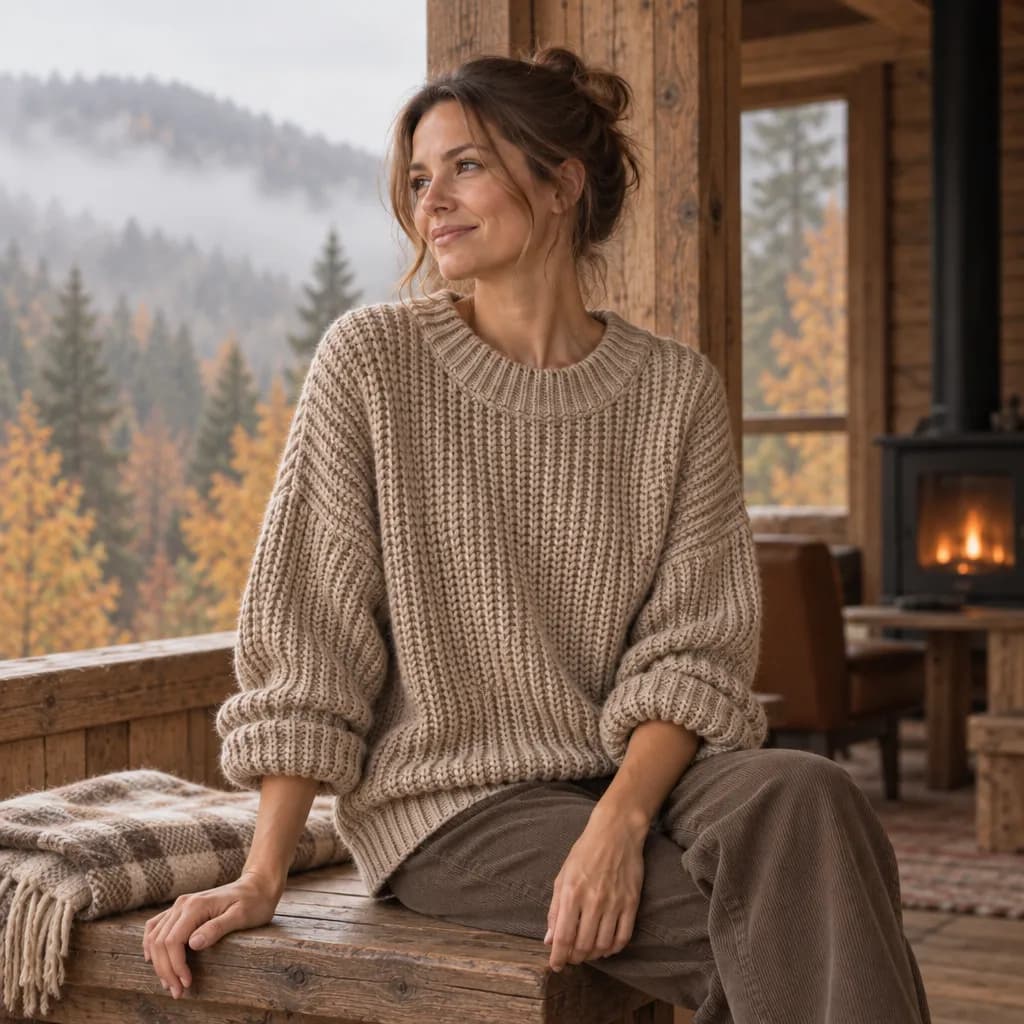 1:1
1:1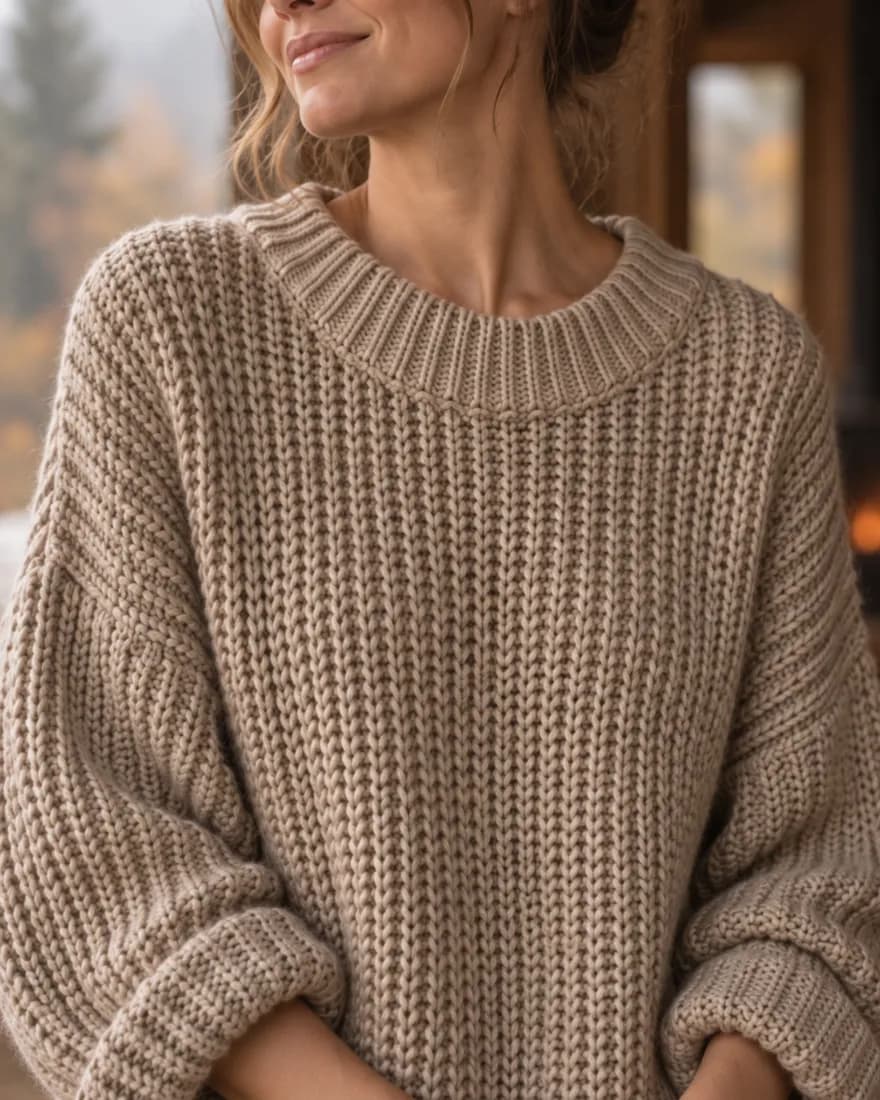 4:5
4:5 9:16
9:16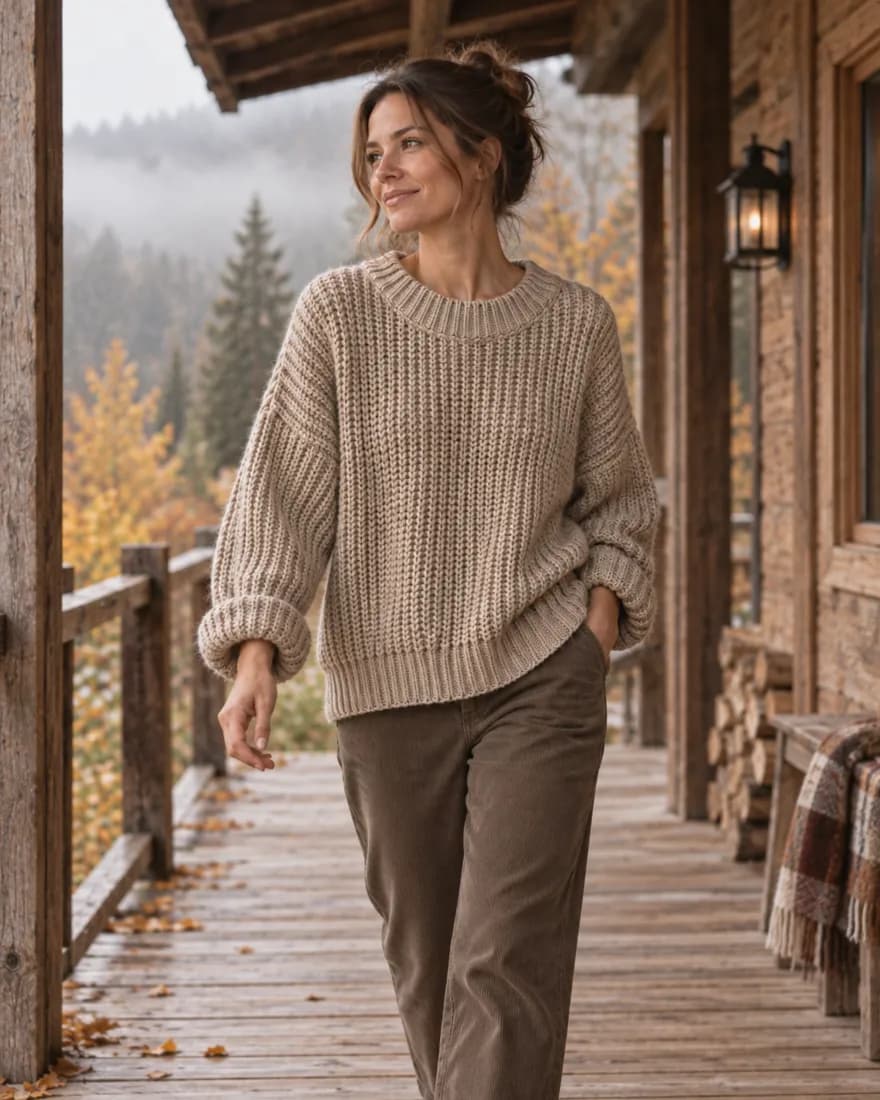 4:5
4:5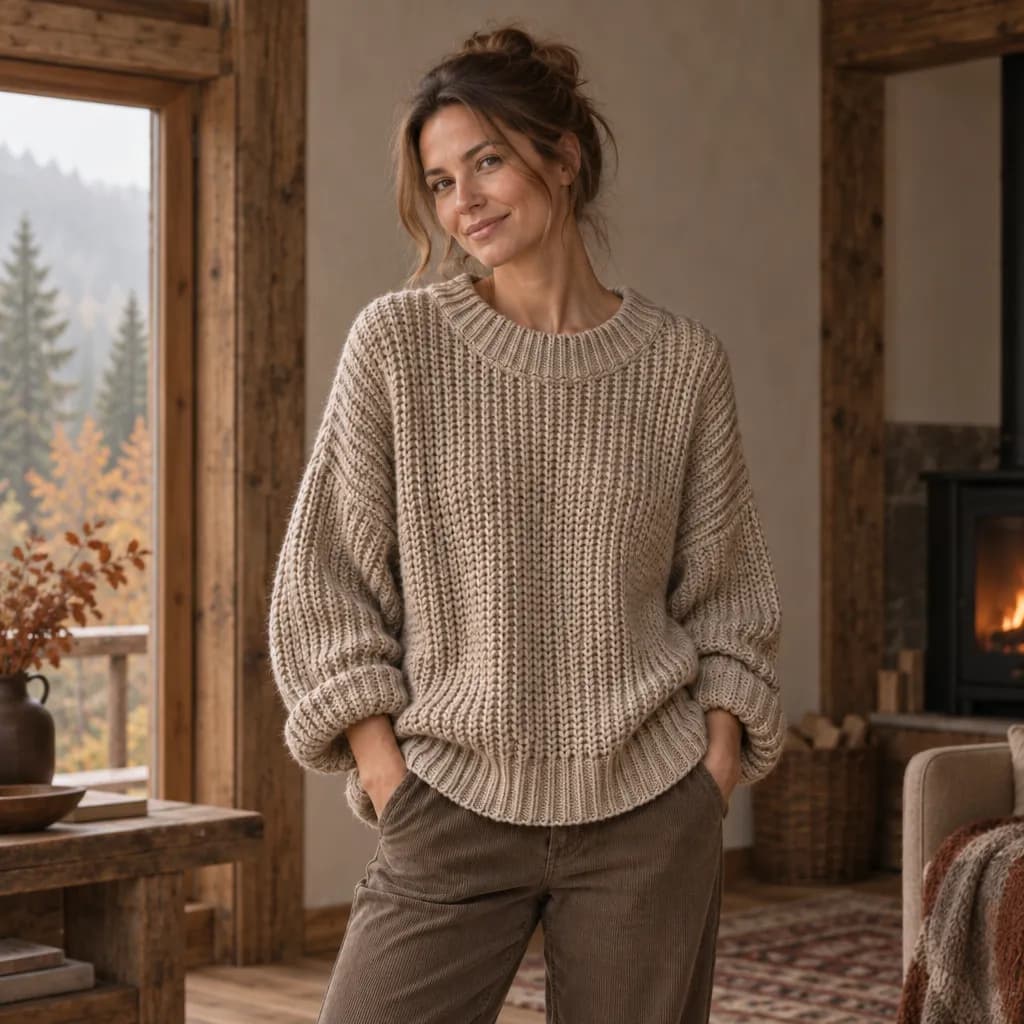 1:1
1:1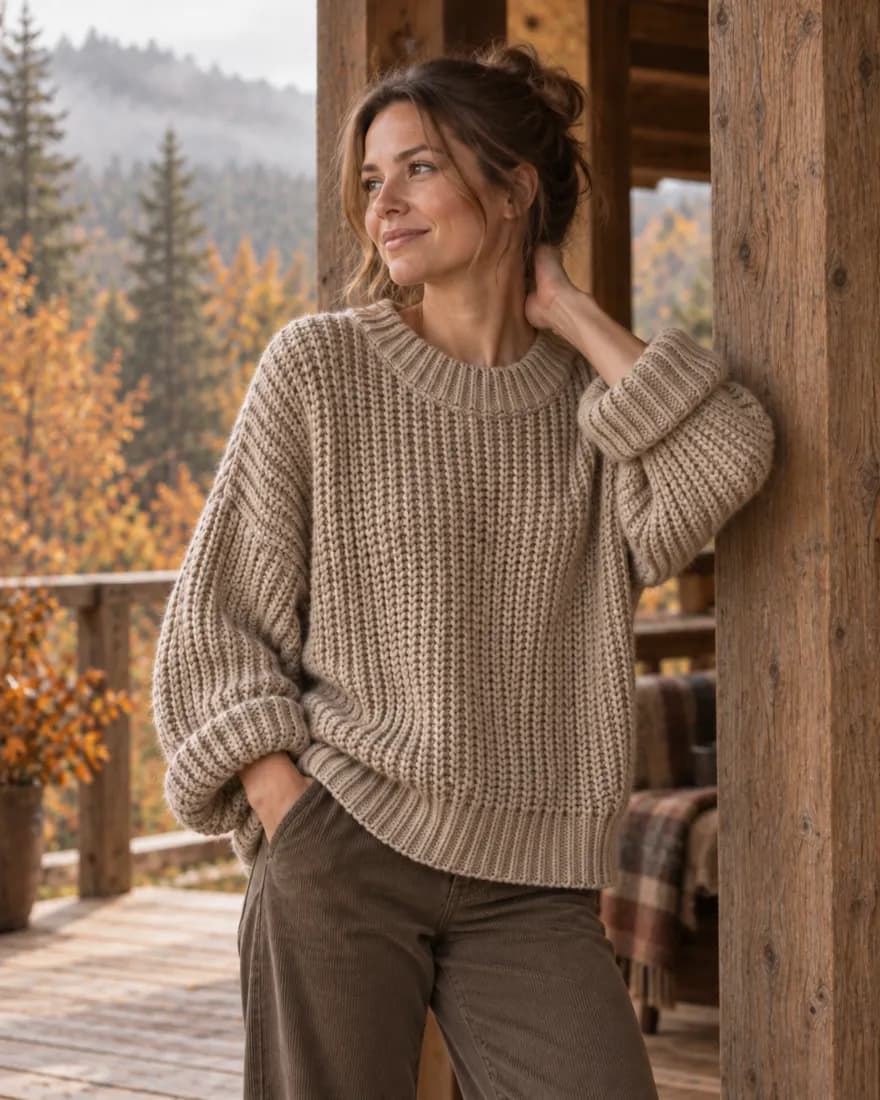 4:5
4:5Every image above is unedited output from that one brief. Original photo: Toa Heftiba, Unsplash.
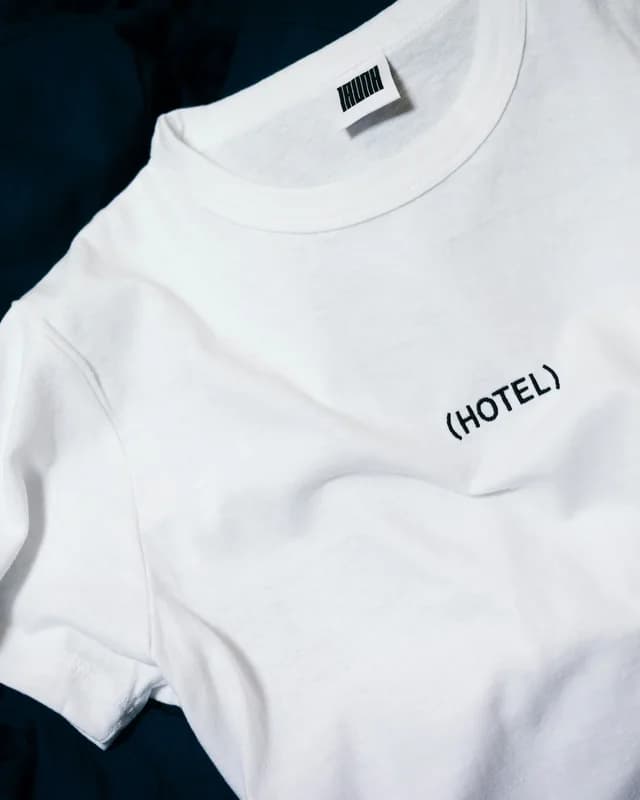
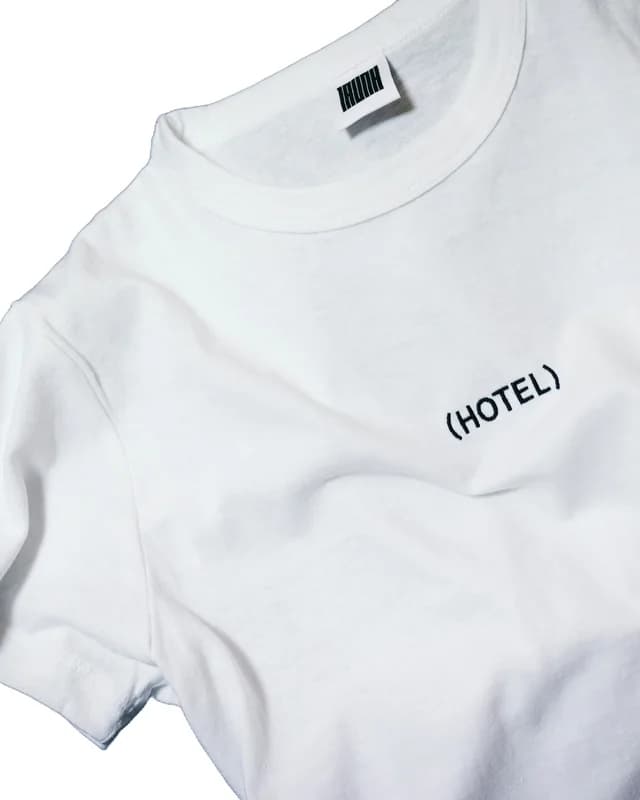 hotel-tee.jpg2000 × 2000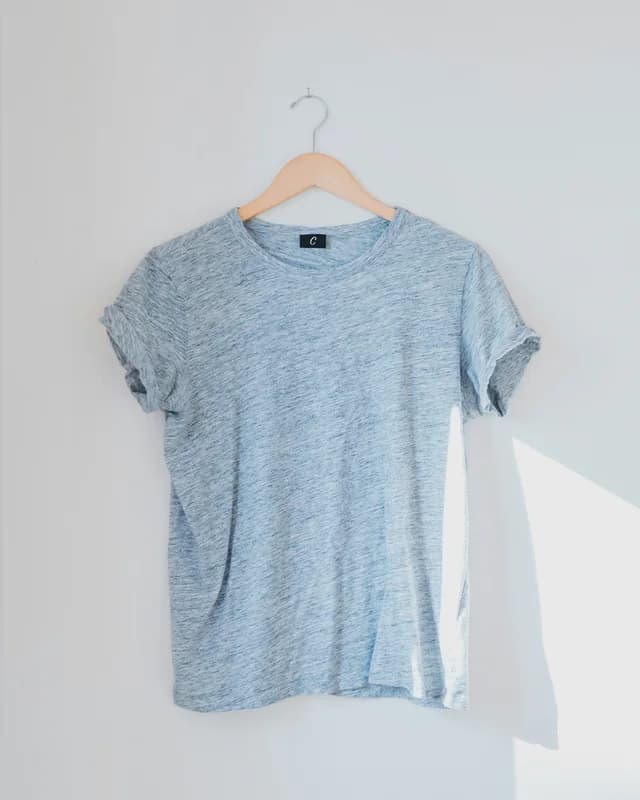
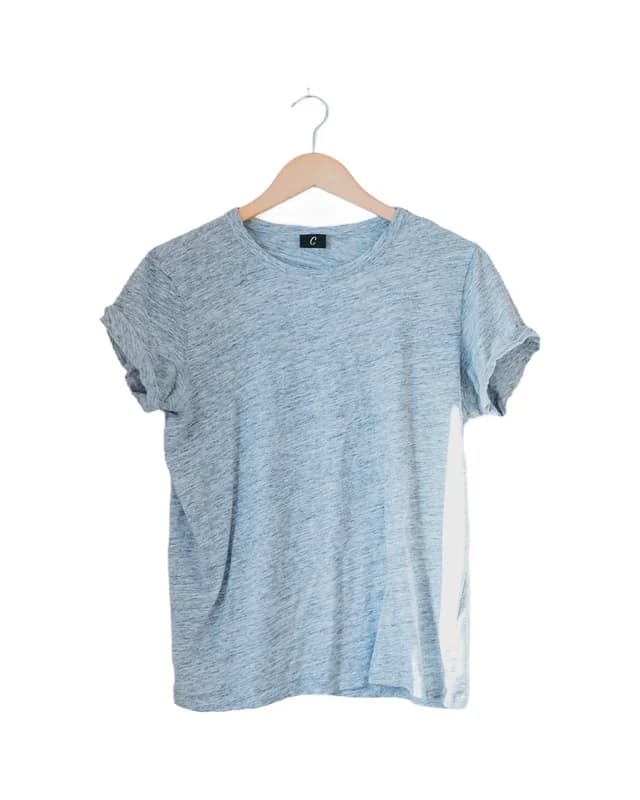 blue-tee.jpg2000 × 2000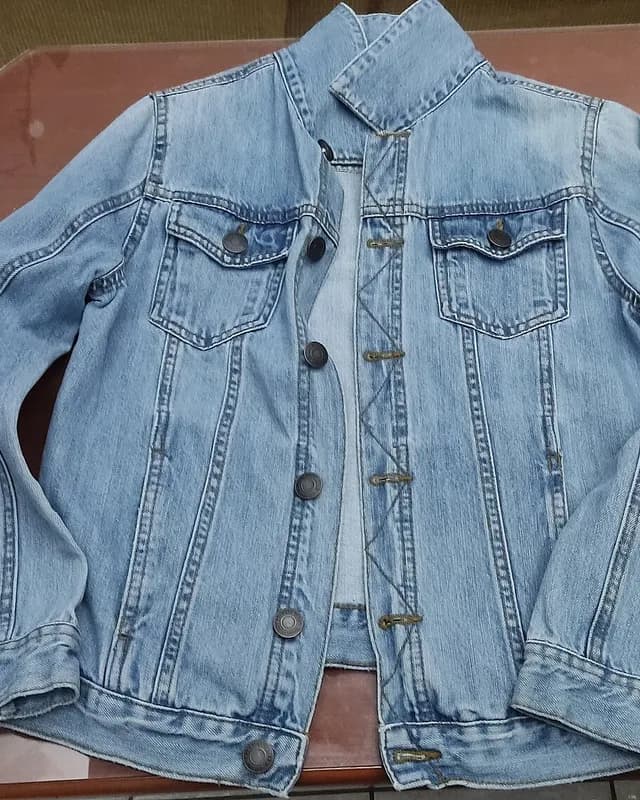
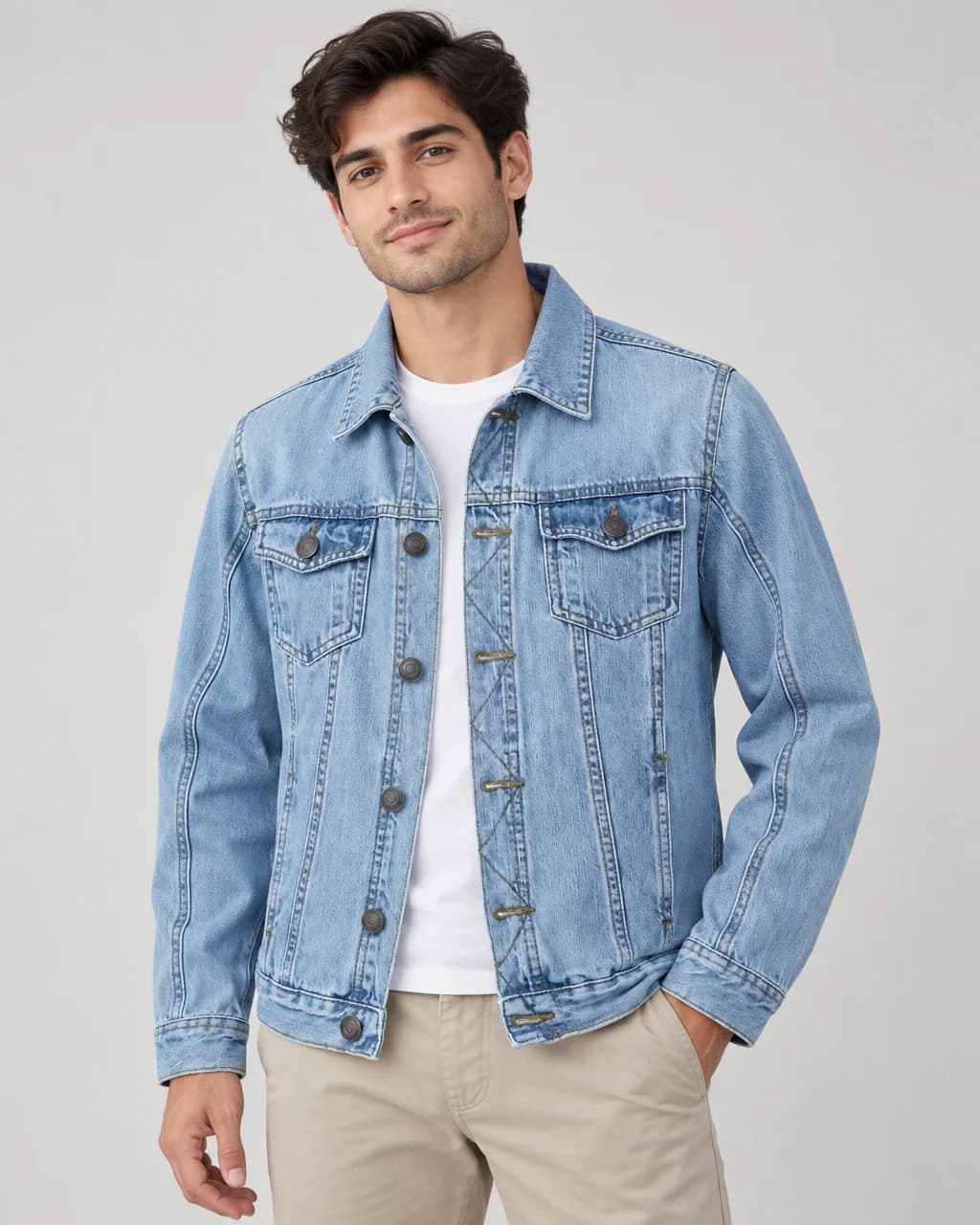
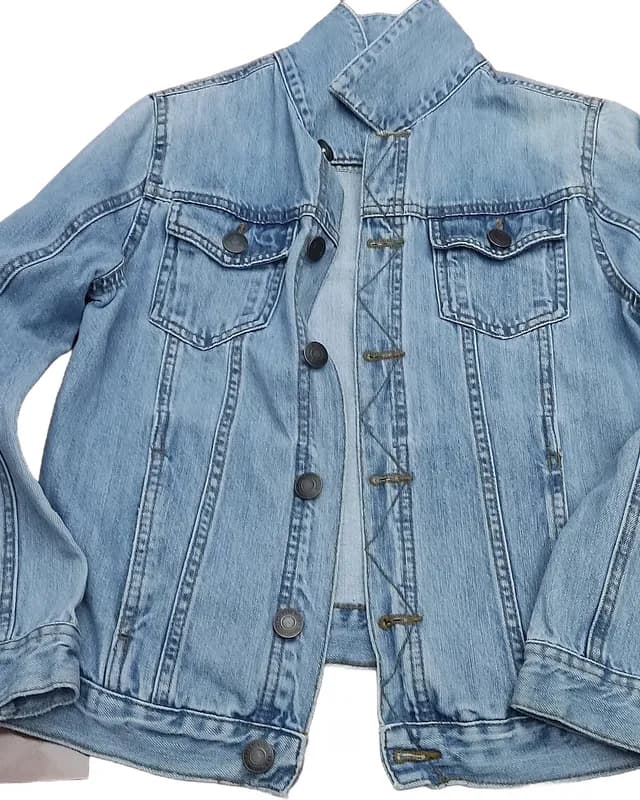 denim-jacket.jpg2000 × 2000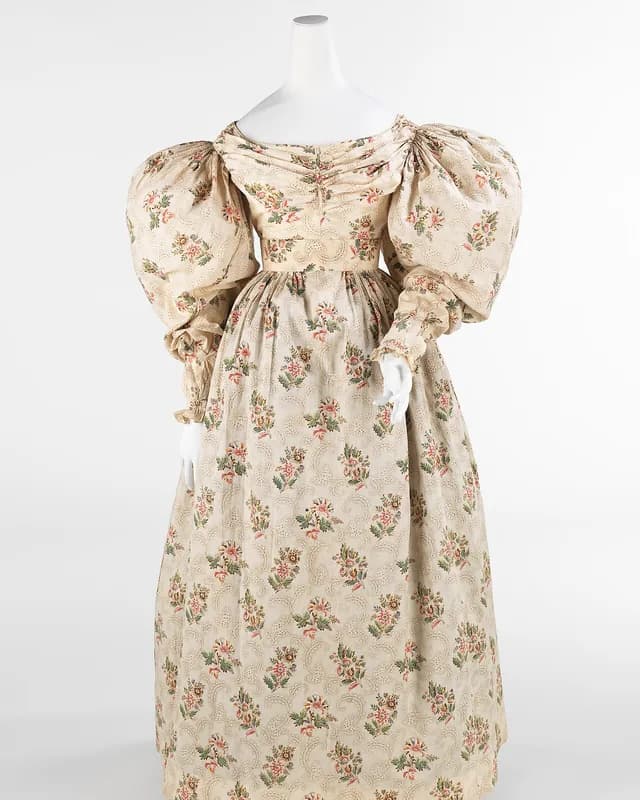
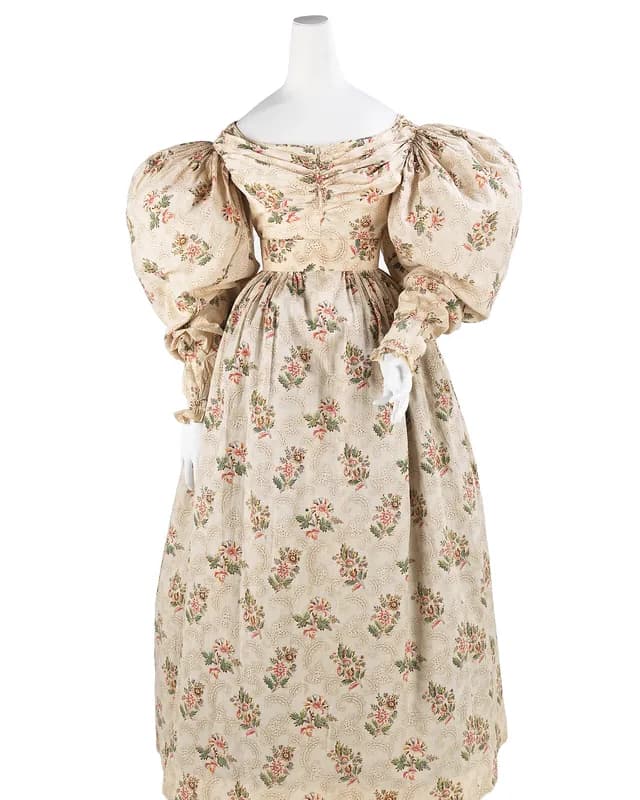 floral-dress.jpg2000 × 2000
Exporting every photo for Amazon at 2000 × 2000 px, as PNG. Check the marketplace’s current rules before you publish.
Drop in up to thirty photos. Cutout removes every background, adds a soft shadow if you want one, and exports each photo at the size your marketplace expects.
Actual Cutout results from the photos shown, with no manual retouching.
Save the scene, light and frame that suit your brand. Every new product lands in the same world, so your catalogue looks like one shoot.
Limestone summer
Warm limestone wall with soft olive-leaf shadows and a slim pale oak hanger rail
Stage photos, Cutout images and AI backgrounds are separate allowances. Cancel any time.
$0forever
$7.99a month
$17.99a month
$34.99a month
A free account includes 1 Stage credit a month, 20 Cutout images every week and 1 AI background each month. No card is needed.
One completed standard 1K image uses one credit. A five-image shot set uses five credits. You see the exact cost before anything is generated. Adjusting placement and shadow on a Preserve result is free.
Keep it exact (Preserve) cuts your product out of your photo and places it in a new scene, so labels and shapes stay as photographed. Restyle it (Creative) redraws the whole image, including the product, which allows on-model shots and bolder compositions but can change details. Every photo is checked against your original, and a photo that fails the check returns its credit.
Yes. Cutout handles up to 30 photos per batch with one preset. On paid plans, Stage makes listing sets of up to five shots, and Campaign plans and makes ten cohesive images from one brief.
Describe a campaign in a few sentences. Luna, our AI art director, plans ten shots in one shared world, sized for stories, feed, product pages and a website banner. Stage makes one image first so you can approve the vibe, then makes the other nine with the same model throughout. It uses 10 Stage credits and is on Basic, Pro and Studio.
Free files are kept for about 2 days and paid files for about 7 days. Projects and saved Looks stay in your account; download the images you want to keep.
These are independent saved results, not a live shoot or a matching campaign. Creative on-model images contain generated adult models and reconstructed garments; compare fabric, seams, color and fit against the original. Casting guides continuity, not exact identity.
Preserve places a source-derived cutout in a scene. Styling, branding and advanced controls marked as previews are local illustrations, not new processed exports. Public images are resized previews. Held-product isolation, edge refinement, prompt-matched backgrounds, saved revision sequences and model continuity are not demonstrated by genuine outputs here.
One completed standard 1K Stage image uses one credit; five completed shots use five. Retained-source Preserve placement and contact-shadow edits can use no extra credit. Free includes 1 Stage credit a month; Cutout and AI backgrounds have separate allowances.