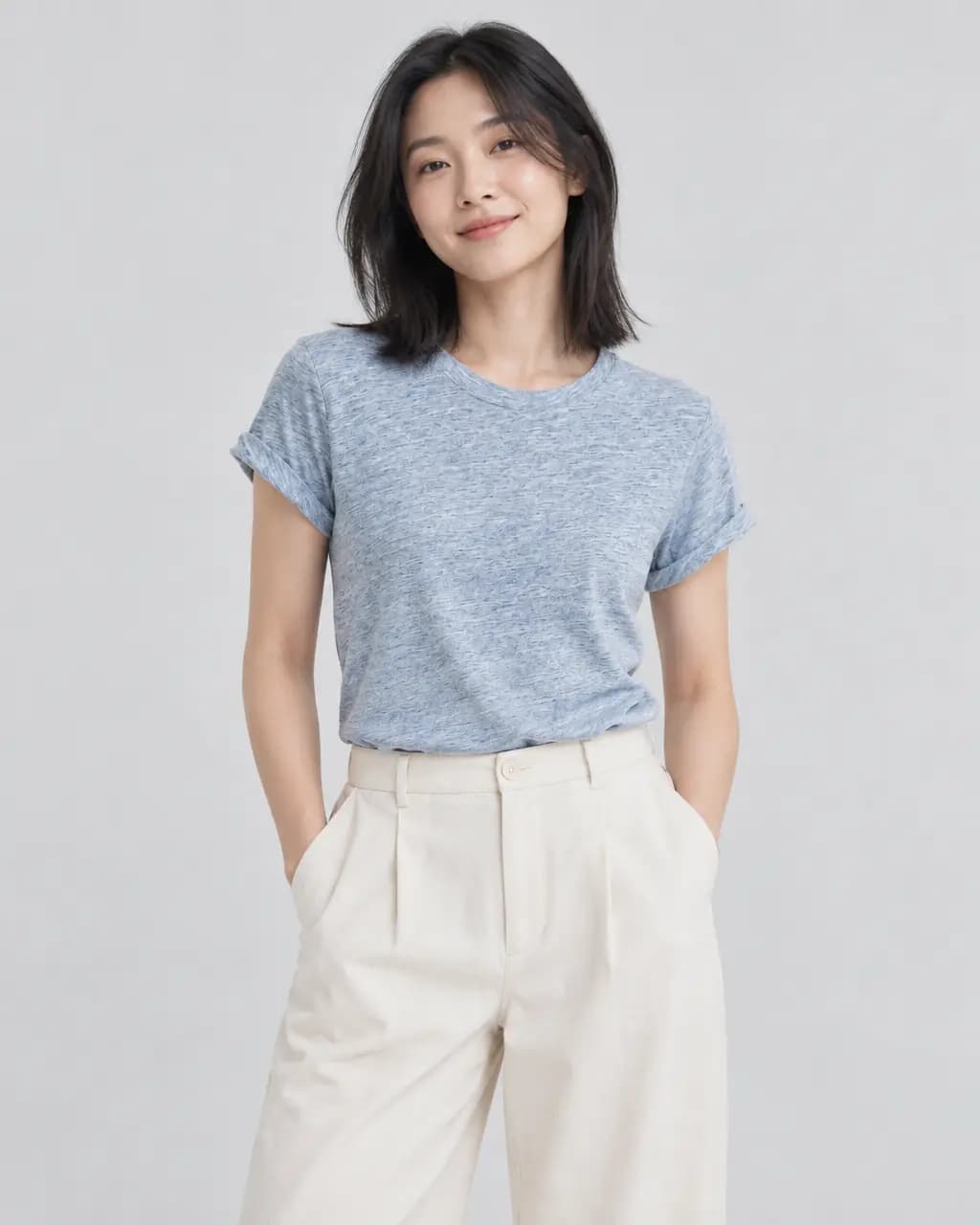
One photo in.
Four shots out.

Stage is the photo studio inside CatalogCut. Upload one picture of your product and it makes new photographs of it: in a scene, in a studio, in an ad, or worn by a generated model. Here is a real job, start to finish.

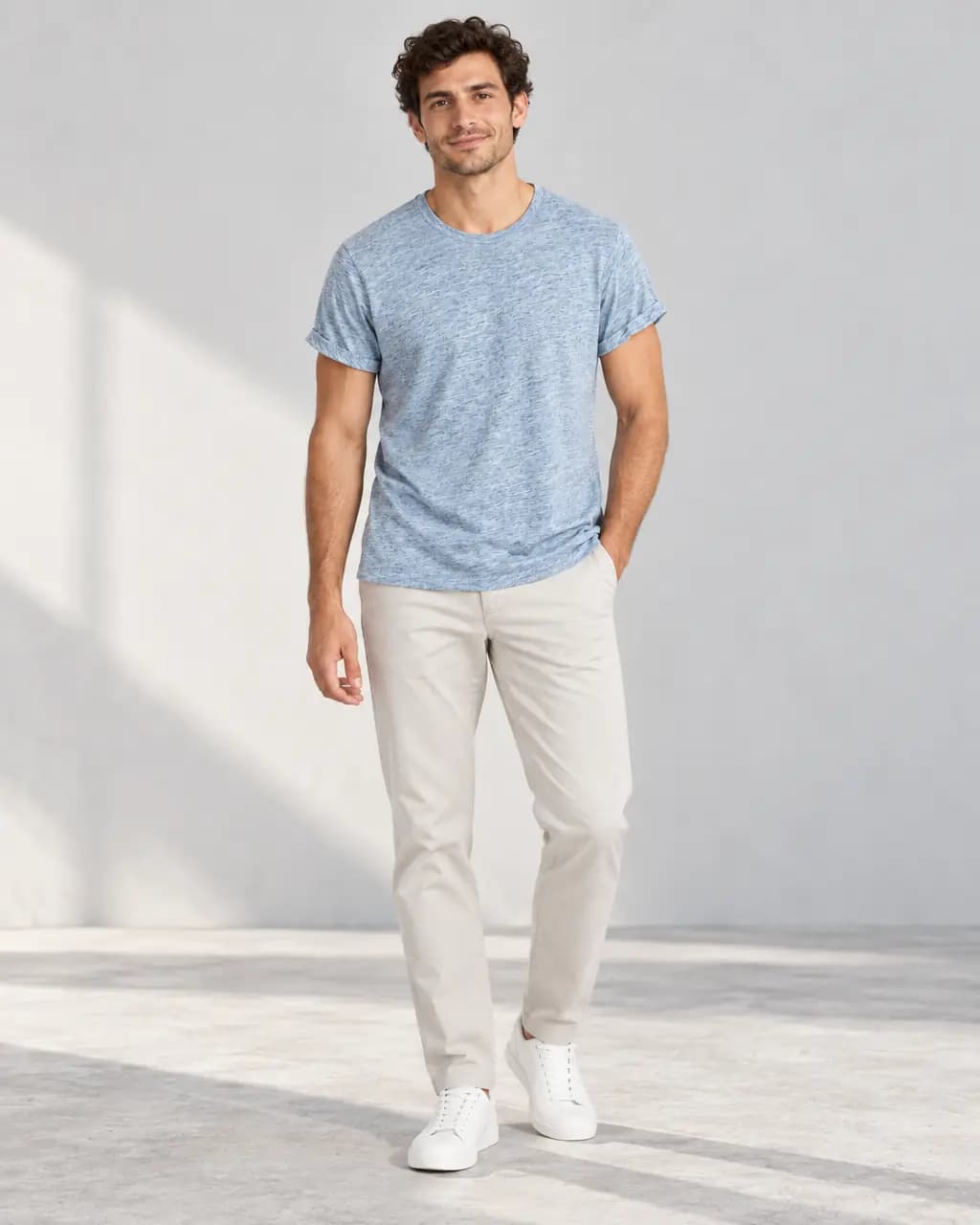
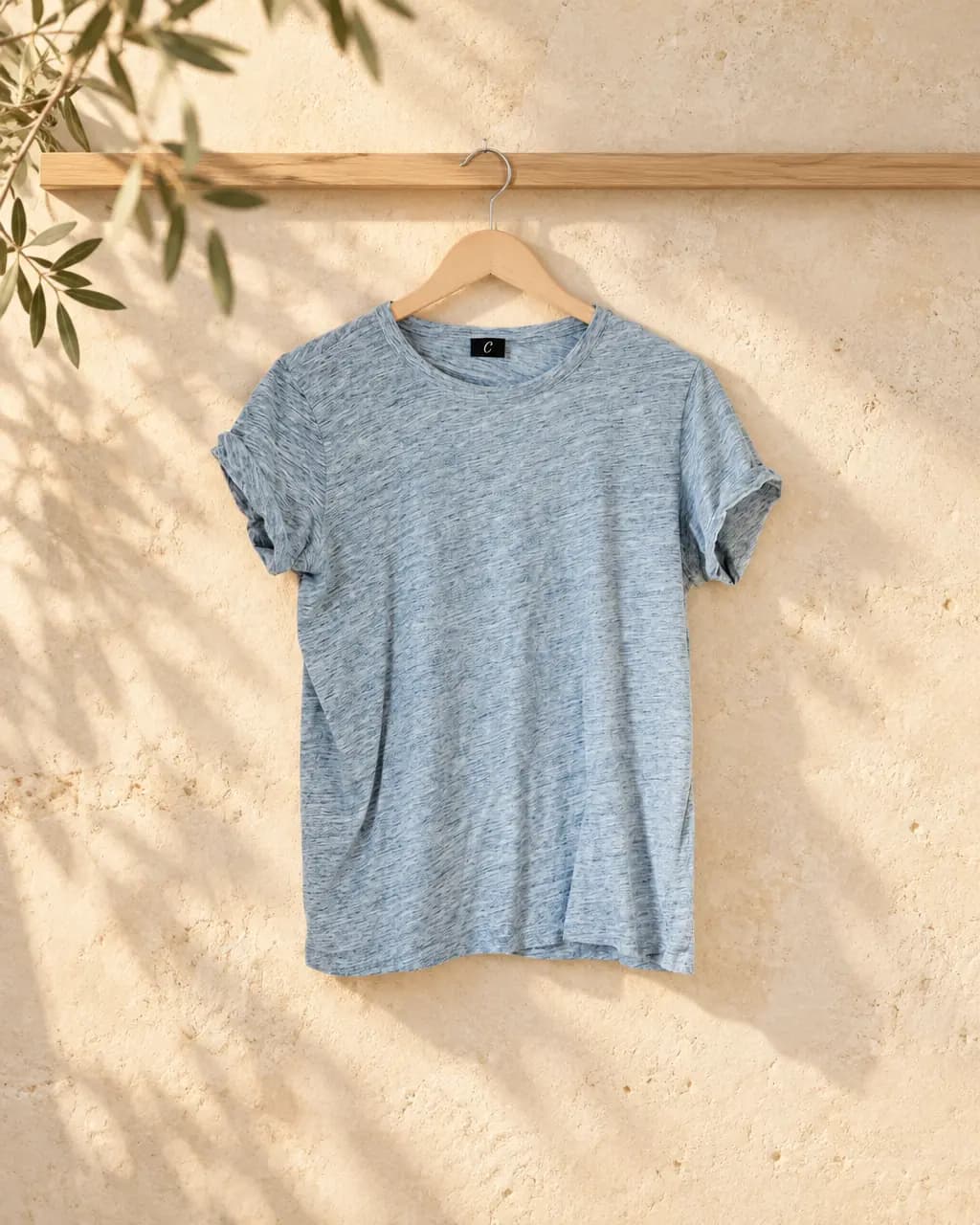
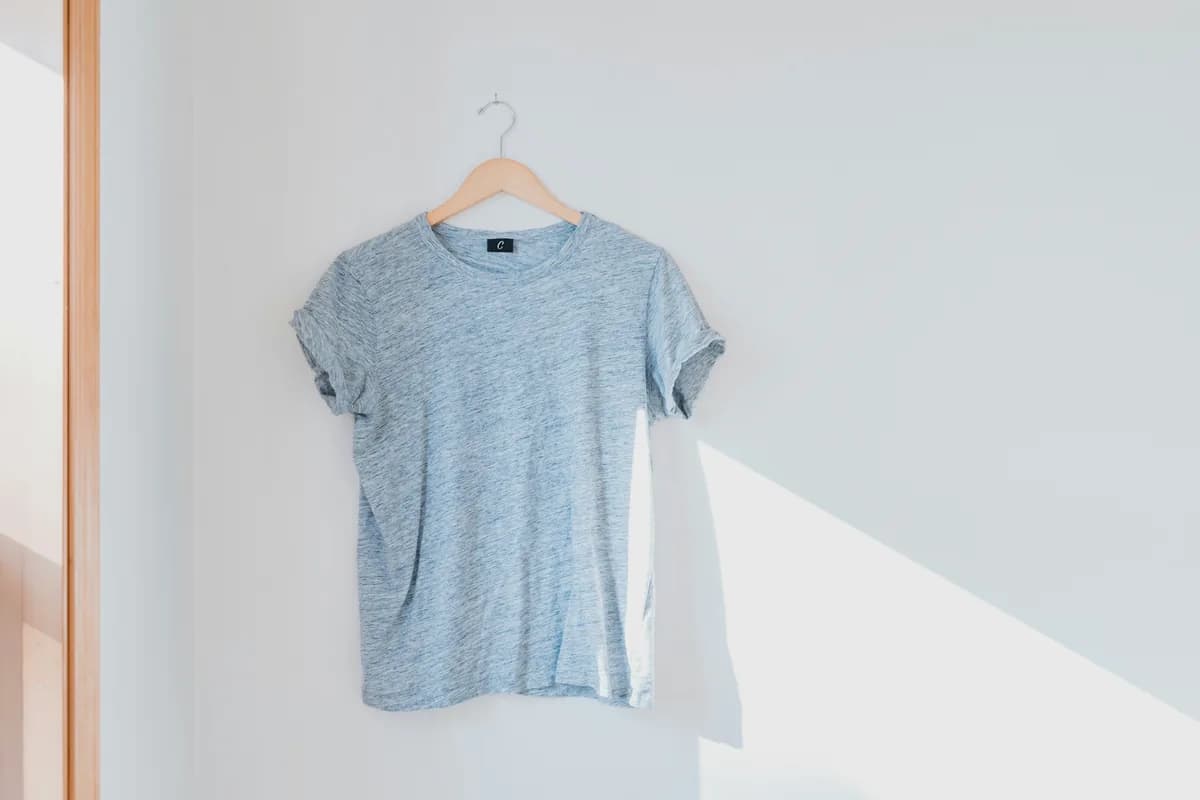
Original photo: heather blue tee on a hanger
Your photo A tee on a hanger
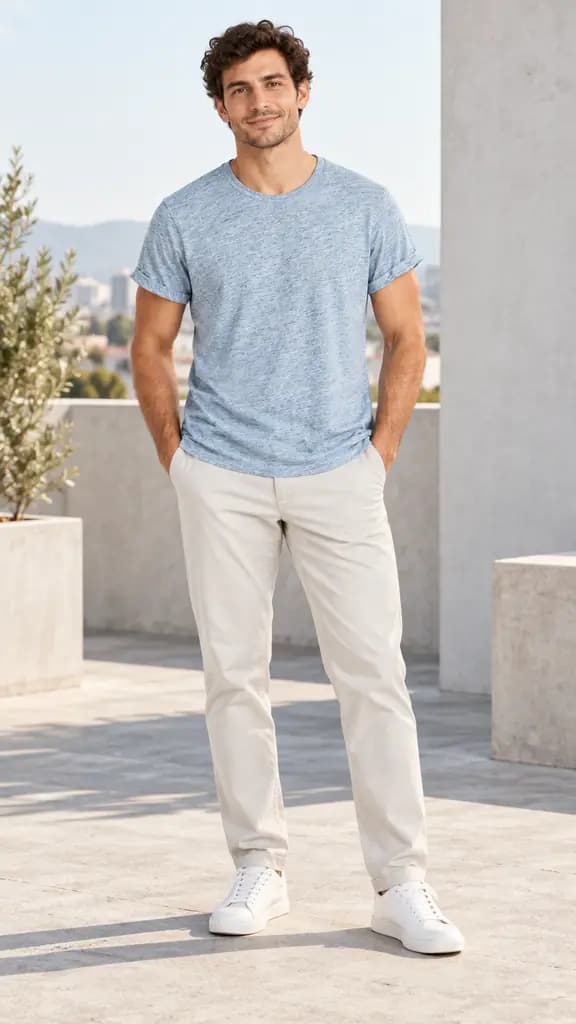
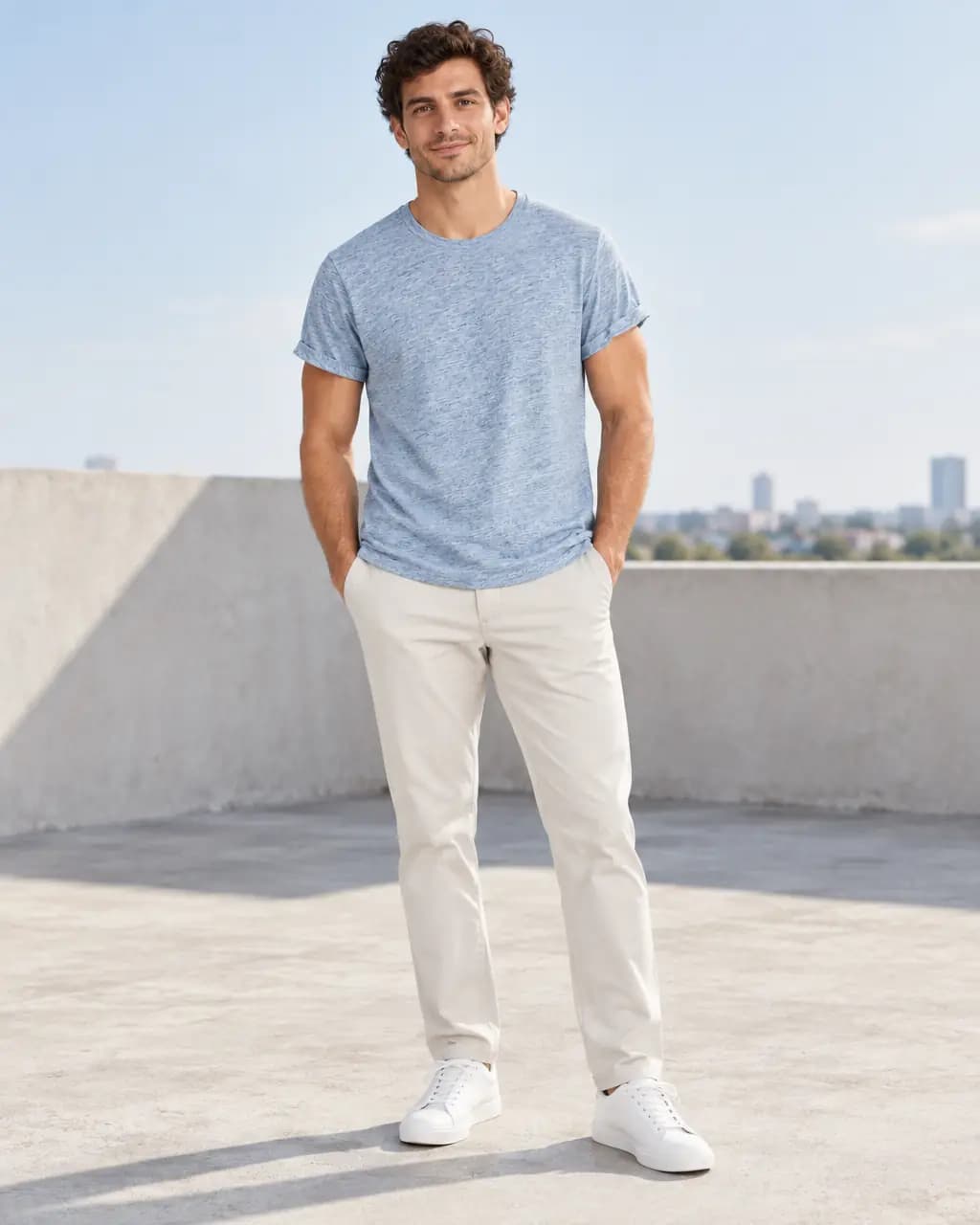
Generated model wearing the heather blue tee on a rooftop, product page shot
4:5 Product page
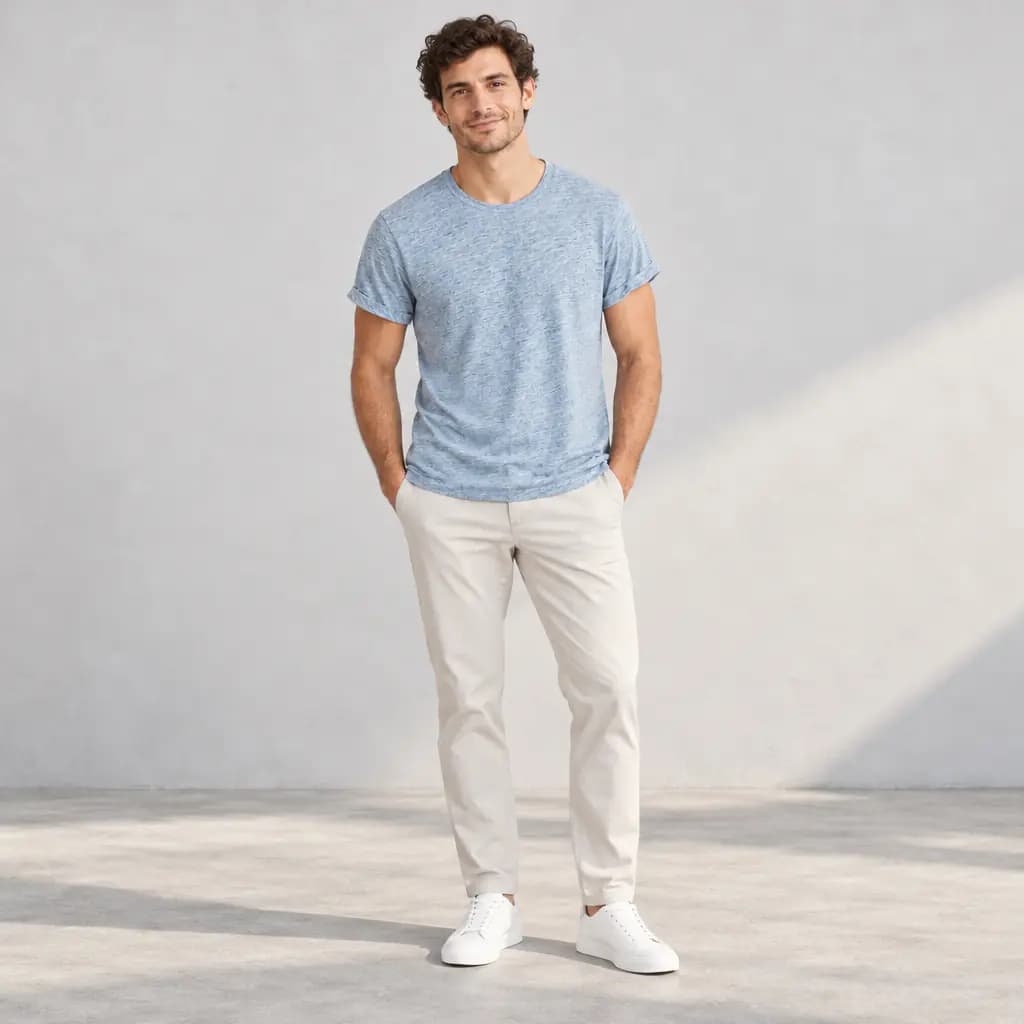
The same model in the blue tee, vertical story shot
9:16 Stories and Reels
The same model in the blue tee, square feed post
1:1 Feed post
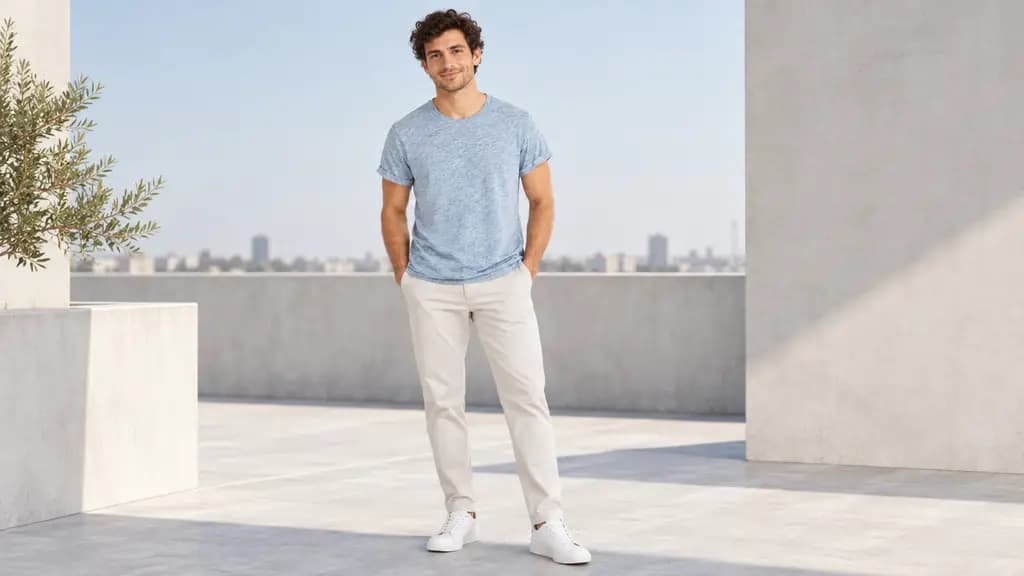
The same model in the blue tee, wide site banner
16:9 Site banner

All four came from that one photo, in a single shot set with one generated model and no retouching. Photo by Cristofer Maximilian on Unsplash.

Two ways to treat your product.

Every Stage image starts with one choice: keep your product exactly as photographed, or let Stage redraw it.

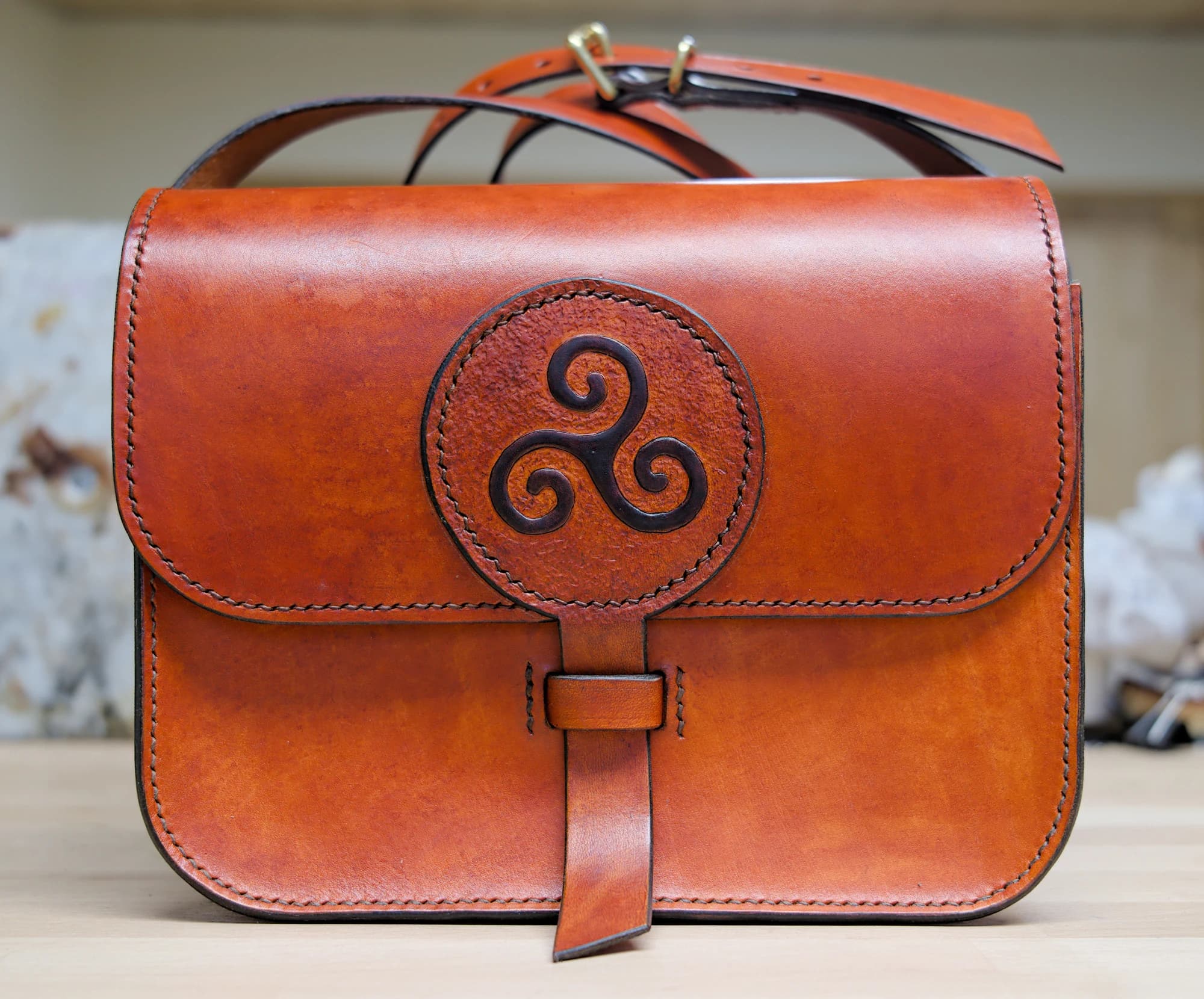
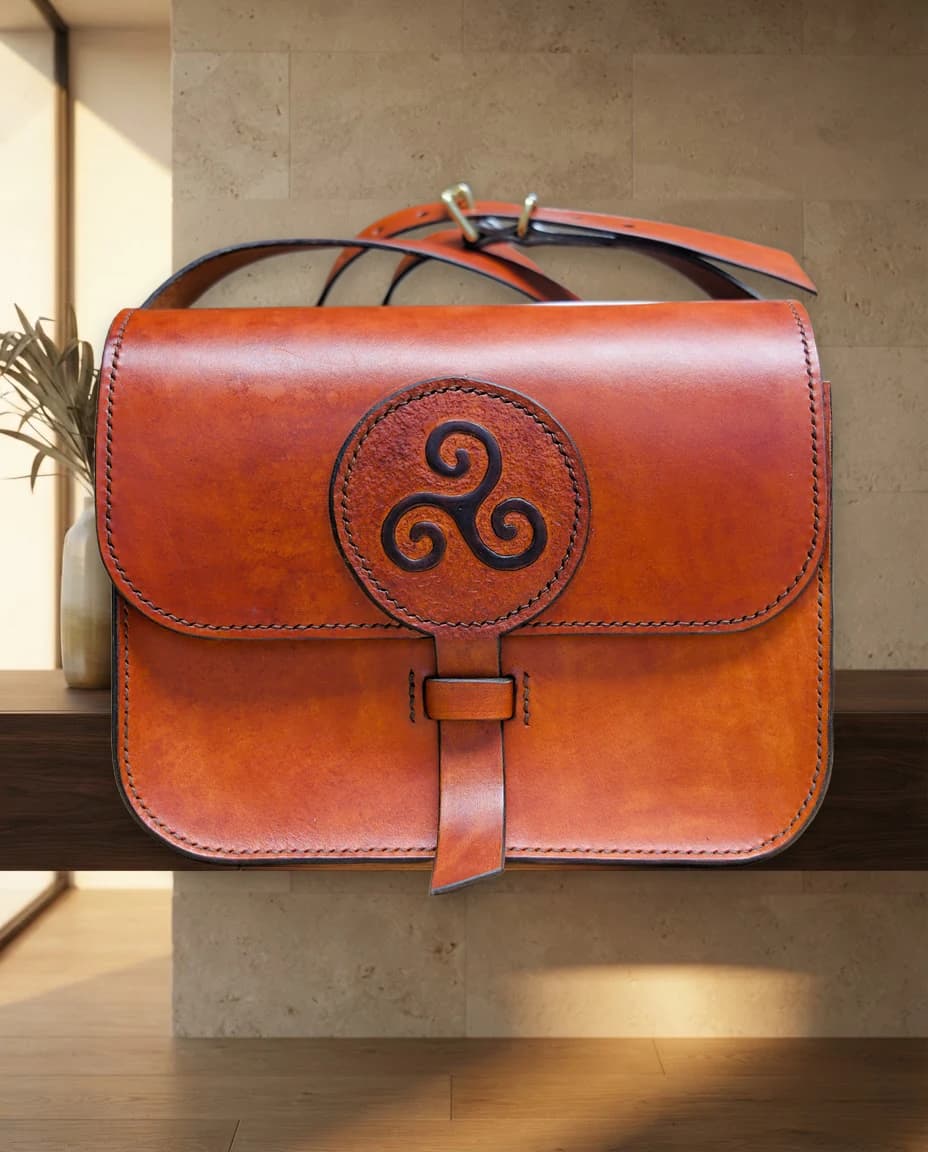
Original photo of a leather satchel
Your photo
Preserve result: the same satchel in a stone and wood interior
Stage result

Preserve

Your product, untouched. A new world around it.

  • Cuts your product out of your own photo and places it in a generated scene
  • Labels, logos, stitching and shape stay exactly as photographed
  • Best for hard goods, packaging, jewellery and anything with text
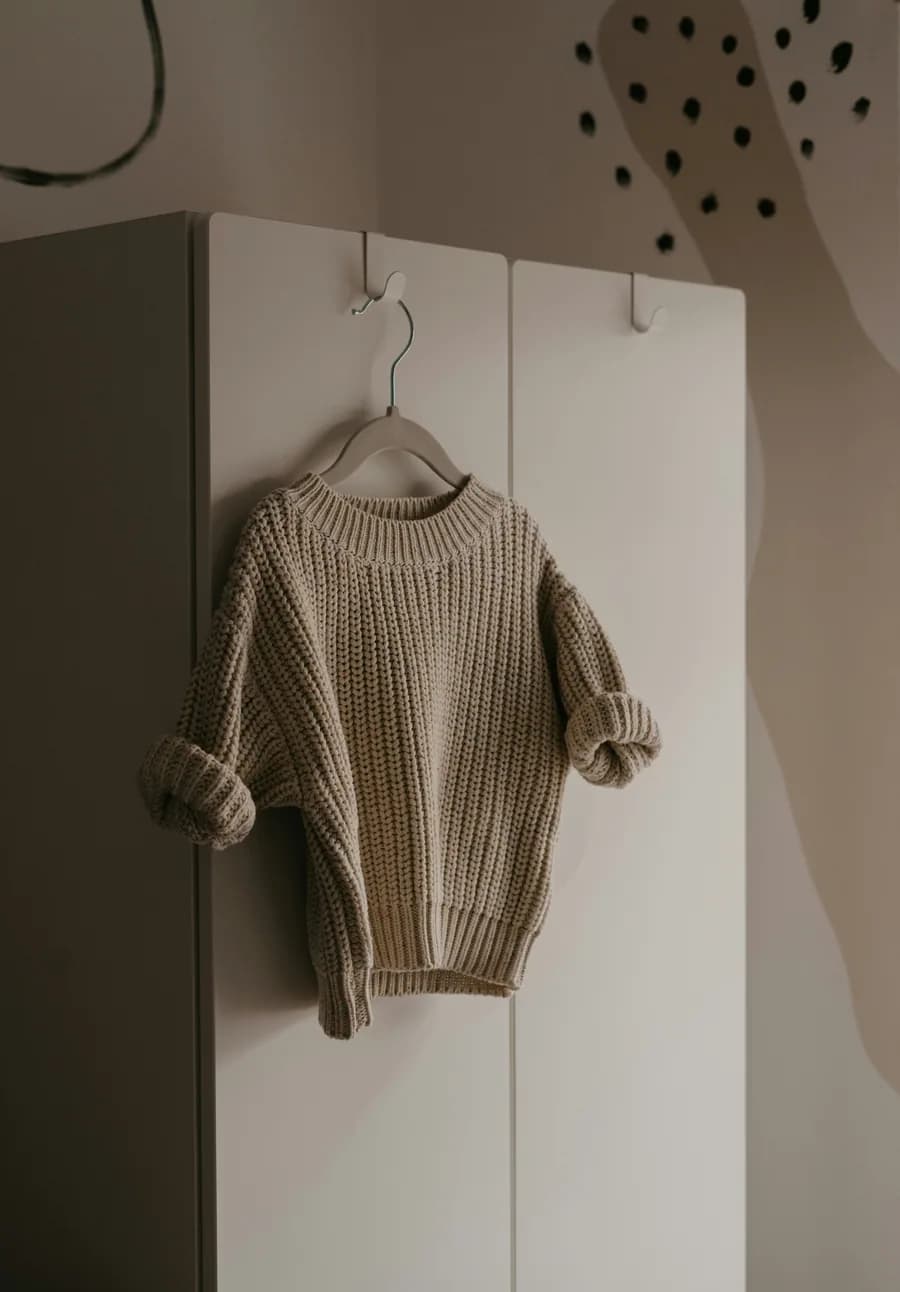
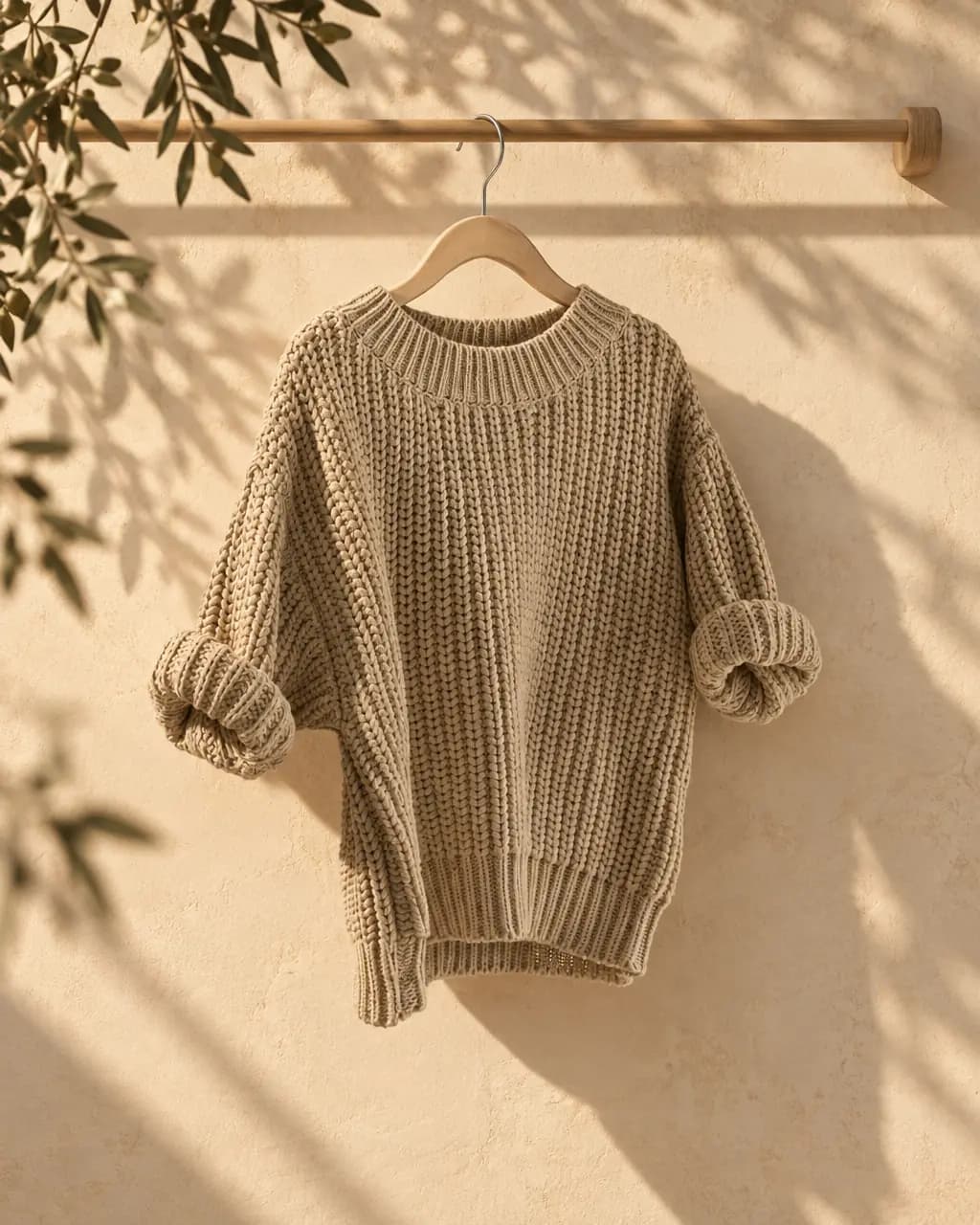
Original photo of an oat knit sweater on a hanger
Your photo
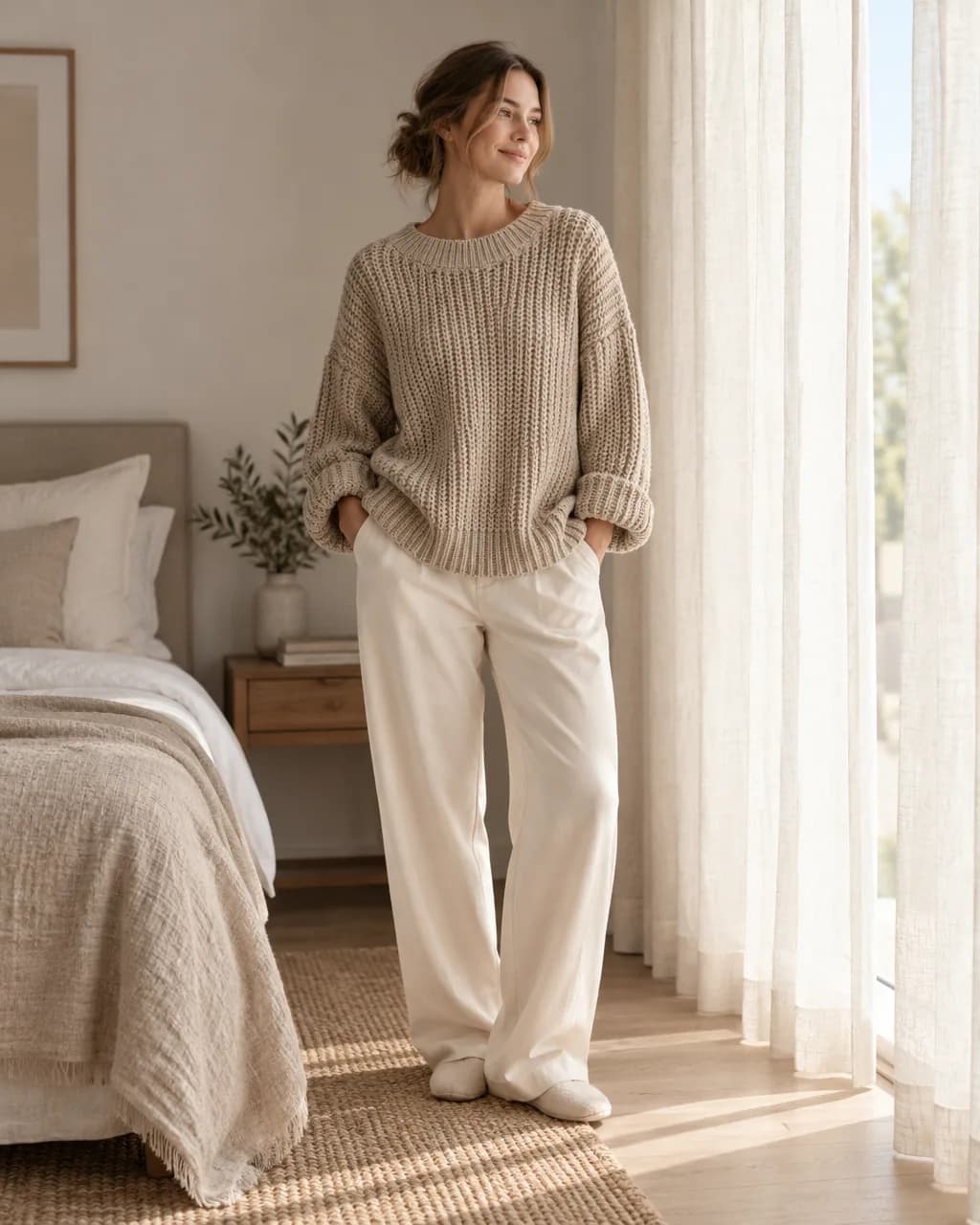
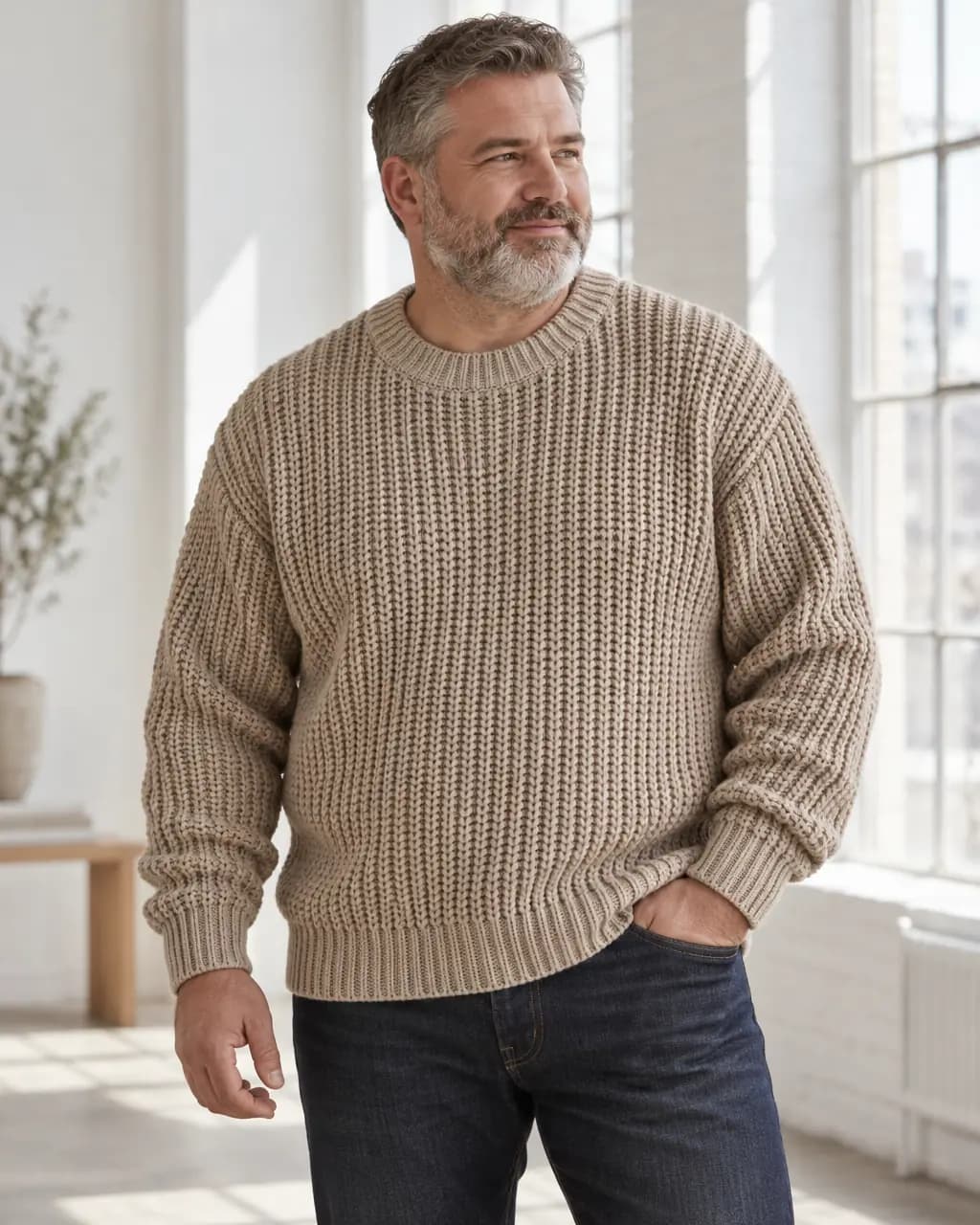
Creative result: a generated model wearing the sweater by a window
Stage result

Creative

The whole picture, redrawn. Including a model.

  • Redraws the whole image, so the garment can be worn, folded or styled
  • Required for on-model shots and bolder compositions
  • Details can change: compare seams, prints and colour before publishing

Five kinds of shot.

Pick one before you direct. You can switch any time without using credits.

  • Leather satchel in a stone and wood interior

    Product scene

    Your product in a believable place: a desk, a shelf, a café table.

    Preserve or Creative
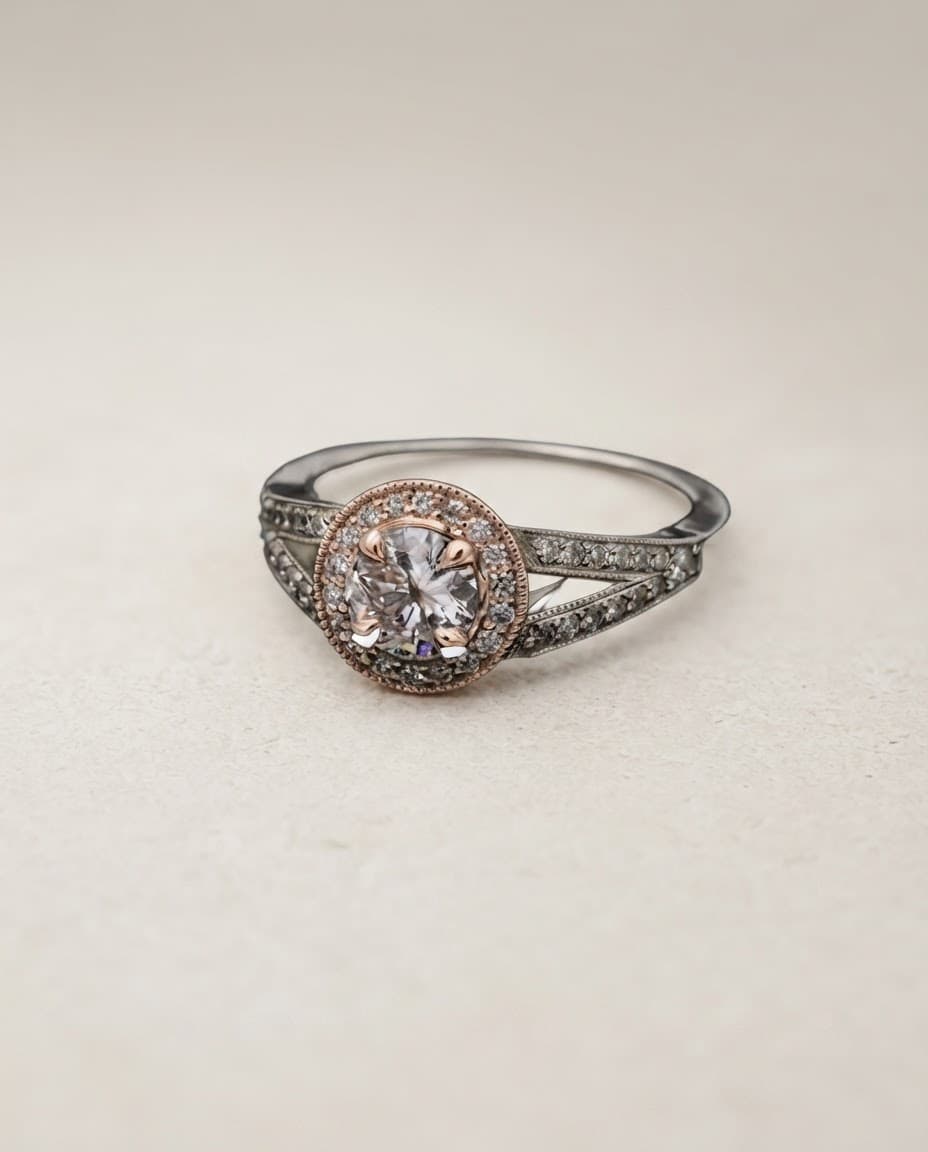
  • Diamond ring on a pale studio surface

    Studio shot

    Clean catalog light on a seamless surface, ready for a product page.

    Preserve or Creative
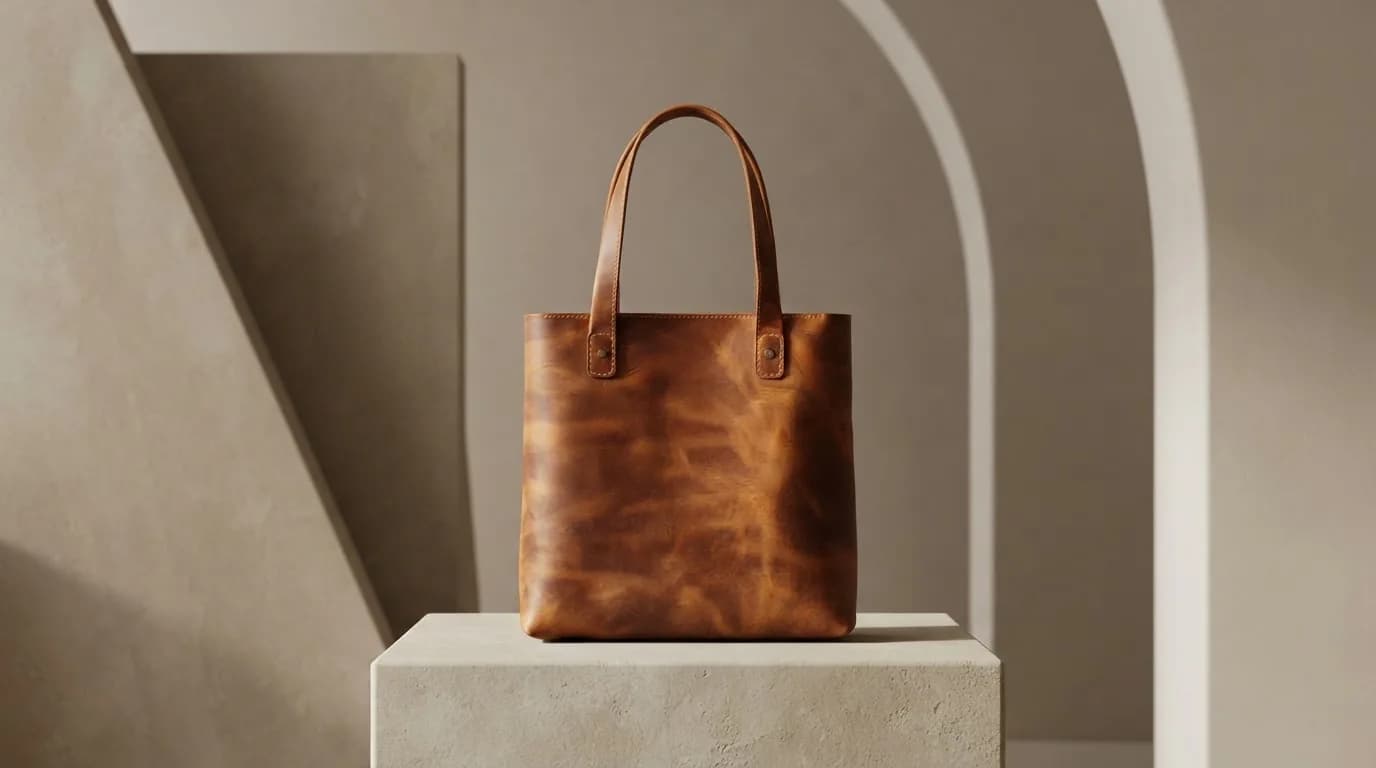
  • Leather tote on a stone plinth

    Premium display

    Plinths, stone and considered light for a high-end look.

    Preserve or Creative
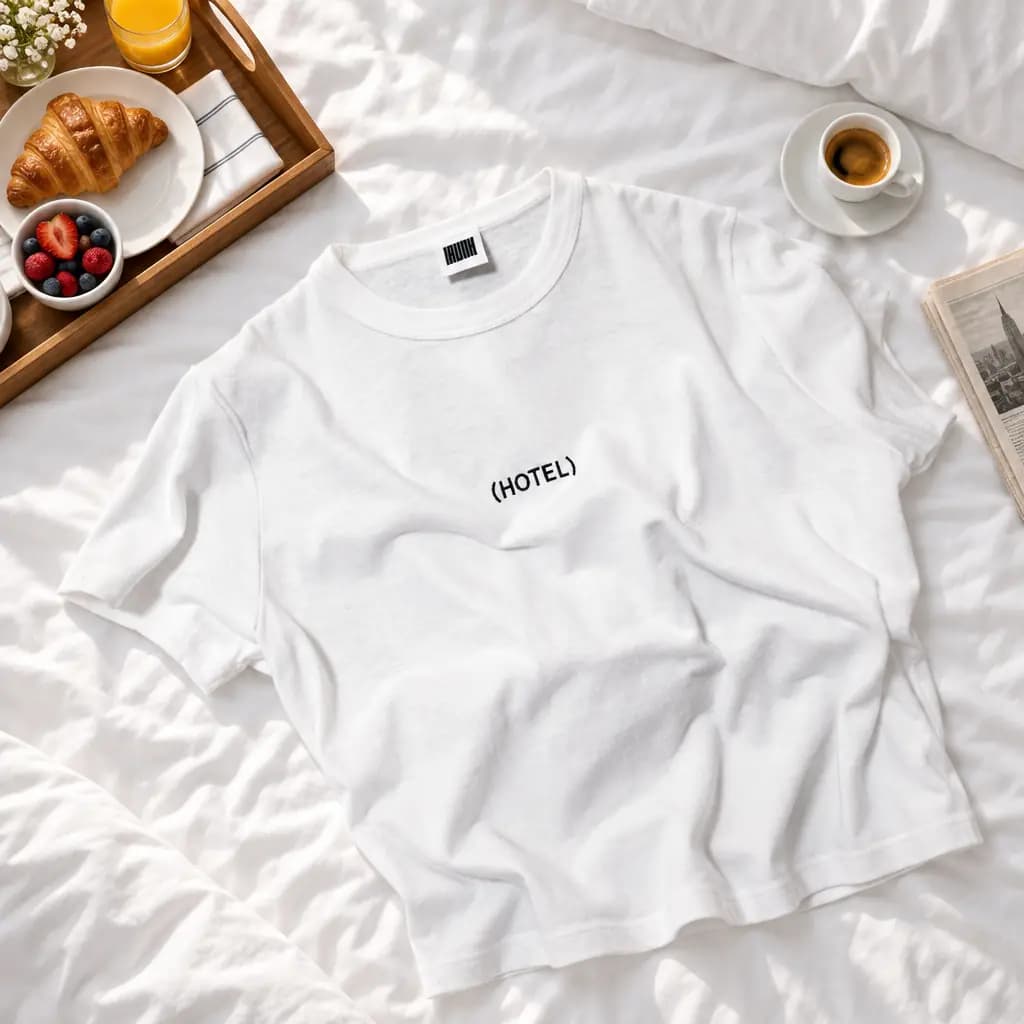
  • White graphic tee laid on a bed with breakfast

    Ad creative

    A styled composition with props, made for ads and social.

    Preserve or Creative
  • Generated model wearing an oat knit sweater by a window

    On model

    Your garment worn by a generated model, in any setting you describe.

    Creative only

From upload to download in six steps.

Nothing is generated, and no credit is used, until you have seen the exact cost and confirmed it.

Try it on your photo
  1. 1

    Upload the photo you have

    Any clear photo of the product works: on a hanger, a hook, a table or a plain wall. Stage saves it to a project. Saving uses no credits and nothing is generated yet.

    No credits used
  2. 2

    Choose what you are making

    Pick a shot type: product scene, studio shot, premium display, ad creative or on model. Then pick Preserve to keep your product exactly as photographed, or Creative to let Stage redraw it.

    Change it any time
  3. 3

    Direct the shot in plain words

    Describe the setting, choose the light and the frame (4:5, 1:1, 16:9 or 9:16), or tap a ready-made scene. For on-model shots you can choose the model's build, age range, skin tone and hair. Or apply a saved Look in one click.

    Nothing is made while you edit
  4. 4

    Review the exact cost

    Stage shows exactly how many credits the image will use before anything starts. One standard 1K image is one credit. You confirm, or keep editing.

    You always see the cost first
  5. 5

    Stage generates and checks the result

    Most images take under a minute, and you can leave the page while it works. Every result is compared with your original photo. If it fails that check, the credit comes back and Stage suggests a fix you can apply in one click.

    Failed images are refunded
  6. 6

    Inspect, download, then go further

    Compare with your original side by side, zoom to 100%, and download the full-resolution PNG. From there, make 2 or 4 variations, a full shot set, or save the direction as a Look for your next product.

    Downloads are free

Shot sets: every format in one go.

Choose up to five shots, each in the format it will be used in. Pin a model from an earlier result and the same face and build carry across the set. Each shot uses one credit, and a failed shot can be retried on its own.

Generated model wearing the heather blue tee on a rooftop, product page shot
Clean hero 4:5 · Product page
The same model in the blue tee, vertical story shot
Social portrait 9:16 · Stories and Reels
The same model in the blue tee, square feed post
Brand world 1:1 · Feed post
The same model in the blue tee, wide site banner
Editorial landscape 16:9 · Site banner
The same model in the blue tee against a sunlit wall, premium display shot
Premium display 4:5 · Lookbook

One five-shot set from the blue tee: 5 credits, download all as one ZIP. Shot sets and variations are on Basic and Pro.

Same garment. Any world.

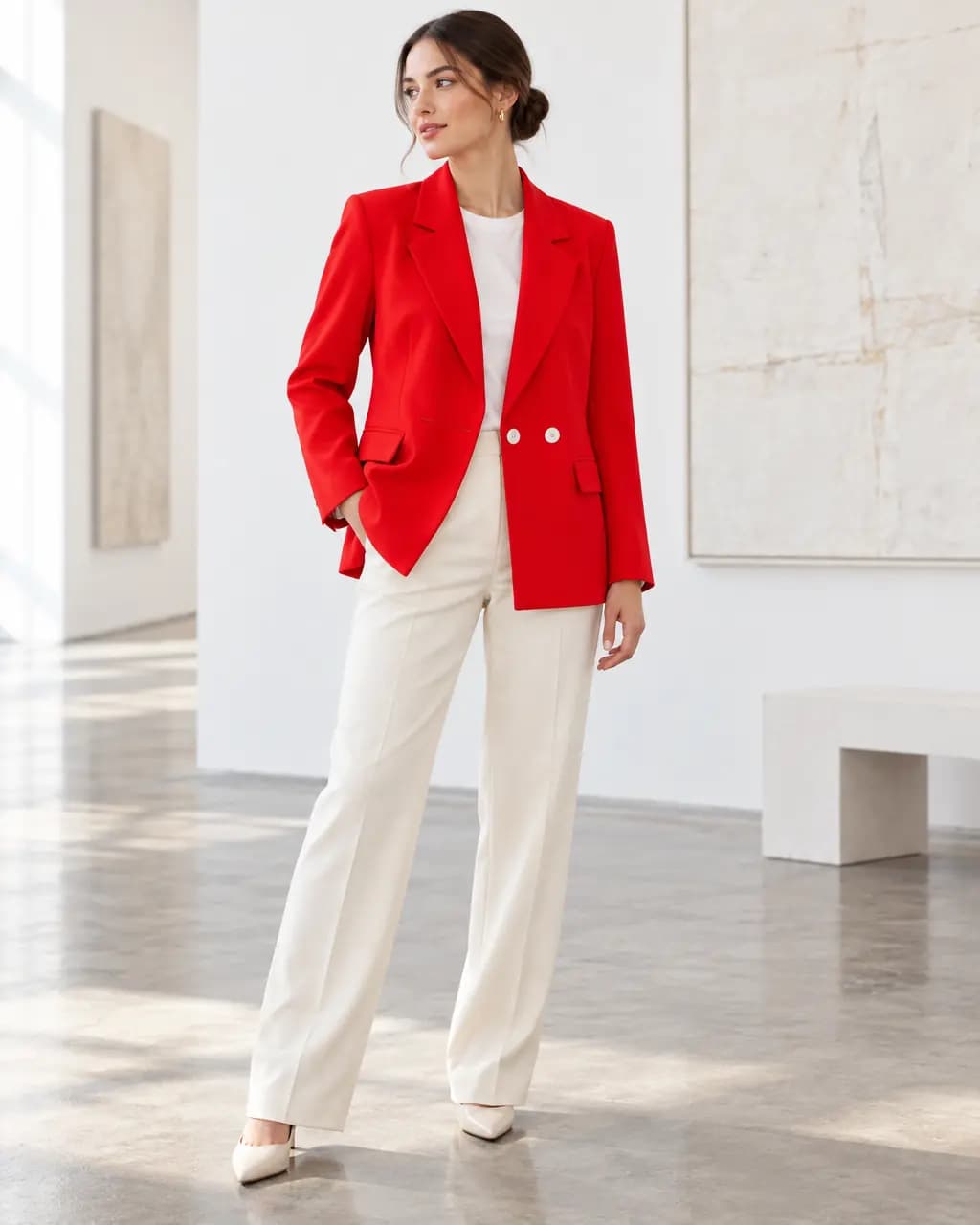
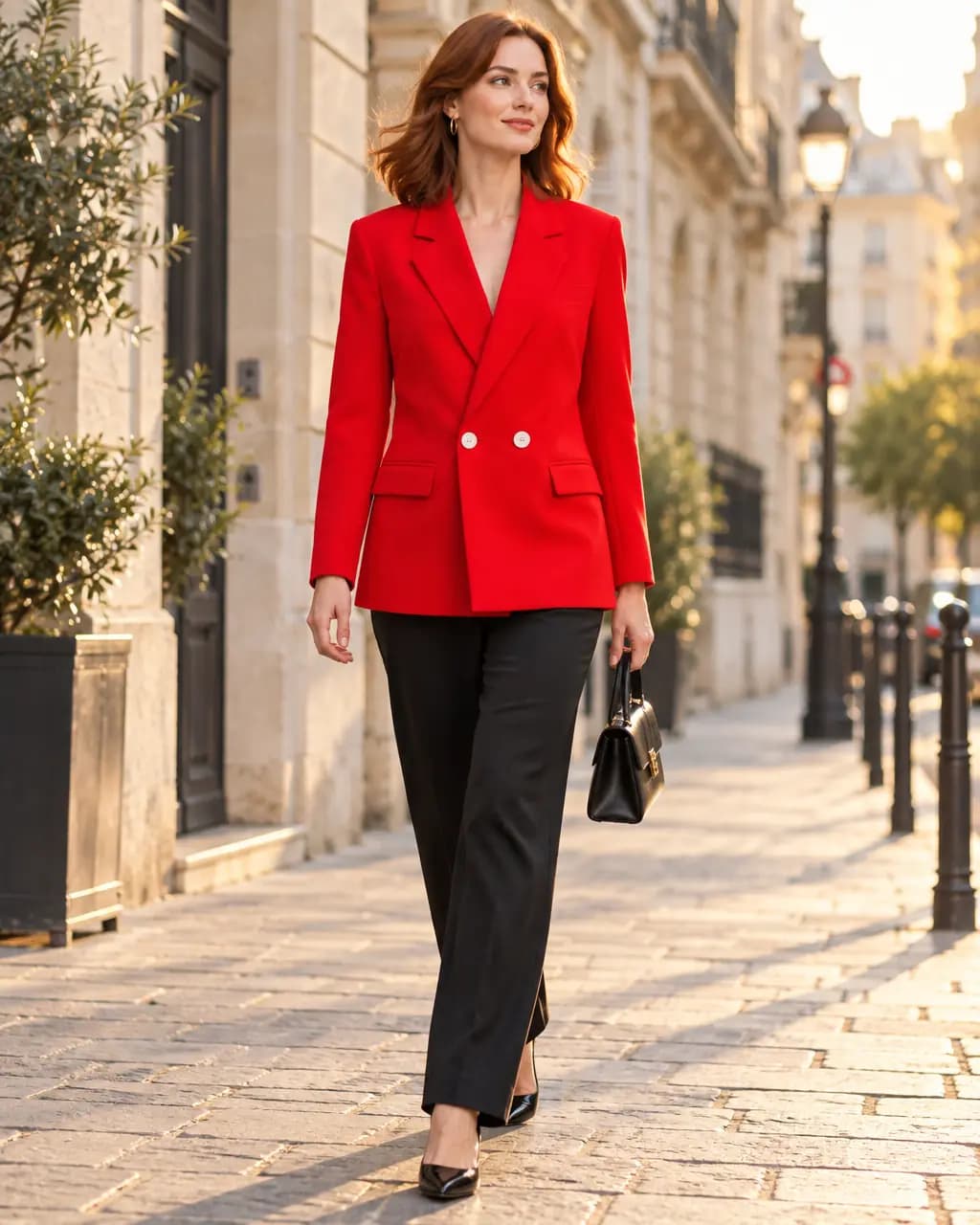
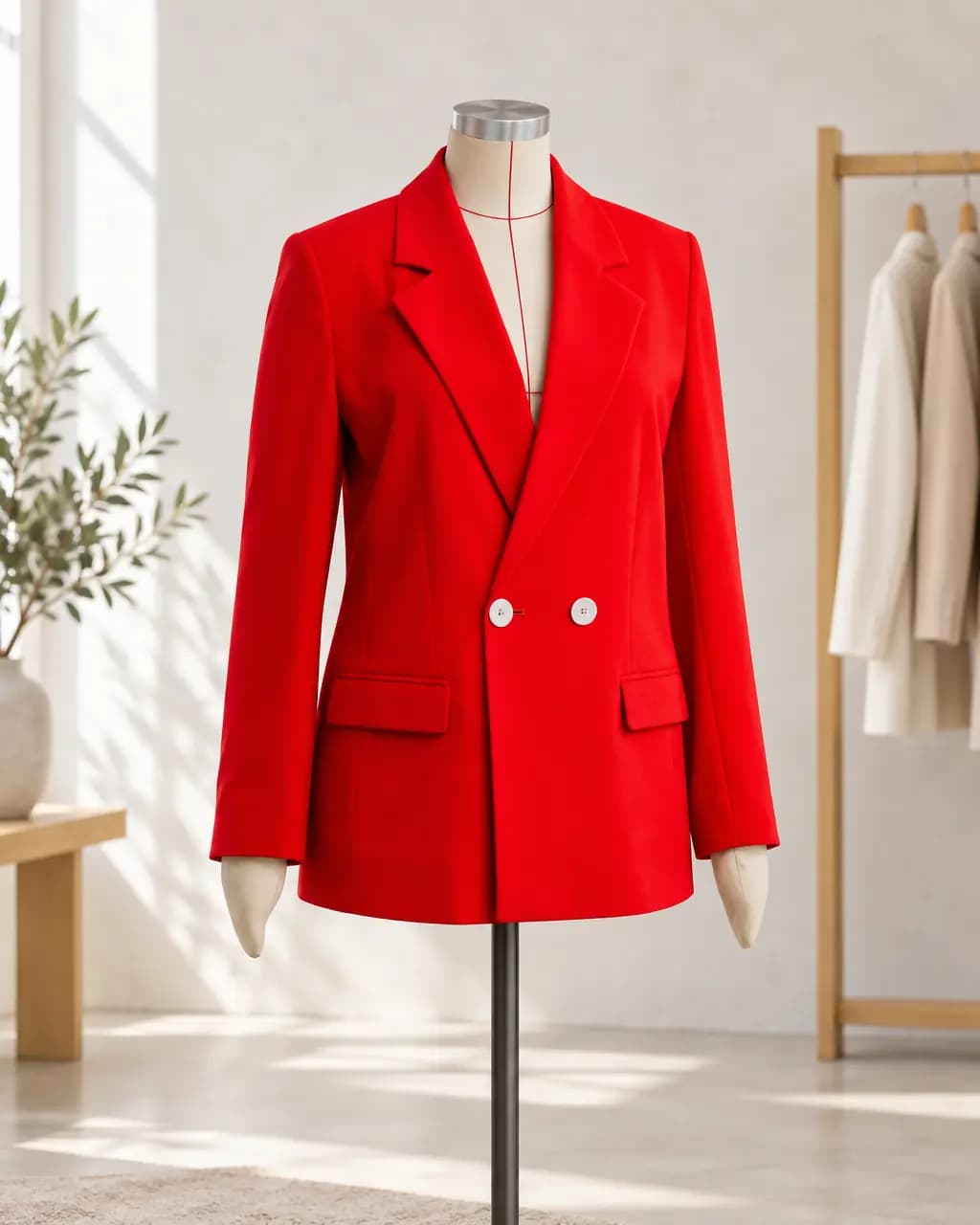
Change only the setting and the same blazer moves from a gallery to the street to a boutique rail. Each is one credit.

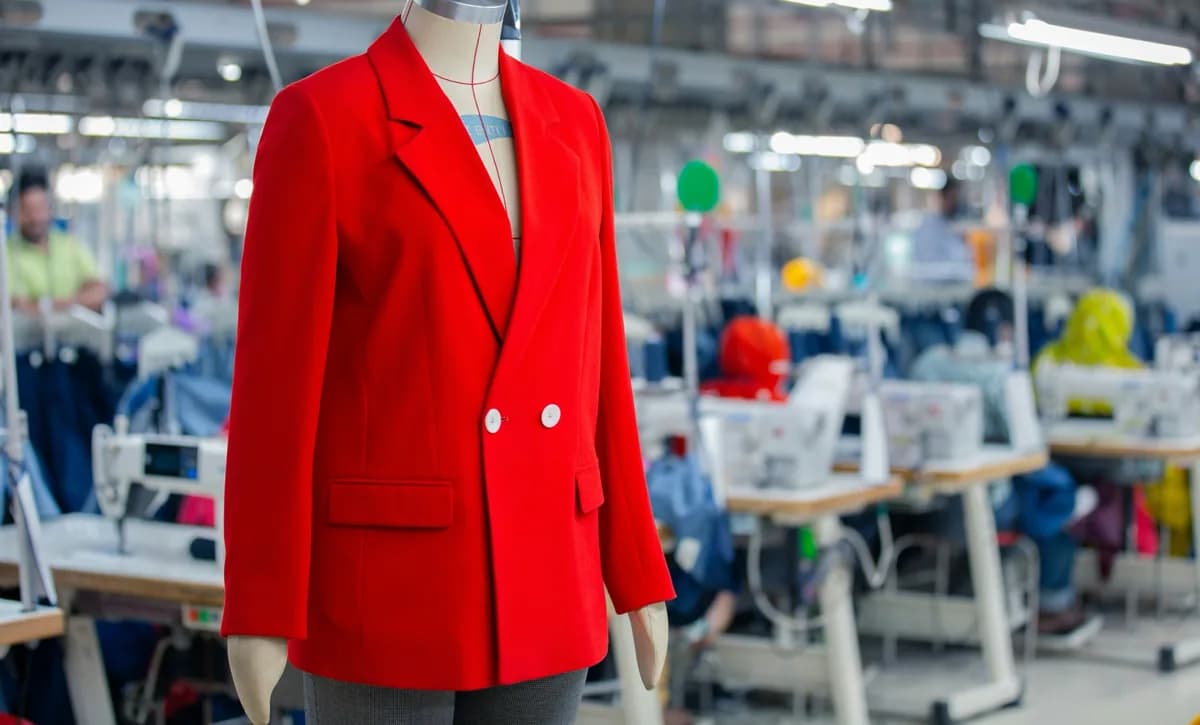
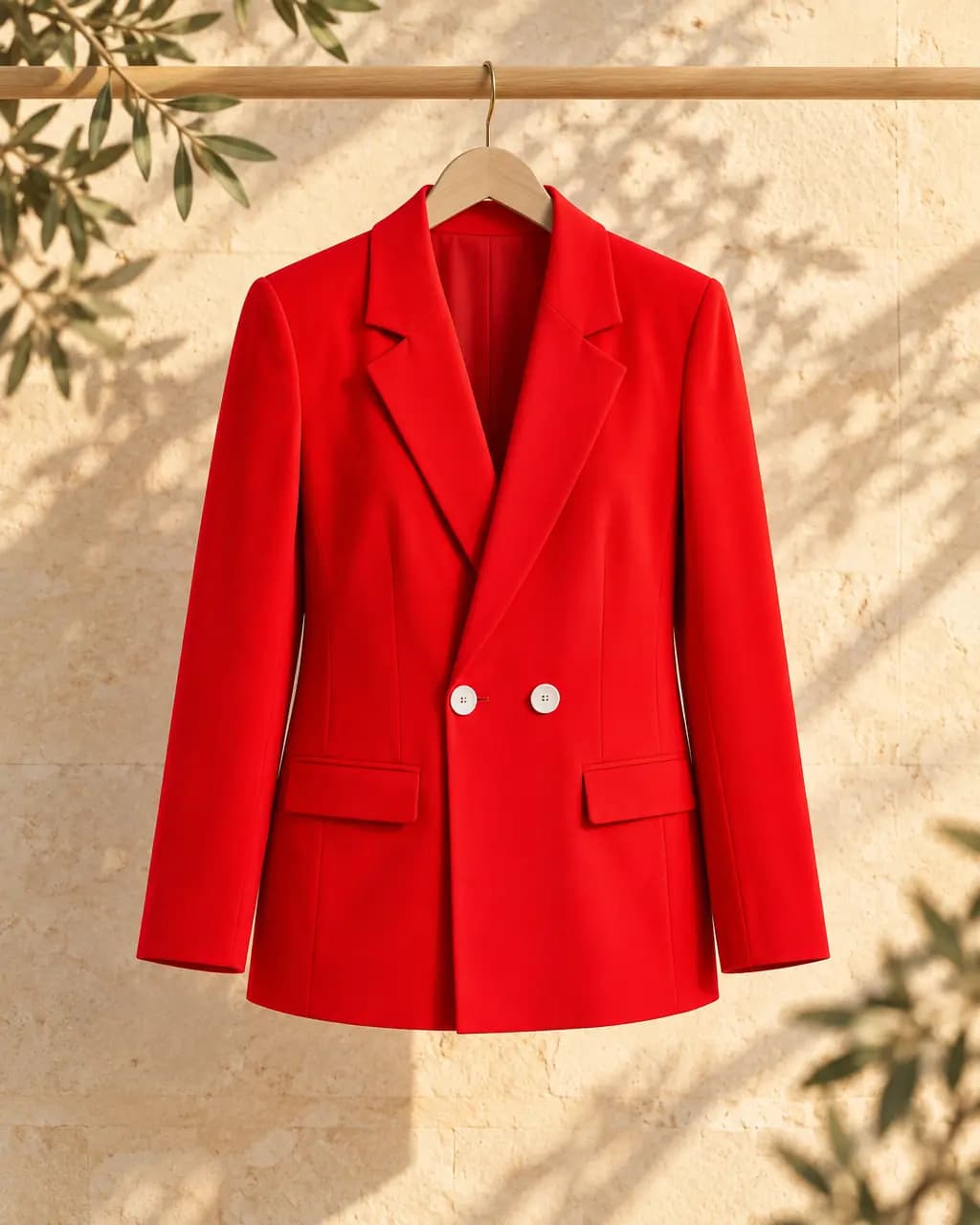
Original photo of a red blazer on a mannequin
Your photo
Generated model in the red blazer in a white gallery
Gallery
Generated model in the red blazer on a city street
City street
The red blazer styled in a boutique
Boutique

Cast for the people who buy from you.

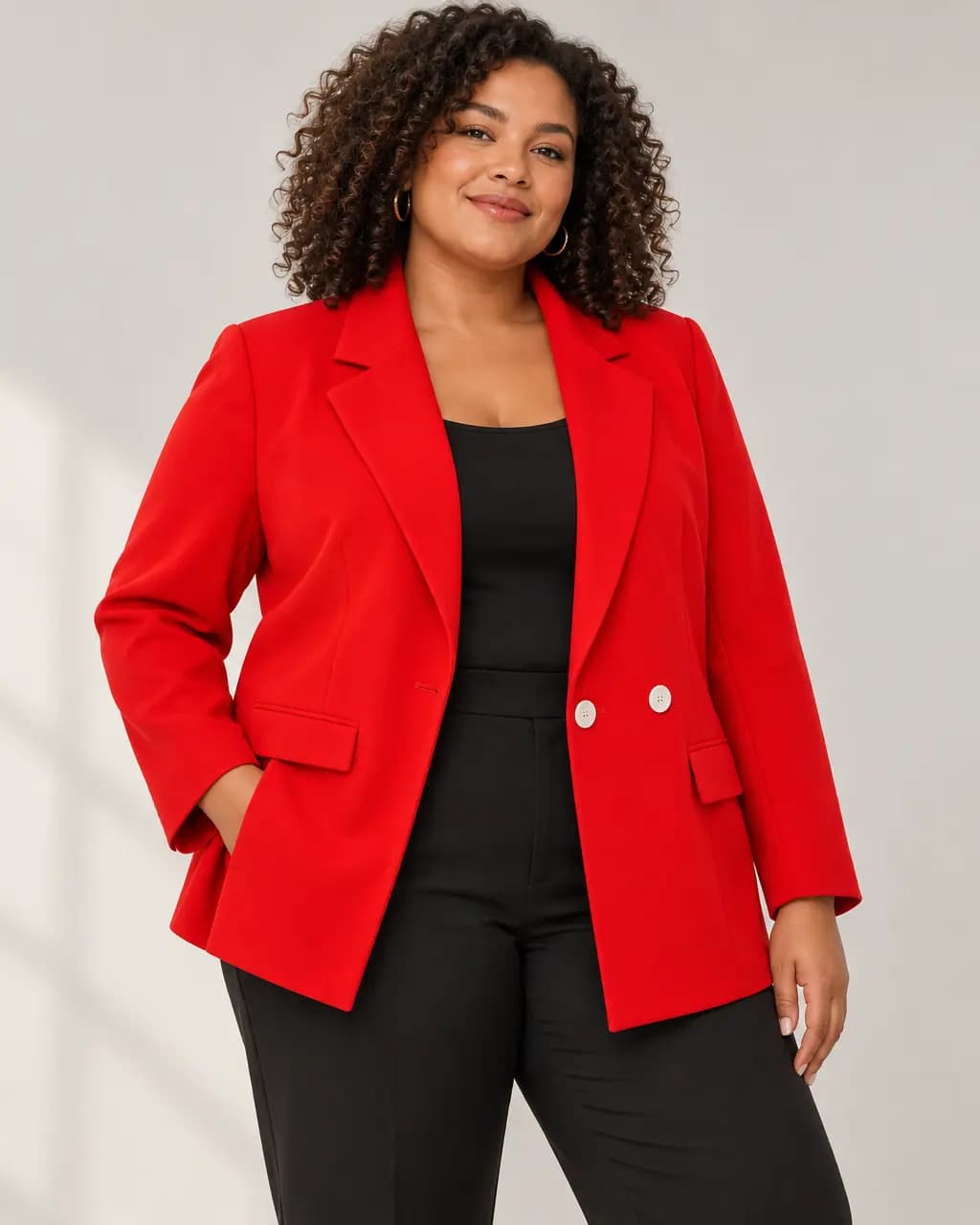
Choose the model's build, age range, skin tone and hair, or leave it to Stage. If you ask for a size the garment's own label contradicts, Stage declines instead of faking it, and no credit is used.

Plus-size generated model wearing the red blazer
Plus size
Petite generated model wearing the blue tee
Petite
Big-and-tall generated model wearing the oat knit
Big and tall
Blue tee in the same limestone wall Look
Blue tee
Oat knit in the same limestone wall Look
Oat knit
Red blazer in the same limestone wall Look
Red blazer

Save a Look. Shoot the whole collection.

When a direction works, save it as a Look: the setting, light, frame and model choices, without the photo. Apply it to the next product in one click, or run a collection shoot that sends up to 30 products through the same Look at once. These three products share one Look.

See more clothing examples

Credits, plainly.

Free: 1 Stage credit a month
Every account, no card needed. It resets on the 1st of each month.
1 image, 1 credit
One completed standard 1K image. A five-shot set is five.
Cost before you commit
The exact credit cost is shown, and confirmed by you, before anything is made.
Failures are free
If an image fails or does not pass the quality check, the credit comes back.
75 to 350 a month
On paid plans from $7.99, which also unlock shot sets and variations. Compare plans
Downloads are free
Download any result as a full-resolution PNG, as often as you like, while it is kept.

Questions about Stage.

What is the difference between Preserve and Creative?

Preserve cuts your product out of your own photo and builds a new scene around it, so labels, logos and shapes stay exactly as photographed. Creative redraws the whole image, including the product. That is what makes on-model shots and bolder compositions possible, but details such as seams, prints and colour can change, so compare every Creative result with your original before you publish.

How many credits does an image use?

One completed standard 1K image uses one Stage credit. A five-shot set uses five. You see the exact number before anything is generated, and images that fail or do not pass the quality check give the credit back. Free accounts get 1 Stage credit a month; Basic includes 75 and Pro 180 each month.

Will the model look the same across a shot set?

Shot sets can pin a completed on-model result as a casting reference, so face, hair and build carry across every shot in the set. It guides continuity; it does not guarantee an identical person, so review each shot.

What kind of photo should I upload?

One clear, well-lit photo of the product, up to 8 MB, in JPEG, PNG or WebP. A hanger, hook or flat lay is fine for clothing. Stage cannot invent parts of a product it cannot see, so if the hem is cropped out, it will decline a full-length shot rather than guess.

How long are files kept?

Free files are kept for about 2 days and paid files for about 7 days. Your projects, settings and saved Looks stay in your account. Download the images you want to keep; downloading never uses credits.

Do I need Stage or Cutout?

Use Stage when you want new photographs: scenes, studio shots, ads or on-model images. Use Cutout when you want your real product on white or transparent, resized for marketplaces, in batches of up to 30.
Your next listing starts with the photo you have.

Upload it, pick a shot, see the cost. 1 credits are on us.

Every image on this page is an unretouched Stage result from licensed Unsplash photos (Cristofer Maximilian, Toa Heftiba, Shanjir H Photo4life, Masaaki Komori, Ugluk Potroshitel) or a saved CatalogCut example. Models are generated adults. Photographers do not endorse CatalogCut.