The finishing rules.
Background, effects, crop, watermark and export settings for another batch. Review exceptions when a product has a different shape or material.
Follow the decisions behind a finished collection: reusable rules, product fidelity, edge inspection and delivery. Inspect saved results and try local controls; these examples never upload files, generate images or spend credits.
A preset is a production rule, not just a favorite color. Try the same background and watermark on two different products, then decide what your next batch should inherit.
 North Studio
 North Studio
Same Cutout preset on both products. Local brand preview, not processed exports. North Studio is fictional. Watermark branding requires a paid plan; some destinations prohibit watermarks.
Save your treatment, then reuse it. Cutout presets and Stage Looks are separate.
Sample standards unlocked. Branding requires a paid plan. Some destinations prohibit watermarks.
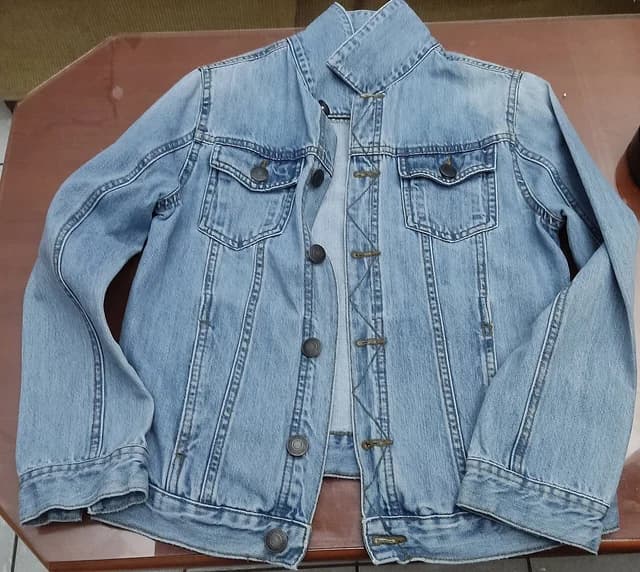
Organize a product and its source photographs.
Illustrative account state, not a live signed-in collection. Free / Basic / Pro Cutout presets: 1 / 5 / 20. Stage Look limits are separate.
Background, effects, crop, watermark and export settings for another batch. Review exceptions when a product has a different shape or material.
Save a scene’s direction for another product. Generated results still need individual review; a Look does not promise identical geometry or lighting.
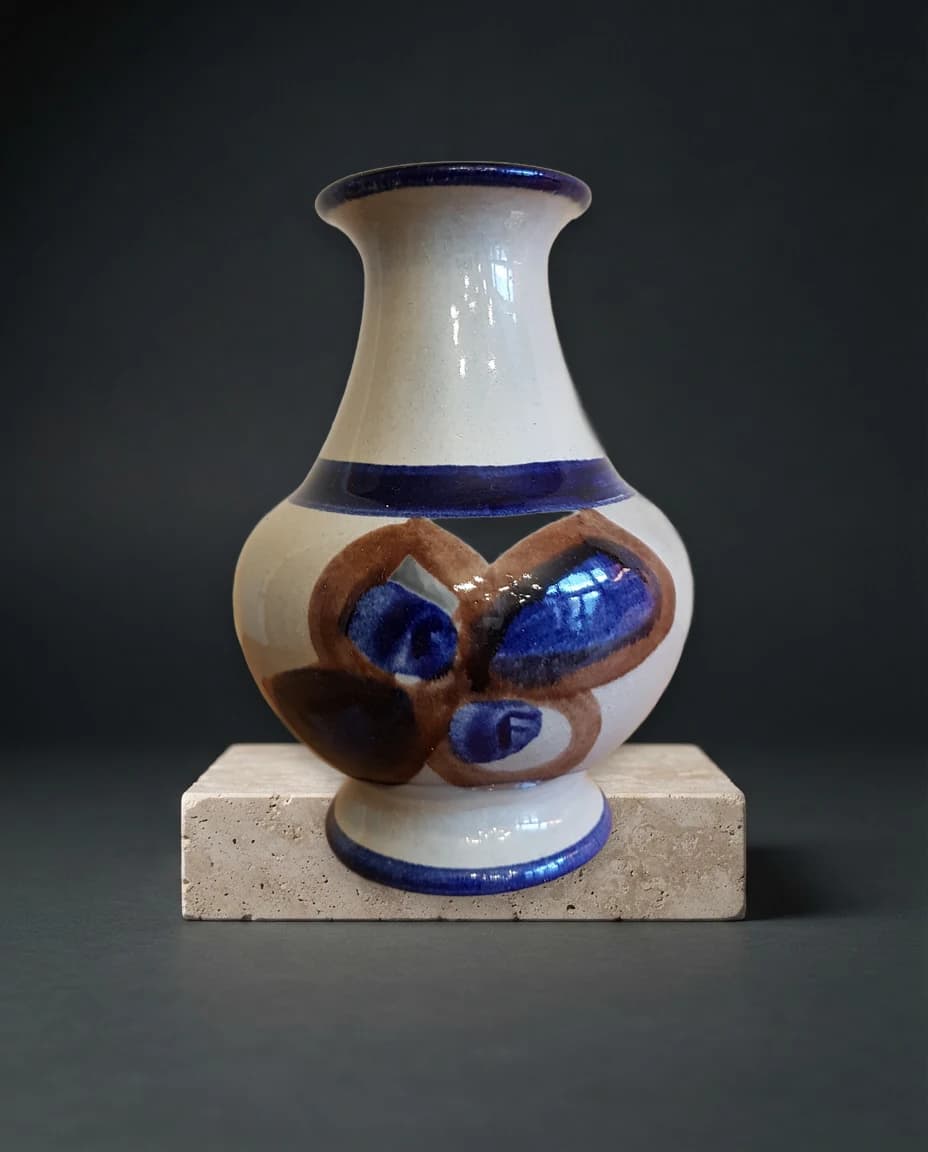
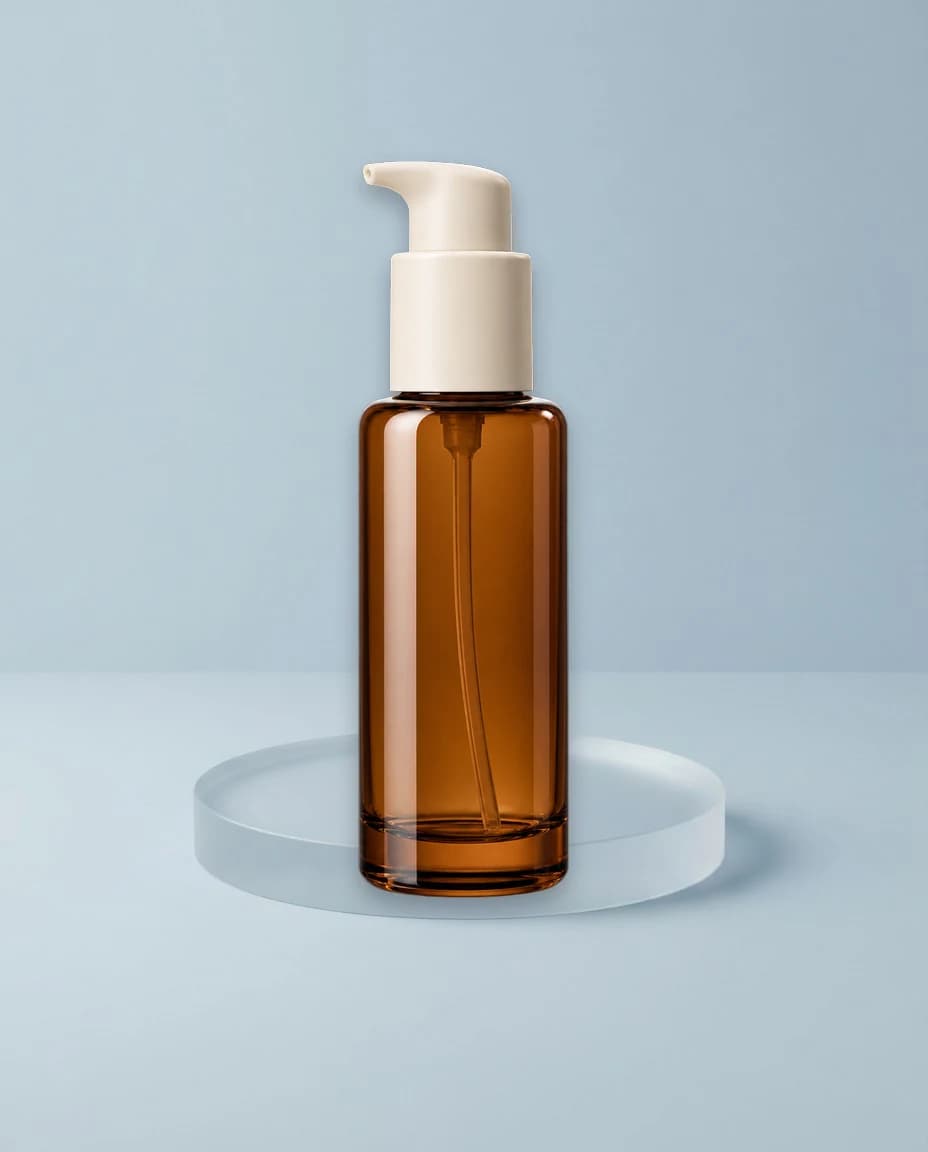
Separate saved examples, not a matching campaign. Inspect full files; no live generation.
These are separate saved scenes, not a coordinated collection. A Stage Look saves scene direction; a Cutout preset saves editing settings.
Paid branding supports position, opacity and logo scale. Some destinations prohibit watermarks.
Keep background, effects, crop, watermark and export settings for the next batch. Free / Basic / Pro: 1 / 5 / 20.
Keep background, text watermark and output rules aligned; locked settings need their standards removed before overriding.
Reuse photography direction with another product. Looks save settings, not images; separate from Cutout presets.
Organize sources, continue project history, inspect results and keep approved work. Photo files expire separately from projects.
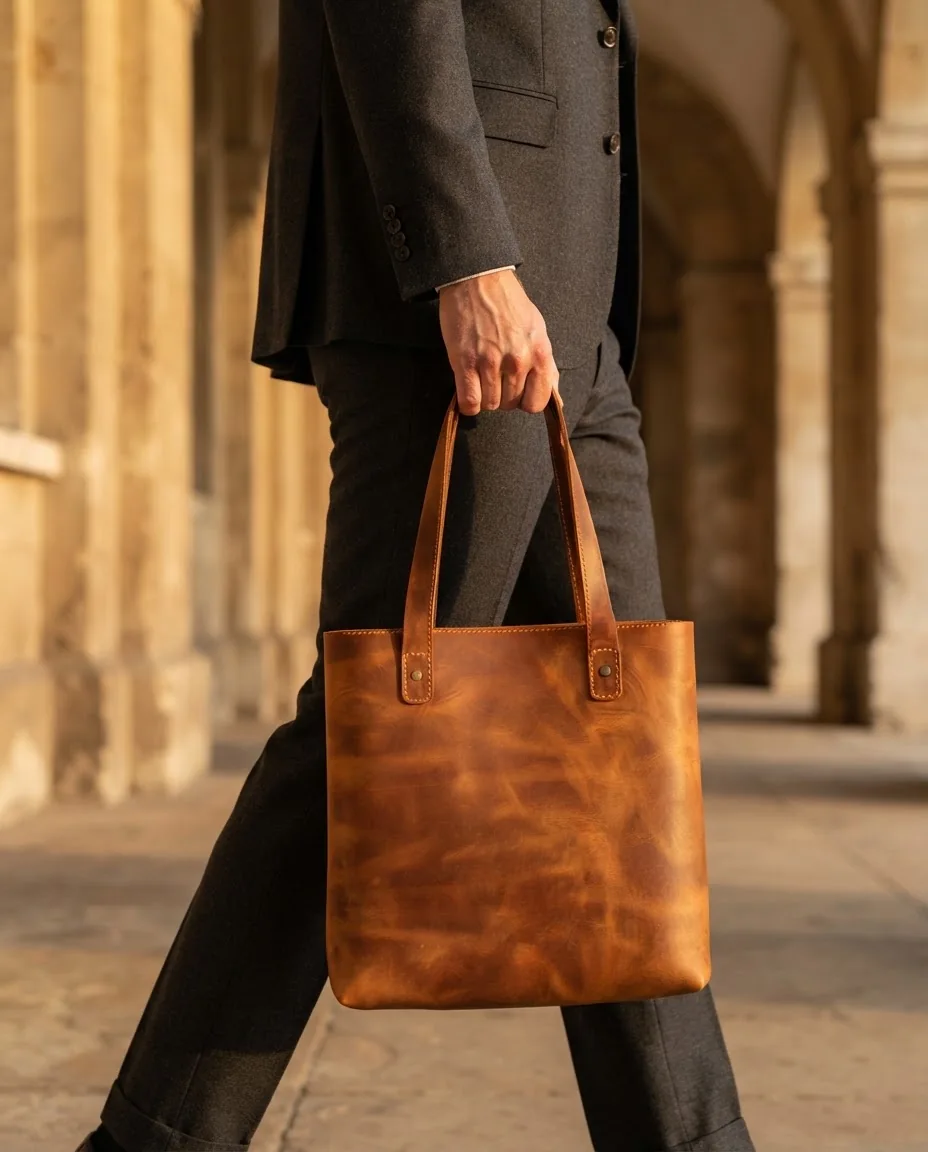
A held product needs more than a new backdrop. This saved tote example uses Creative to reconstruct the bag and introduce a person. Compare handles, seams and proportions with the source.
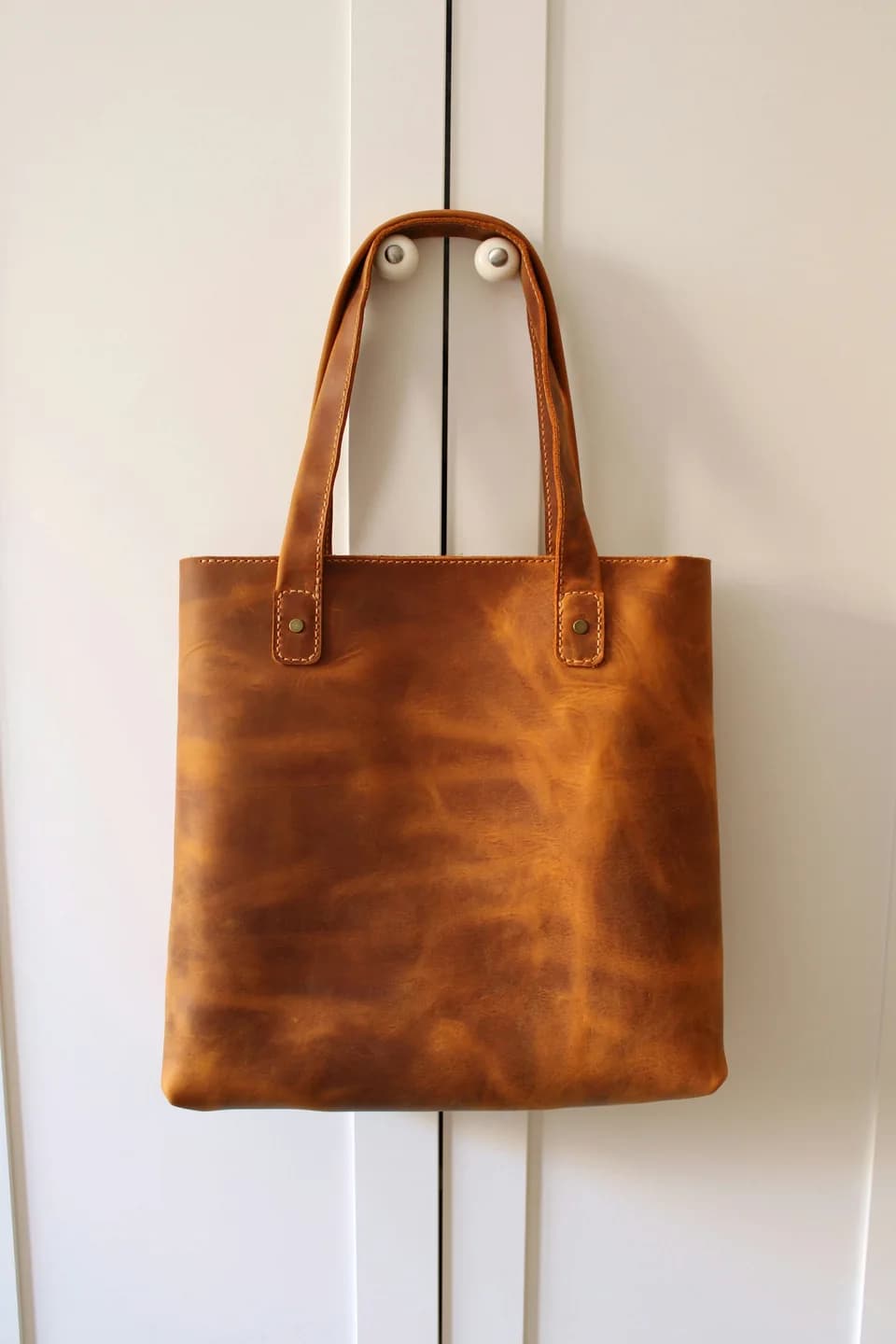
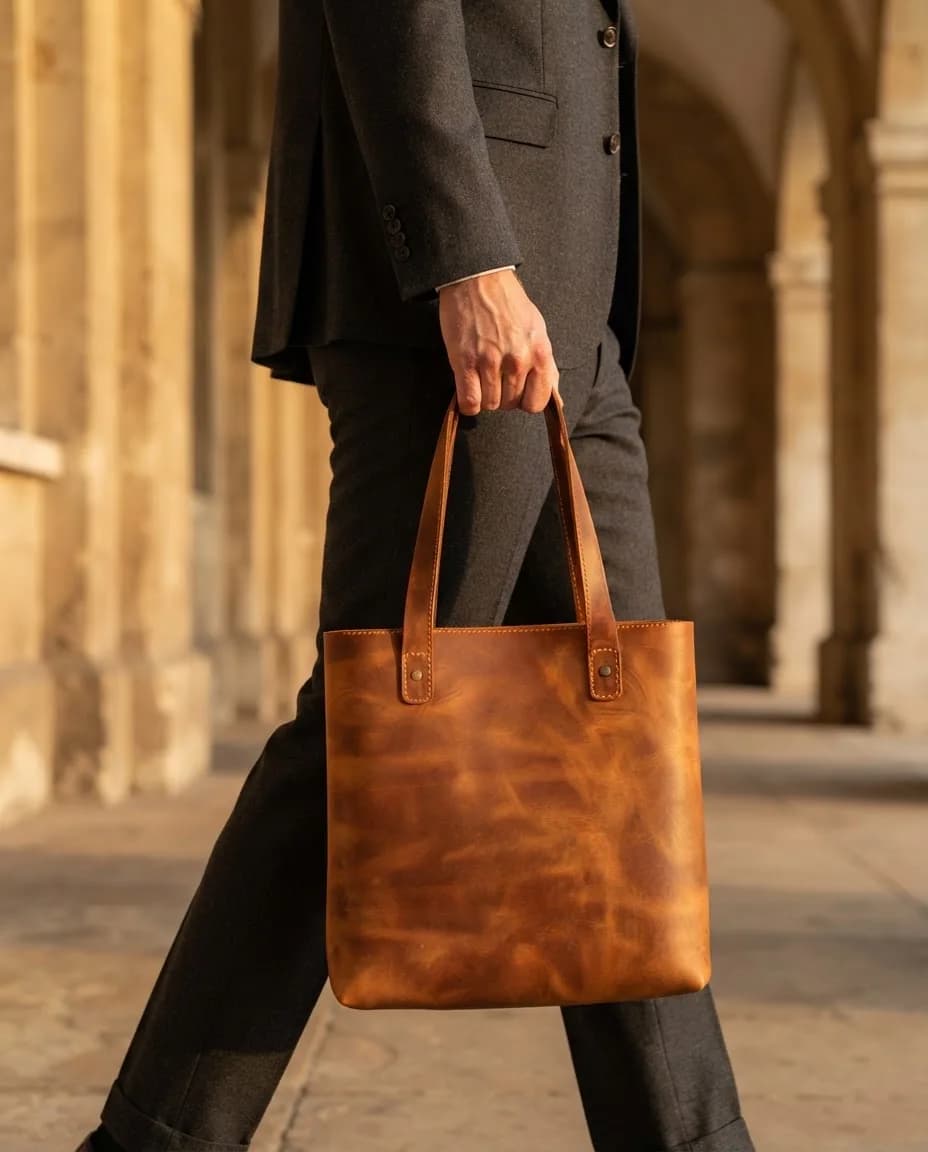
Preserve placement and contact-shadow revisions are Stage-specific. Qualifying local edits use 0 additional Stage credits when retained source and scene assets are available. New lighting needs a new generation.
Choose saved ring compositions. On small screens, scroll or tab through all five. No live generation.
Sample credit review: 1 shot, 1 Stage credit at standard 1K. No credits reserved or used.
Direction controls preview only: 4:5 with studio lighting selected. These choices do not alter the saved ring photographs. Hidden details may be inaccurate.
Stage-specific local illustration, not a Cutout styling setting or saved Stage revision. No live edit or generation starts here.
Preserve-only placement and contact-shadow revisions can use 0 Stage credits with retained assets. Review the exact quote and result in Stage.
Generated adult models, Creative reconstruction. Review garment details against your source.
Inspect saved product settings in the explorer and the five ring compositions below.
Stage lets you describe a setting, choose lighting and frame ratios. Sample controls do not generate images.
Preserve composites a source-derived cutout. Creative reconstructs the product. On-model requires Creative.
Creative supports up to three supporting photos; a pinned model leaves room for two. Unseen angles are not guaranteed.
Creative options for extracting a garment and reconstructing obscured areas. Hidden details may be inaccurate.
Paid plans support one to five shots. One completed standard 1K image uses one credit; inspect the quote before confirming.
Pin a completed on-model result to guide casting in the next shot set. Exact identity is not guaranteed.
Save a local revision for 0 Stage credits when its retained source and scene are available. Lighting changes need a new generation.
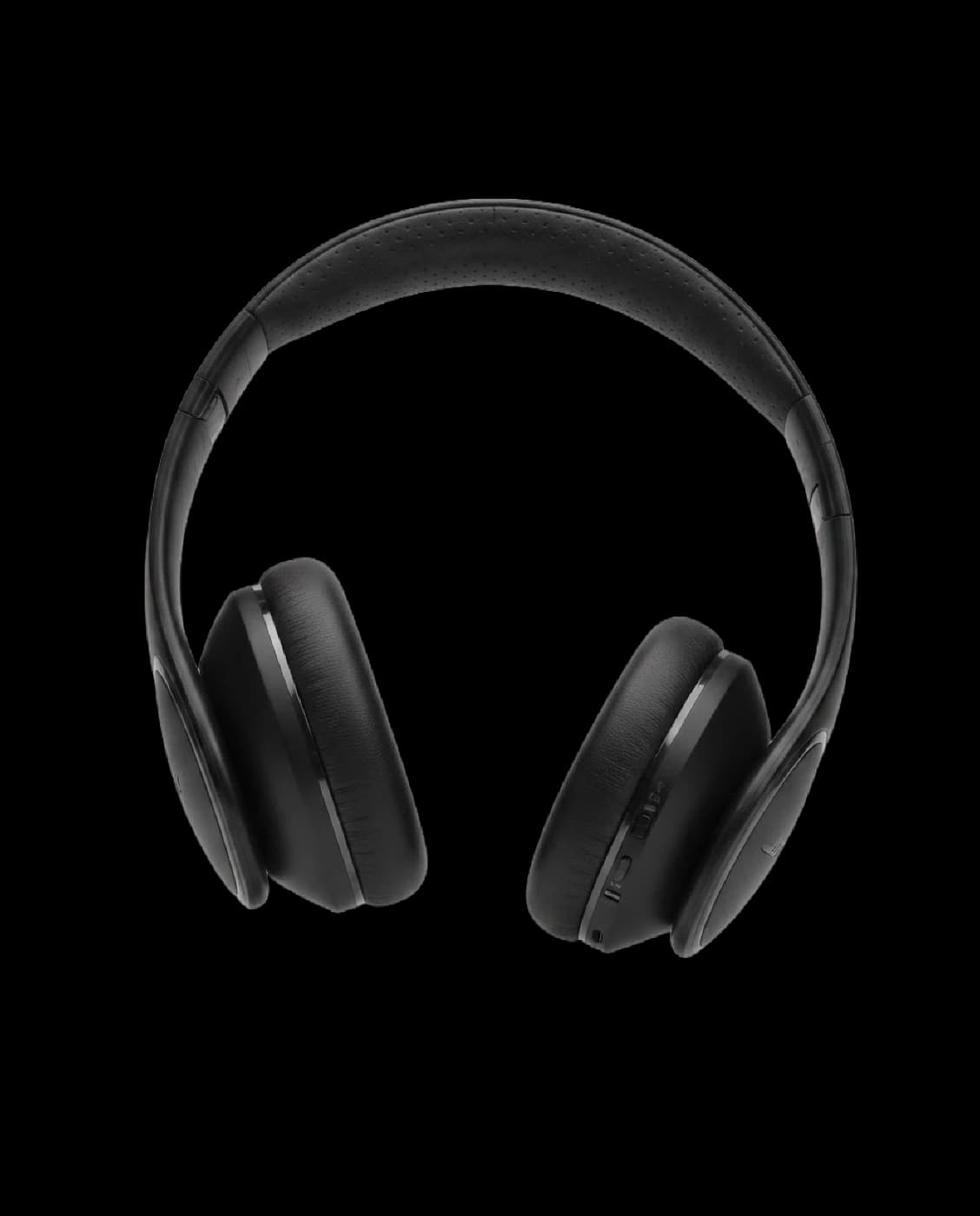
Headbands, handles and narrow gaps are useful inspection points. Move the comparison across this genuine Cutout result, then check both the outer edge and the interior openings.
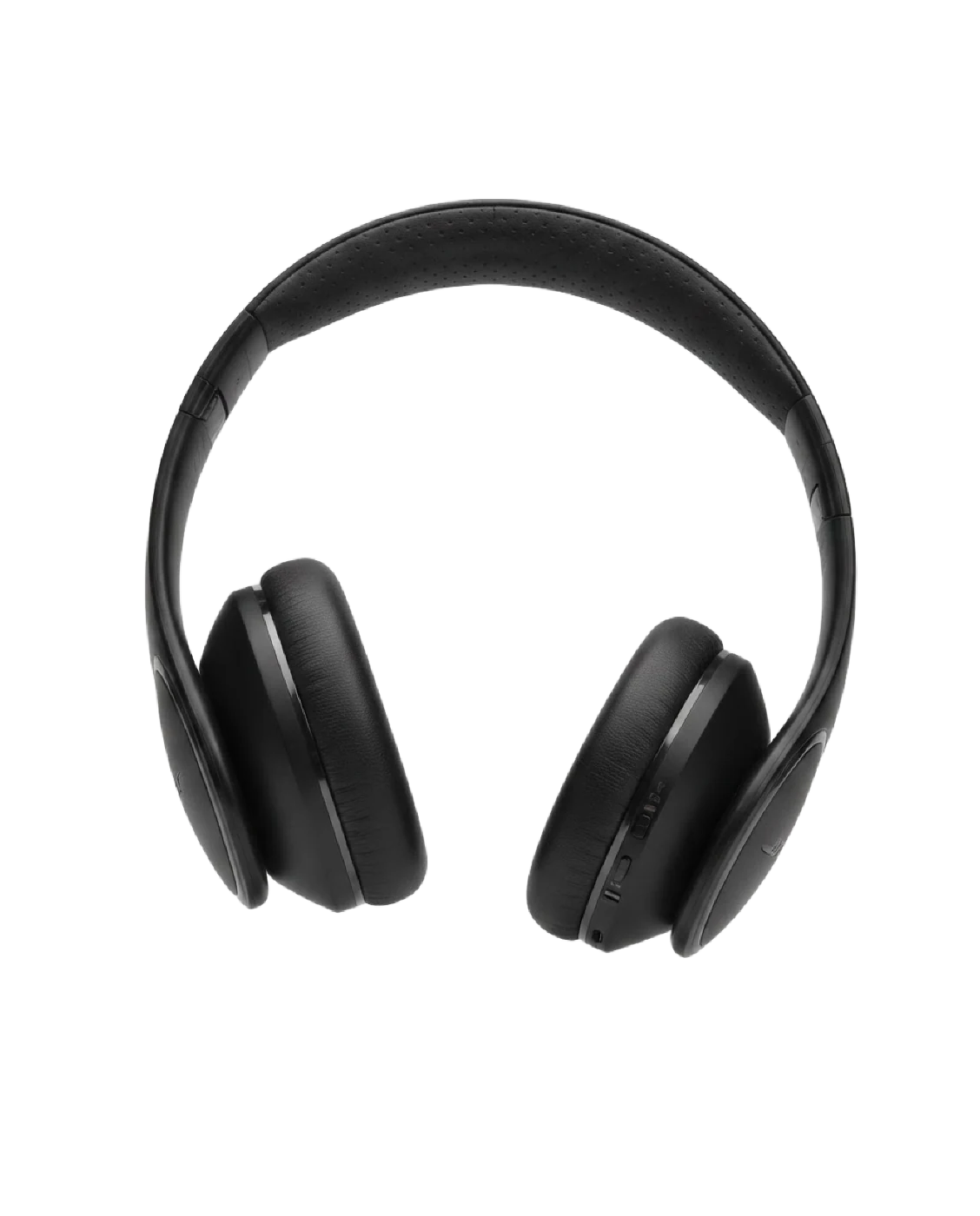
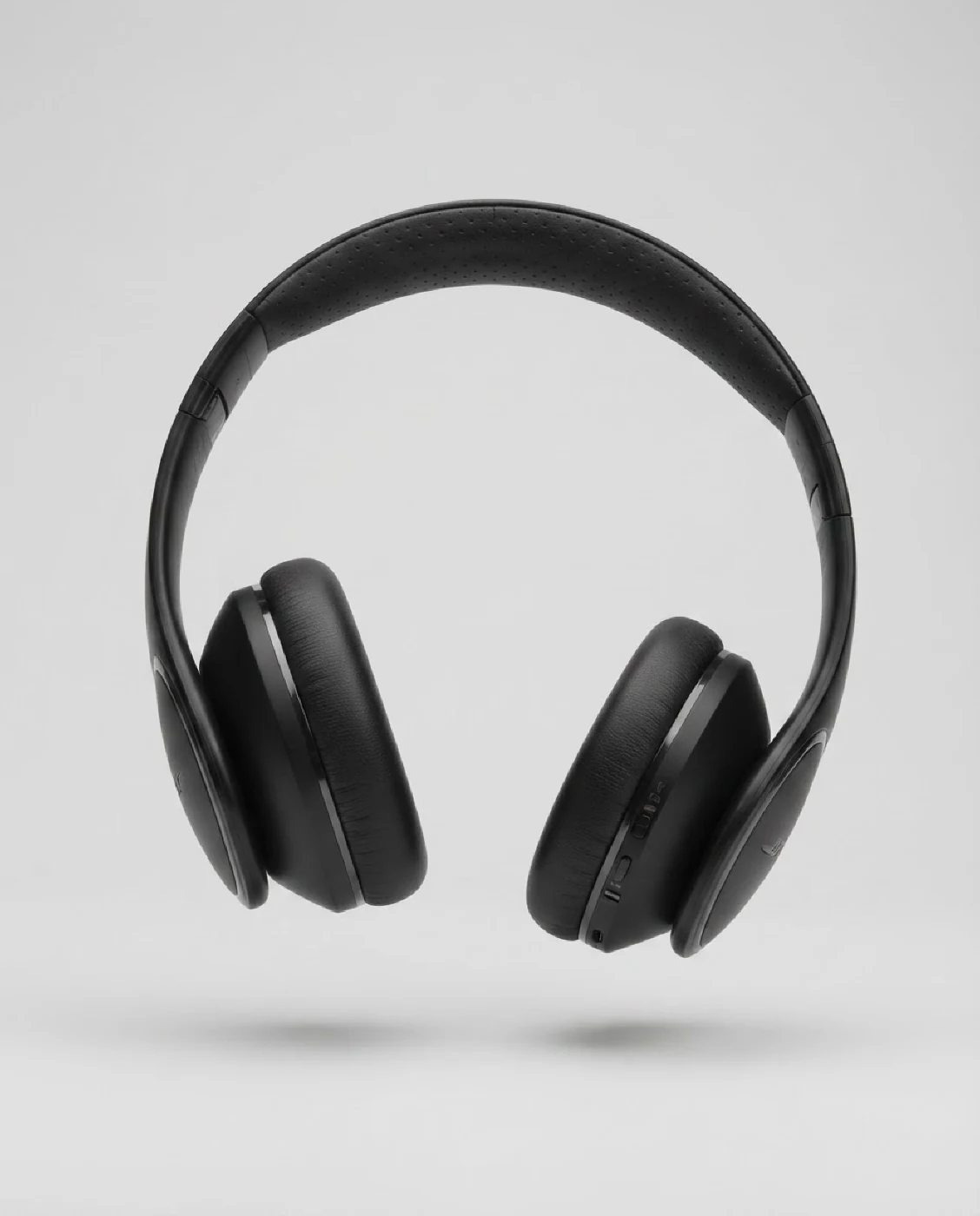
The open headband and earcup gaps remain transparent.
Hand & arm isolation is Beta. Edge feather and defringe controls are previews here; this saved result is not proof of those additional operations.
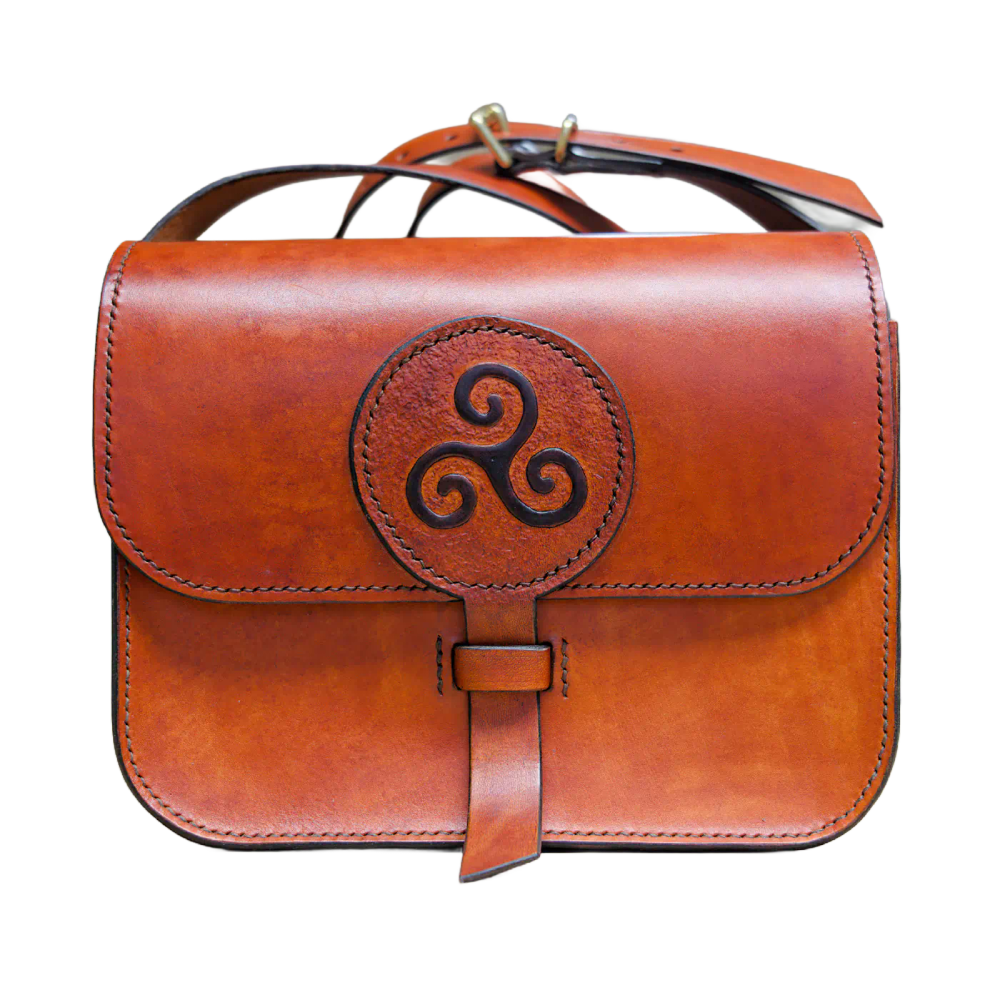
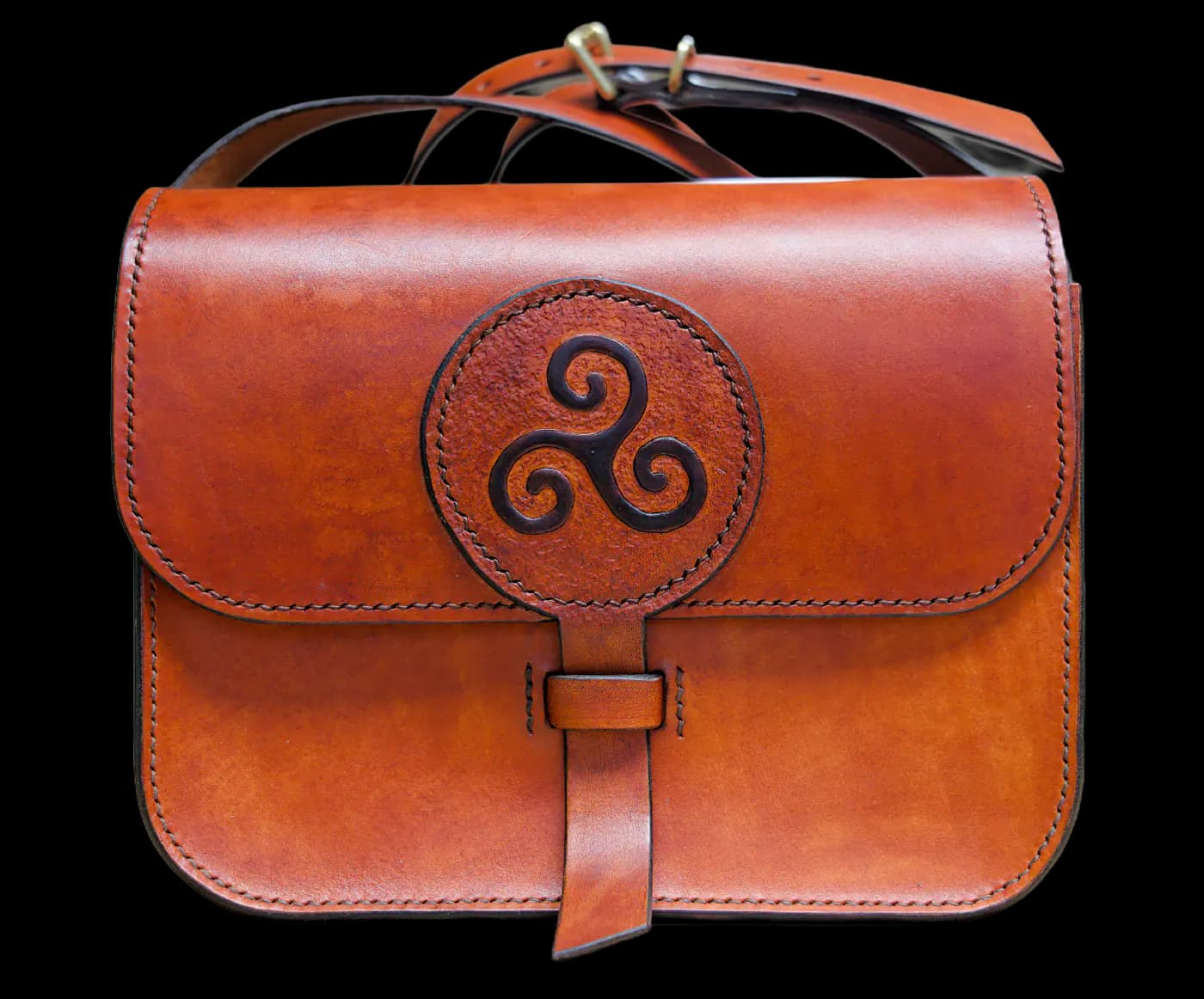
Use the full inspection checklist →Compare the original leather bag or headphones with its actual transparent Cutout result.
Cutout can remove people around held or worn products. This toggle shows the setting, not an isolation result; review difficult edges.
Paid edge controls soften boundaries or reduce color halos. The magnified cutout is unchanged by this controls preview.
Try the backdrop first, then the shadow and color treatment. Keep the result beside the settings as you work. These are local compositions, so you can explore without starting a job.
Local styling illustration · not a processed export. Nothing is uploaded or generated.
Controls preview: isolation off, feather 0px, defringe off. The cutout above is unchanged by these settings; no isolation or refined-edge output is claimed.
Prompt controls preview. AI backgrounds use a separate allowance; no generation starts here. In Cutout you can also upload a permitted background image.
Use your background in CutoutStart with enough contrast between the product and background. Add a restrained shadow to ground it, then check whether color changes still represent the item accurately. Reflection and color correction are paid controls. AI backgrounds use their own monthly allowance.
Cutout styling changes the presentation of an existing product image. Stage Preserve placement is a separate revision workflow for a saved scene.
Try a local composition with existing cutouts. Use your own permitted backdrop in Cutout.
Describe a new background in Cutout. AI backgrounds have a separate monthly allowance; this prompt preview starts no work.
Explore a local shadow illustration; processing presets include blur, opacity and position settings.
Paid processing can adjust brightness, contrast and saturation. This local illustration is not a processed export.
Paid reflection settings control opacity, height and gap. The demonstration is a local composition.
Work through a sample delivery plan: destination, padding, dimensions and format. A square listing, a portrait and a transparent asset serve different placements.
Etsy · 2700 × 2025 px · 4:3
CatalogCut recommended landscape export; Etsy recommends high-resolution listing images and may crop thumbnails. This is a local frame preview, not a marketplace approval or publishing integration.
Choose a destination and see the frame change. Formats and sizes below are an output plan, not generated files.
Free: one size and format. Paid: multiple targets. Larger exports are resized files, not native Stage 2K/4K or recovered detail.
Use the Etsy presetTwo genuine Cutout examples with shared settings. Reveal their saved results.
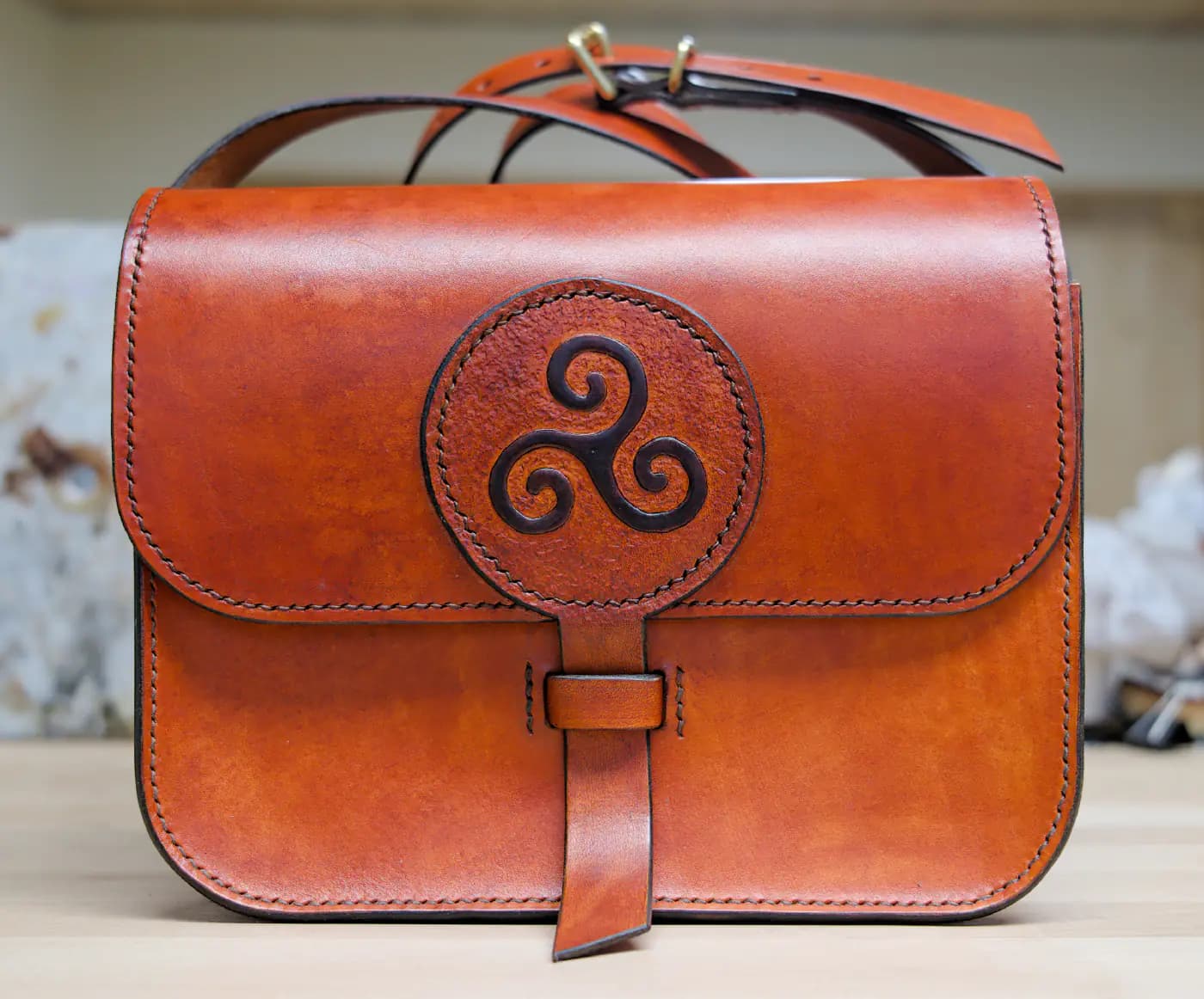
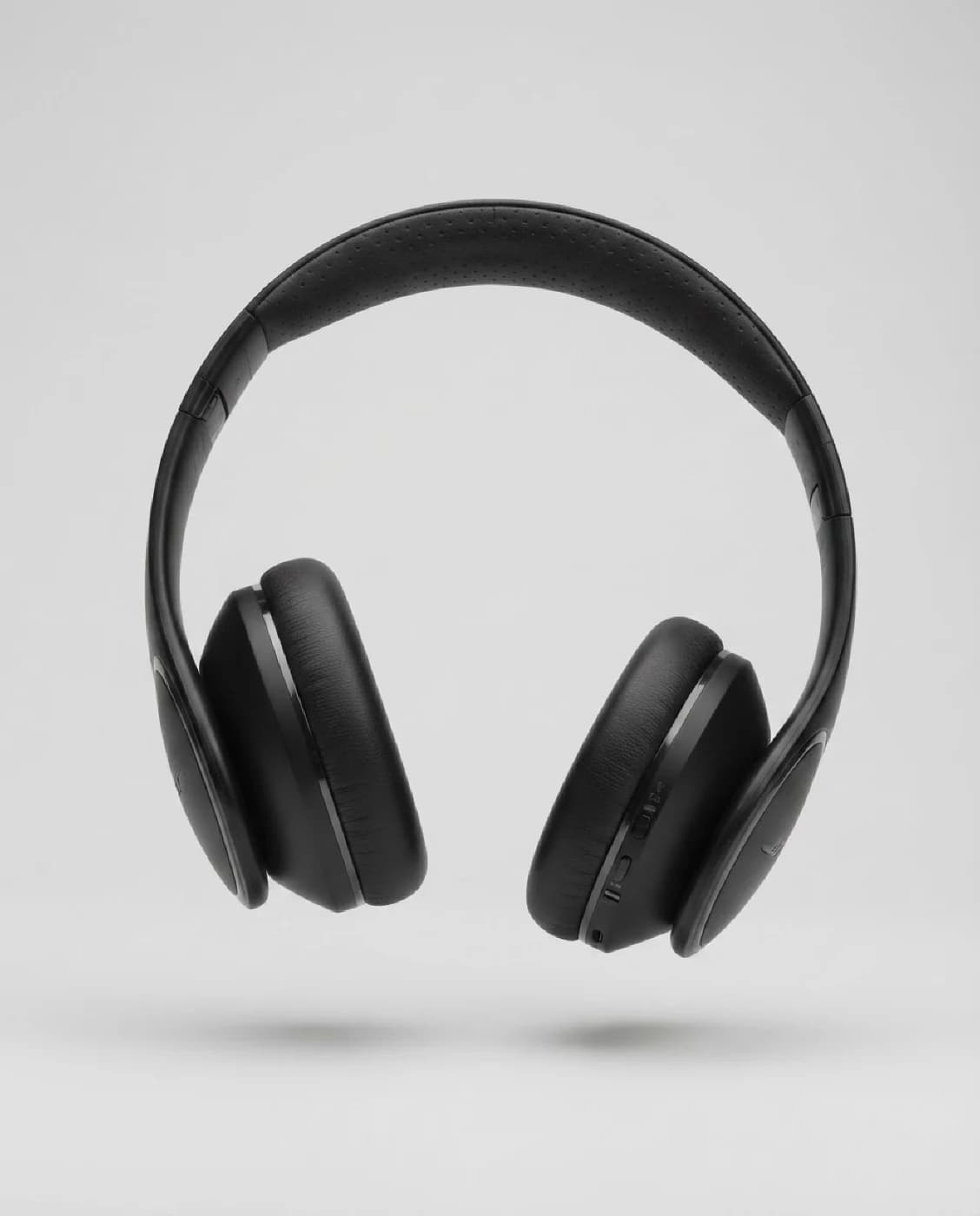
Both source photos shown. No live processing. Signed-in Cutout accepts up to 30 photos within image and storage allowances; inspect proof, track results and explicitly retry failures. Download finished outputs together as a ZIP.
Download the two saved Cutout samples (ZIP)These fixed-dimension local encodings use the permitted bag cutout. They are not original worker exports or files from the destination plan above. PNG/WebP retain transparency; JPG uses white.
Free processing supports one target size and format. Paid processing supports multiple; these public samples require no account or processing.
Sample file provenance & licenseCombine backgrounds, ratios and lighting. This small settings example produces no files.
1 illustrative combinations. Variants can require additional processing and storage allowance.
Signed-in Cutout batches accept up to 30 photos within image and storage allowances. Free supports one size and one format per batch; paid plans support multiple. A destination preset helps prepare files, but does not approve a listing or publish it.
Larger exports do not recover missing detail or change Stage’s native canvas. Download approved files before their individual expiry; project history can remain after a photo expires.
These two permitted photos share a real Cutout run. Signed-in Cutout batches accept up to 30 within your allowances; retries are explicit.
Preview registry-backed dimensions and adjustable padding. Presets are starting points, not marketplace approval or direct publishing.
Choose an export format and quality. Free supports one size and format per batch; paid supports multiple.
Paid exports can include multiple targets. Larger resized files do not recover missing detail or change Stage's native canvas.
Paid Cutout can combine backgrounds, ratios and lighting. The example output plan is not generated files or unlimited processing.
A correct image and an efficient file are two different checks. Use the browser-local checker for framing and transparency, then compare quality when optimizing.
Inspect pixel dimensions, transparent areas and thumbnail crops locally in your browser. Prepare a white JPEG when that is the file you need. This is not a complete policy audit.
Open the local checker →Compress a JPEG, PNG or WebP while keeping its dimensions and format. The optimizer processes on the server. Compare fine detail; a smaller file is not automatically a better image.
Open the optimizer →One optimizer input without an account; sign in for up to 10 and ZIP downloads. Quality modes and metadata cleanup depend on the format. Neither tool upscales missing detail.
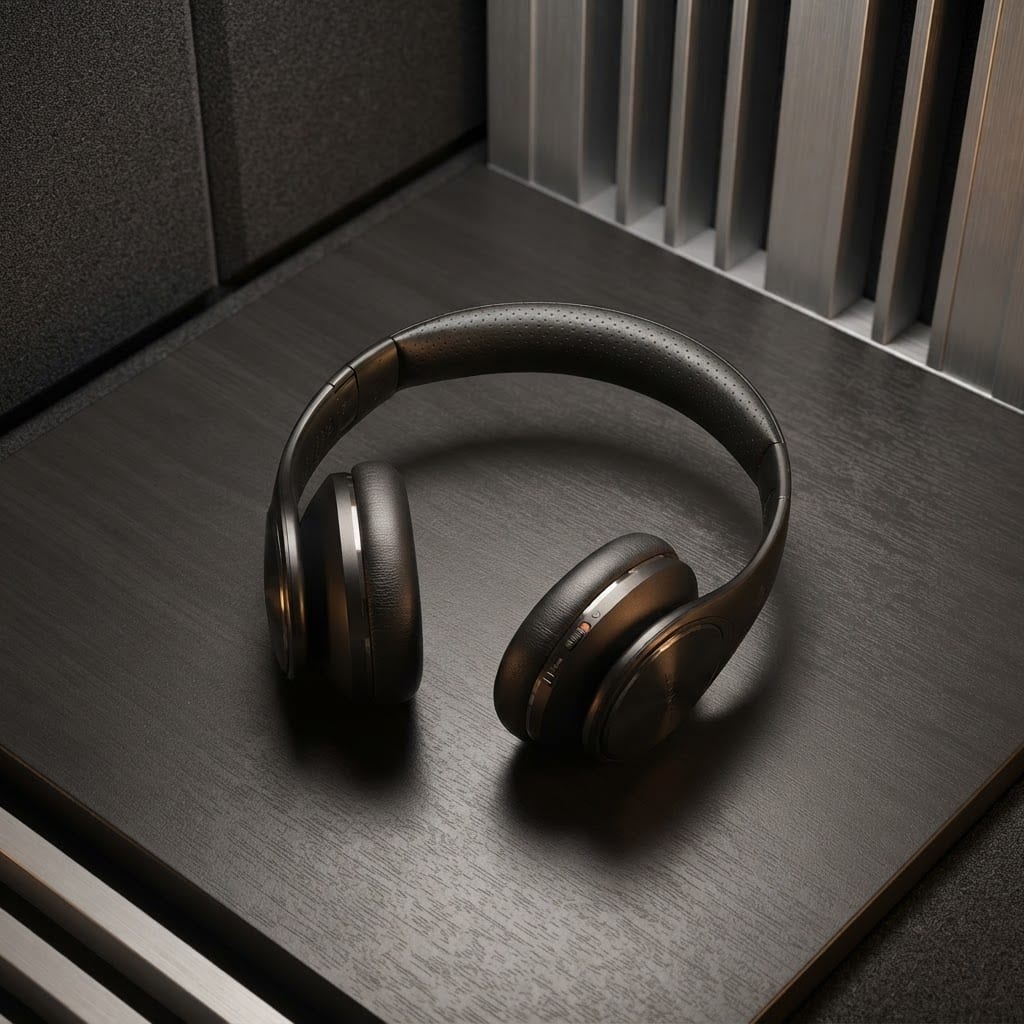
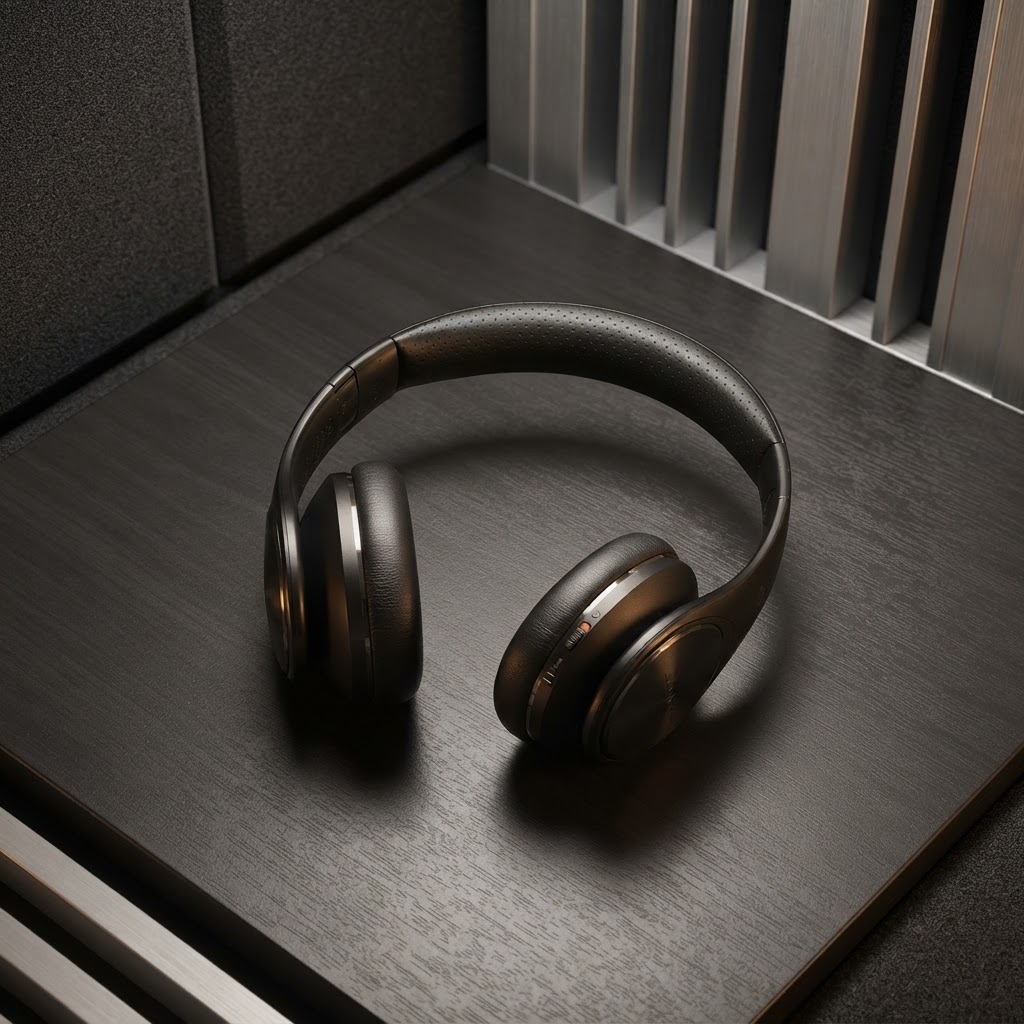
Saved JPEG sample: 190,732 → 120,213 bytes, 37% smaller at the same 1024 × 1024 dimensions. Savings vary.
Try the checker with our public headphones sample. Checks and the white JPEG export stay in this browser.
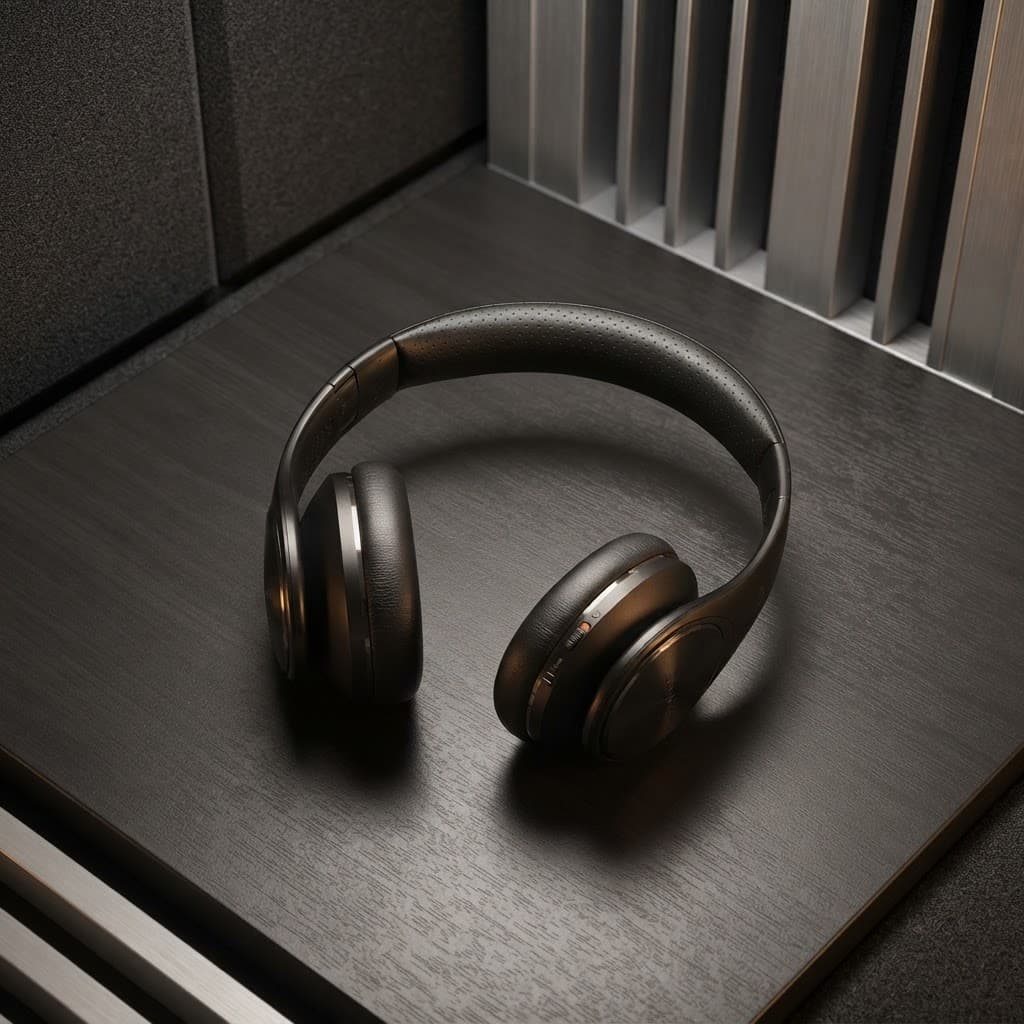
Checks cover dimensions, transparency and crop guidance, not every marketplace rule. This tool is separate from background removal.
Check your photo locallyCompare the original and optimized JPEG. Both are 1024 × 1024 pixels.
Balance file size and visual quality. Mode selection previews the choice, not a new optimized file. Savings vary.
One image without an account. Sign in for up to 10 images and ZIP download; separate from the 30-image Cutout batch. Optimization is server-side, not upscaling.
Illustrative batch controls, not a live account. Sign-in supports up to 10 inputs, versus one without an account. Selecting these public samples uploads and processes nothing.
1 sample inputs selected. Only the headphones have an existing optimized result in this demonstration; the bag is not processed.
Download one saved optimizer result (ZIP)This ZIP contains one verified public sample, not a newly completed batch. Failed-file retries in the actual tool are explicit, not started here.
Inspect dimensions, transparency and thumbnail crops in your browser; prepare a white JPEG. Not a complete listing-policy audit.
Compare original and optimized headphones at the same 1024 × 1024 dimensions and JPEG format. Savings vary by image.
One image without an account; sign in for up to 10 and ZIP downloads. PNG/WebP lossless modes and compatible JPEG metadata cleanup are format-dependent.
These are independent saved results, not a live shoot or a matching campaign. Creative on-model images contain generated adult models and reconstructed garments; compare fabric, seams, color and fit against the original. Casting guides continuity, not exact identity.
Preserve places a source-derived cutout in a scene. Styling, branding and advanced controls marked as previews are local illustrations, not new processed exports. Public images are resized previews. Held-product isolation, edge refinement, prompt-matched backgrounds, saved revision sequences and model continuity are not demonstrated by genuine outputs here.
One completed standard 1K Stage image uses one credit; five completed shots use five. Retained-source Preserve placement and contact-shadow edits can use no extra credit. Free includes one lifetime Stage credit; Cutout and AI backgrounds have separate allowances.