From the photo you have
Turn a flat-lay or hanger photo into an on-model shot
Most small brands already have a hanger or flat-lay photo of every product. Stage uses that photo as the garment reference and generates the model, the pose and the place around it.
1 Stage credit a month on Free. Failed or rejected images never use a credit.
Hanger and flat-lay photos, worn
Left: the product photo as it was taken. Right: the Stage result. The flat-lay shirt below was folded beside three ties; Stage used only the shirt.
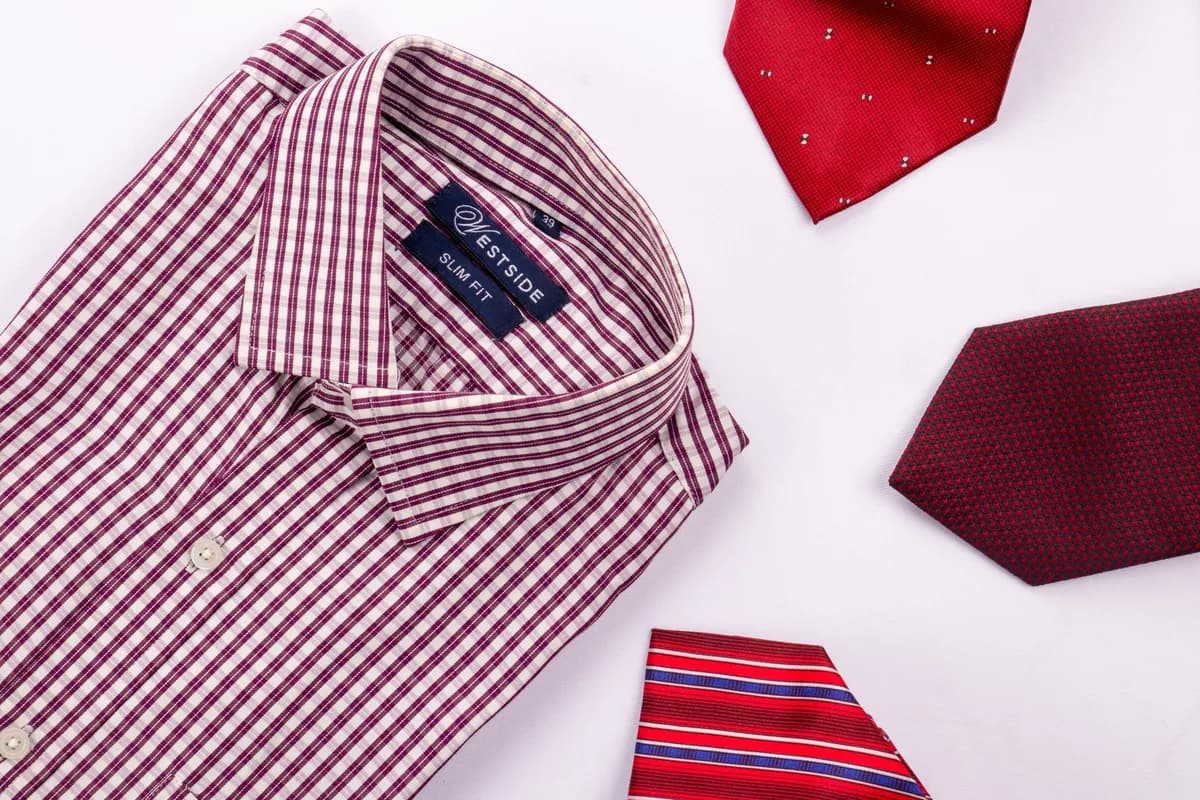
The photo you have 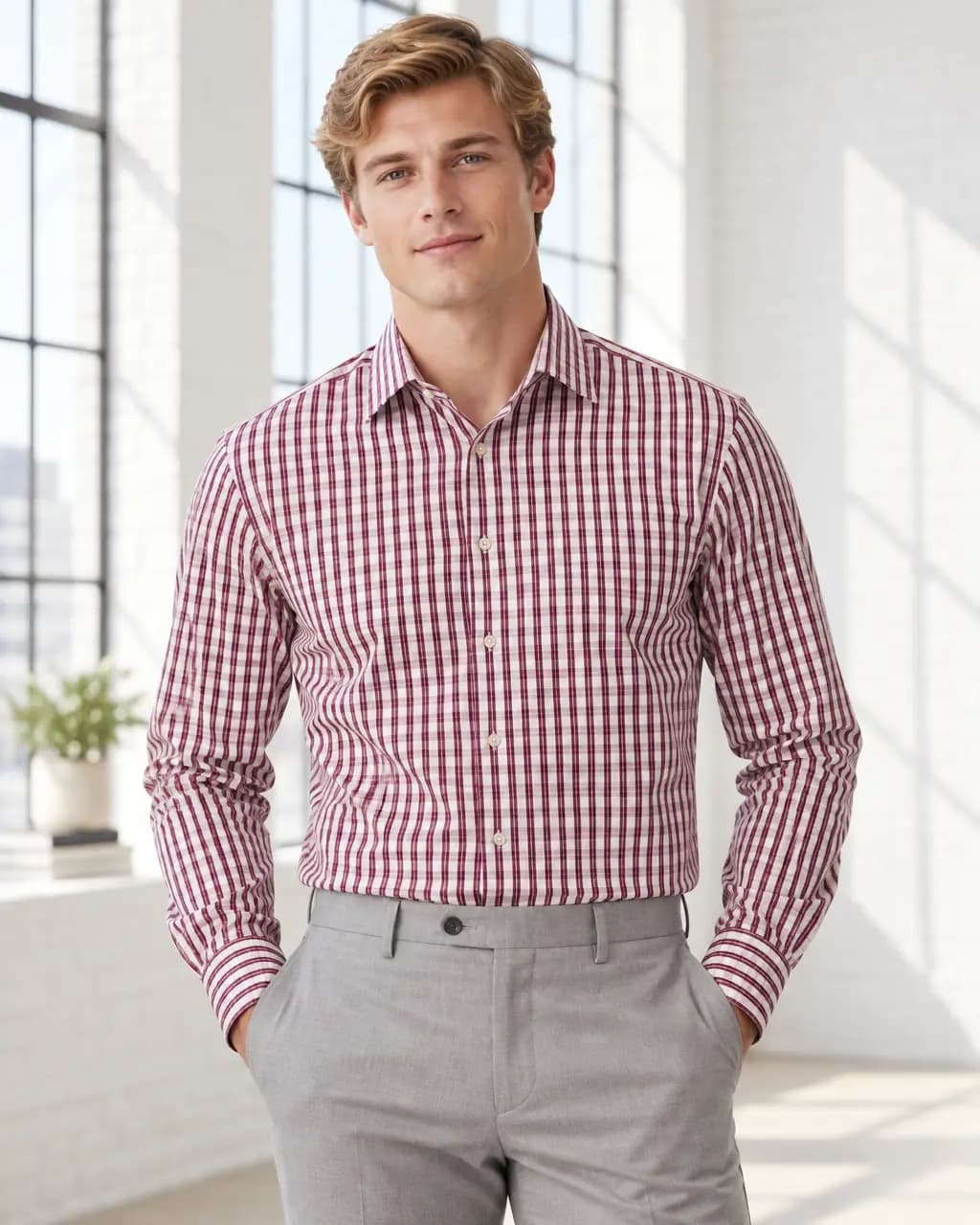
Loft studio · from a flat lay 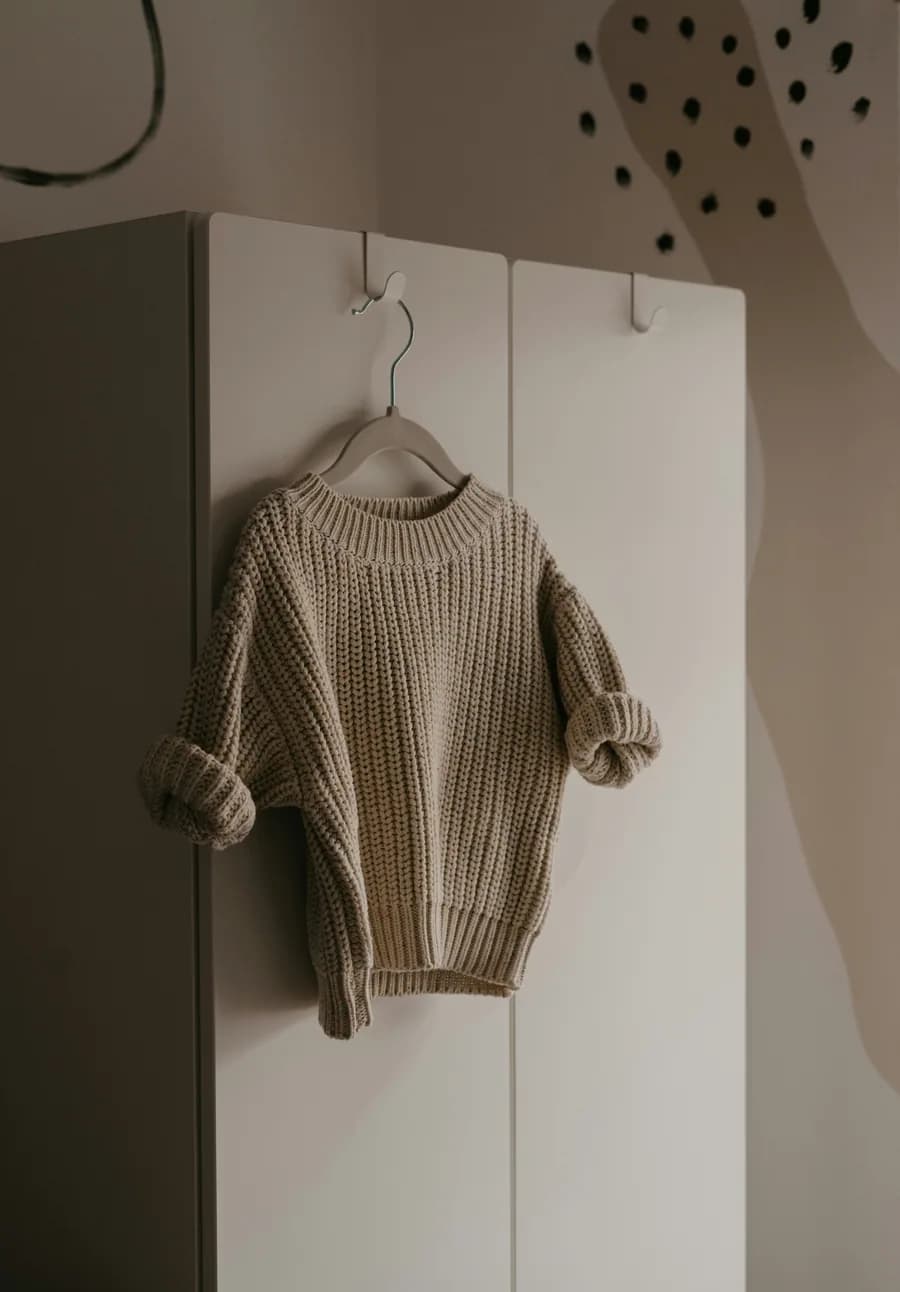
The photo you have 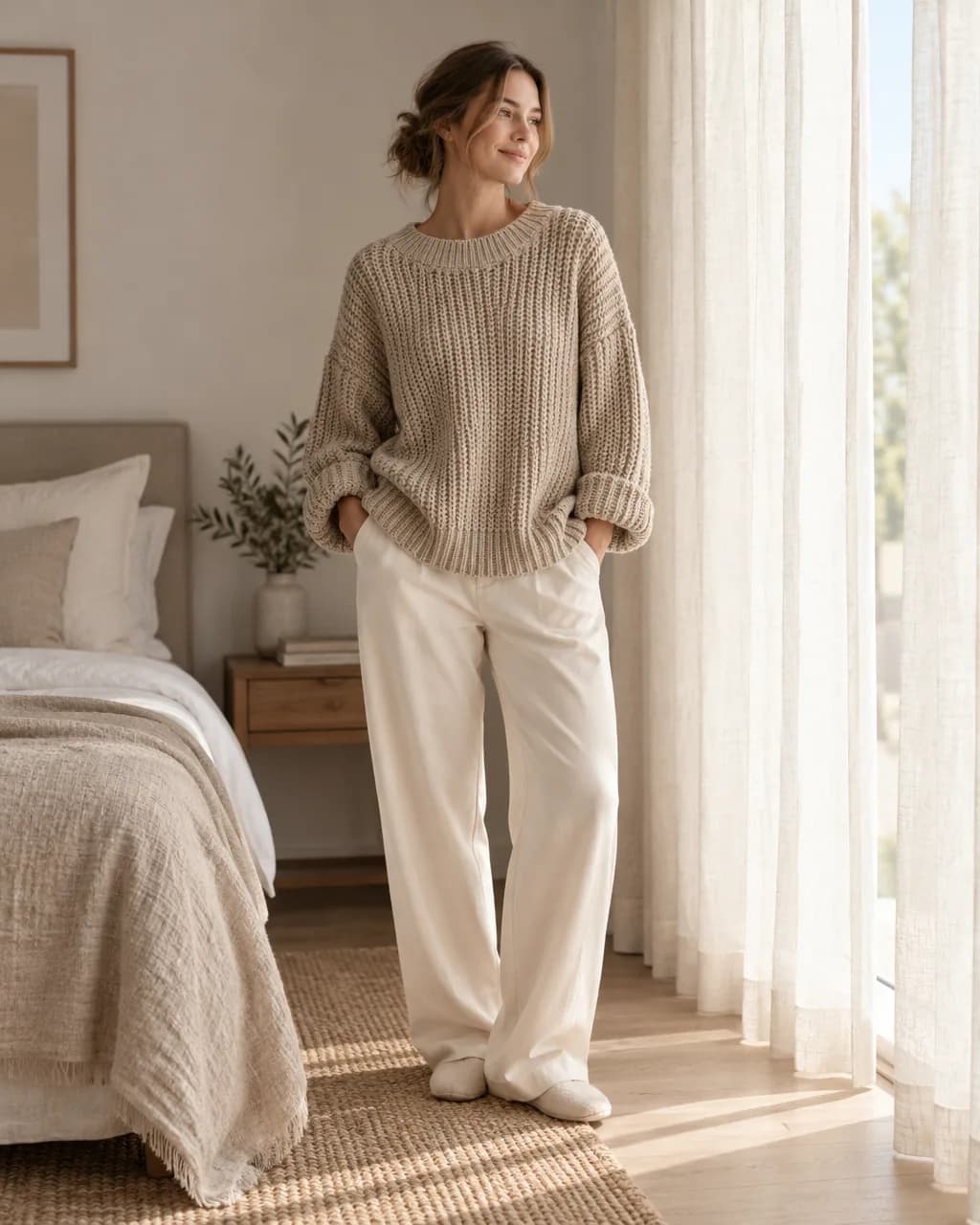
Morning bedroom · from a hanger 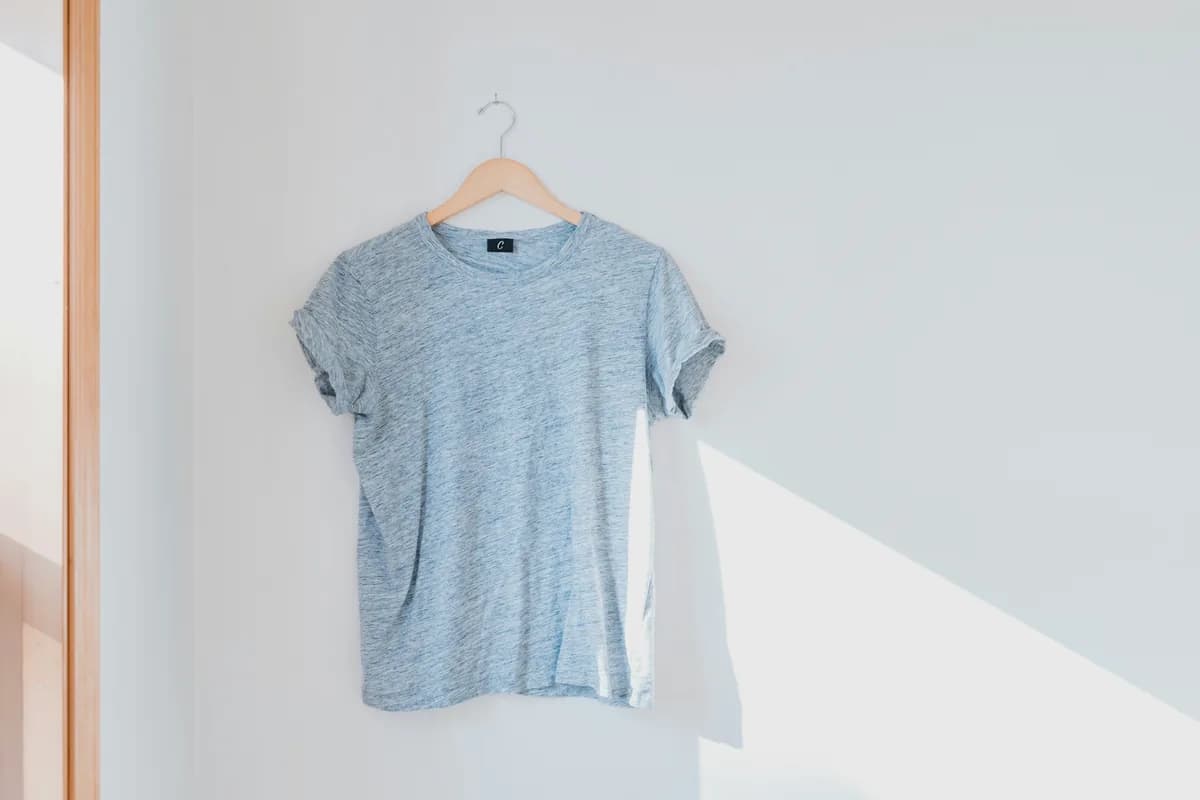
The photo you have 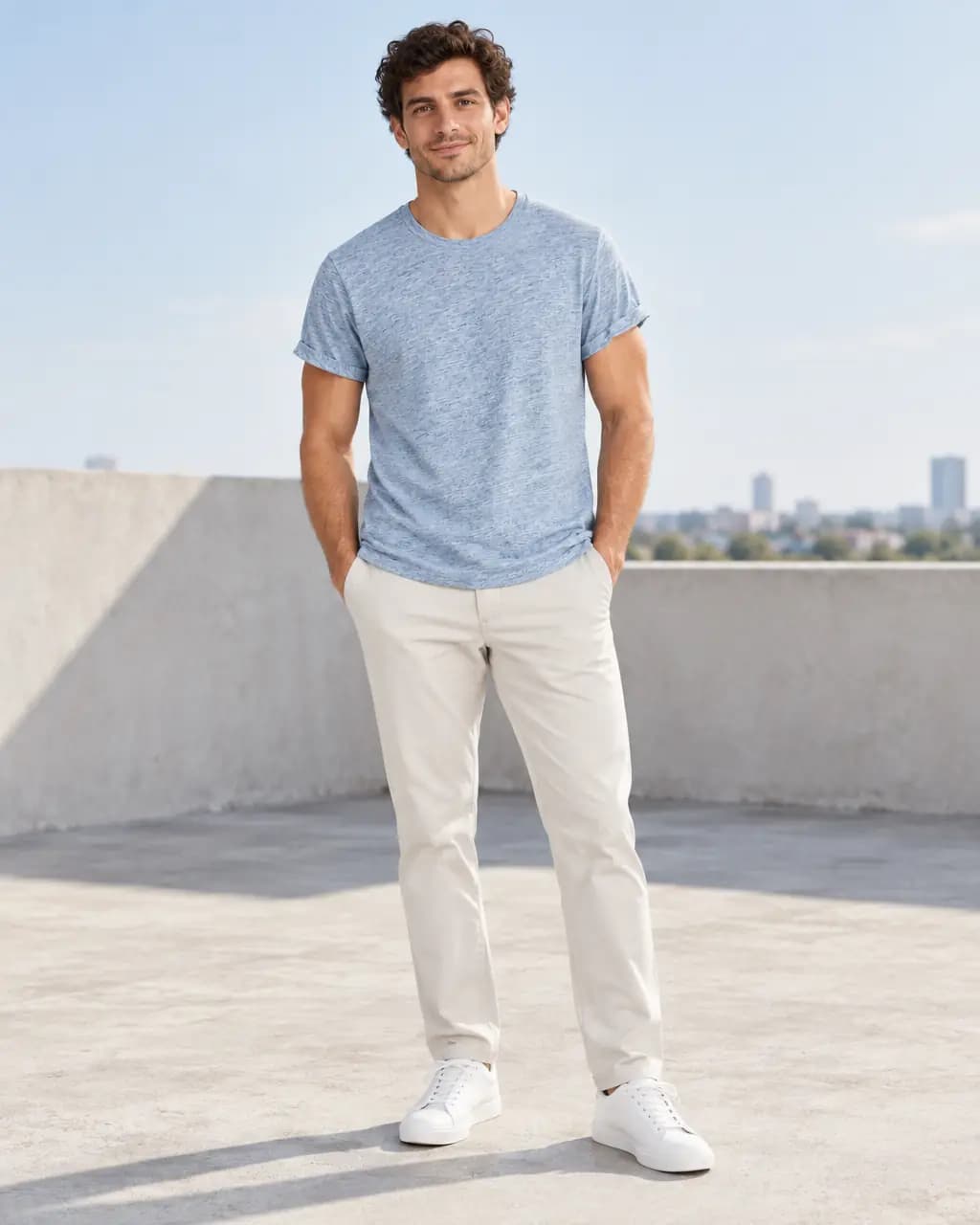
Rooftop · from a hanger 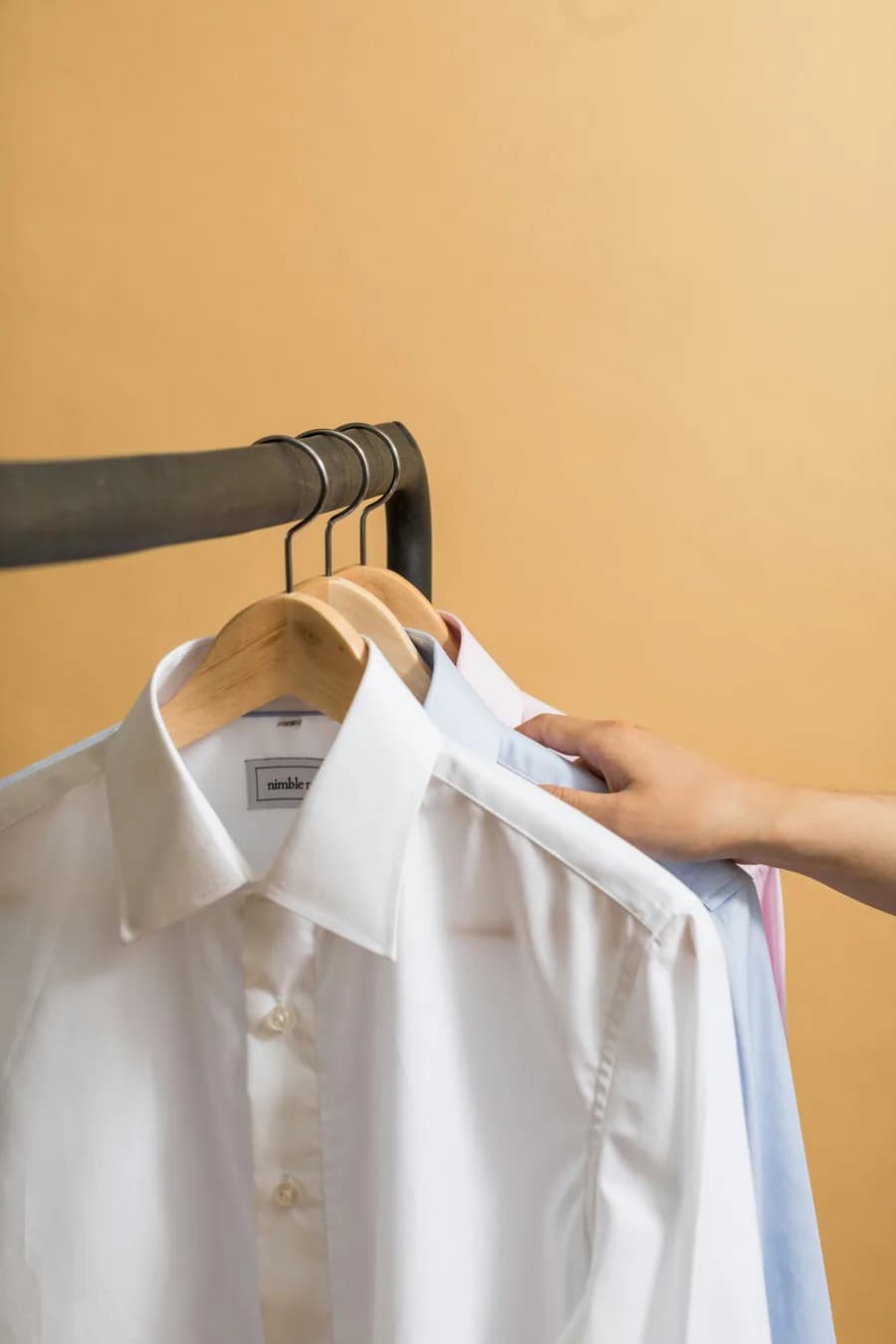
The photo you have 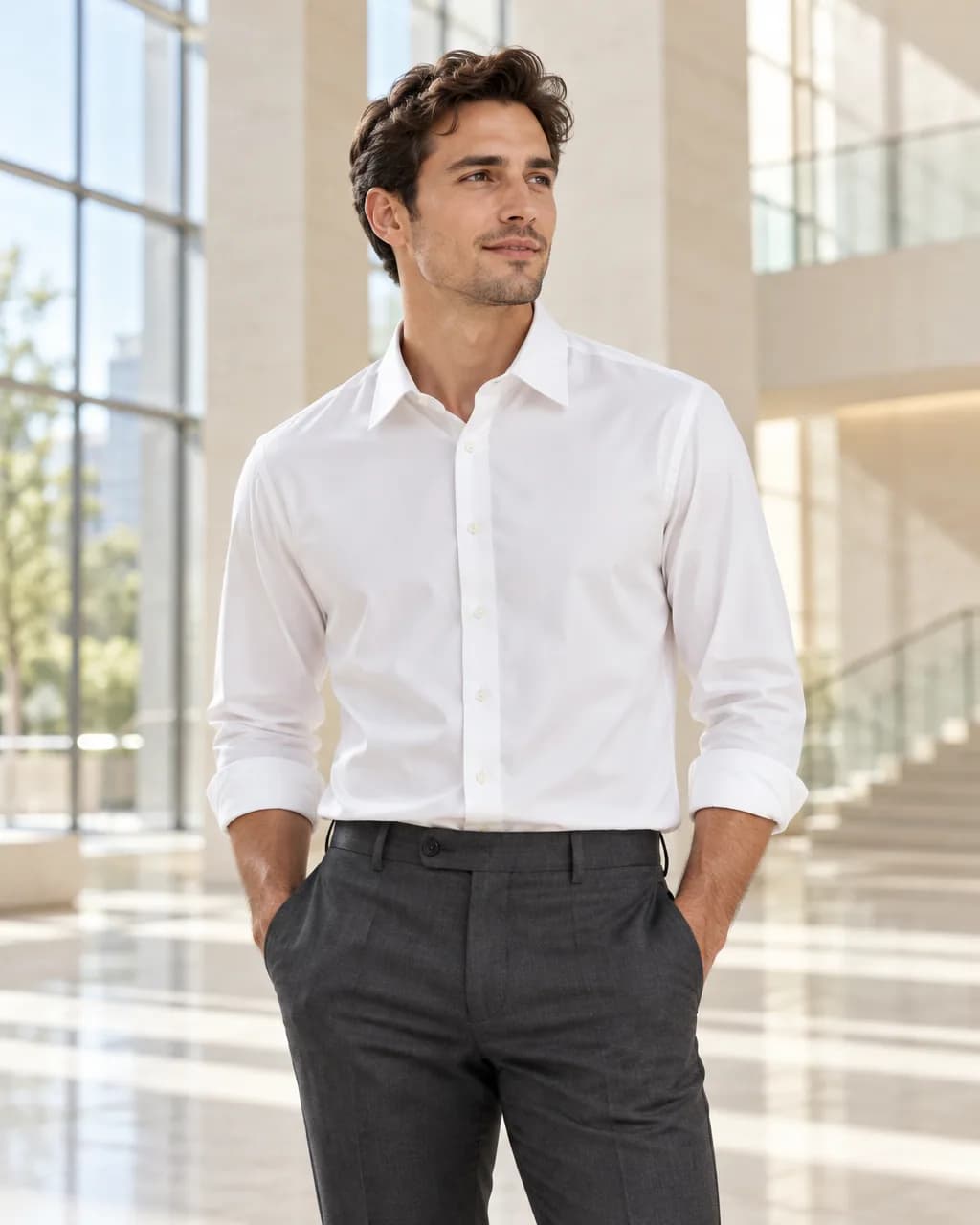
Stone atrium · from a hanger
Real Stage results from licensed Unsplash photos, shown without retouching. On-model images use Creative mode: the model is generated and the garment is redrawn, so check details against your own product before publishing.
What makes a good starting photo
The garment photo is the only thing Stage knows about your product, so it should show the whole piece clearly: even light, sharp focus, no heavy shadows across the fabric.
Flat lays and hanger shots both work. Folded garments work for tops and shirts as long as the collar, placket and print are visible. Add up to three supporting views, such as the back or a close-up of a print, to help Stage with details.
- Show the full garment; parts outside the frame cannot be shown reliably.
- Avoid busy patterns behind the garment.
- Use the largest original you have, up to 8 MB.
When Stage declines a shot
If your photo is cropped, for example a dress photographed above the hem, Stage declines a full-length image rather than inventing the missing part. Ask for a waist-up or detail frame instead, or add a photo that shows the rest. Declined requests never use a credit.
Turn a flat lay into an on-model image
Use an existing product photo as the garment reference.
- 1
Upload the photo you already have
A garment on a hanger, a hook, a mannequin or laid flat works. Saving the photo to a project uses no credits.
- 2
Choose On model and describe the place
Pick the shot type, then describe the setting, light and frame in plain words, or start from a saved Look or a scene starter.
- 3
Review the exact credit cost
Stage shows the cost before anything is made. One standard image uses one credit; a failed or rejected image never does.
- 4
Compare with your photo, then download
Every image passes an automatic quality check against your photo. Compare details side by side and download the full-resolution PNG.
Flat lay to on-model questions
Can I use a folded flat-lay photo?
Yes, for tops and shirts where the collar, placket and print are visible. For dresses and trousers, a full-length hanger or flat-lay photo gives better results.
Does the background of my photo matter?
Stage uses the garment, not the background, but a plain background helps it separate the garment cleanly. Props next to the garment, like ties, are left out.
Can I add photos of the back or details?
Yes. You can add up to three supporting views. Creative mode uses them to clarify the garment; they cannot guarantee angles that no photo shows.
Related guides
Put a garment on a generated model in any setting, from one photo.
Read →One product photo to scenes, studio shots and on-model images.
Read →1 Stage credit a month free, then 75 to 350 a month.
Read →Sizes, backgrounds and a listing checklist.
Read →Clean catalog images and on-model shots without a mannequin shoot.
Read →Show the same garment on petite, plus-size and big-and-tall models.
Read →Use the photos you already have
Upload a hanger or flat-lay photo and see it on a model with your free monthly credit.