Size-inclusive catalogs
Show your clothes on every body type
Fit is the most common reason clothing comes back. Stage can put the same garment on models of different sizes, ages and skin tones, so shoppers can see how it fits someone like them.
1 Stage credit a month on Free. Failed or rejected images never use a credit.
The same garments on different bodies
Each garment below appears elsewhere on our site on a different model. Here it is on a plus-size, big-and-tall or petite model, generated from the same product photo.
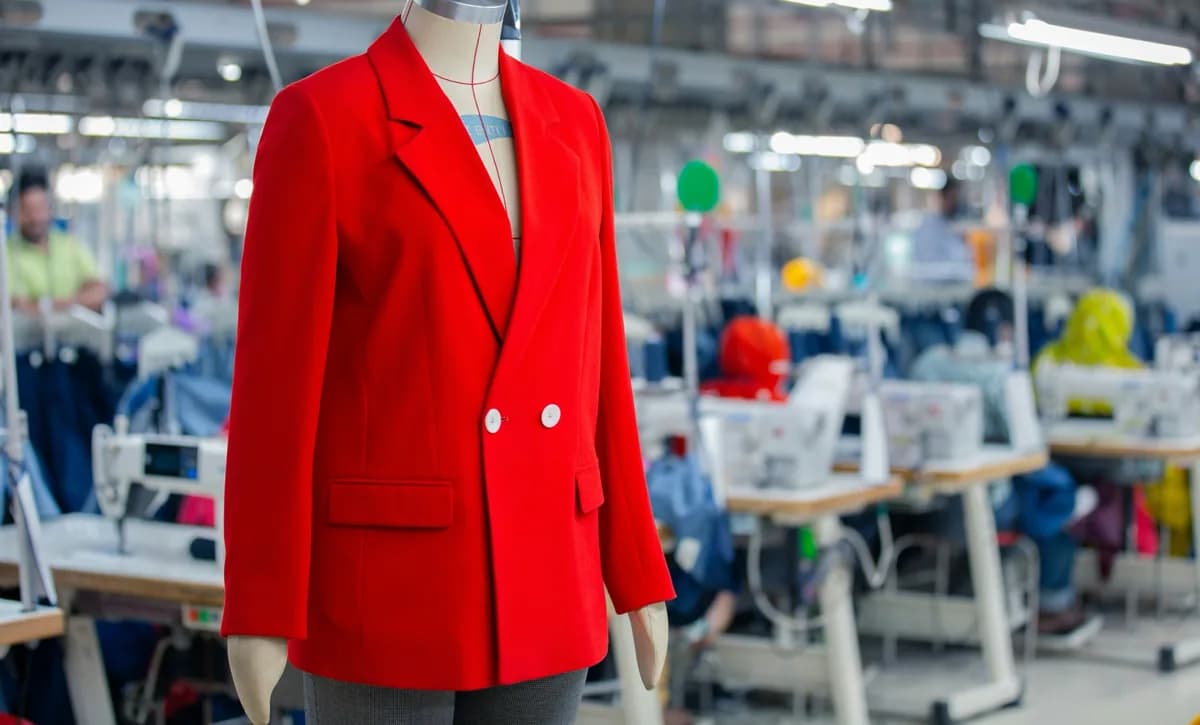
The photo you have 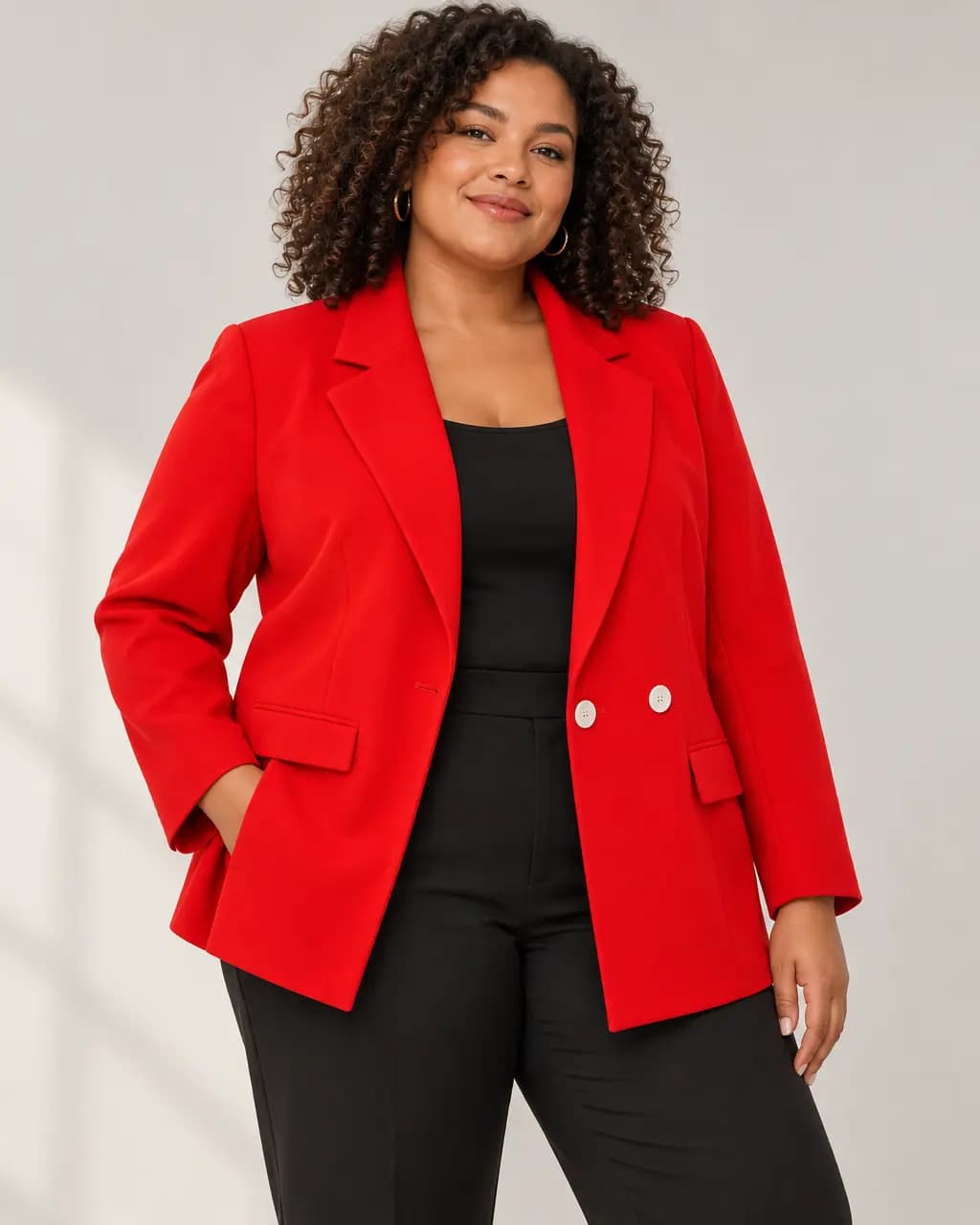
Plus size · red blazer 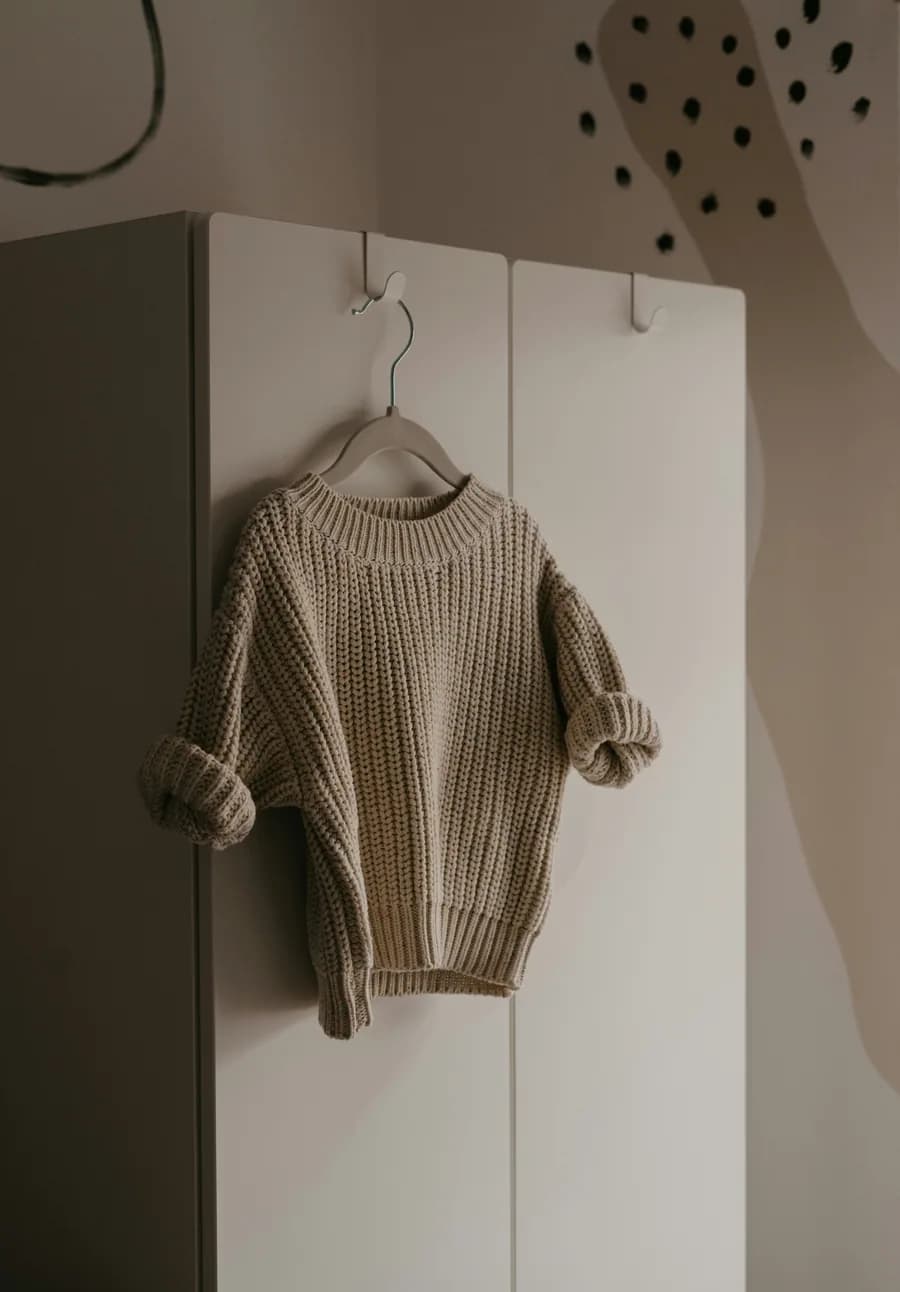
The photo you have 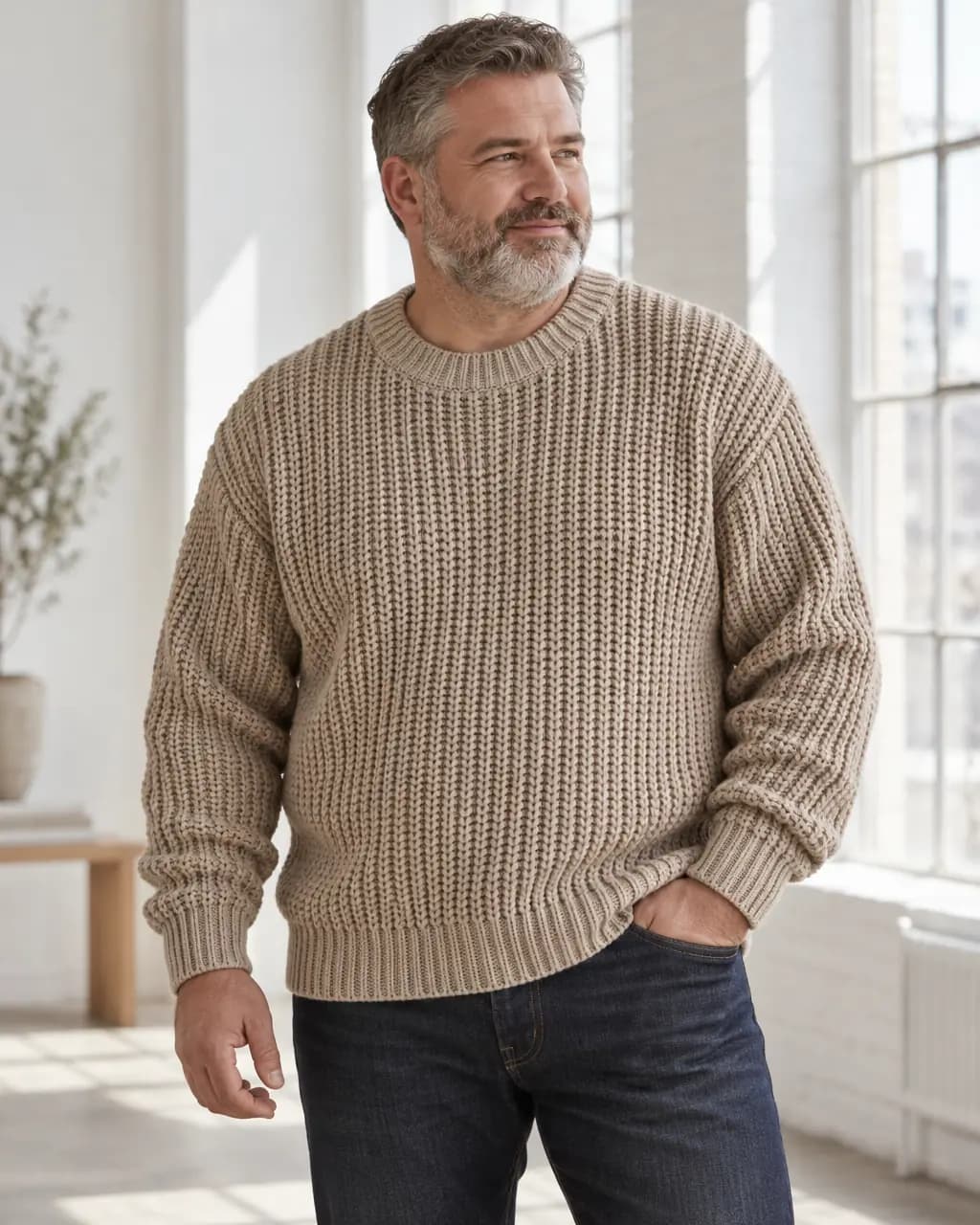
Big and tall · oat knit 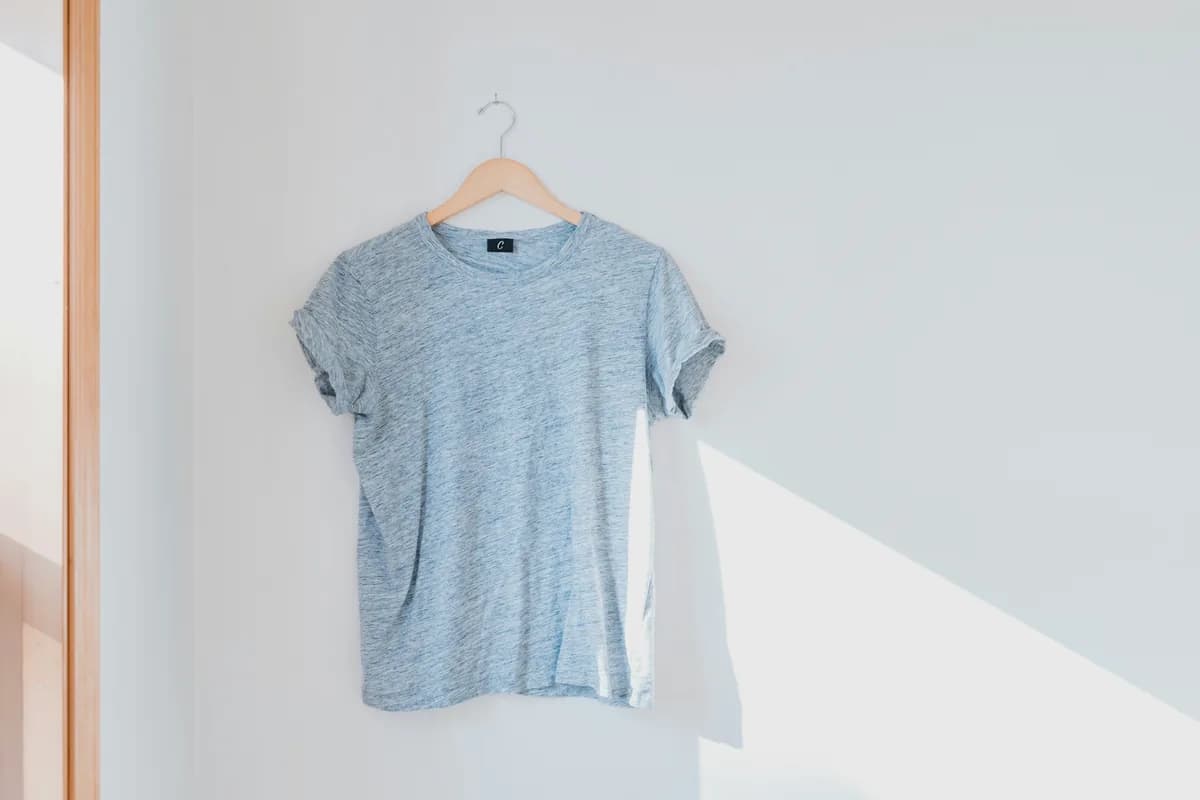
The photo you have 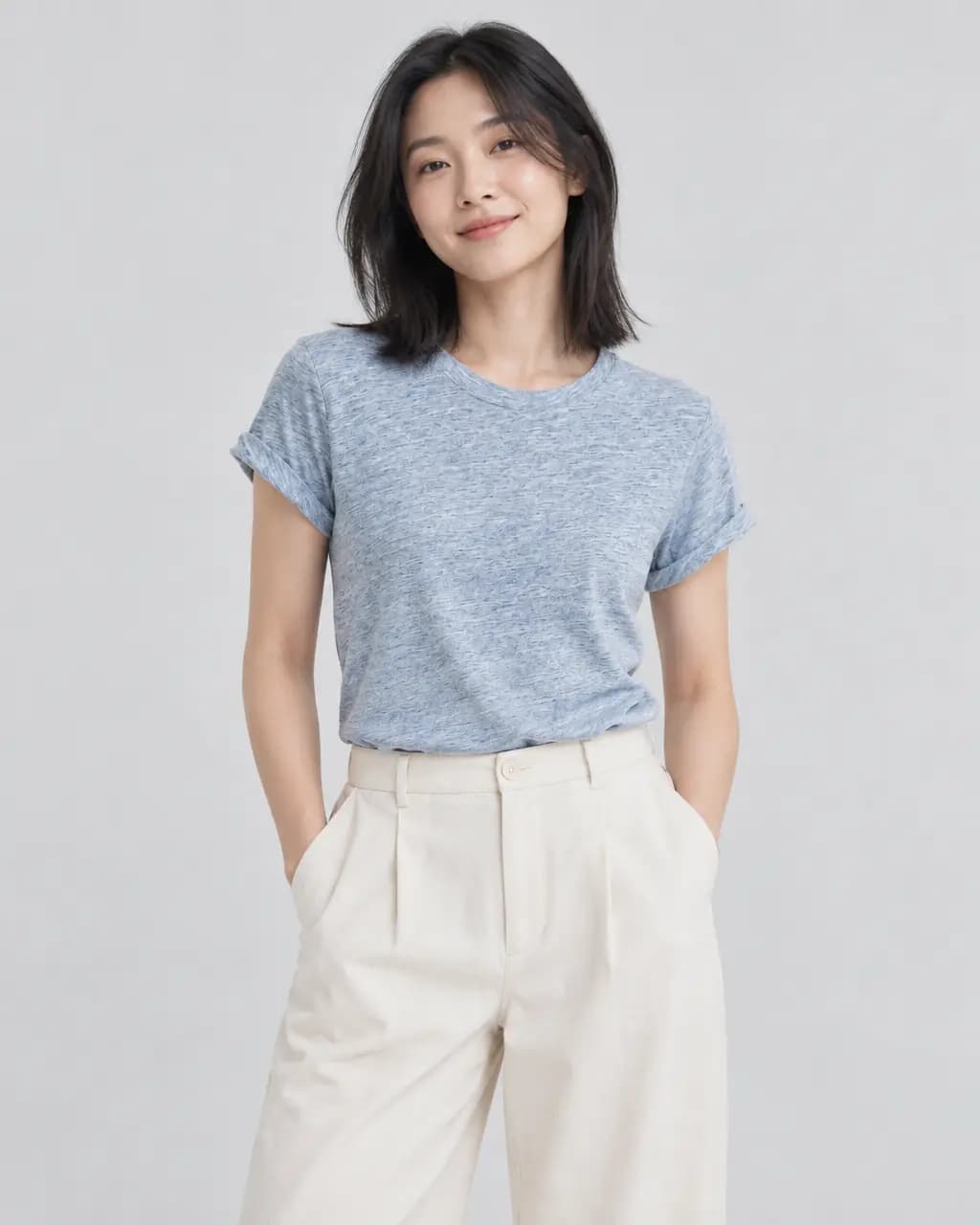
Petite · heather blue tee The photo you have 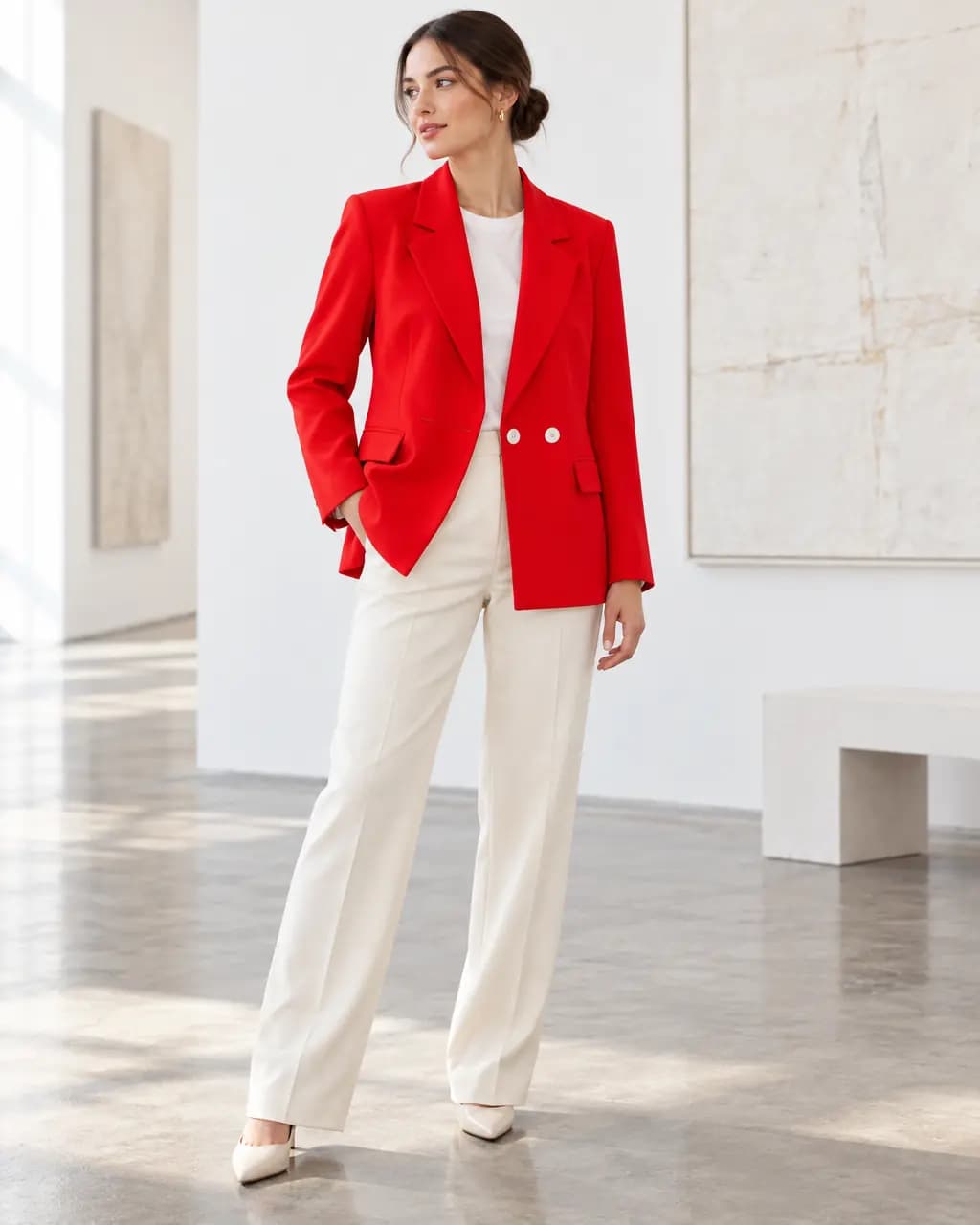
Straight size · red blazer
Real Stage results from licensed Unsplash photos, shown without retouching. On-model images use Creative mode: the model is generated and the garment is redrawn, so check details against your own product before publishing.
Why body diversity matters for returns
Industry estimates put size and fit behind roughly half of online apparel returns. Shoppers who can see a garment on a body like theirs can judge length, drape and fit before they buy.
Booking models across a full size range is expensive for a small brand. Stage lets you describe the model you need in plain words, such as size, build, age and skin tone, for each image.
Honest limits
Stage generates a plausible fit, not a measured one. It does not know your size chart, fabric stretch or grading, so an image is not a substitute for accurate size information. Show your measurements beside the photos.
Stage also reads what your photo shows. When we asked for a slim-fit shirt labelled size 39 on a 3XL model, it declined rather than misrepresent the product, and no credit was used. Photograph the size you want to show, or a garment without a conflicting label.
Check that a larger size reads as a larger body, not a stretched smaller one, and compare garment details with your product before publishing.
Show one garment on different body types
Use the same product photo with a different model description for each image.
- 1
Upload the photo you already have
A garment on a hanger, a hook, a mannequin or laid flat works. Saving the photo to a project uses no credits.
- 2
Describe the model
In the styling note, describe the model: size range, build, age, skin tone and hair. For example: adult plus-size woman, US size 18, natural curly hair.
- 3
Review the exact credit cost
Stage shows the cost before anything is made. One standard image uses one credit; a failed or rejected image never does.
- 4
Compare with your photo, then download
Every image passes an automatic quality check against your photo. Compare details side by side and download the full-resolution PNG.
Body type and size questions
Can Stage show plus-size models?
Yes. Describe the model's size and build in the styling note. The example above was made that way from an ordinary product photo.
Is the fit accurate to my sizes?
No image generator knows your size chart or fabric stretch. Stage shows a plausible fit for the body you describe; publish your measurements alongside the photos.
Can I keep the same model across products?
Shot sets on Basic and Pro can pin a model from an earlier result so the same person appears across formats. Exact identity is not guaranteed.
Related guides
Put a garment on a generated model in any setting, from one photo.
Read →One product photo to scenes, studio shots and on-model images.
Read →1 Stage credit a month free, then 75 to 350 a month.
Read →Sizes, backgrounds and a listing checklist.
Read →Turn the product photo you already took into a model shot.
Read →Clean catalog images and on-model shots without a mannequin shoot.
Read →Show your range on more bodies
Upload one garment photo and describe the model you need. 1 Stage credit a month on Free.