Catalog photos without the rig
A ghost mannequin alternative for small clothing brands
Ghost mannequin photos need a mannequin, careful lighting and compositing for every garment. Stage and Cutout give you clean catalog images and on-model shots from one ordinary product photo.
1 Stage credit a month on Free. Failed or rejected images never use a credit.
From a mannequin in a workshop to clean catalog shots
This blazer was photographed on a mannequin in a busy garment workshop. Stage placed it in a boutique, on a hanger and on a model.
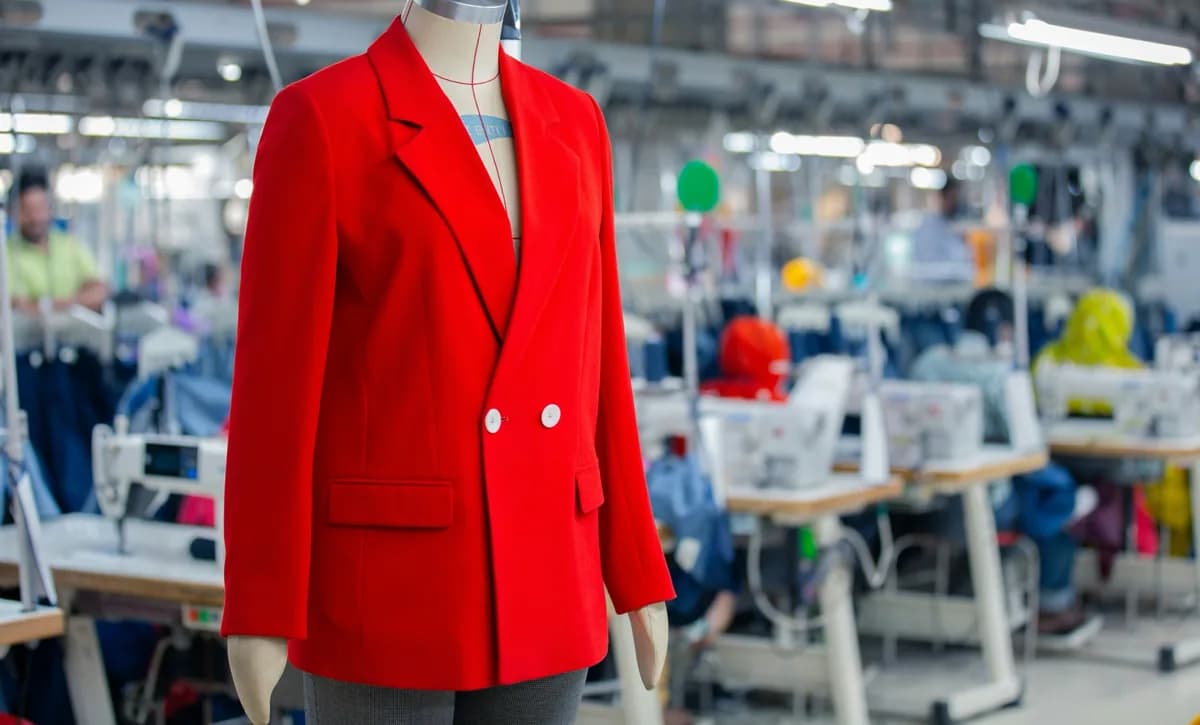
The photo you have 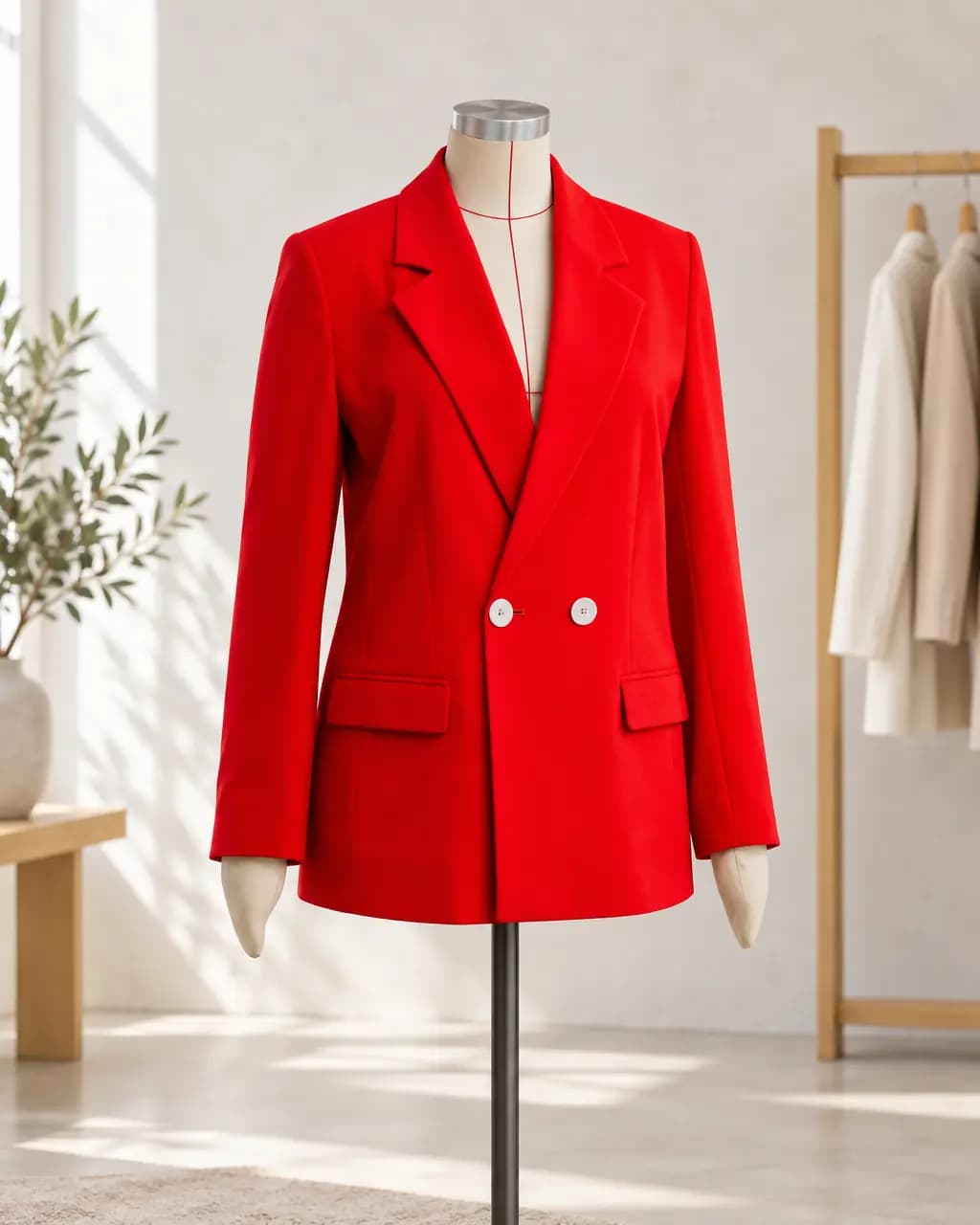
Boutique dress form · product scene The photo you have 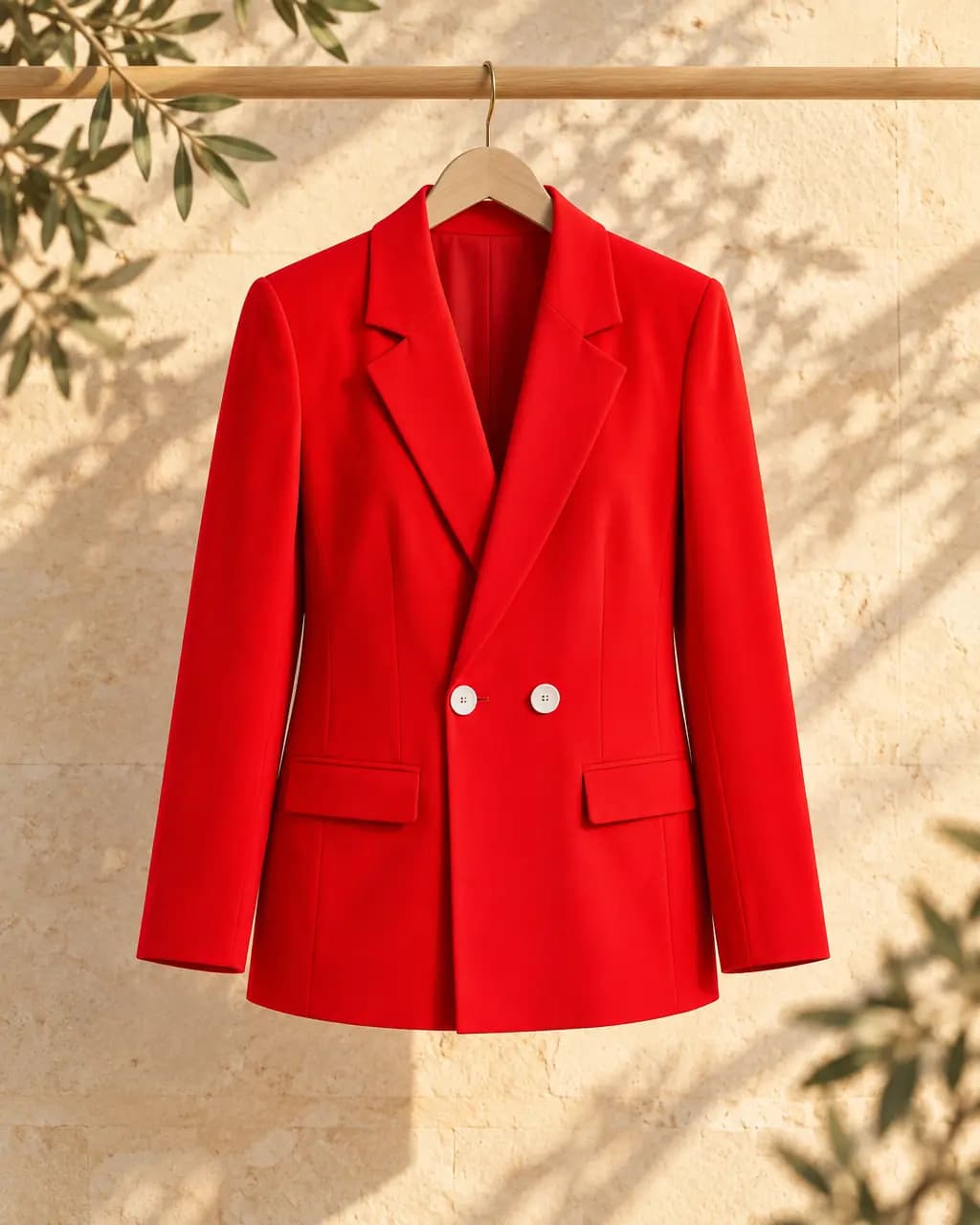
Hanger on limestone · product scene The photo you have 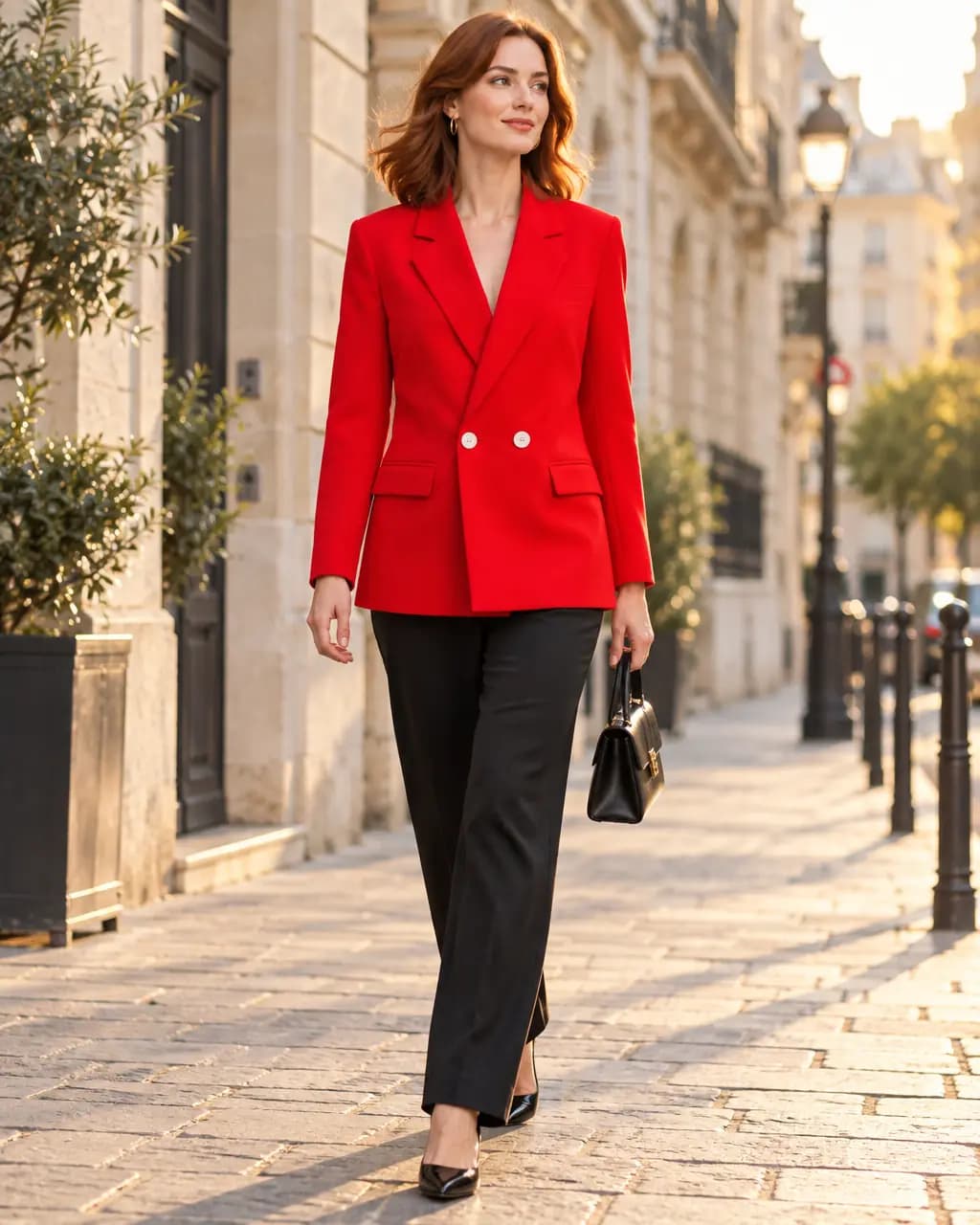
City street · on model 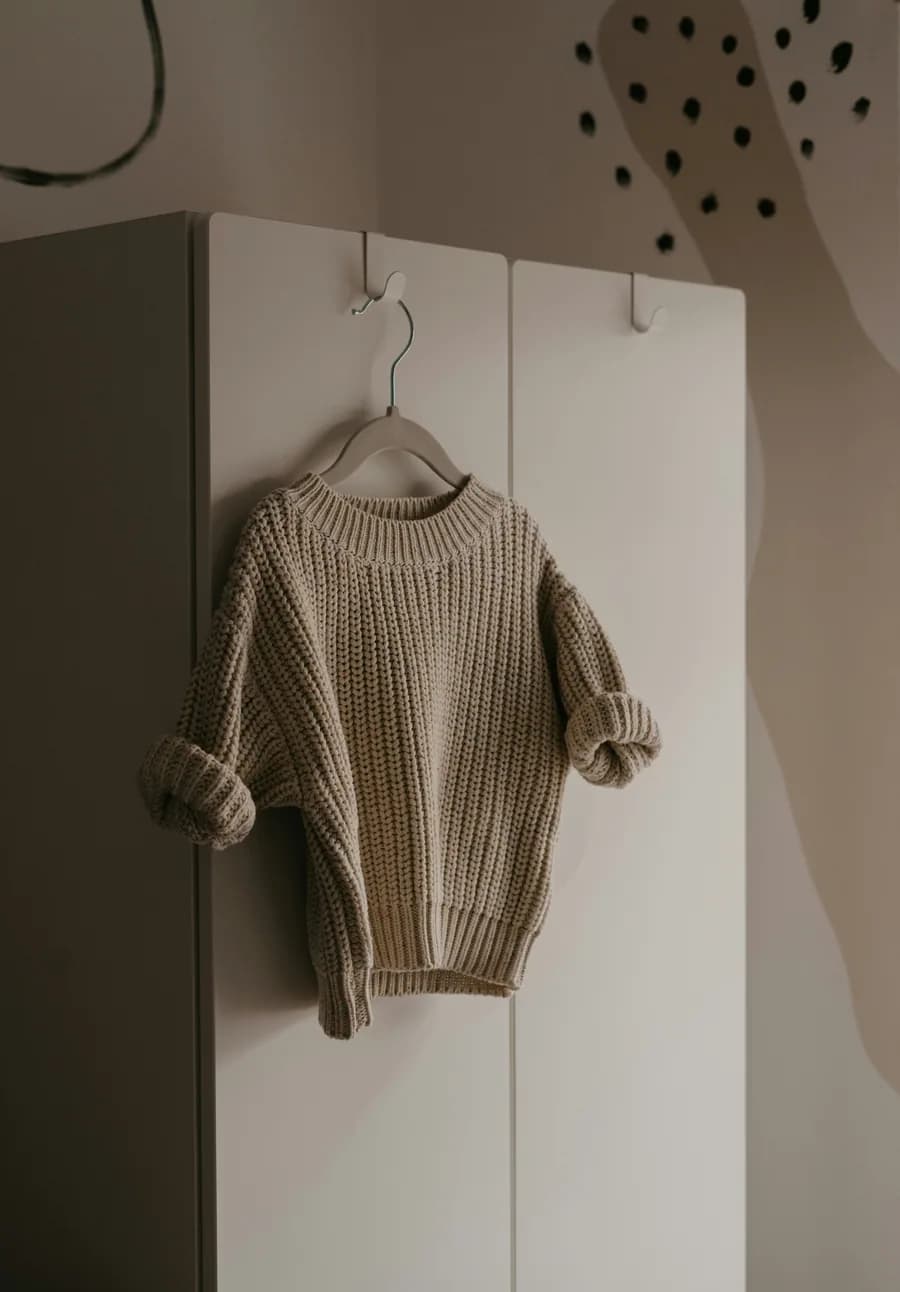
The photo you have 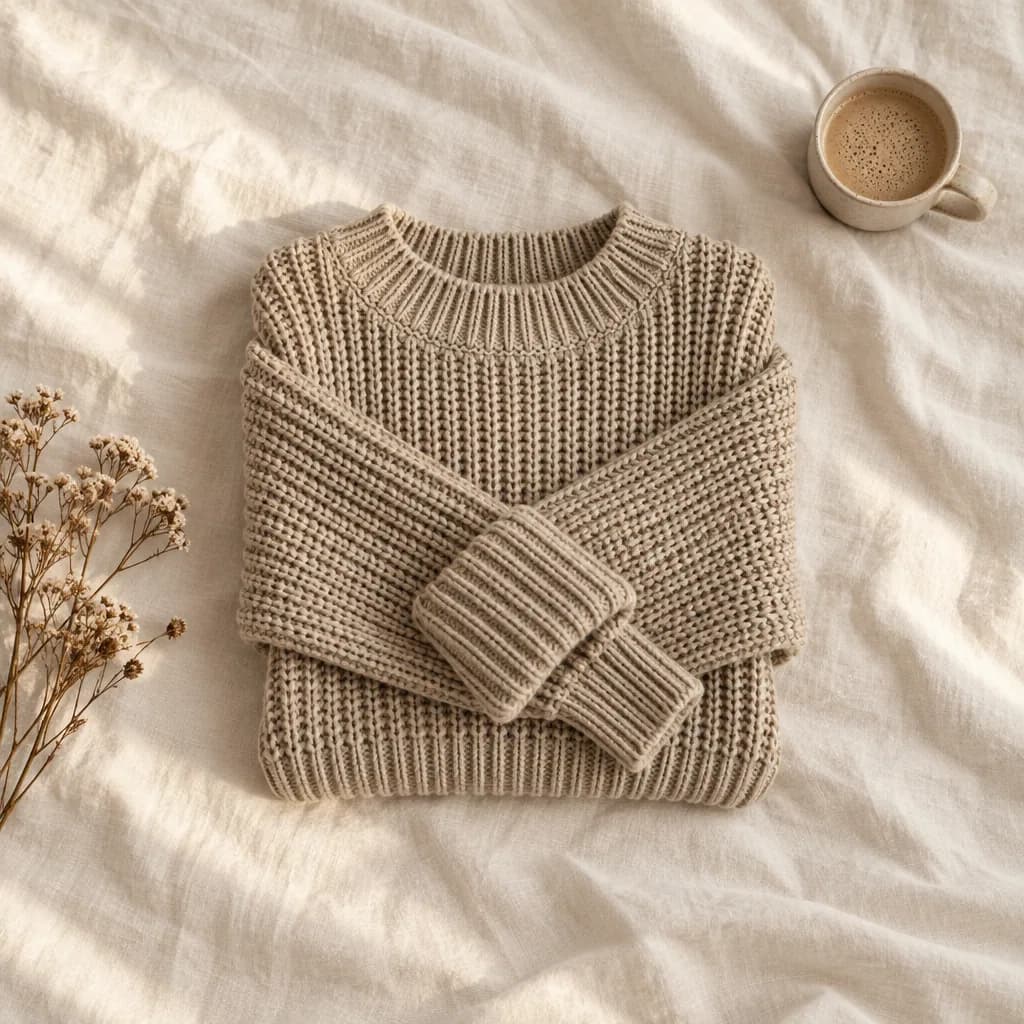
Linen flat lay · ad creative
Real Stage results from licensed Unsplash photos, shown without retouching. On-model images use Creative mode: the model is generated and the garment is redrawn, so check details against your own product before publishing.
What a ghost mannequin shot is for
A ghost mannequin image shows a garment's shape as if worn, without a visible person or mannequin. It gives a consistent, clean catalog look, but each garment needs a mannequin shoot and editing to remove the form.
For many small brands the goal behind it is simpler: a clean, consistent product image plus a photo that shows fit. Stage covers both from one photo: a clean product scene or studio shot, and an on-model image.
Clean white-background images too
For marketplace main images on pure white, Cutout removes the background from your photo and exports it at the size you choose, with an optional soft shadow. Cutout keeps your real product pixels; it does not redraw the garment.
Make catalog images without a mannequin shoot
A clean product scene and an on-model shot from one garment photo.
- 1
Upload the photo you already have
A garment on a hanger, a hook, a mannequin or laid flat works. Saving the photo to a project uses no credits.
- 2
Choose On model and describe the place
Pick the shot type, then describe the setting, light and frame in plain words, or start from a saved Look or a scene starter.
- 3
Review the exact credit cost
Stage shows the cost before anything is made. One standard image uses one credit; a failed or rejected image never does.
- 4
Compare with your photo, then download
Every image passes an automatic quality check against your photo. Compare details side by side and download the full-resolution PNG.
Ghost mannequin alternative questions
Does Stage make true ghost mannequin images?
Not the hollow-garment effect itself. Stage makes clean product scenes, studio shots and on-model images from one photo, which covers what most small brands use ghost mannequin shots for.
Can I get a plain white background?
Yes. Cutout removes the background from your original photo and exports it on white or transparent at common marketplace sizes.
Is the garment changed?
Product scenes in Preserve mode keep your photographed product. On-model images use Creative mode and redraw the garment, so compare details before publishing.
Related guides
Put a garment on a generated model in any setting, from one photo.
Read →Background removal, resizing and checks.
Read →One product photo to scenes, studio shots and on-model images.
Read →1 Stage credit a month free, then 75 to 350 a month.
Read →Sizes, backgrounds and a listing checklist.
Read →Turn the product photo you already took into a model shot.
Read →Skip the mannequin shoot
Make a clean catalog image or an on-model shot from one garment photo with your free monthly credit.