Hand-aware product isolation
Remove hands and people from product photos automatically
Held products are hard because the hand touches the thing you are trying to sell. CatalogCut now uses a second-stage product isolation path for likely handheld or worn items.
Try one photo without an account. Sign in for batches and advanced editing.
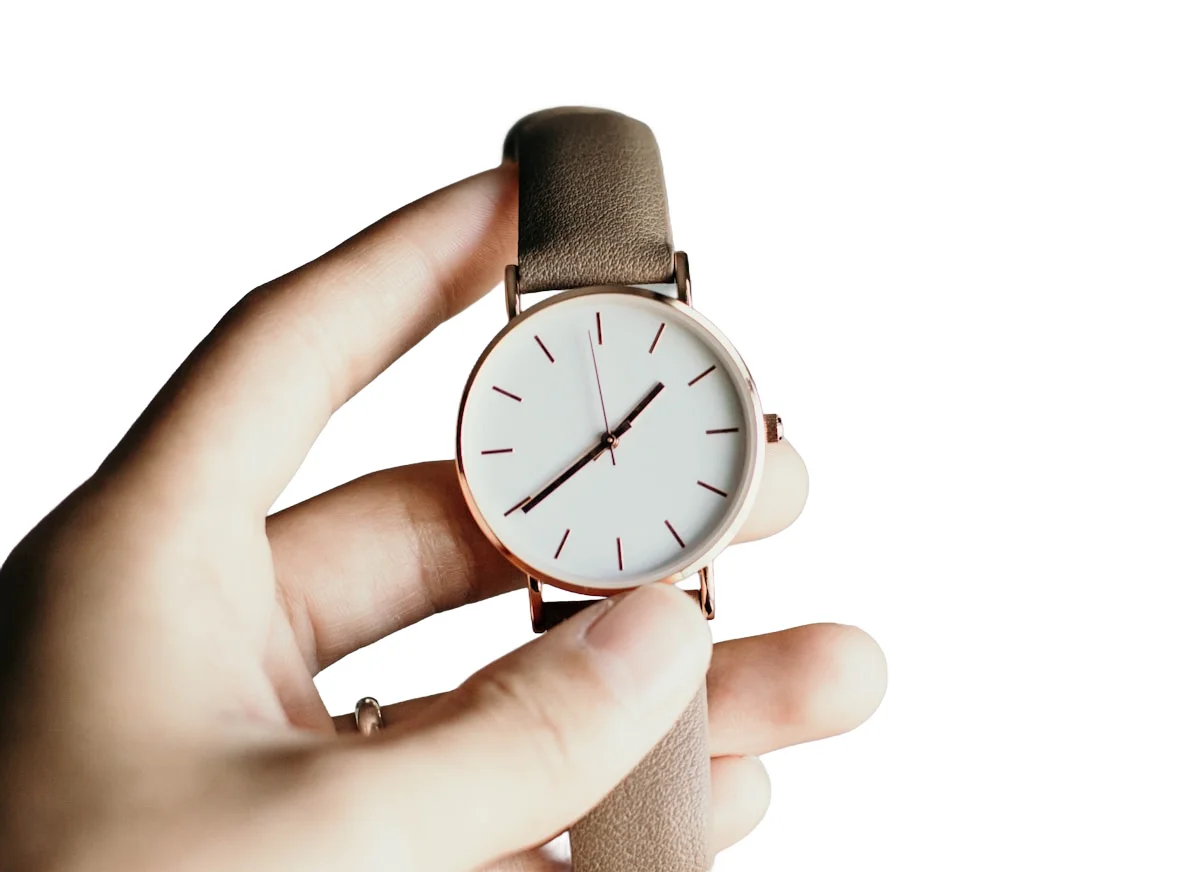
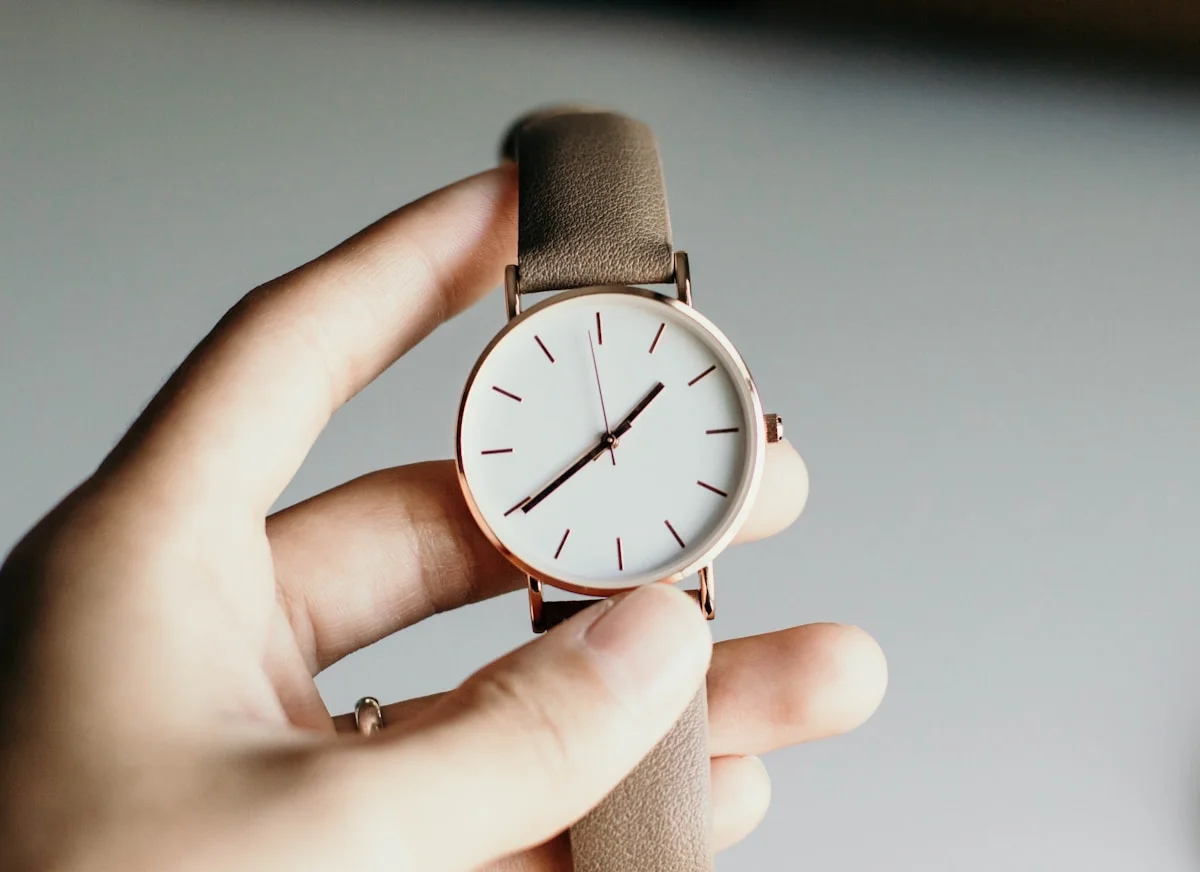
Watch and accessory product isolation results
View proofWorked example / illustration
Treat contact points as the difficult case.
Inspection illustration; not a saved hand-isolation result.
- 01
Mark product detail beside the person.
- 02
Inspect contact areas closely after isolation.
- 03
Use another source when important parts were obscured.
The hard case is product versus person
Generic background removal can leave fingers, wrists, props, or skin around products. It can also cut into straps, watch faces, jewelry edges, and reflective accessories if it tries to remove too aggressively.
CatalogCut's product isolation path is designed to subtract hands, arms, and people only when that extra cleanup is likely needed, while protecting product-like regions.
Use it for worn and handheld listings
This is especially useful for watches, bracelets, rings, bags, apparel details, small electronics, handmade goods, and any product photographed in a hand before listing.
Frequently asked questions
Can CatalogCut remove a hand holding a product?
CatalogCut can automatically reduce hands, arms, and people around likely handheld or worn product photos. Extremely tight contact can still be difficult, but the product isolation path is designed for these hard ecommerce cases.
Will it remove the product too?
The pipeline protects product-like regions such as watch faces, straps, jewelry metals, and accessories. It is more conservative around product edges than a generic person matte.
Do I need to mask manually?
No. The dashboard toggle sets product-only isolation as the default for new batches, and the create page still lets you override it per batch.
Continue this workflow
Turn one product-photo workflow into every listing asset.
Start with one photo, then sign in to apply consistent settings across your catalog.