Hard-case proof
Watch and accessory product isolation results
Watches, rings, bracelets, and accessories often arrive as worn or handheld photos. The challenge is removing the person without damaging the product.
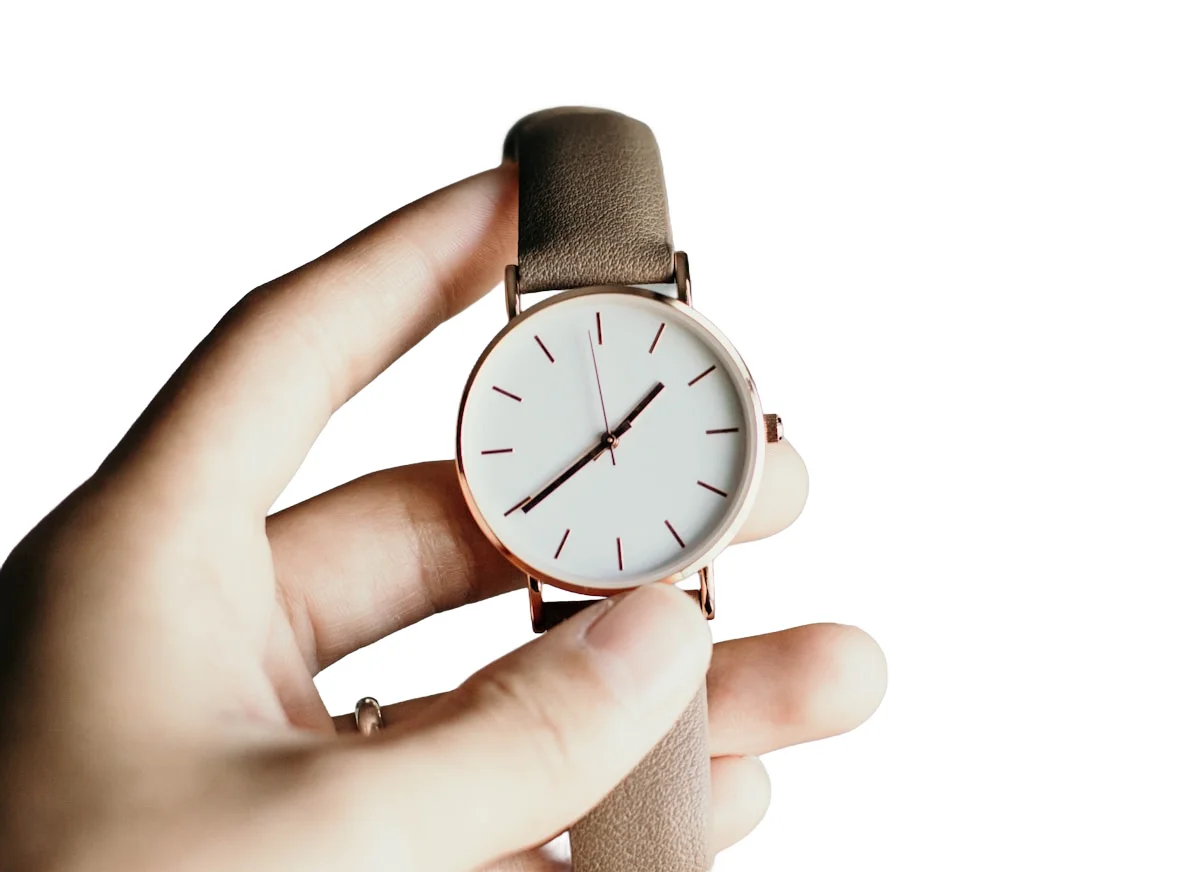
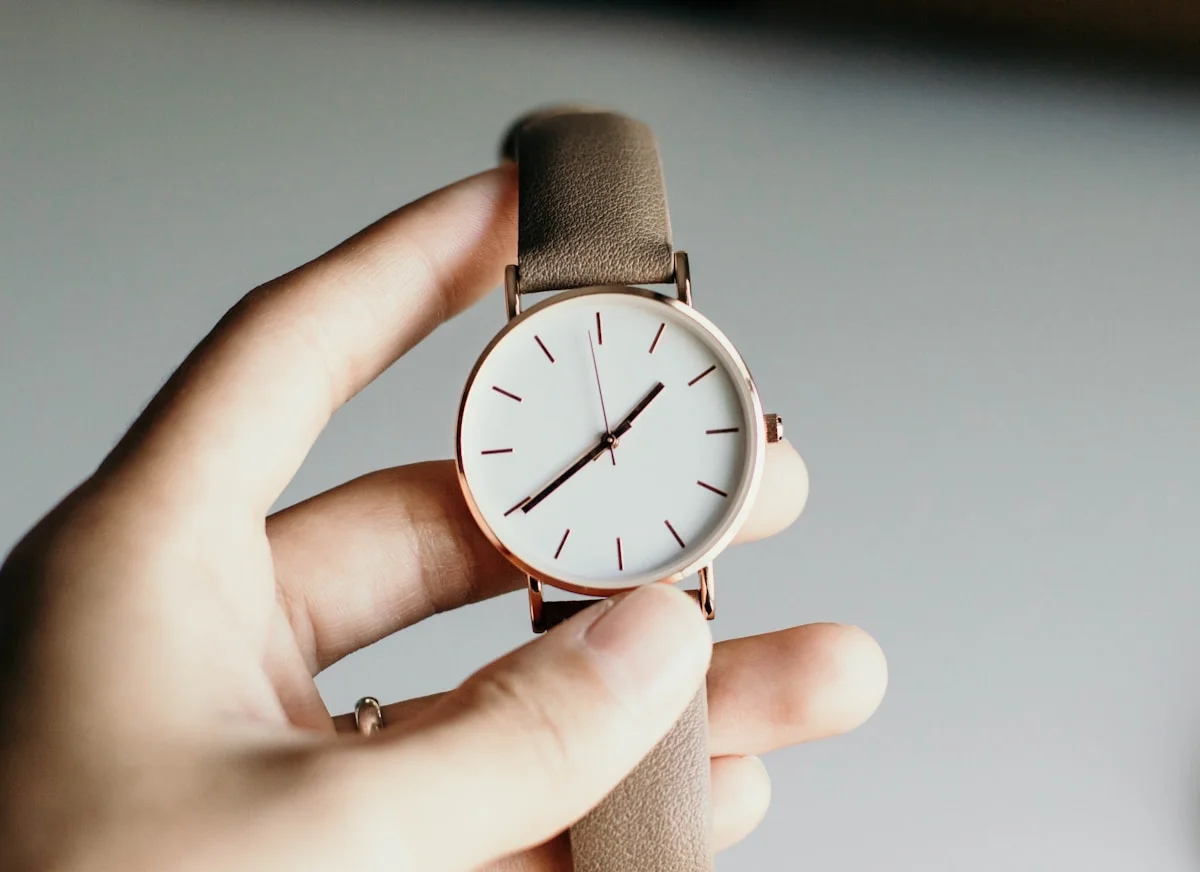
Before
CatalogCut
CatalogCut sample images. Inspect edges and framing, then test your own product photos.
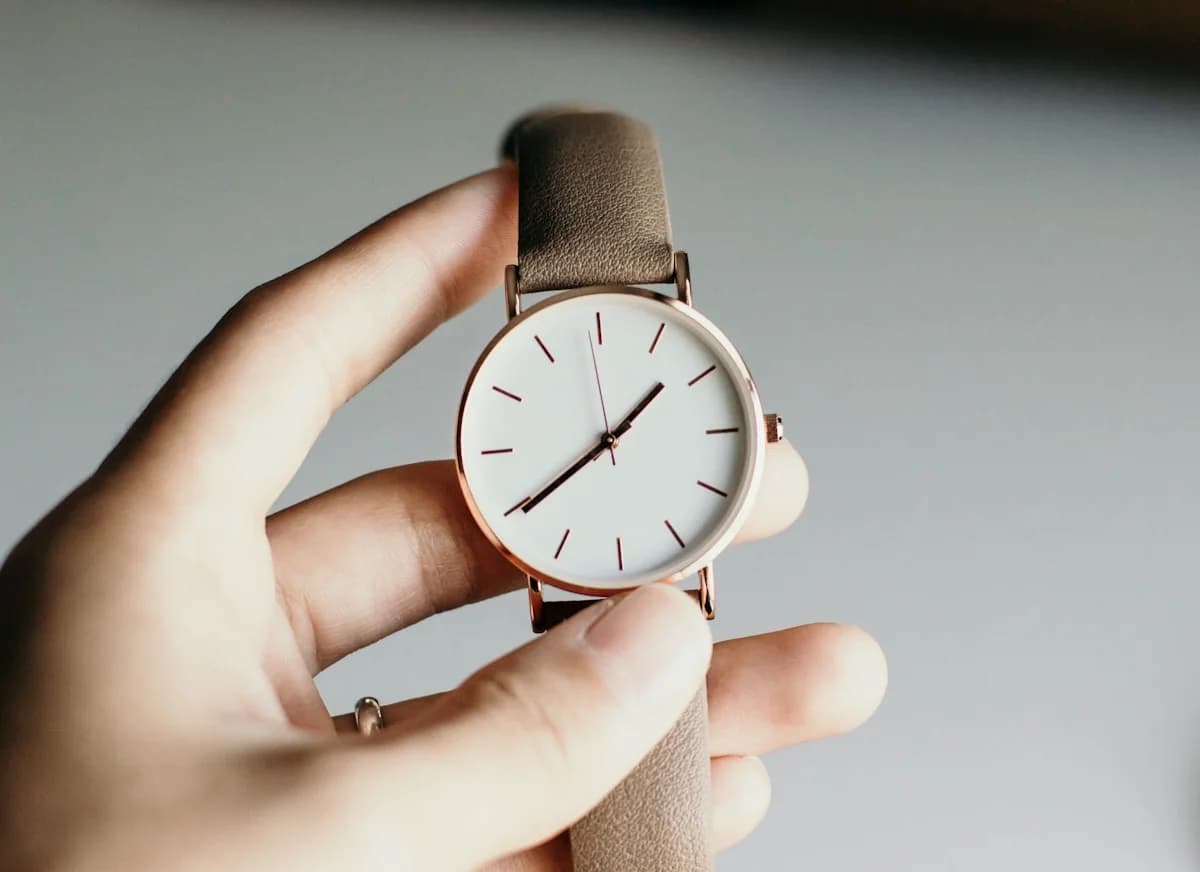
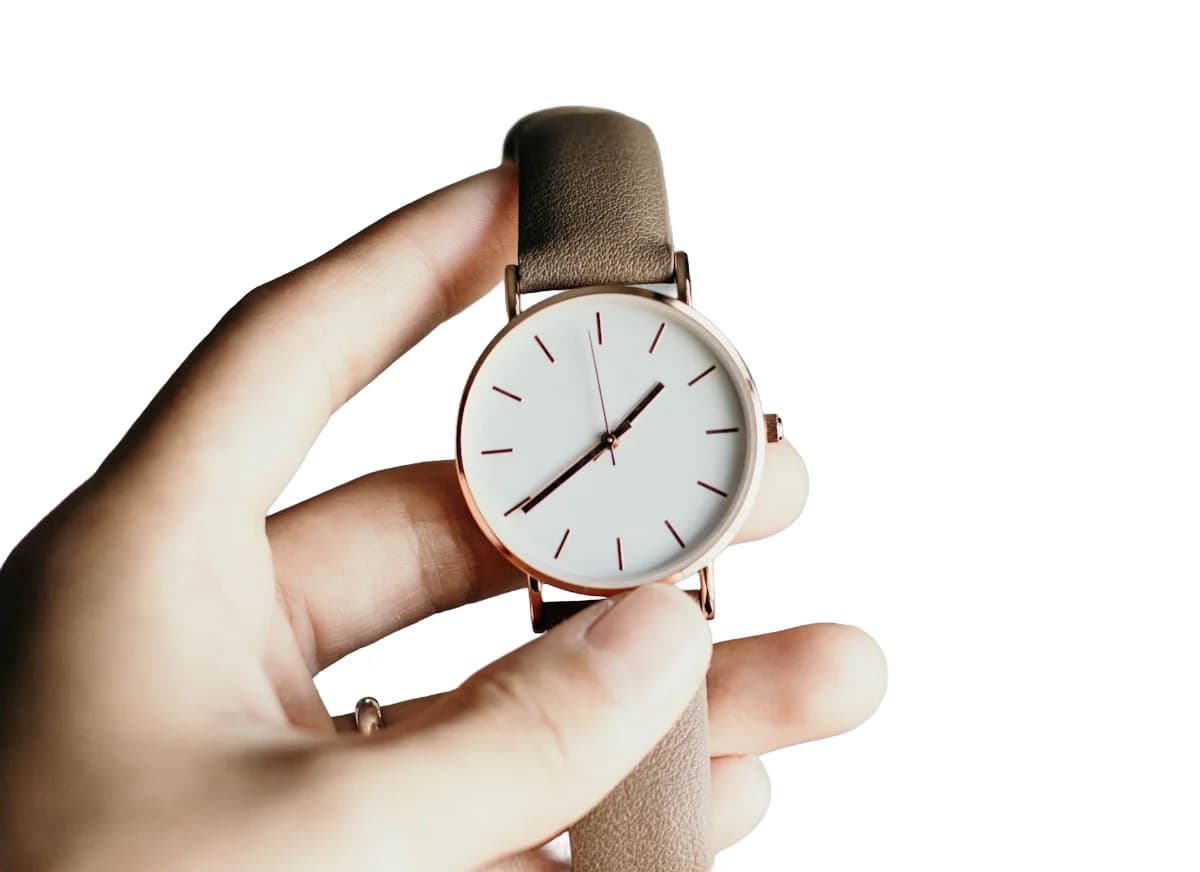
What to inspect
- Hand/person-aware cleanup path
- Product protection for straps, jewelry, and accessories
- Account-wide default toggle plus per-batch override
Repeatable workflow
- 1Turn on AI product isolation from the dashboard.
- 2Upload held or worn product photos in Create.
- 3Review clean product-forward outputs and export for listings.
Continue this workflow
Turn one product-photo workflow into every listing asset.
Start with one photo, then sign in to apply consistent settings across your catalog.