Proof gallery
Jewelry product photo results
Jewelry is one of the highest-risk categories for background removal because chains, reflective edges, gemstones, and thin shapes expose poor mattes quickly.
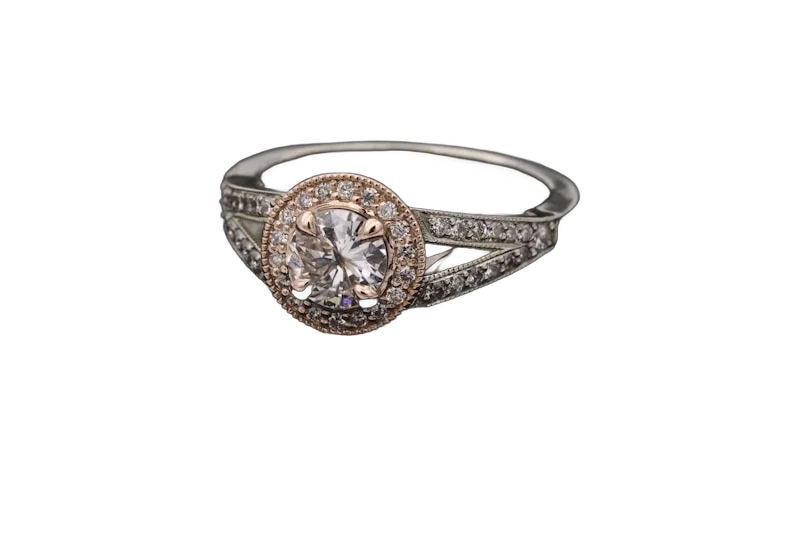
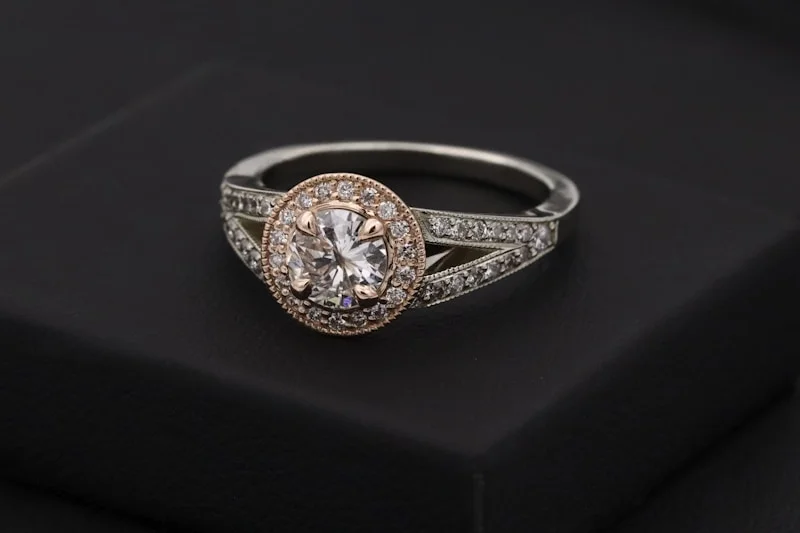
Before
CatalogCut
CatalogCut sample images. Inspect edges and framing, then test your own product photos.
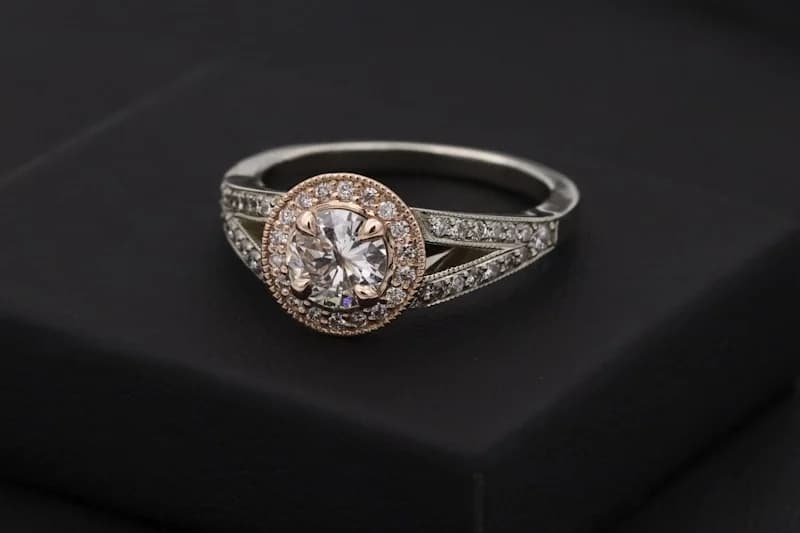
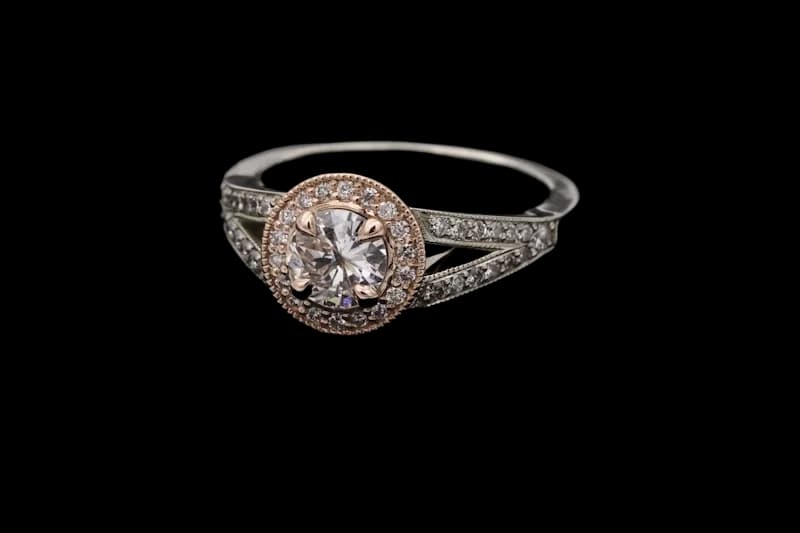
What to inspect
- Clean product cutout around fine jewelry edges
- Neutral background ready for marketplaces
- Reusable setup for Etsy, Shopify, and Amazon images
Repeatable workflow
- 1Upload jewelry photos as a batch.
- 2Use product-only isolation when hands or props touch the item.
- 3Export square, 4:3, or custom marketplace sizes.
Continue this workflow
Turn one product-photo workflow into every listing asset.
Start with one photo, then sign in to apply consistent settings across your catalog.