One brief, every placement
Every format a launch needs, with the same model
A shot set turns one garment photo into product page, story, feed and banner images. Pin a model from an earlier result and the same person appears in every shot, so a launch looks like one shoot.
1 Stage credit a month on Free. Failed or rejected images never use a credit.
One shot set, four placements
All four images came from the same hanger photo in one shot set, with the model pinned from a single studio result.
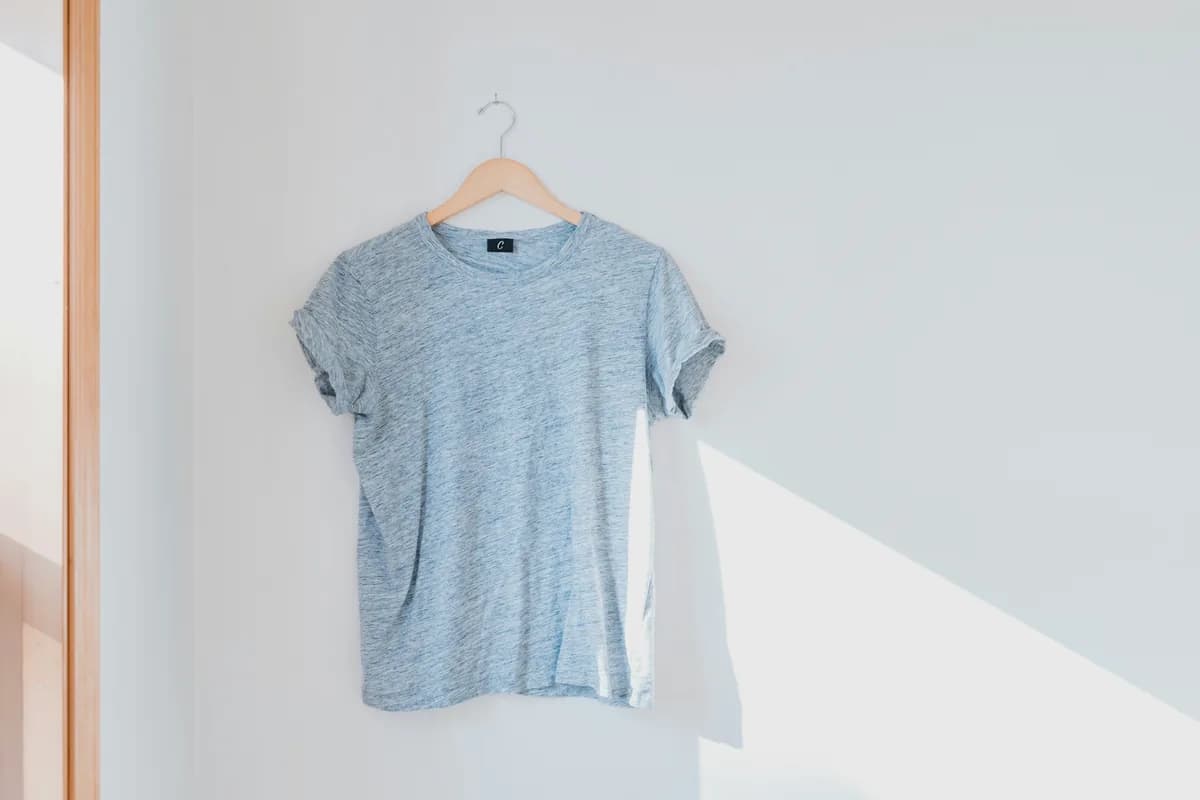
The photo you have 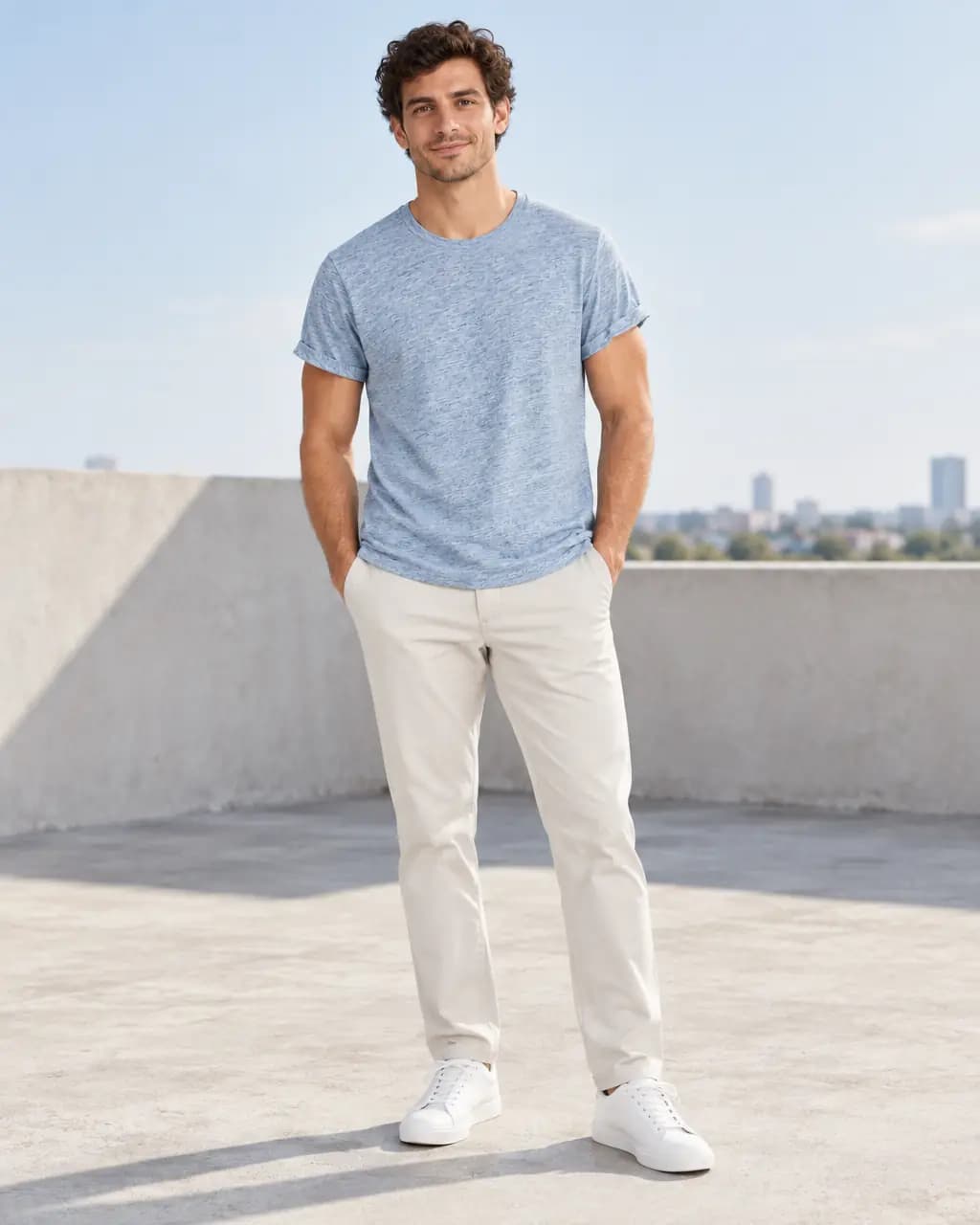
Product page · 4:5 The photo you have 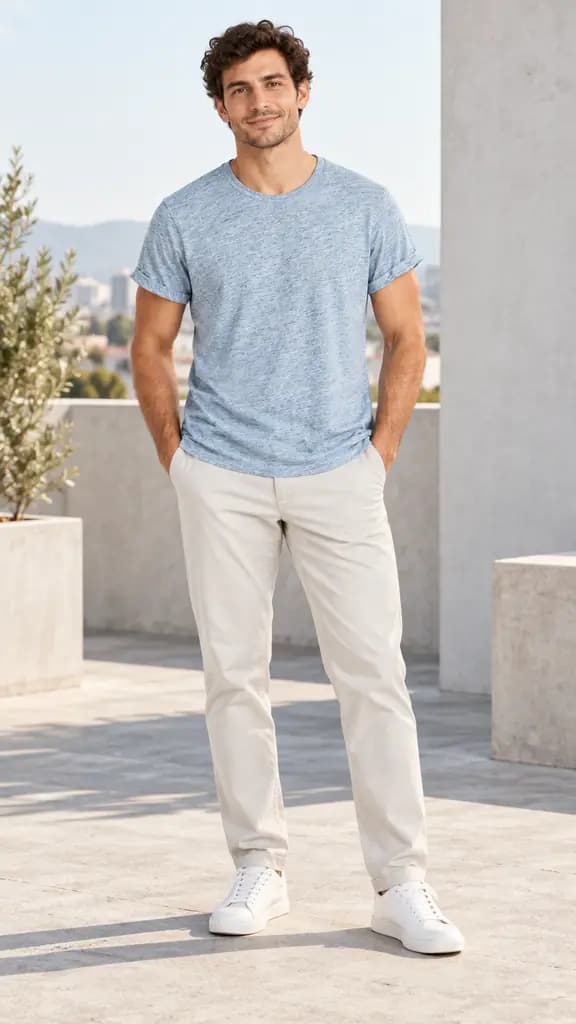
Story · 9:16 The photo you have 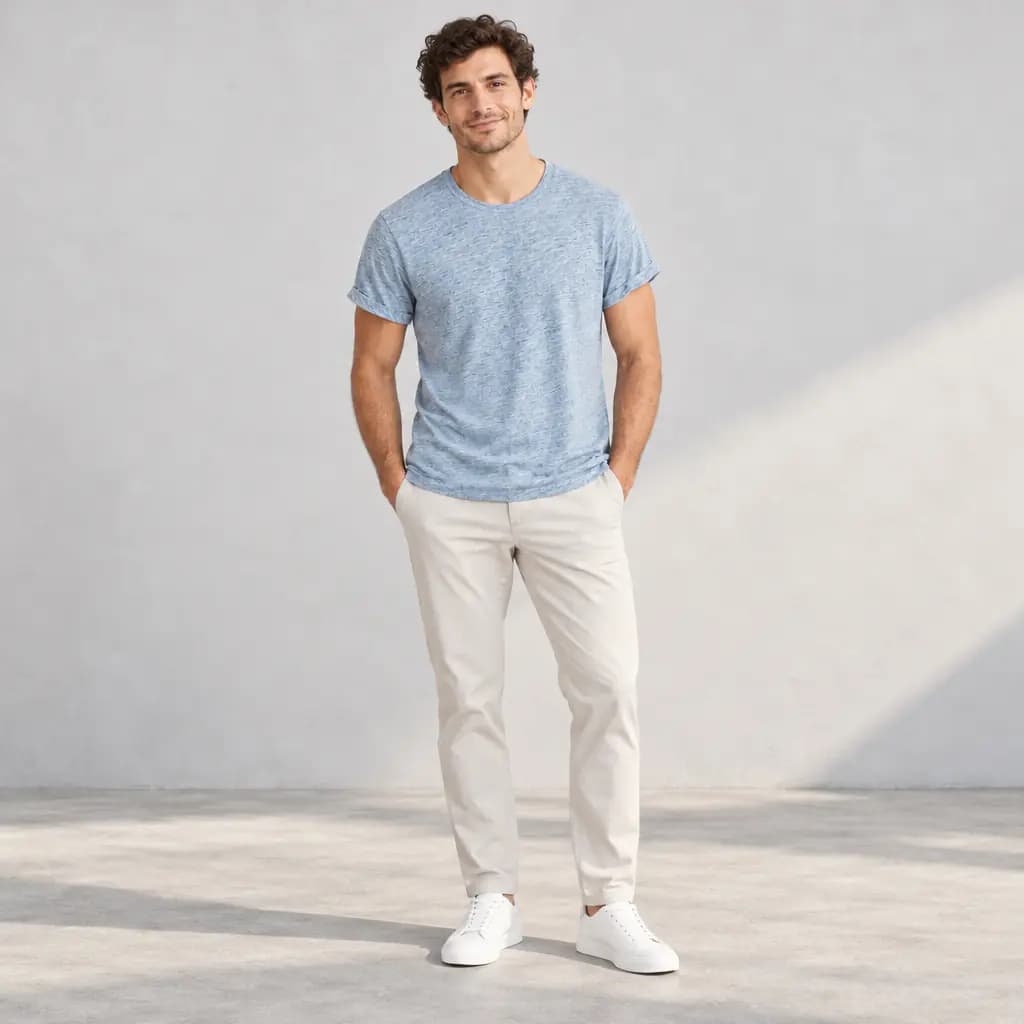
Feed post · 1:1 The photo you have 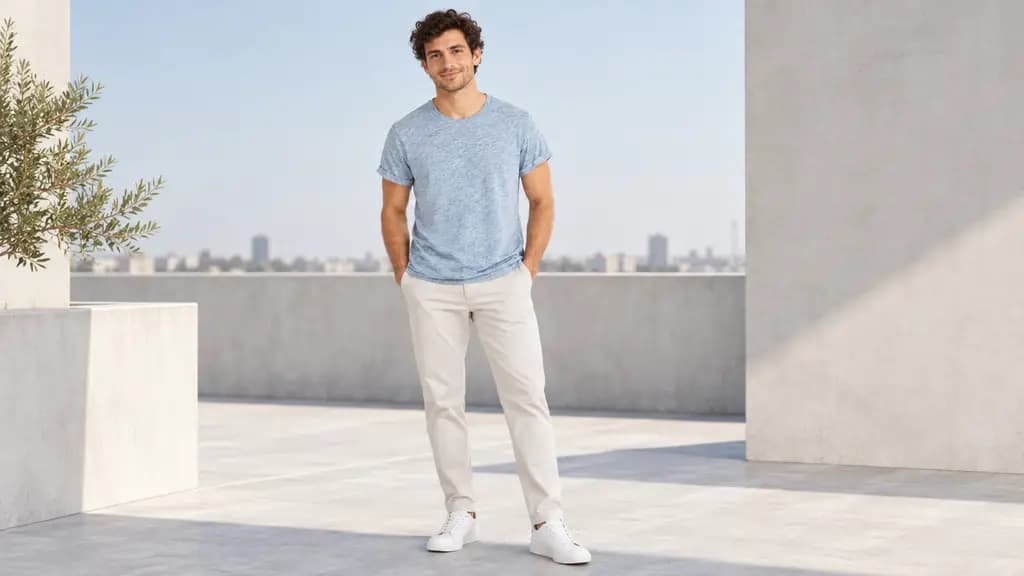
Site banner · 16:9
Real Stage results from licensed Unsplash photos, shown without retouching. On-model images use Creative mode: the model is generated and the garment is redrawn, so check details against your own product before publishing.
How a shot set works
Choose up to five shots, each with its own format: a clean hero for the product page, a square for the feed, a vertical portrait for stories and a wide banner. Every shot uses the same garment photo and direction.
Each shot uses one credit, shown before you start. If one shot fails, retry just that shot; the others are kept. Download the whole set as a ZIP.
Keeping the same model
Pin a completed on-model image as the casting reference and the shot set keeps that person's face, hair and build across the set. Clothes, pose and place follow your direction. Exact identity is not guaranteed, so review each shot.
Make a clothing shot set
Product page, story, feed and banner images from one garment photo.
- 1
Upload the photo you already have
A garment on a hanger, a hook, a mannequin or laid flat works. Saving the photo to a project uses no credits.
- 2
Make one on-model image you like
Generate a single on-model image first. It becomes the casting reference for the set.
- 3
Choose the shots and pin the model
Pick up to five formats, pin the model, and review the total credit cost.
- 4
Review and download the set
Retry any single shot that misses, then download every shot as a ZIP.
Shot set questions
Which plans include shot sets?
Listing sets are on Basic and Pro. Free accounts get 1 Stage credit a month, one photo at a time.
How many credits does a shot set use?
One credit per shot, up to five per set, shown before you start. Failed shots are refunded and can be retried on their own.
Will the model look the same in every shot?
Pinning a model from an earlier result keeps face, hair and build consistent across the set in most cases, but exact identity is not guaranteed.
Related guides
Put a garment on a generated model in any setting, from one photo.
Read →One product photo to scenes, studio shots and on-model images.
Read →1 Stage credit a month free, then 75 to 350 a month.
Read →Sizes, backgrounds and a listing checklist.
Read →Turn the product photo you already took into a model shot.
Read →Clean catalog images and on-model shots without a mannequin shoot.
Read →Plan your next launch in one sitting
Make an on-model image, pin the model, and create every format your launch needs.