AI fashion photography cost in 2026: studio rates and complete project budgets
Compare AI fashion photography costs using studio rates, monthly allowances and clear assumptions for source photos, models, rights, editing and human review.
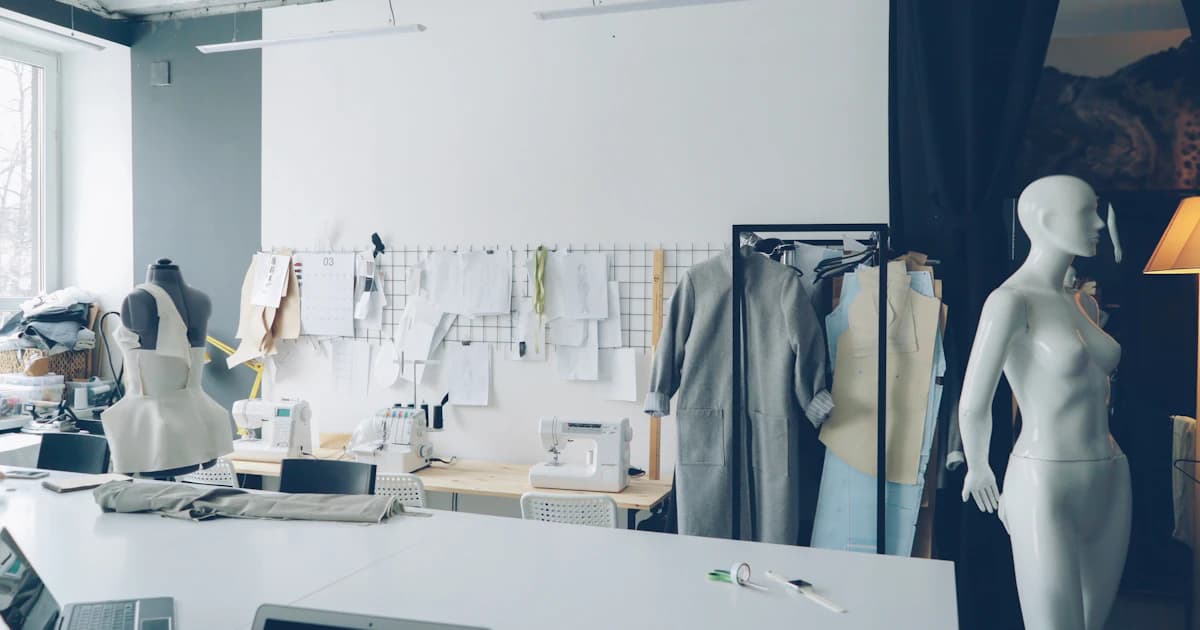
AI fashion photography costs include the source garment photos, generated images, human review and any real shoot you still need for fit or detail. Budget those separately: a monthly AI allowance and a studio day rate buy different work, so their headline prices are not a complete cost comparison.
Prices and product details were checked on October 21, 2026. Dollar figures below are USD. CatalogCut publishes this comparison and sells one of the options. These are documented prices and hypothetical budgets, not a hands-on quality ranking, an industry average or a measured savings study.
What are you actually paying to produce?
Start with a shot list rather than a software subscription. A garment might need a front view, back view, fabric close-up, fastening detail and a worn view. Those images answer different questions. A generated model image can illustrate a presentation, but it does not establish how the actual garment fits a real person.
Separate the work into three groups:
- Evidence photos: the actual garment, its construction, condition, labels, measurements and important details.
- Presentation images: styled scenes, campaign compositions or generated on-model views.
- Delivery work: selecting, checking, cropping, exporting and uploading approved files.
Count the final files your listing needs, not just the number of SKUs. Ten garments with three required images each mean thirty planned deliverables. That arithmetic says nothing about how many source photographs, generations or revisions will be needed.
A real shoot is the better fit when your brief requires observed fit, movement, construction details or a particular human model and usage agreement. AI can be useful when you already have clear source photos and need additional presentations you can inspect against them.
Which published prices are useful starting points?
These examples describe specific services. They are not interchangeable quotes for the same result.
| Option | Published price checked October 21, 2026 | Billing unit and important scope |
|---|---|---|
| CatalogCut Basic | $7.99 per month, 75 Stage credits | One completed standard 1K image uses one credit; source photography and your review time are separate |
| CatalogCut Pro | $17.99 per month, 180 Stage credits | The same standard 1K unit with a larger monthly allowance |
| CatalogCut Studio | $34.99 per month, 350 Stage credits | No published single monthly plan above this allowance |
| soona Studio Pass | $149 per booking plus $39 per purchased photo | Nonmember example; models, styling and optional upgrades can add costs |
| Shootify simple-garment flat lay | $54 per photo for 1–10 photos; $40 for 11–70 | Volume bands apply to photos in the same category; product retouching is an additional $5 per photo |
| Shootify ghost mannequin | $74 per photo for 1–10 photos; $54 for 11–70 | Separate category from simple flat lay; product retouching is additional |
| Shootify on-model shoot | $1,800 half day or $2,900 full day | Studio and listed shoot services included; models, hair and makeup booked separately; on-model retouching is $8 per photo |
CatalogCut figures come from the current plans. The studio figures come from soona's pricing, its pricing explanation and Shootify's October 2026 price list.
Shootify publishes additional volume bands. Choose the band matching your actual category and order rather than applying its lowest headline rate to a small mixed order. Ask how grouped outfits, detail images and multiple versions are counted.
soona also offers memberships with different inclusions. Its $149 Studio Pass is a per-booking nonmember example, not a charge every customer necessarily pays. An annual membership's advertised monthly equivalent also belongs in a different budget column from a cancelable monthly subscription.
How should you calculate a per-image studio budget?
For a purchased-photo service, use:
Selected photos × photo price + booking fees + separately quoted services.
Here is a hypothetical order: ten garments, three purchased photos per garment, one soona Studio Pass booking, and no paid model or styling added. Thirty photos at $39 cost $1,170. Adding the $149 pass gives $1,319.
That is a calculation from published base prices, not a quote that soona has agreed to fulfill. It excludes shipping, taxes, optional services and anything else your booking requires. It does not assume that three photos per garment are enough.
If you need a full-body model, soona lists a starting price of $159 per hour. Styling starts at $149 per hour. Agree the actual hours and services before adding them. Do not automatically add premium retouching if the work you need is already included in the chosen service.
For flat lay or ghost mannequin work, first establish the number of photos in the relevant category. Twenty simple flat-lay photos fall in Shootify's published 11–70 band: twenty at $40 gives $800, before any additional retouching or other charges. Twenty ghost mannequin images at that category's $54 rate instead give $1,080. A shared quantity does not make the services equivalent.
How do day rates change the calculation?
A booked day buys time and an agreed production setup. It does not automatically buy a guaranteed number of retouched, approved product images.
For a hypothetical day-rate budget, use:
Booked days × day rate + separately booked talent and services + selected-image finishing + other agreed costs.
Suppose you and the studio agree that a project needs two full days at Shootify's published $2,900 rate. The shoot-time base is $5,800. Models and hair and makeup are booked separately. If you select sixty on-model photos for its published $8 retouching service, that line adds $480. The subtotal is $6,280 before the separately priced services and other charges.
The quantities in that example are planning assumptions, not a claim that any studio will deliver thirty approved images per day. Shootify's page describes potential items and looks, but also explains that more looks reduce the number of items that fit into a day. Do not convert raw frames or looks into a promised final-image allowance.
Round booked days upward when your agreed throughput requires it. If a separately agreed capacity is twenty garments per day, twenty-one garments require two booked days unless the studio offers another arrangement. The twenty-garment capacity is an illustration, not a sourced production standard.
What does an AI monthly allowance really cost?
At full use of CatalogCut Basic's standard allowance, $7.99 divided by 75 is about $0.11 per image. That is subscription allocation, not a complete production cost.
If your project only needs forty images that month, the same $7.99 divided by forty is about $0.20 per published image. Forty is a hypothetical project requirement, not an observed acceptance rate. Unused allowance changes the effective cost of the images you actually use.
For a hypothetical requirement of 120 standard 1K Stage images in one month, Basic's 75-credit allowance is insufficient. Pro's 180-credit allowance covers that planned quantity for $17.99. Dividing by the 120 images you need gives about $0.15 each, before source capture and staff time.
Free includes one Stage image per month with a small catalogcut.com mark; paid Stage downloads remove that visible branding. Standard Stage output is 1K. A larger source file does not turn a standard generation into a higher-resolution deliverable.
Each Stage image is checked against the original before delivery; images that fail that check refund their credit automatically. That product check does not replace your decision about factual accuracy, suitability or whether an image belongs in a listing. The Stage workflow explains the difference between preserving photographed product pixels and redrawing the product.
Which costs remain when you use generated models?
Source photos still have to show the garment clearly. You may need to capture more than one angle to document construction, texture, lining or the back. Include preparation, steaming and organizing those files in the job budget.
Review is another real task. Compare prints, seam positions, button counts, neckline, sleeve length and proportions against the actual item. An attractive image can still communicate the wrong product. A generated worn view should not be presented as evidence that a particular real person tried the garment on.
CatalogCut's AI clothing model workflow uses Creative generation for on-model images. Creative redraws the product, so detail inspection matters. Preserve can retain photographed product pixels in a new scene, but it does not create evidence of a new physical fit.
Also budget your delivery work. CatalogCut uses manual download and upload; it does not provide a store integration, Stage video or a public generation API. A studio or another provider may be the better purchase if you need a managed production service or those capabilities.
How do rights and marketplace rules affect the budget?
Ask a studio what the quote permits: channels, territory, duration, paid advertising, third-party distribution and any model restrictions. Request the terms in writing. Do not assume a shoot fee purchases unrestricted rights or exclusivity.
For AI services, read the applicable plan and output terms rather than treating every paid subscription as the same licence. The broader pricing comparison explains why credits, exports and commercial permissions need separate checks.
An image also needs to fit its destination. A tool's ability to generate a realistic model is not a blanket marketplace approval. Main listing photos, supporting images and ads can have different requirements. Use the marketplace image and AI rules guide to identify the relevant policy before spending a whole allowance on one format.
Keep required AI provenance through the delivery workflow. Google's Merchant Center guidance says not to remove embedded AI-source metadata. Removing visible service branding on a paid plan is a different question from stripping source information.
What should go into a realistic project worksheet?
Record products, required views, real capture needed, selected service, billing unit, fixed fees, finishing, rights and human time. Mark each value as a published rate, a written quote or an editable assumption.
Use a small representative group to establish the work your own catalog requires. Include a printed garment, a textured fabric, an unusual fastening and a difficult silhouette if those occur in your inventory. This is a suggested planning step, not a claim that CatalogCut has measured an acceptance rate for those categories.
Count the files you actually plan to publish. Keep a contingency as its own line with a defined purpose, such as one extra booking or additional review hours. Do not silently describe an arbitrary percentage as an industry reshoot rate.
What to do next
Build one shot list, obtain an itemized studio quote and enter your own assumptions in the product photography cost calculator. Compare complete workflows with the same required deliverables before choosing where AI belongs.
Budget garment evidence and generated presentations separately.
A fashion project comparing a monthly image allowance with an itemized studio quote.
- Count the deliverables
Write down the needed views and distinguish actual capture from additional generated presentations.
- Price each unit
Apply the correct category rate, booked time, fixed fee or monthly allowance to the stated assumptions.
- Include human work
Include source preparation, talent and usage terms, finishing, review and delivery work in the worksheet.