Guide for Amazon clothing sellers
Amazon apparel image requirements, explained
Amazon's clothing main images follow stricter rules than most marketplaces. This guide summarises the commonly cited requirements and how to prepare images that meet them. Always confirm the current rules for your category in Seller Central.
1 Stage credit a month on Free. Failed or rejected images never use a credit.
From a hanger photo to a white-background main image
Cutout removes the background from your real photo for a pure white main image. Stage makes the on-model and lifestyle images for the secondary slots.
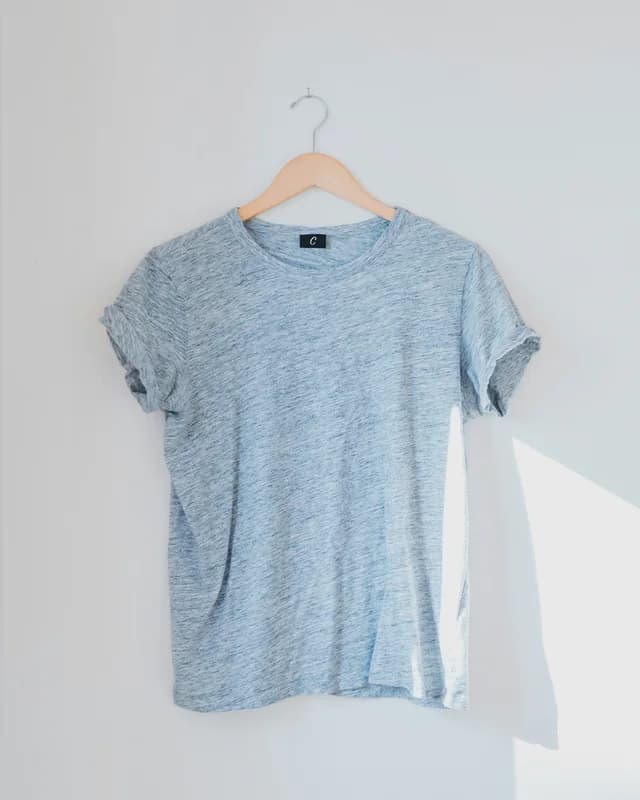
The photo you have 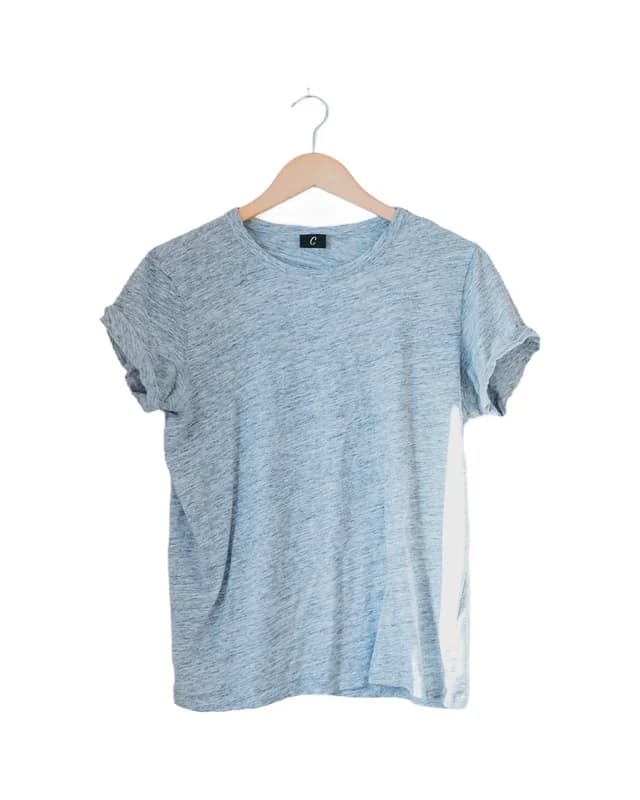
Cutout on white · main image candidate 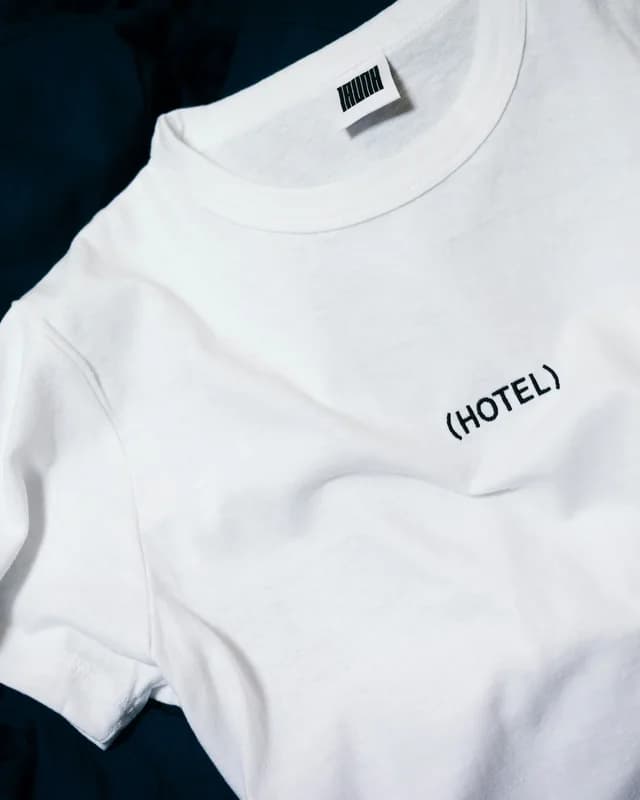
The photo you have 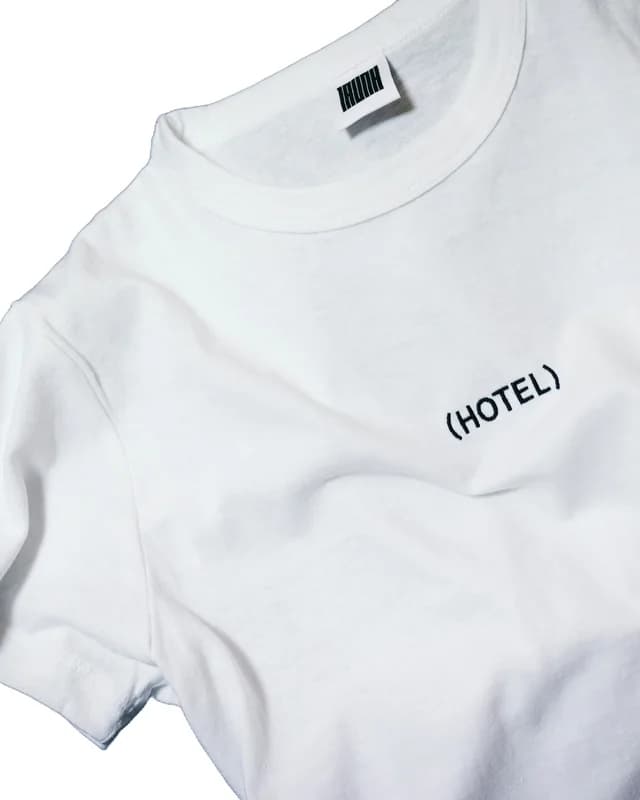
Cutout on white · dark background removed 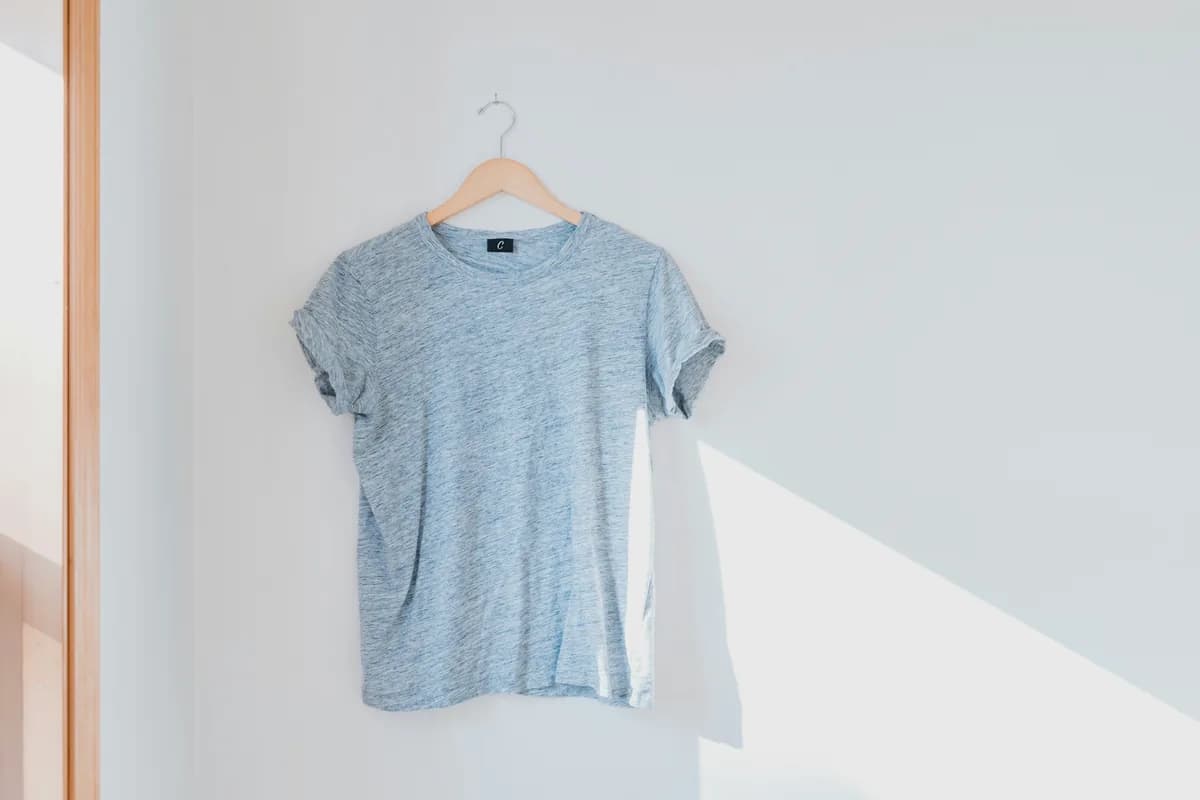
The photo you have 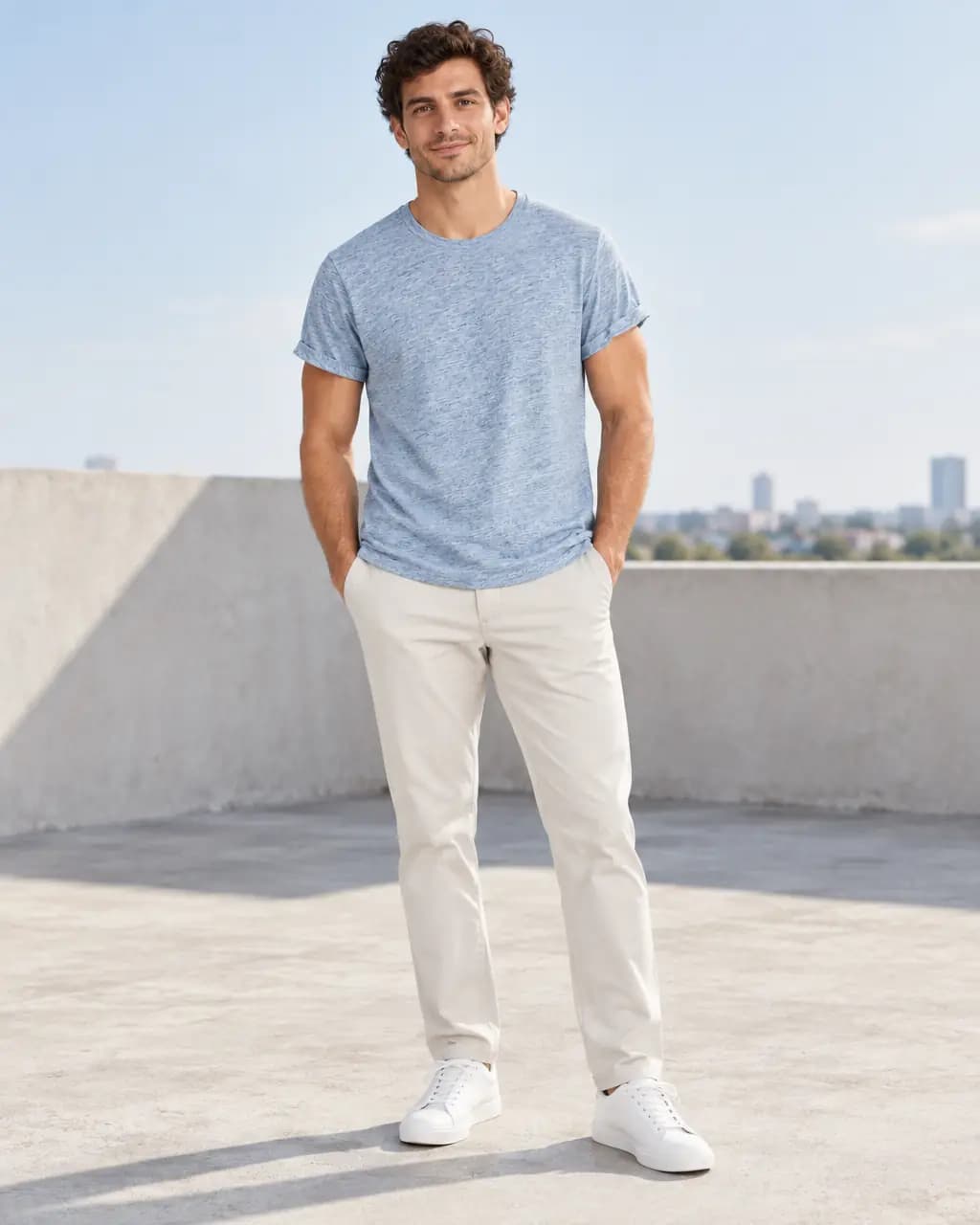
On model · secondary image 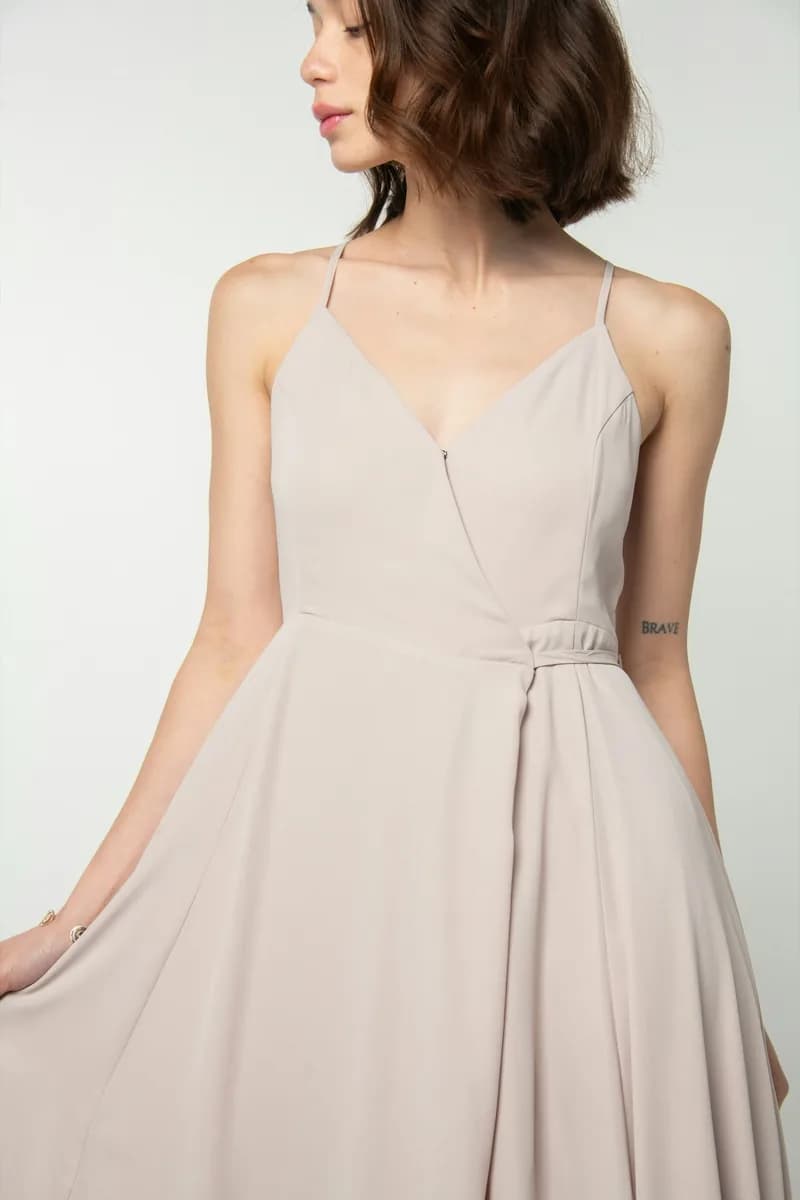
The photo you have 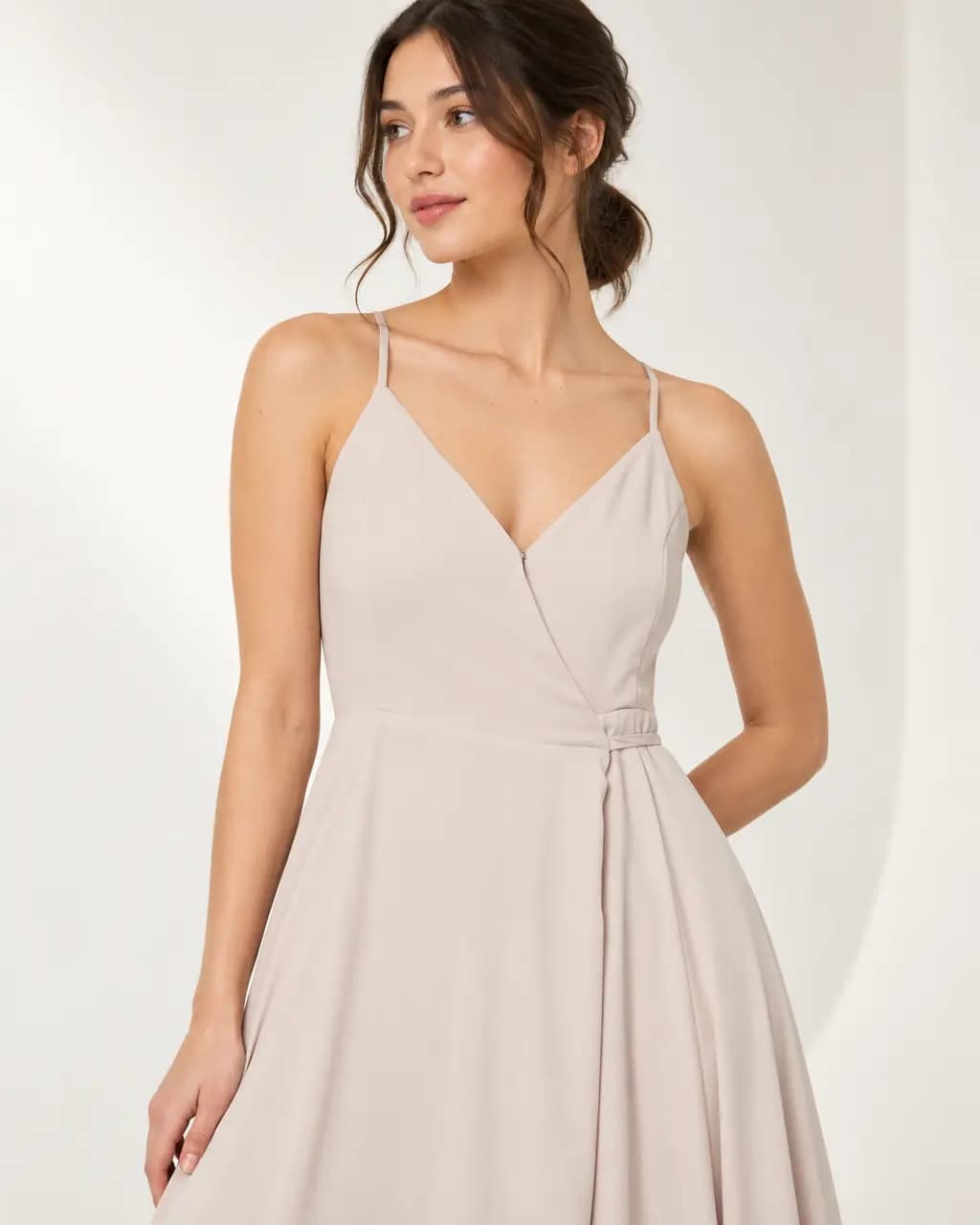
Detail · secondary image
Real Stage results from licensed Unsplash photos, shown without retouching. On-model images use Creative mode: the model is generated and the garment is redrawn, so check details against your own product before publishing.
Main image rules most guides agree on
These are the requirements most commonly cited for Amazon main images. Category rules change, and guides disagree on some apparel details, so treat this as a checklist to confirm against Seller Central, not as official policy.
- Pure white background (RGB 255, 255, 255), not off-white or grey.
- The product fills roughly 85% of the frame.
- Only the product being sold: no text, logos, watermarks, badges or inset images.
- At least 1,000 pixels on the longest side so zoom works; 2,000 or more is better.
- For adult clothing, guides commonly say the main image shows the garment on a standing model or as a flat lay; mannequins are generally not accepted. Check your category.
Where AI-generated images fit
Amazon's core rule is that images accurately show the product the customer receives. A generated model wearing a faithfully redrawn garment can be useful for secondary images; for the main image, many sellers prefer a real photo of the product on white, which Cutout makes from your original photo without redrawing it.
Whatever you use, compare every image with the physical product: colour, pattern, logos and trims must match.
Prepare Amazon clothing images
A white main image from your real photo, plus on-model secondary images.
- 1
Photograph the full garment
Use even light and a plain background, showing the whole garment on a hanger, flat, or worn.
- 2
Make the white main image in Cutout
Cutout removes the background and exports a pure white image at 2000 × 2000 with the product filling most of the frame.
- 3
Make on-model secondary images in Stage
Use the same photo to create on-model and lifestyle shots for the other image slots.
- 4
Check against the product and upload
Compare colour and details with the garment, confirm your category's rules in Seller Central, then upload the files yourself.
Amazon clothing image questions
Does Amazon require a model for clothing main images?
Guides commonly say adult clothing main images show the garment on a standing model or as a flat lay, without mannequins, but sources disagree on details. Confirm the current rule for your category in Seller Central.
Can I use AI-generated images on Amazon?
Amazon's key requirement is that images accurately represent the product. Many sellers use real photos on white for the main image and generated lifestyle or on-model images in secondary slots.
Does CatalogCut upload to Amazon for me?
No. CatalogCut makes and exports the images; you upload them to your listings yourself.
Related guides
Sizes, backgrounds and a listing checklist.
Read →The full requirements guide.
Read →One product photo to scenes, studio shots and on-model images.
Read →1 Stage credit a month free, then 75 to 350 a month.
Read →Put a garment on a generated model in any setting, from one photo.
Read →Turn the product photo you already took into a model shot.
Read →Prepare your Amazon clothing images
Make a white main image in Cutout and on-model shots in Stage, then upload them yourself.