For marketplace and resale sellers
Better clothing photos for Etsy, eBay, Depop and Vinted
Marketplace buyers decide in a second from the first photo. Stage makes on-model and styled photos from the photo you already took, and Cutout gives you clean backgrounds, both ready to download and upload yourself.
1 Stage credit a month on Free. Failed or rejected images never use a credit.
One phone photo, ready for a listing
These started as ordinary photos: a tee on dark fabric, a shirt on a hanger, a knit on a hook.
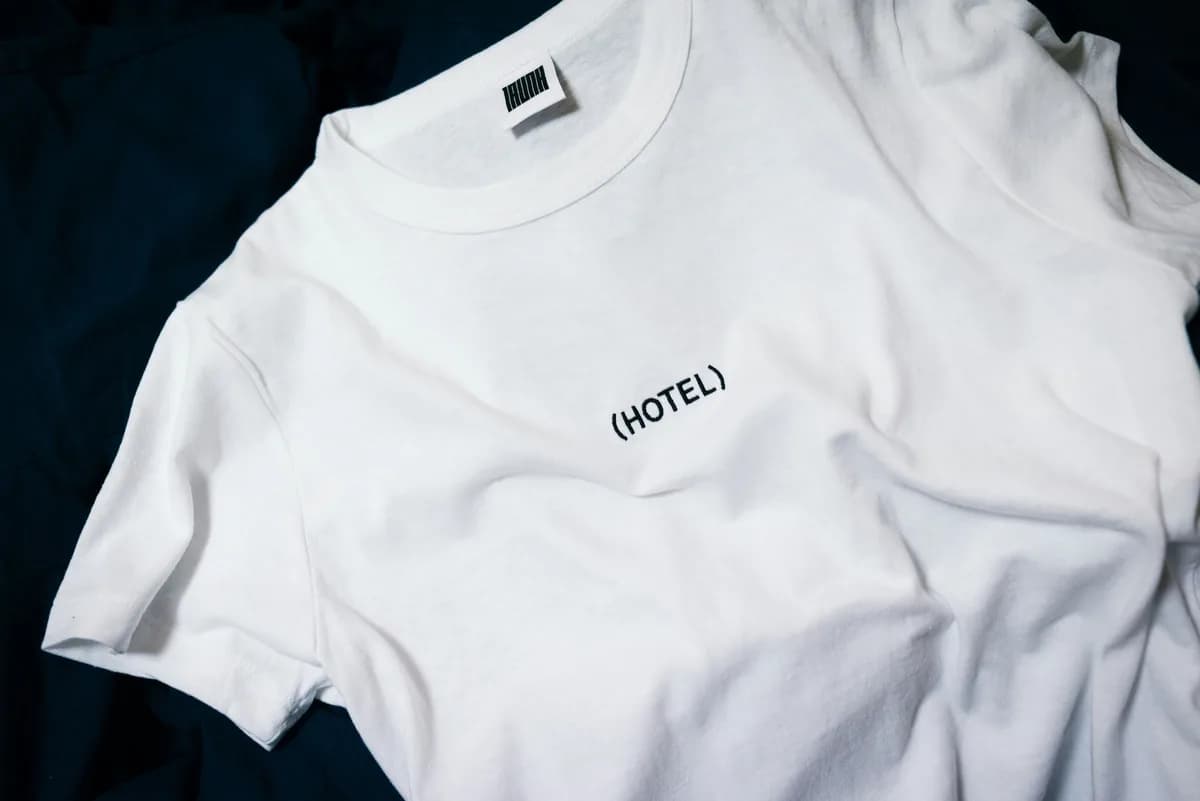
The photo you have 
On model · graphic tee The photo you have 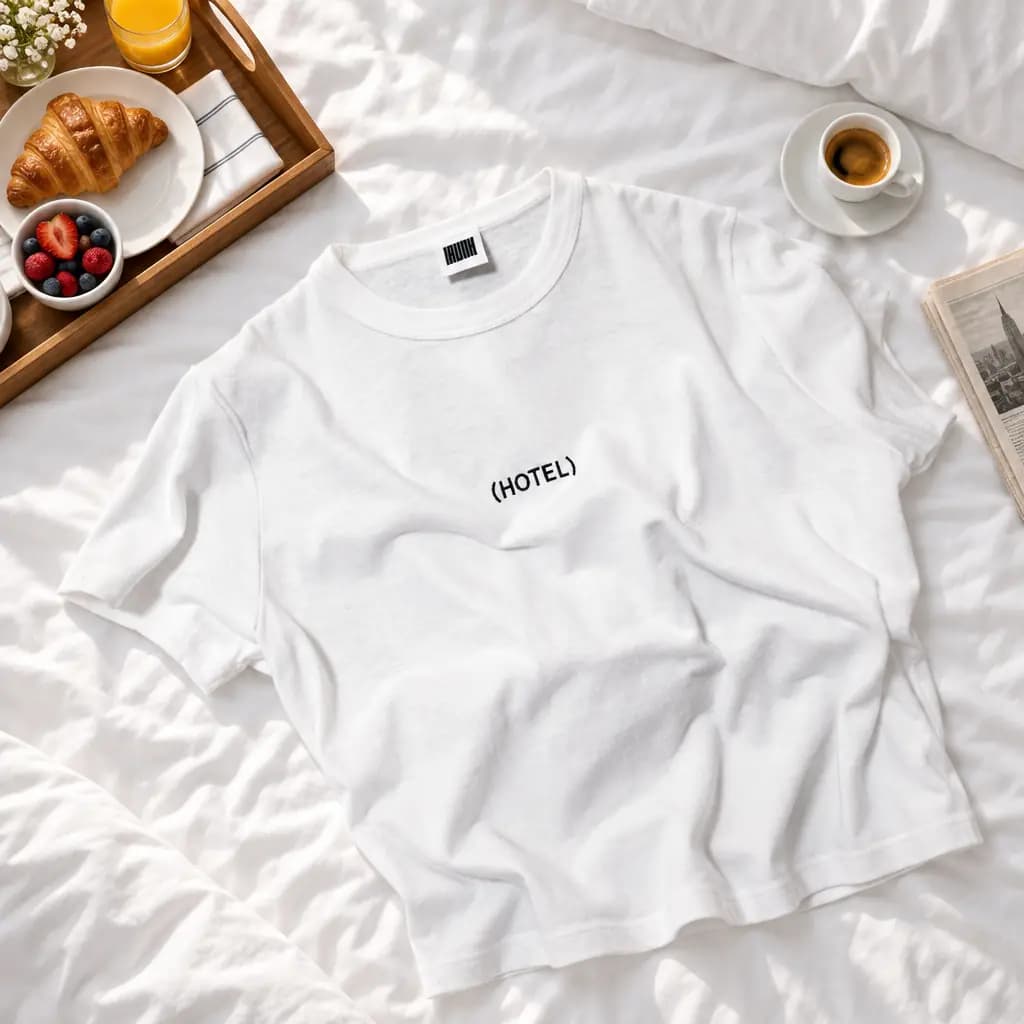
Styled flat lay · graphic tee 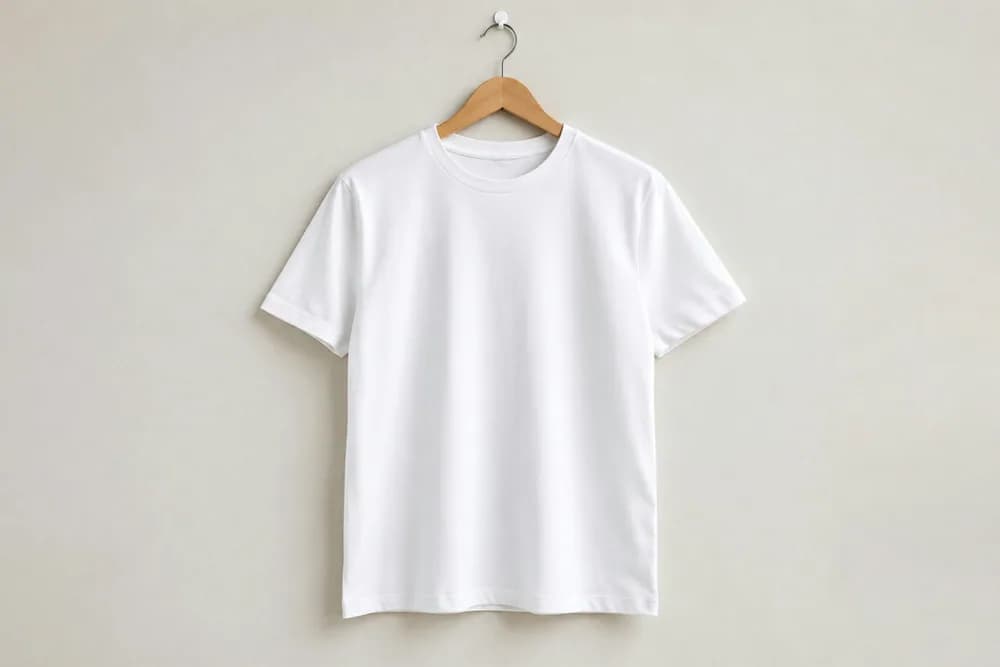
The photo you have 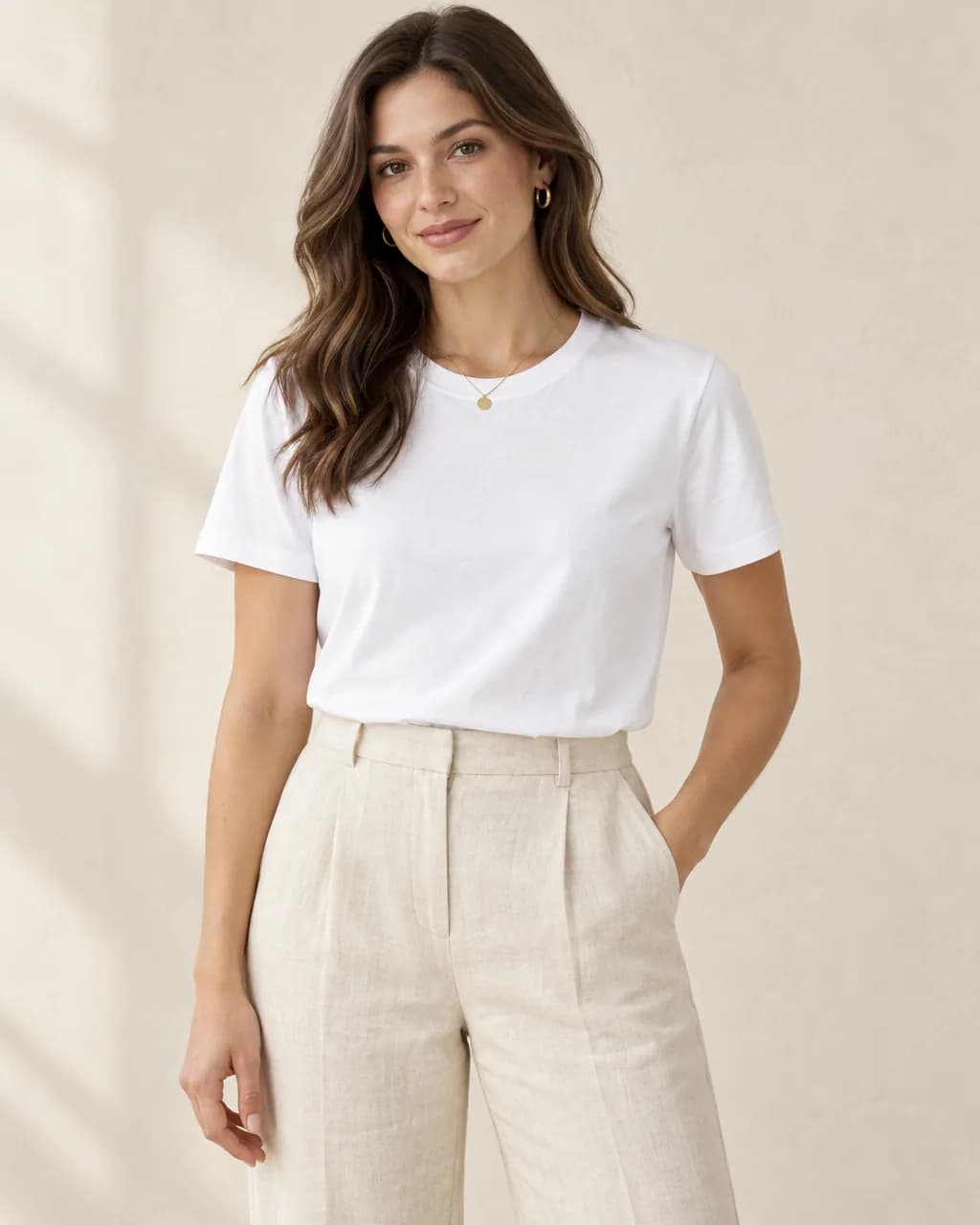
Studio · white tee 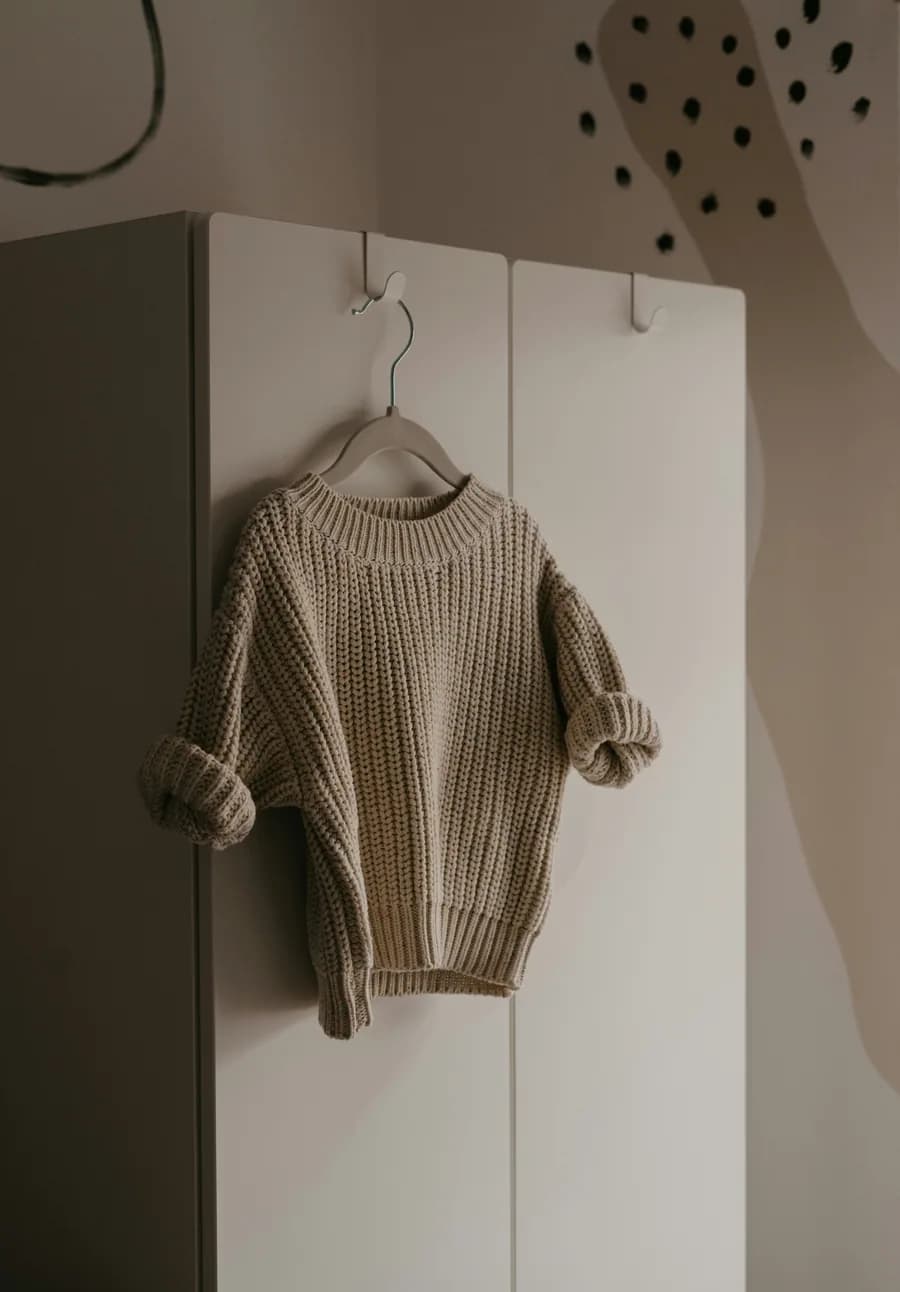
The photo you have 
Autumn park · oat knit
Real Stage results from licensed Unsplash photos, shown without retouching. On-model images use Creative mode: the model is generated and the garment is redrawn, so check details against your own product before publishing.
Know your platform's rules
Etsy asks sellers to depict their items accurately and has its own rules about AI-generated content; buyers can claim refunds when an item does not match its photos. eBay requires photos that accurately show the item, and for used or secondhand clothing you should always include real photos of the actual item and any wear.
For resale on Depop and Vinted, buyers want to see the real item and its condition. Use Stage images to show fit and style alongside, not instead of, real photos of the piece you are selling.
A simple listing set
A strong clothing listing usually has a clean first photo, a photo that shows fit, and close-ups of details, labels and any flaws.
- First photo: the garment on a clean background (Cutout) or on a model (Stage).
- Fit photo: an on-model image in a setting that suits your shop.
- Real detail photos: labels, fabric, measurements and any wear, from your camera.
Make a marketplace clothing listing set
On-model and clean photos from one phone photo, plus your real detail shots.
- 1
Upload the photo you already have
A garment on a hanger, a hook, a mannequin or laid flat works. Saving the photo to a project uses no credits.
- 2
Choose On model and describe the place
Pick the shot type, then describe the setting, light and frame in plain words, or start from a saved Look or a scene starter.
- 3
Review the exact credit cost
Stage shows the cost before anything is made. One standard image uses one credit; a failed or rejected image never does.
- 4
Compare with your photo, then download
Every image passes an automatic quality check against your photo. Compare details side by side and download the full-resolution PNG.
Marketplace clothing photo questions
Is it allowed to use AI photos on Etsy, eBay, Depop or Vinted?
Rules differ and change. All of them expect listings to accurately show the item. Use generated images to show fit and style, keep real photos of the actual item, and check each platform's current policy.
Should resale sellers use AI model photos?
As a supplement. Buyers of secondhand clothing need to see the real item and its condition, so keep your own photos of the piece, its labels and any wear.
Can I post directly to my shop from CatalogCut?
No. You download the images and upload them to your listings yourself.
Related guides
Sizes and rules for Etsy listings.
Read →Image size and listing checklist.
Read →One product photo to scenes, studio shots and on-model images.
Read →1 Stage credit a month free, then 75 to 350 a month.
Read →Sizes, backgrounds and a listing checklist.
Read →Put a garment on a generated model in any setting, from one photo.
Read →Make your next listing stand out
Turn one phone photo into on-model and clean images, starting with your free monthly Stage credit.